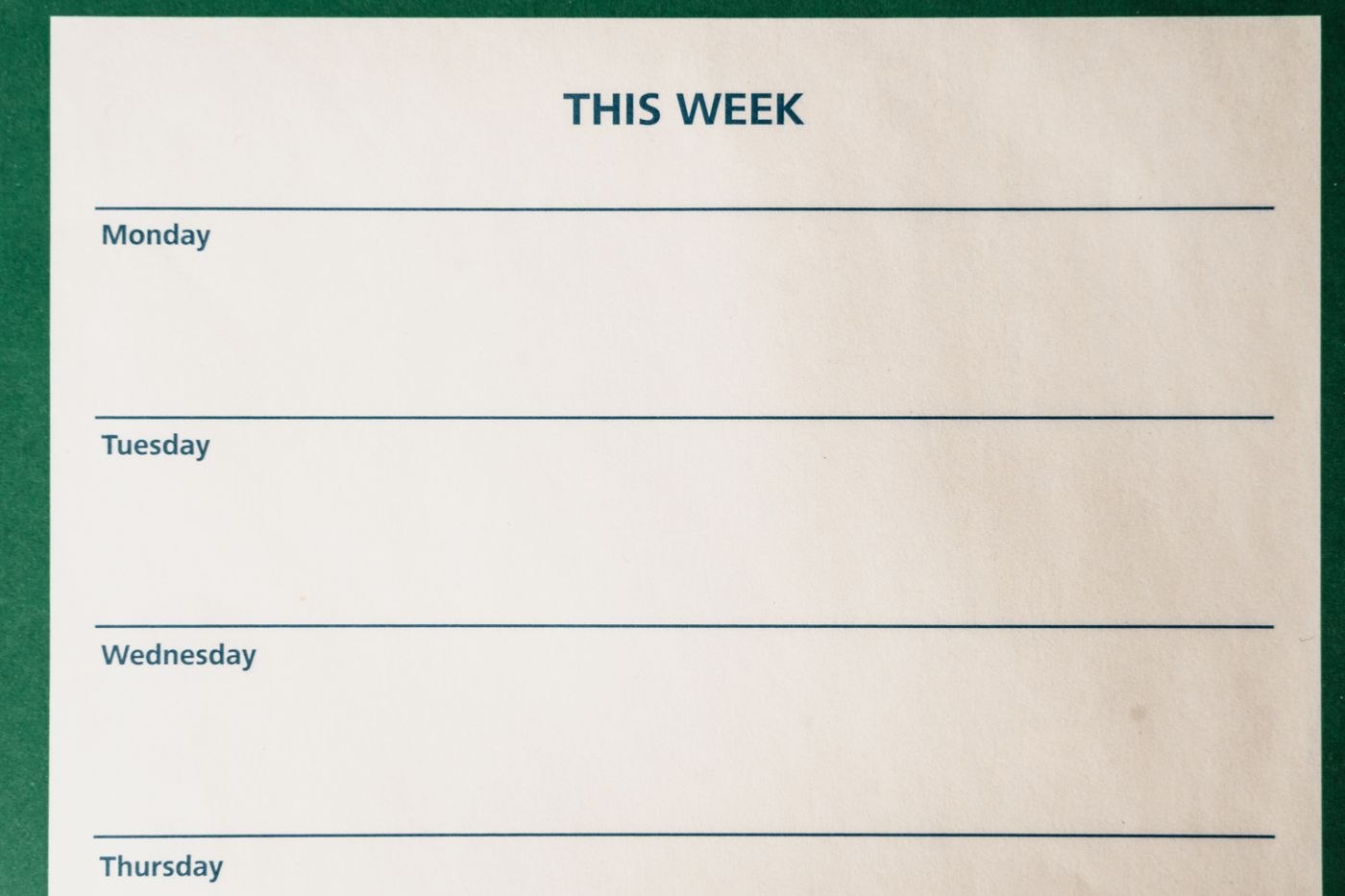
Distinguish templates from completed examples
Provide an unambiguous location for approved starting files. A template contains the recurring structure and clearly recognisable fields for changing information. A completed document is an example. Mixing them without labels makes it easier to carry old names, dates or confidential information into a new task.
Name templates after the jobs they support. “Meeting record” is easier to interpret than an internal abbreviation understood by one person. If several variants are needed, make their difference clear in the name or a short description. Two almost identical files without an explanation create a selection problem instead of saving time.
Protect the starting file from accidental editing
Decide how a new working document is created from the template. Use the application's intended template feature or a clearly explained copying process. Ask another person to try it. If users discover only after several edits that they opened the shared original, improve the identification or permissions instead of relying on everyone remembering an informal warning.
Put guidance where a decision is needed. A period field, for example, should explain whether it means the service period or the date of preparation. Long general instructions embedded in the document can easily be sent to the recipient accidentally. Keep editing guidance distinct from the text that will form part of the finished document.
Test the template with realistic information that is not confidential. Do long names fit the layout? Does a table remain readable when rows are added? Are instructions removed during the intended export, or deliberately retained? These checks expose problems that are invisible in an empty starting file and help avoid repeated corrections after the template has been distributed.
Make ownership and replacement visible
Assign a responsible person or team to each frequently used template. Changes to required fields, recipient details or the underlying process should reach that owner. A brief change note helps users understand why a new version matters. A higher number in the filename does not explain the practical difference.
Remove superseded versions from the active selection area and retain them according to existing requirements. Also check links in instructions and shared starting pages. A replacement template helps little if those entry points still lead to the old file. Maintaining the collection therefore includes both the originals and the paths people use to reach them.