Light & surroundings
Positioning a desk lamp without reflections
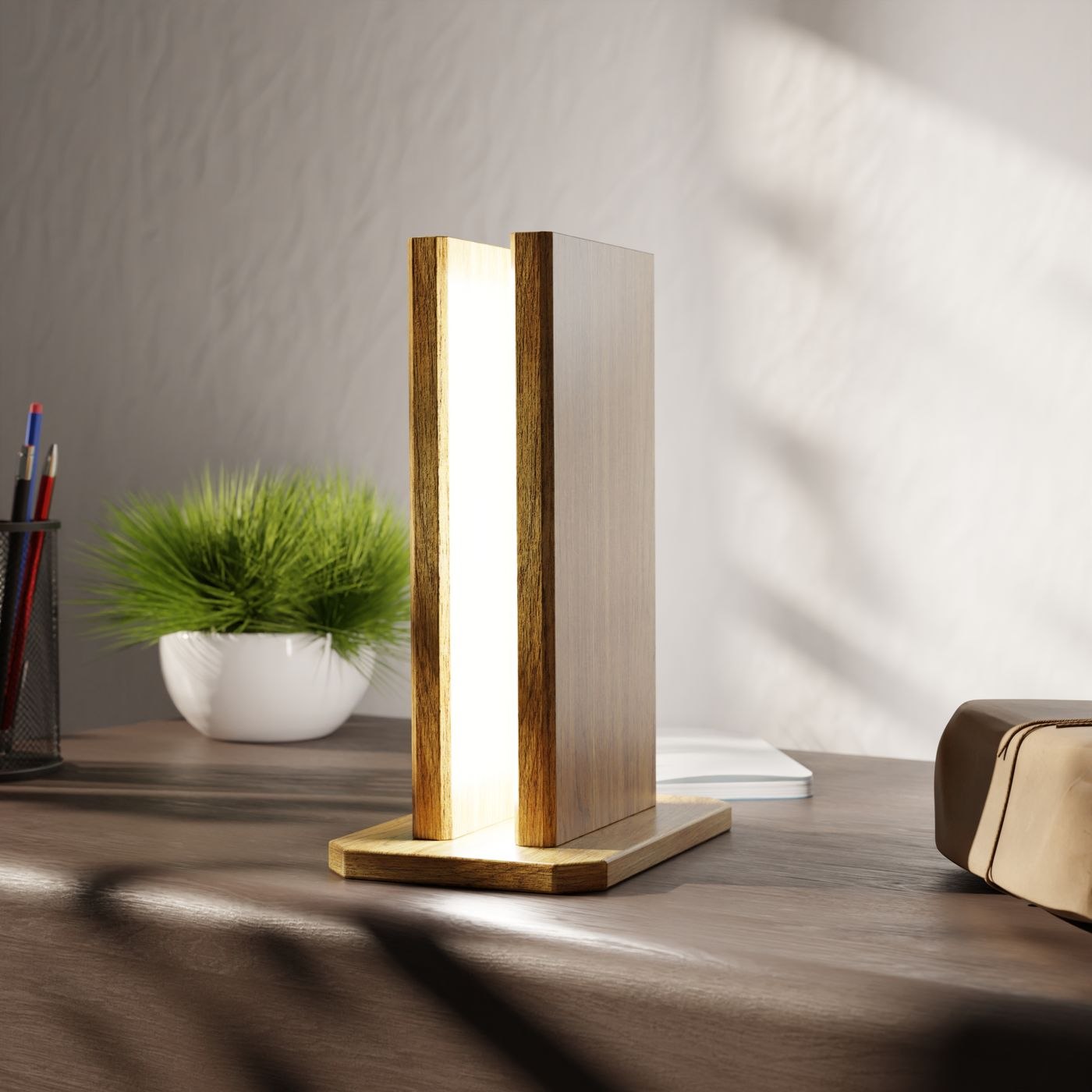
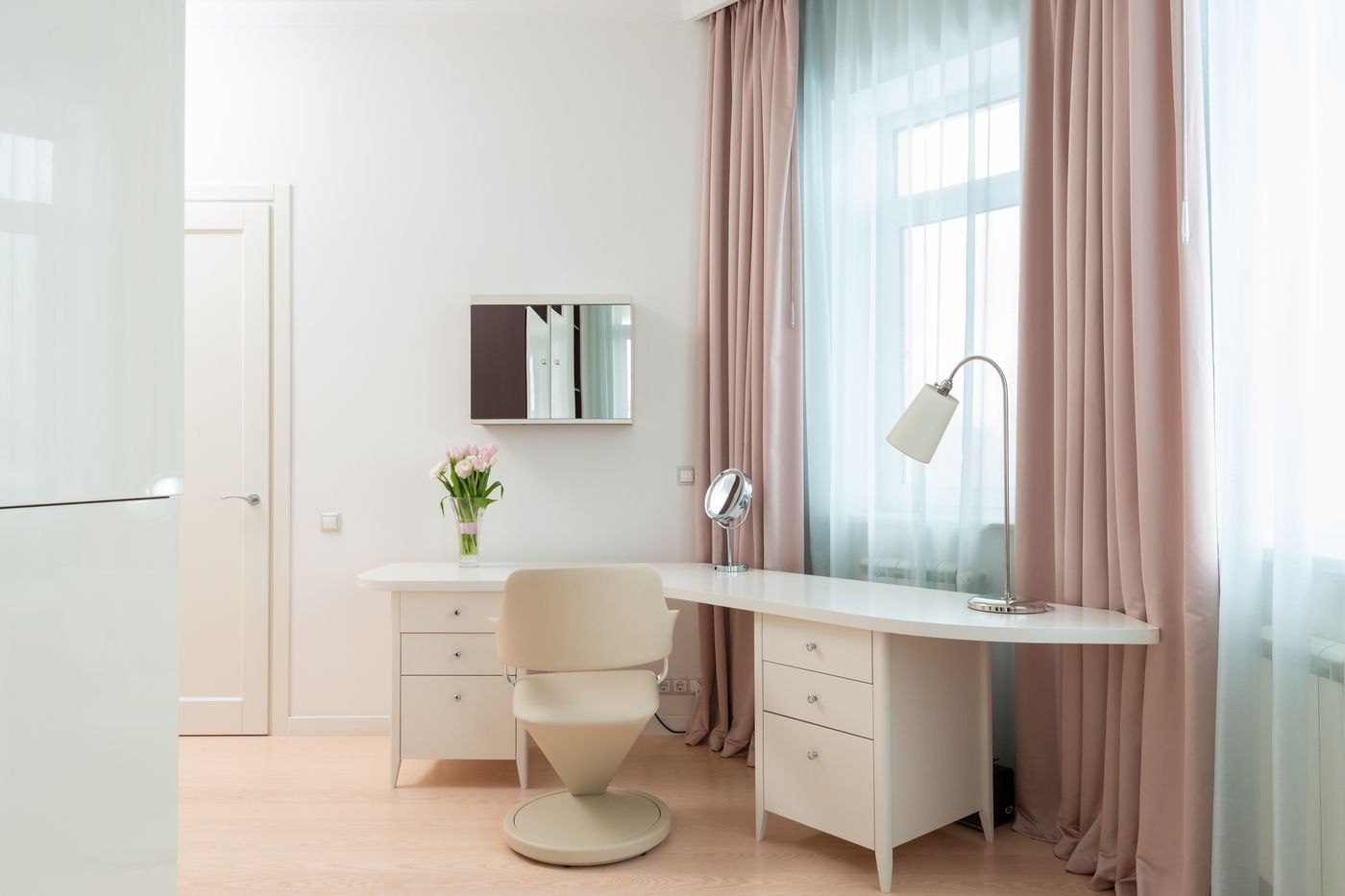
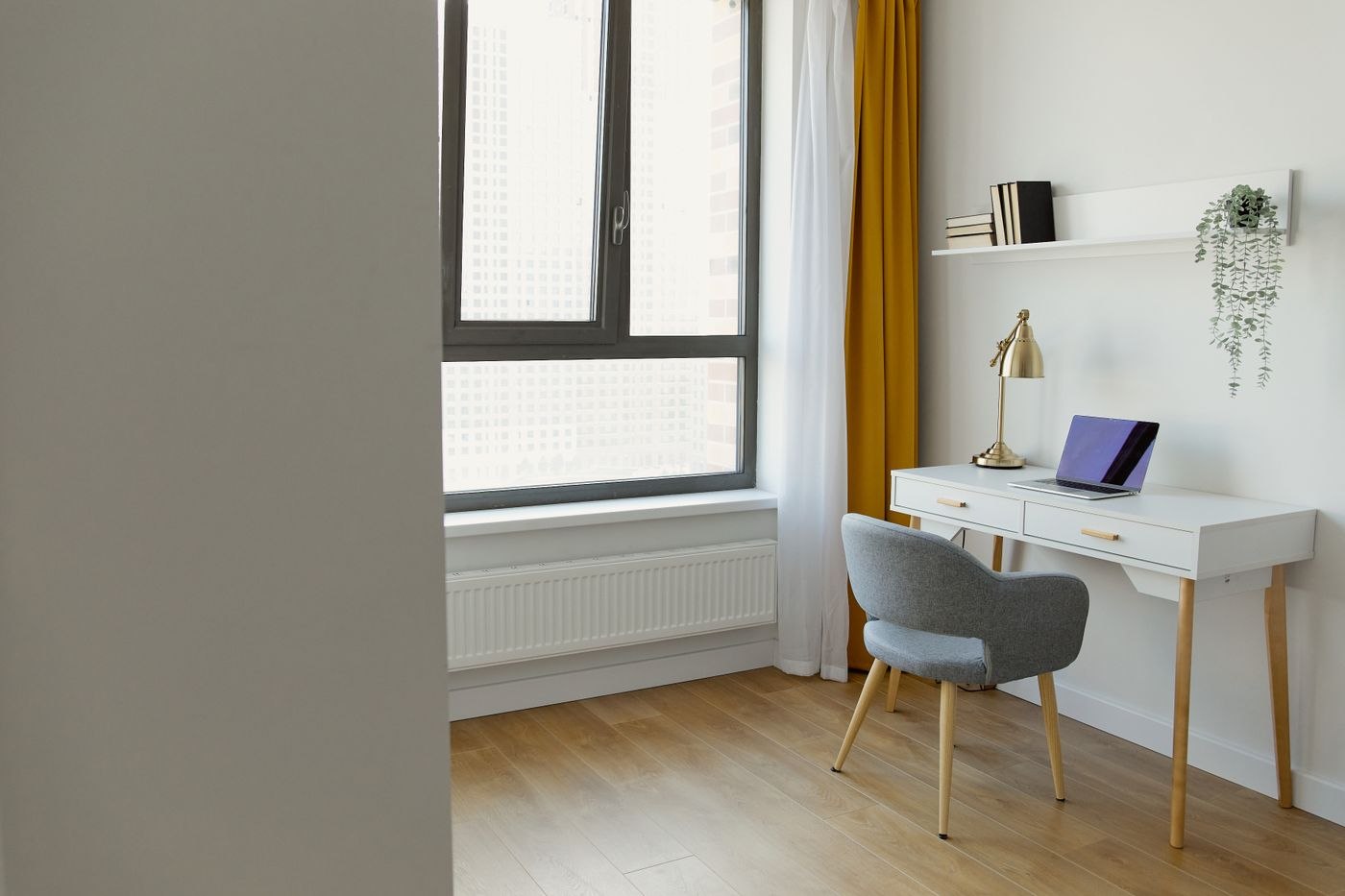
A desk lamp's best position depends on the paper, display and direction of your gaze. A short trial at the furnished desk tells you more than the arrangement in a product photograph.
24 articles
Light & surroundings
A desk lamp's best position depends on the paper, display and direction of your gaze. A short trial at the furnished desk tells you more than the arrangement in a product photograph.
Light & surroundings
A window changes the workstation throughout the day. Check the hours when you actually use the screen, rather than only the bright moment when the furniture is first arranged.
Light & surroundings
Warm and neutral white describe the appearance of a light source, rather than its overall suitability for work. Compare the effect on your documents and alongside the lighting already in the room.
Light & surroundings
Paper and a screen often sit beside each other but do not need identical lighting. Arrange the workstation while using both, rather than optimising one and introducing the other afterwards.
Light & surroundings
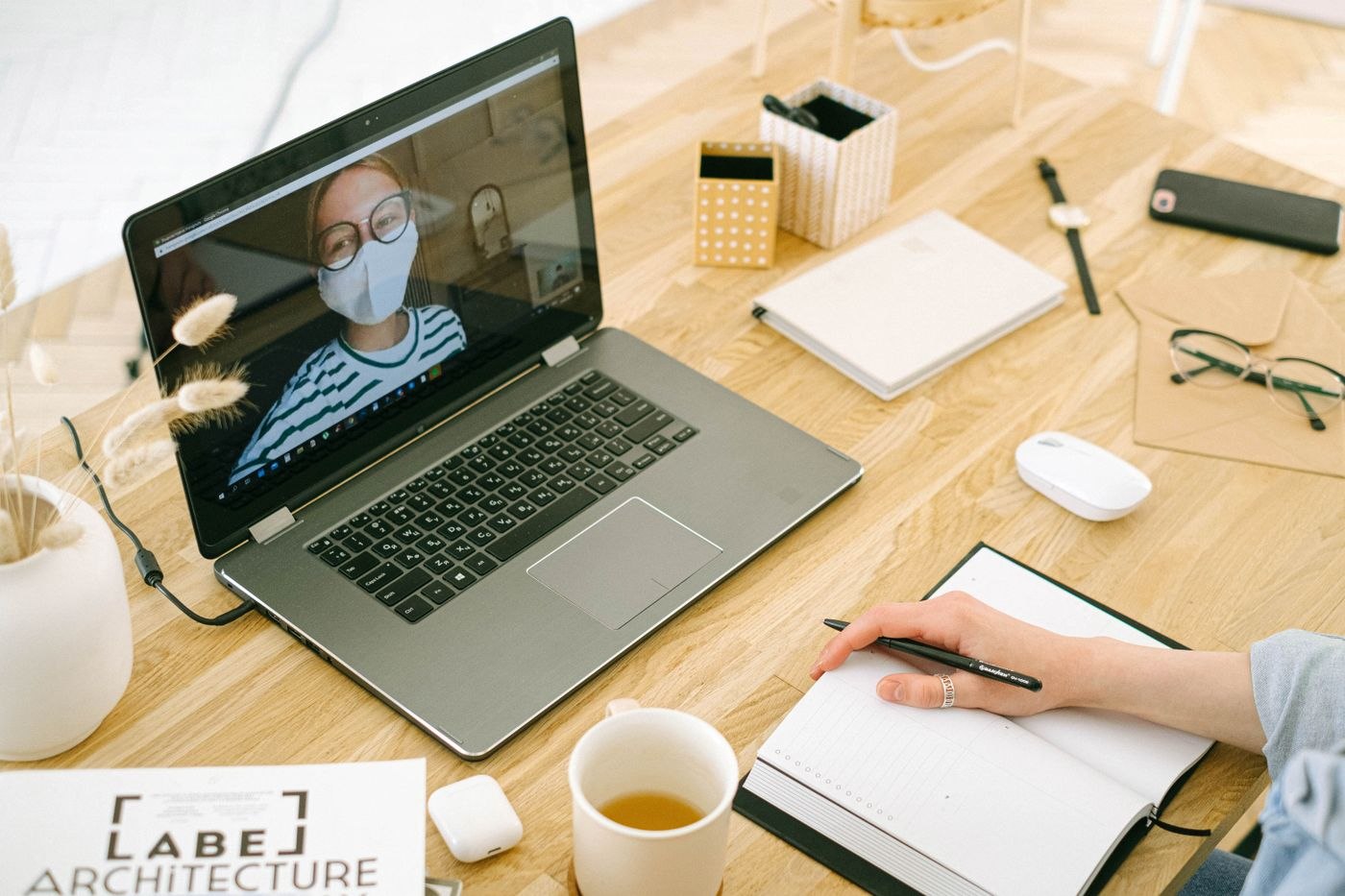
A video-call background does not need to be empty or elaborately decorated. It should suit the available room and avoid revealing information unintentionally.
Light & surroundings
An echoing room can make conversation unclear even when the microphone works properly. First distinguish reverberation inside the room from noise produced by equipment or arriving from outside.
Light & surroundings
A busy street changes with the time of day and the task you are doing. Plan the workspace by separating the situations that cause difficulty instead of treating every sound as the same problem.
Light & surroundings
A rug beneath an office chair has to do more than look attractive. Consider movement, the floor below and cleaning before deciding on a material or pattern.
Light & surroundings
A screen can separate a work corner from the rest of a room. First decide which sightline needs interrupting and which connections to the surrounding space should remain open.
Light & surroundings
Cables beneath a desk need identifiable routes that allow equipment changes and movement. A tidy bundle alone does not show whether the workstation will remain usable afterwards.
Light & surroundings
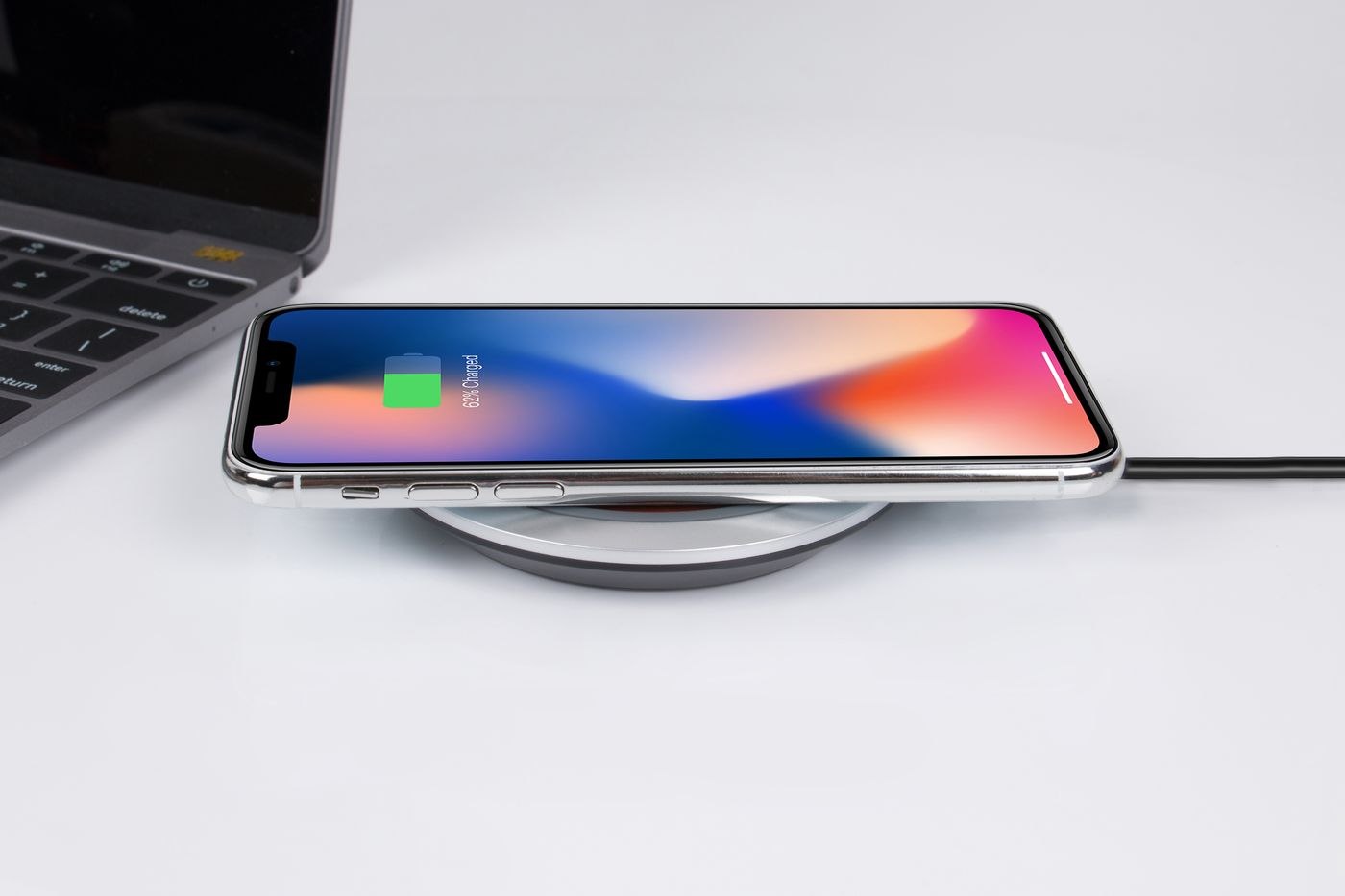
Several devices do not automatically require several charging stations on the work surface. Organise the requirement around the equipment, charging times and whether each item is used while connected.
Light & surroundings
A desk with little daylight needs lighting that supports the whole working routine. One bright lamp beside the monitor is not always enough for the room and the tasks within it.
Light & surroundings
Ventilation should be possible without moving furniture or abruptly interrupting a call. Plan window access and the working routine together before filling every available surface.
Light & surroundings
Glare during a video call affects both your own view and the camera image. Check both before ordering an additional light.
Light & surroundings
A clear work surface comes from suitable storage places, not from hiding everything each day. Keep what the next piece of work needs within the usable area.
Light & surroundings
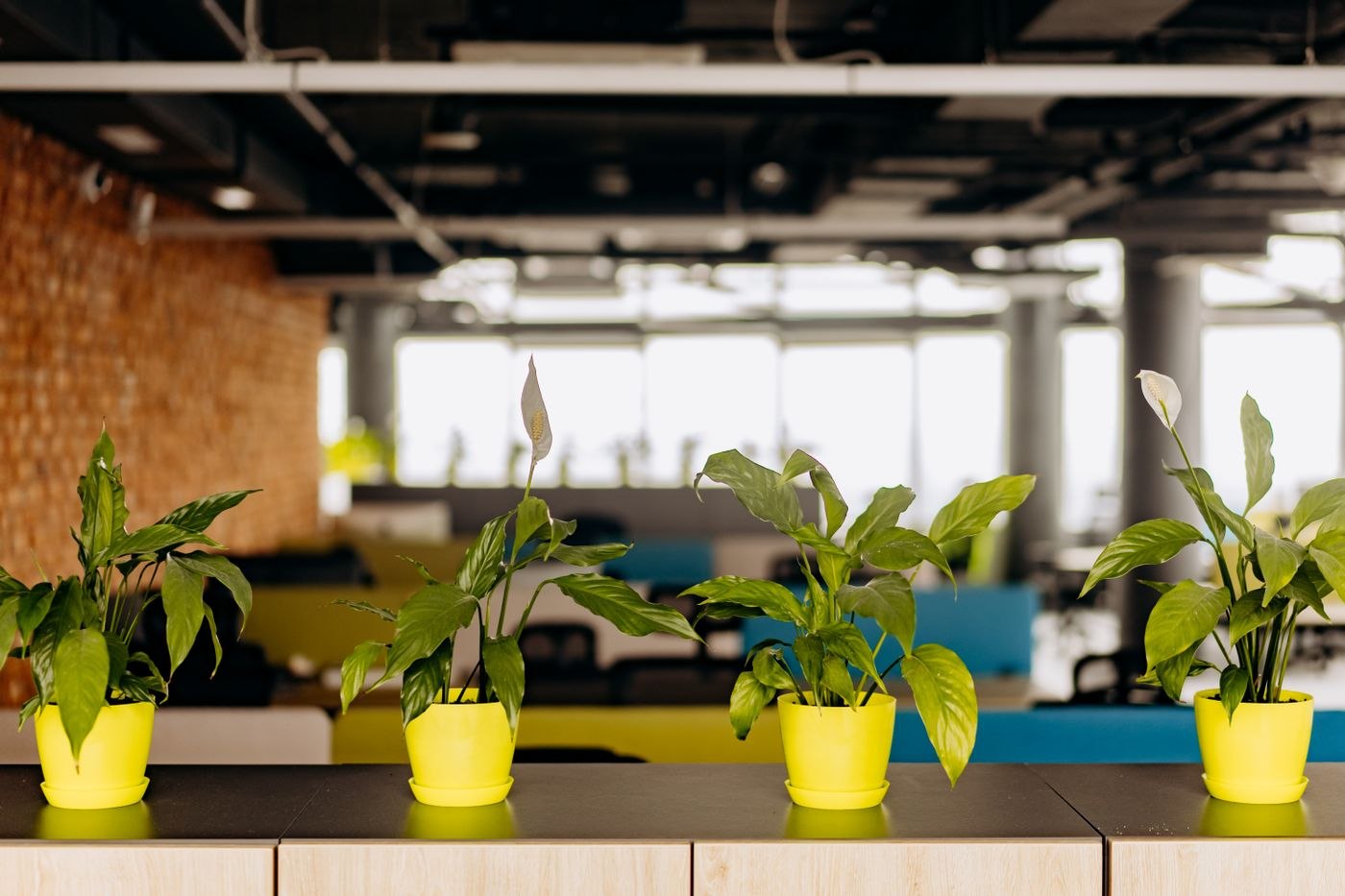
A plant at the workstation should suit the available light and the care it will receive. Choose the position first, then a species whose requirements can be met there.
Light & surroundings
A pleasant winter window position may receive direct sun in summer. Review shading and the working routine before committing to a permanent rearrangement of the desk.
Light & surroundings
At a desk used for both personal and professional tasks, it needs to be clear who owns material and where it returns after use. A physical dividing line alone may not establish that distinction.
Light & surroundings
Ending the working day is easier when the next start has been prepared. A short closing routine should preserve unfinished work and release the space without becoming another large project.
Light & surroundings
When several people live or work at home, noise conflicts often arise because plans are unknown. Agree specific periods and signals instead of expecting continuous silence.
Light & surroundings
Small objects easily disappear in deep drawers or large collection boxes. Sort them by use and frequency of access before buying additional organisers.
Light & surroundings
A portable work kit should make moving between suitable rooms easier. It needs to contain what those places lack, rather than becoming a mobile collection of the entire desk.
Light & surroundings
Dust management starts with accessible surfaces and the equipment's cleaning instructions. Fewer loose objects make routine care easier without repeatedly moving the technology.
Light & surroundings
Occasional visitors need a usable place without turning the home office permanently into a meeting room. Plan arrival, the conversation and the return to ordinary work as one routine.