Equipment & accessories
One monitor or two for desk work
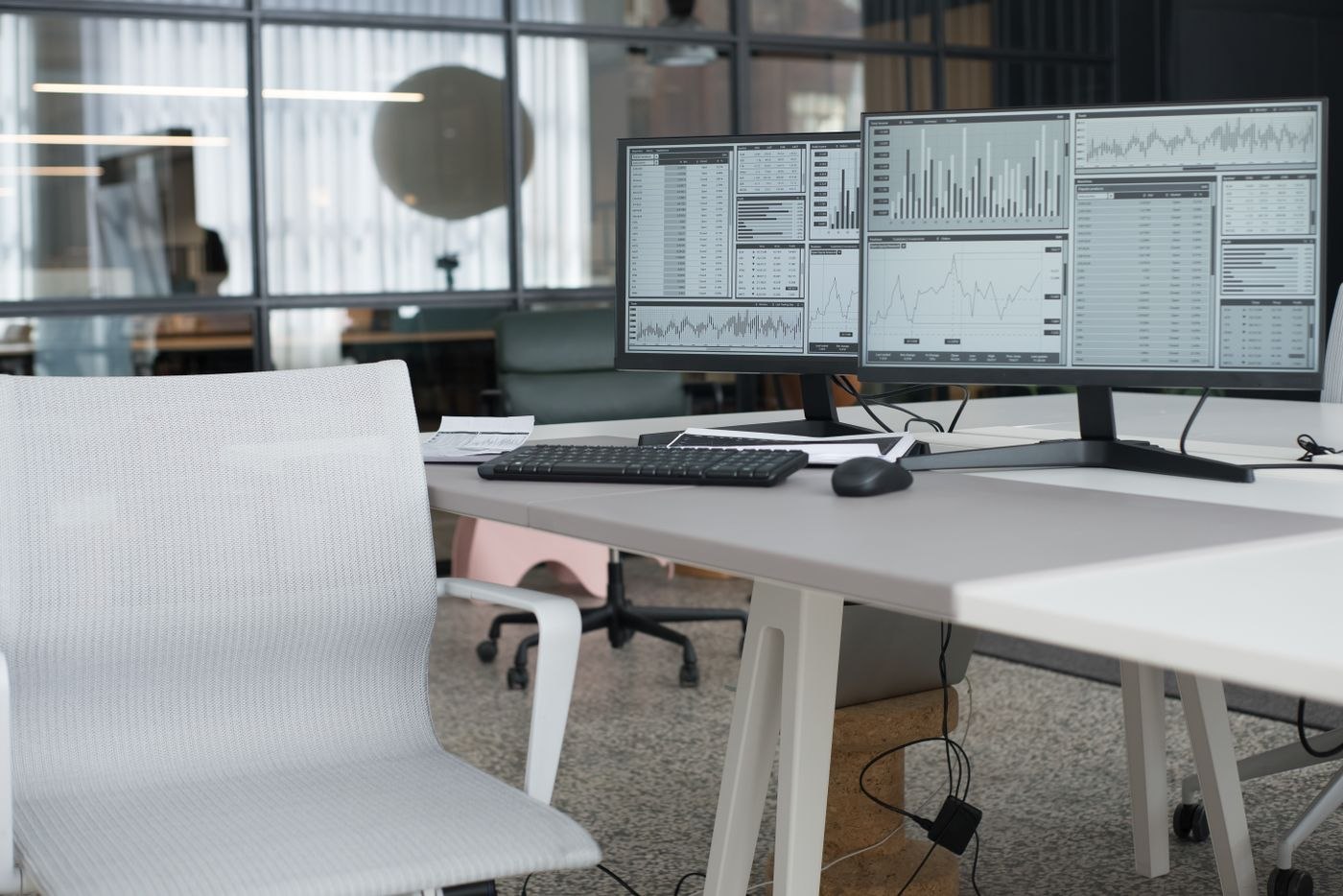
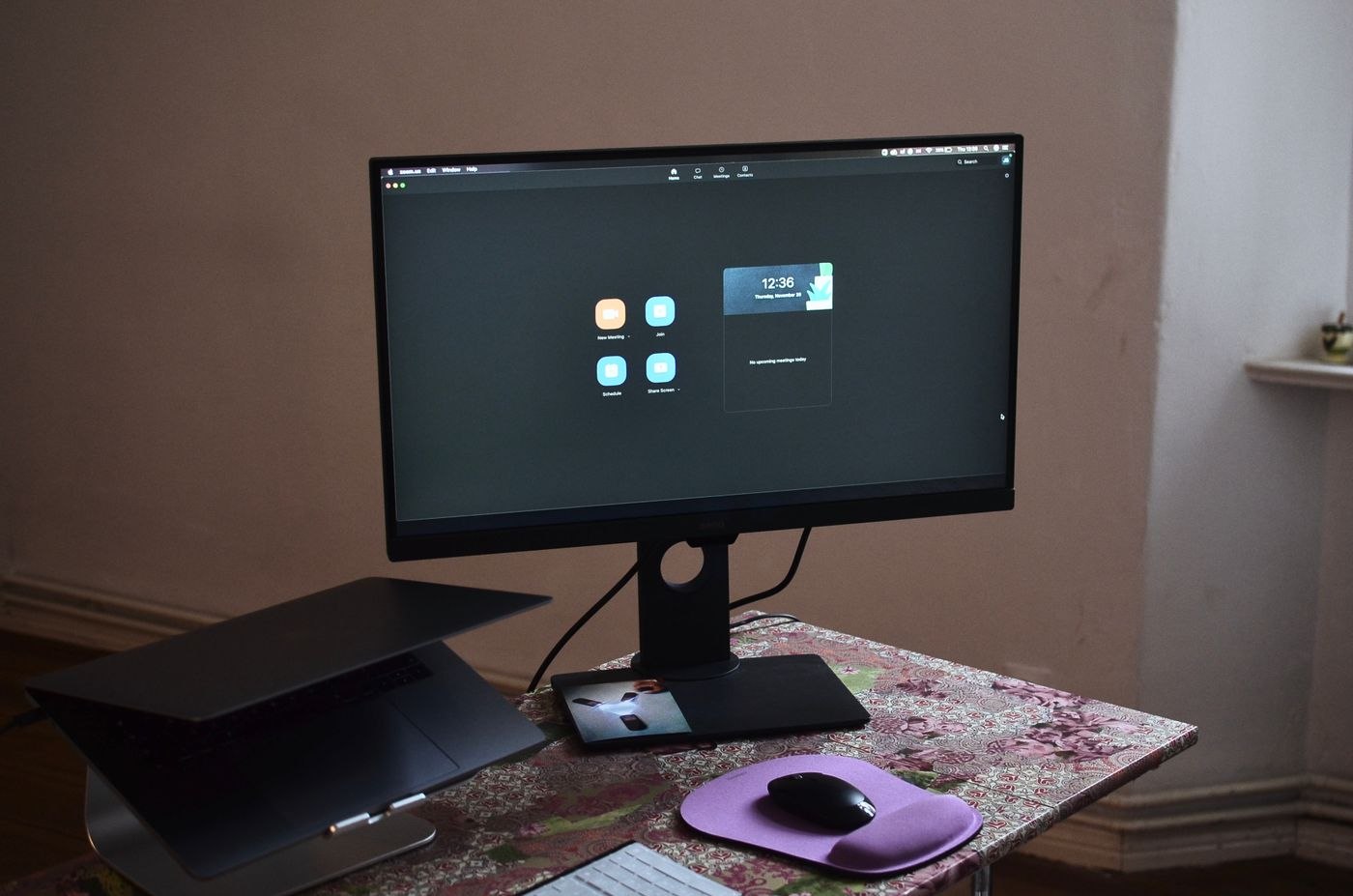
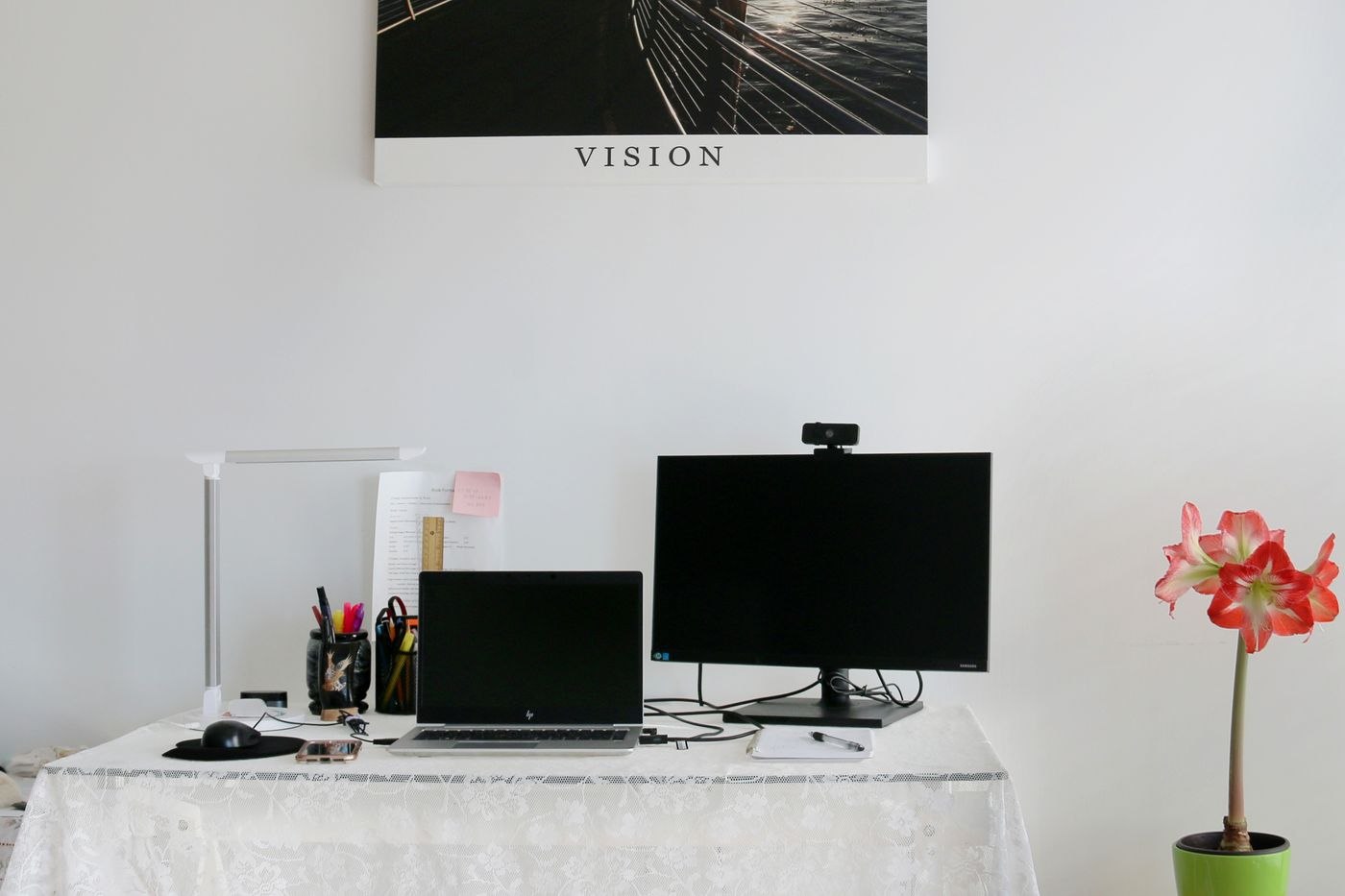
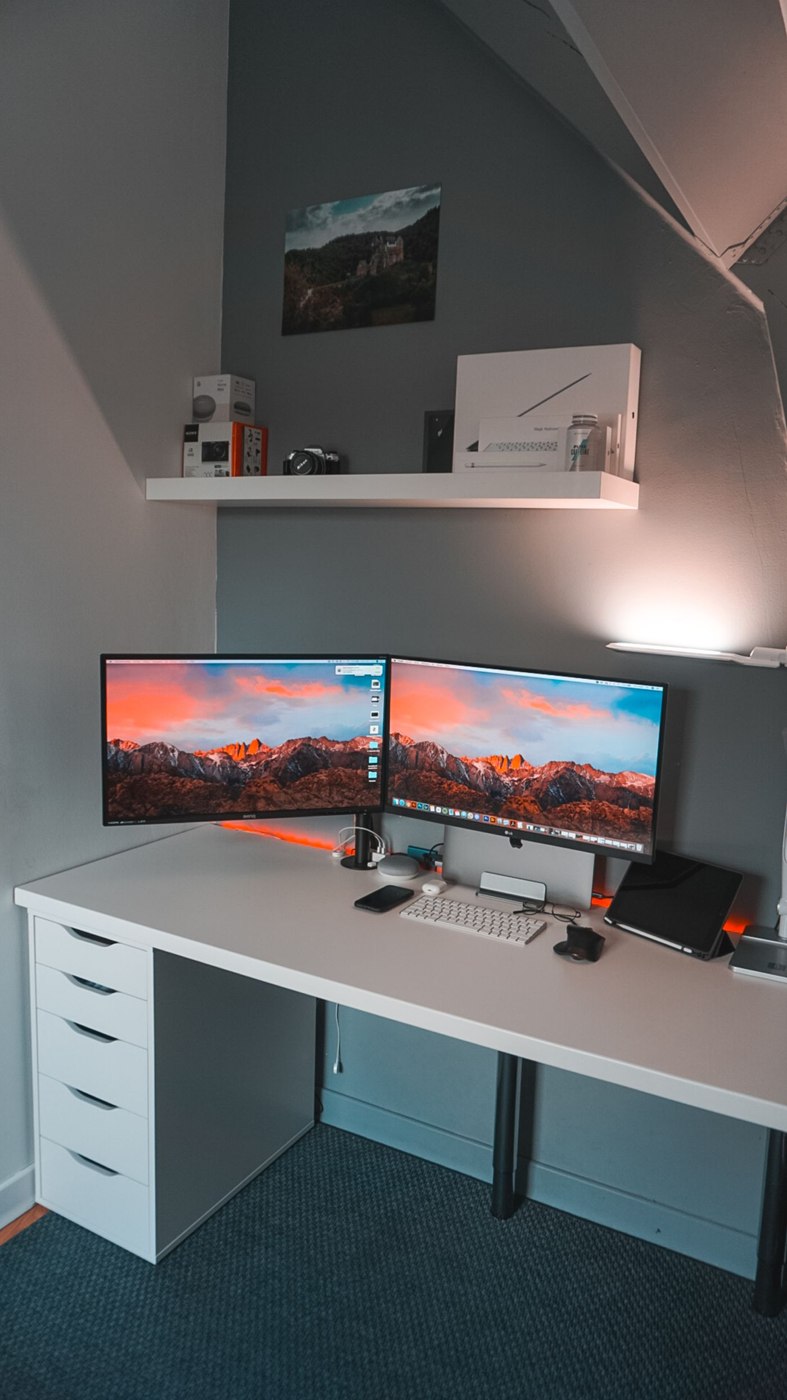
Two displays are most useful when two sources need to remain visible together. Assess the task before filling more of the desk.
34 articles
Equipment & accessories
Two displays are most useful when two sources need to remain visible together. Assess the task before filling more of the desk.
Equipment & accessories
Screen diagonal does not establish how readable your applications will be. Assess size, resolution and scaling at the intended desk position.
Equipment & accessories
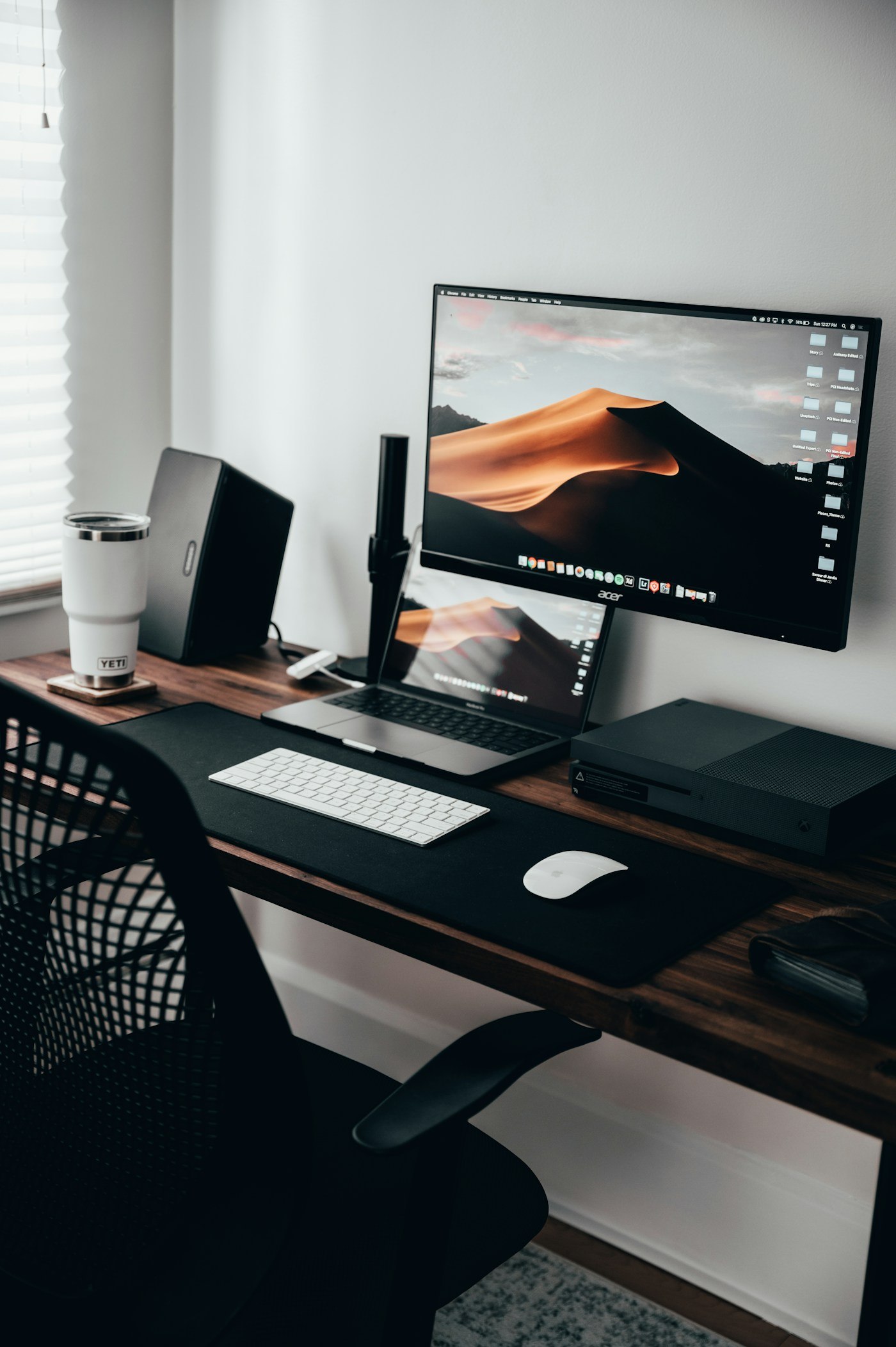
Monitor weight and mounting pattern are only part of the check. Include the desk edge, movement area and display shape.
Equipment & accessories
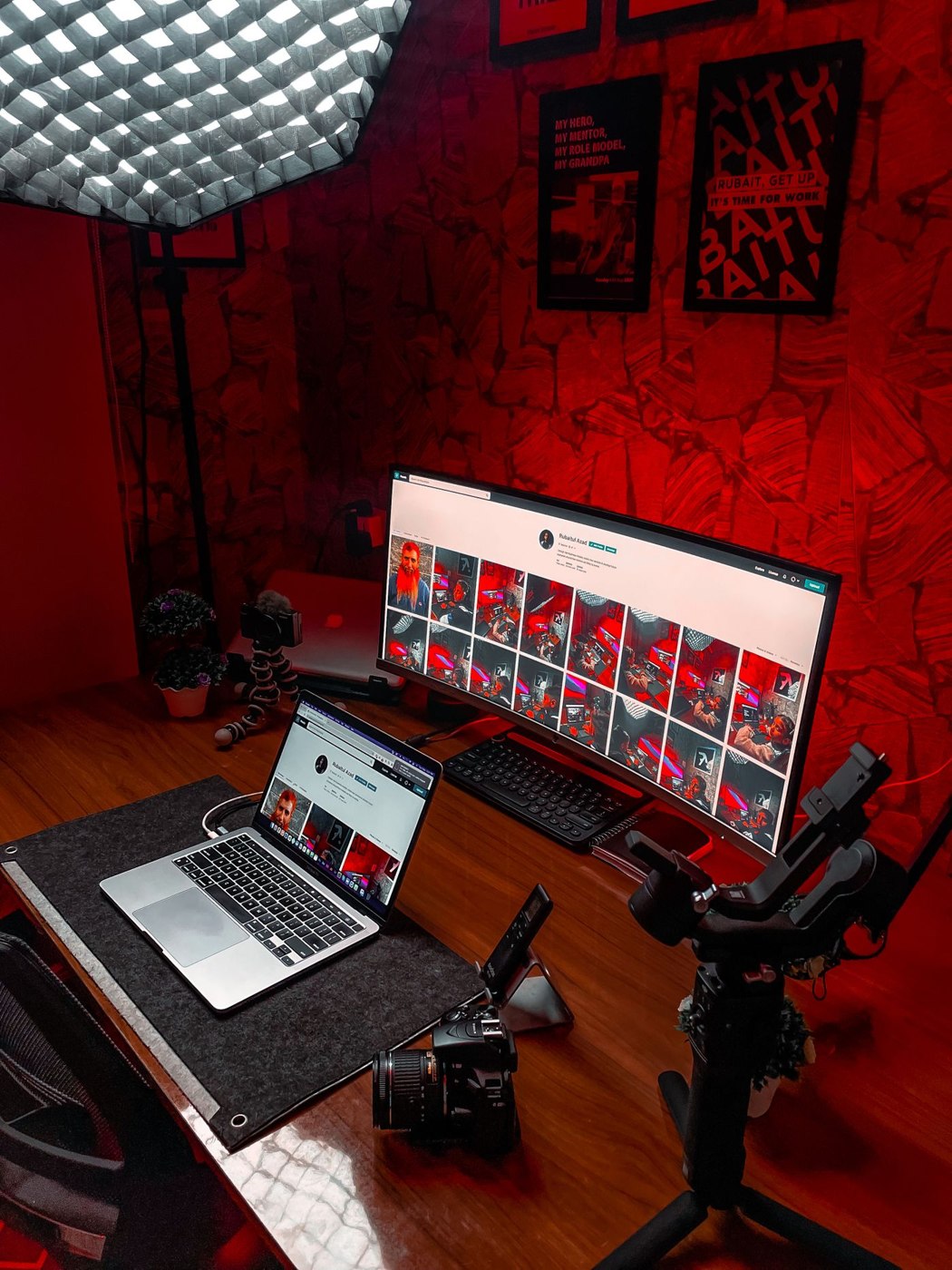
An ultrawide display provides a continuous surface. Its usefulness depends on window sizes, screen sharing and the space on your desk.
Equipment & accessories
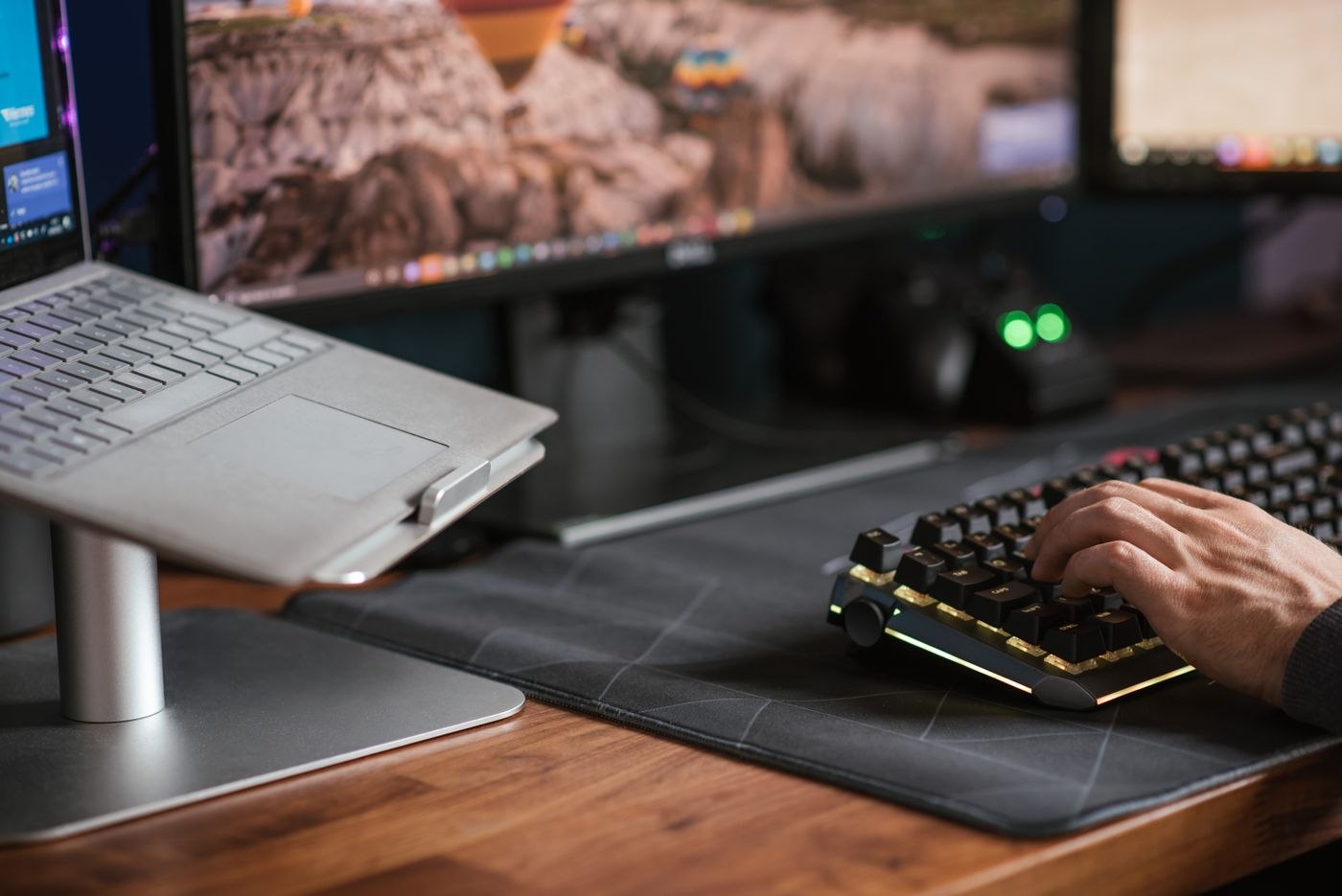
A laptop stand changes the position of the screen. Keyboard, mouse and usable desk space need arranging around it.
Equipment & accessories
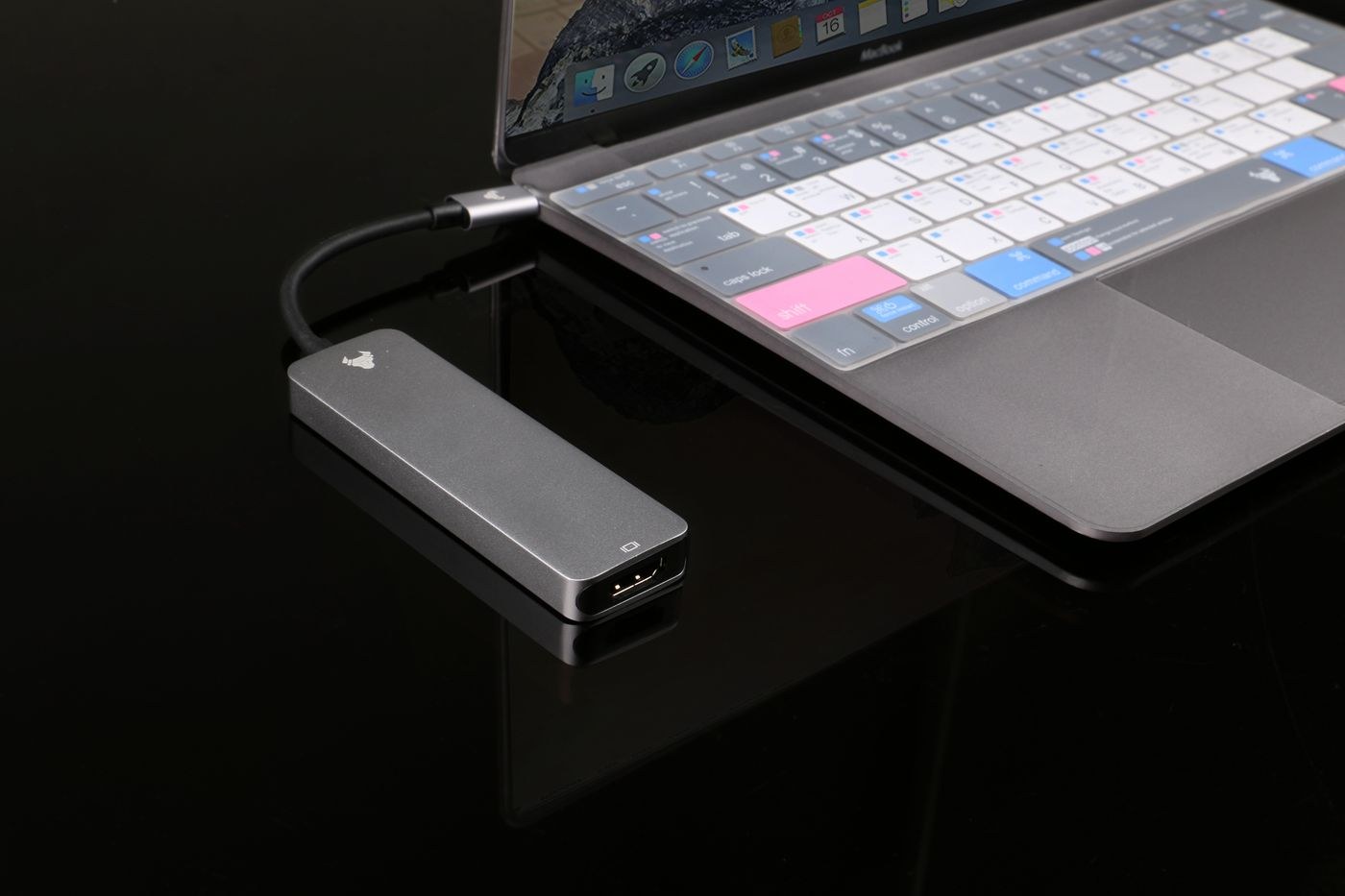
A matching plug is only the beginning. Compare the laptop, displays, power supply and dock as one working setup before placing an order.
Equipment & accessories
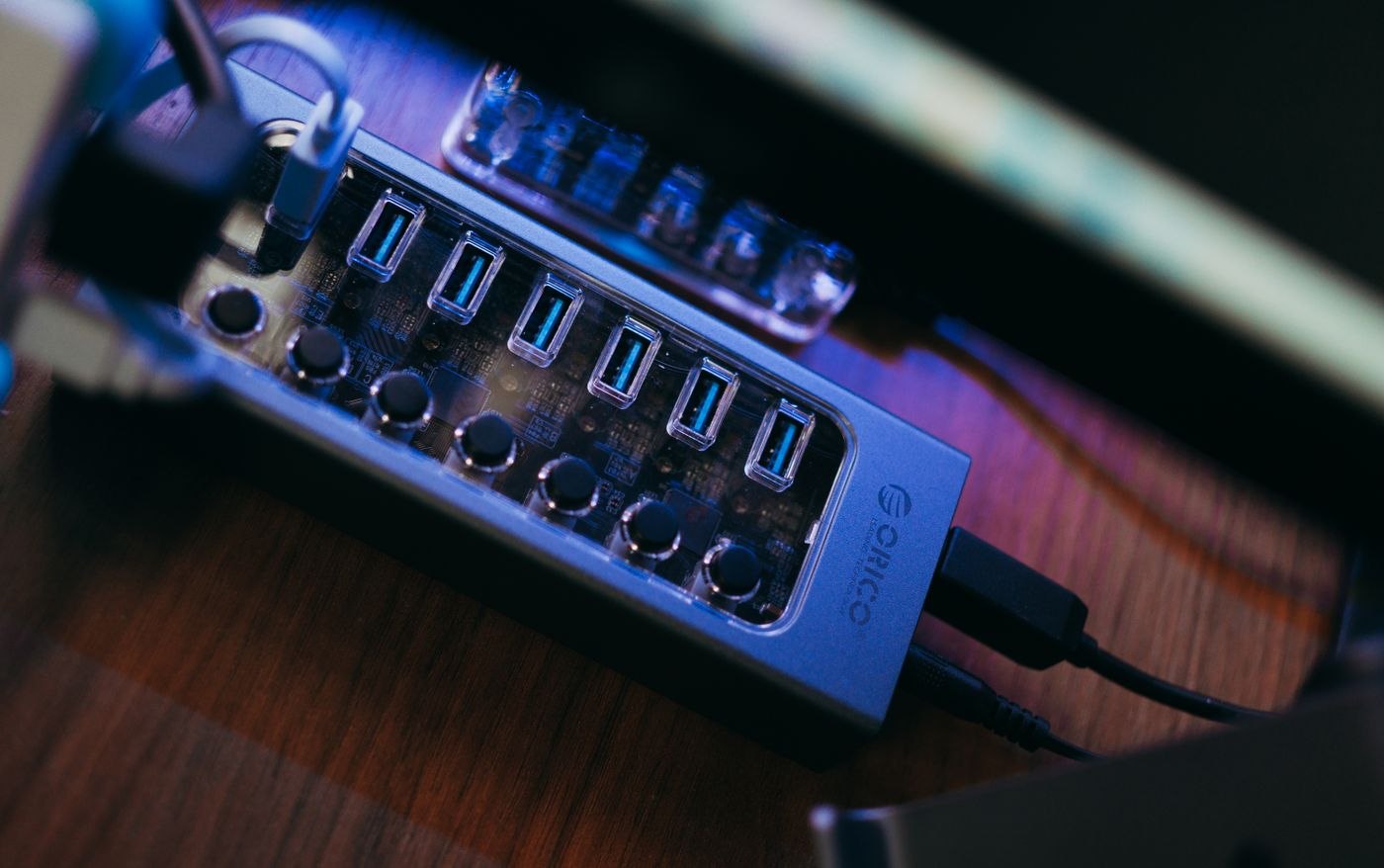
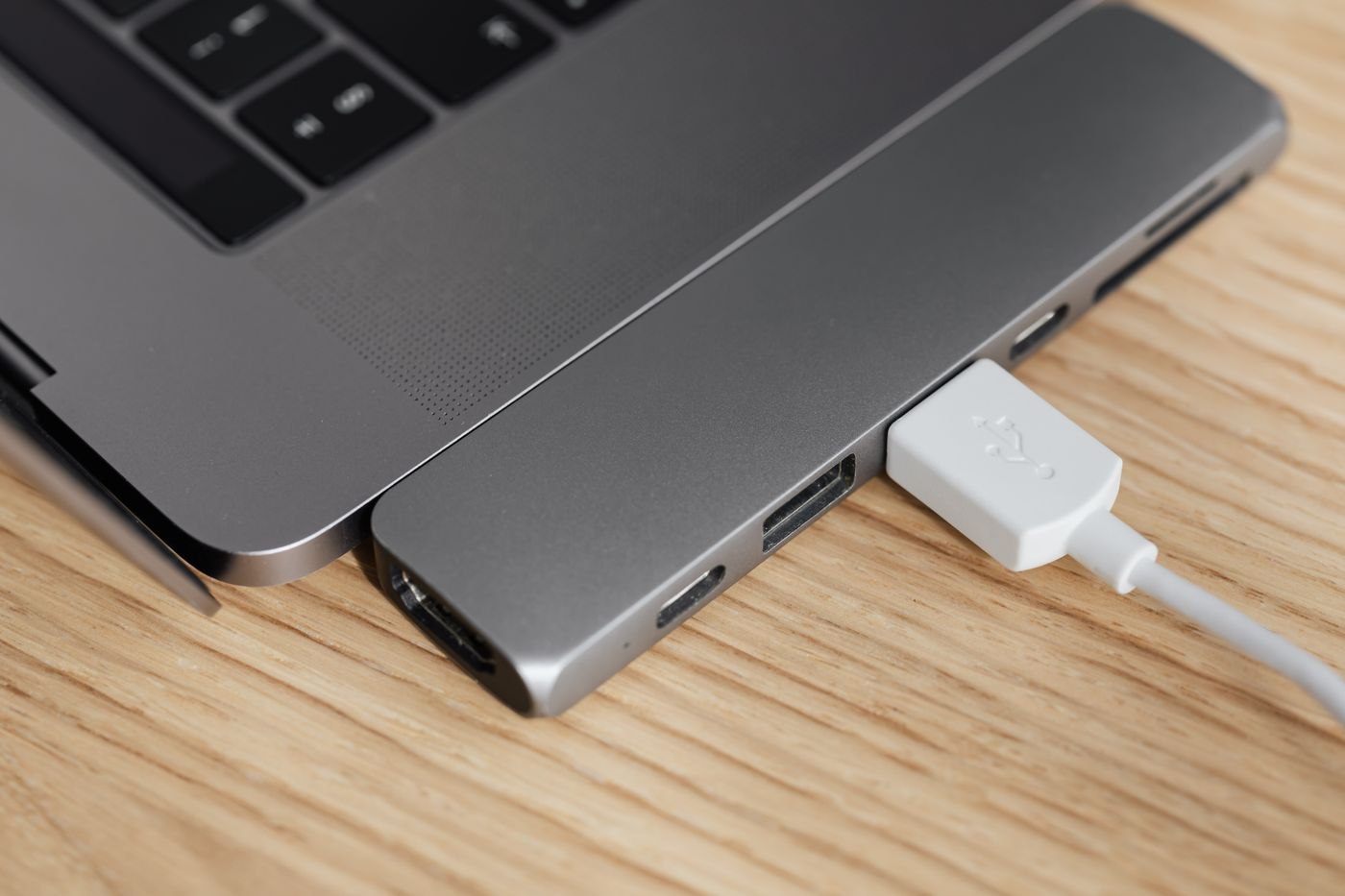
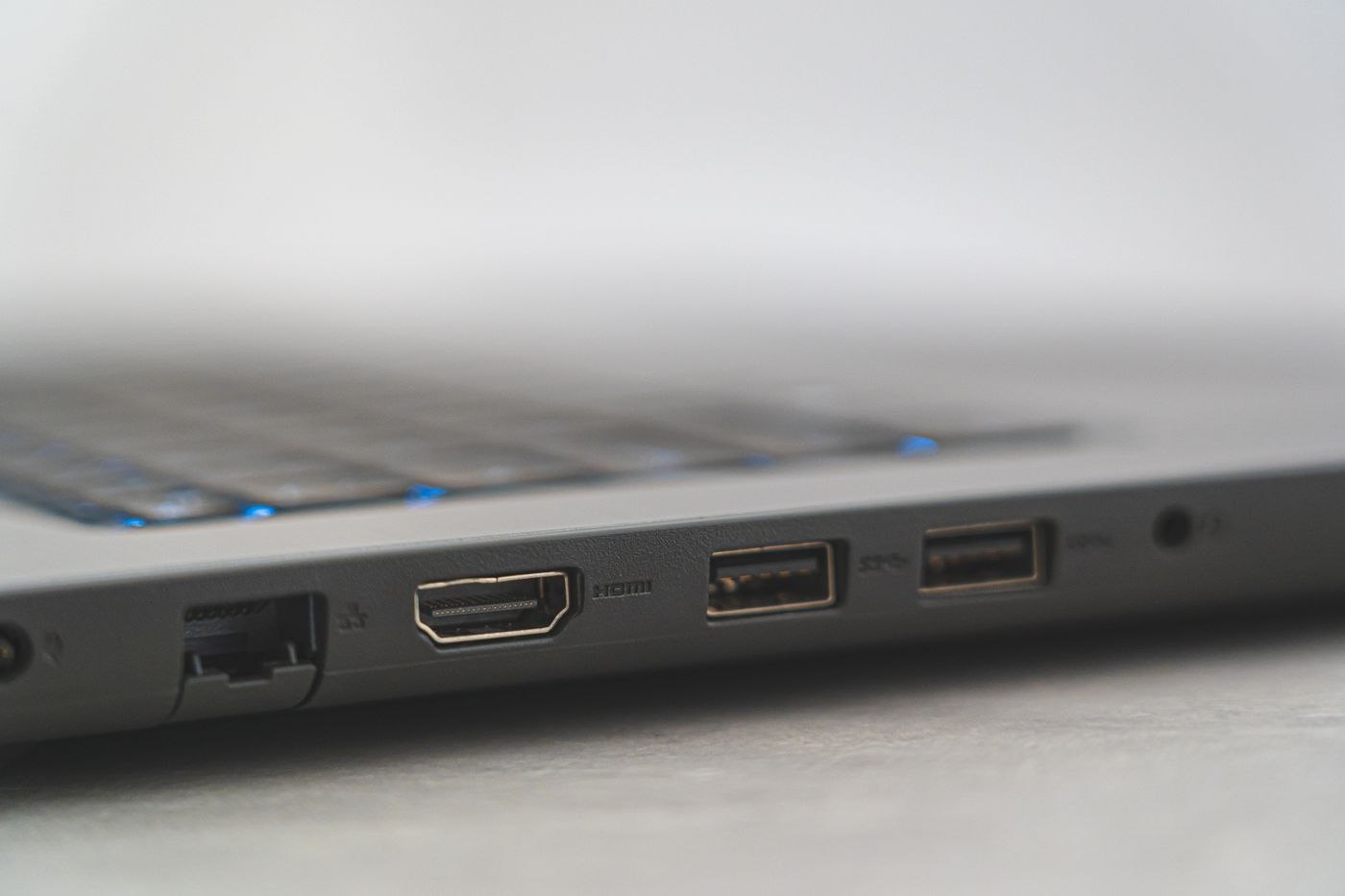
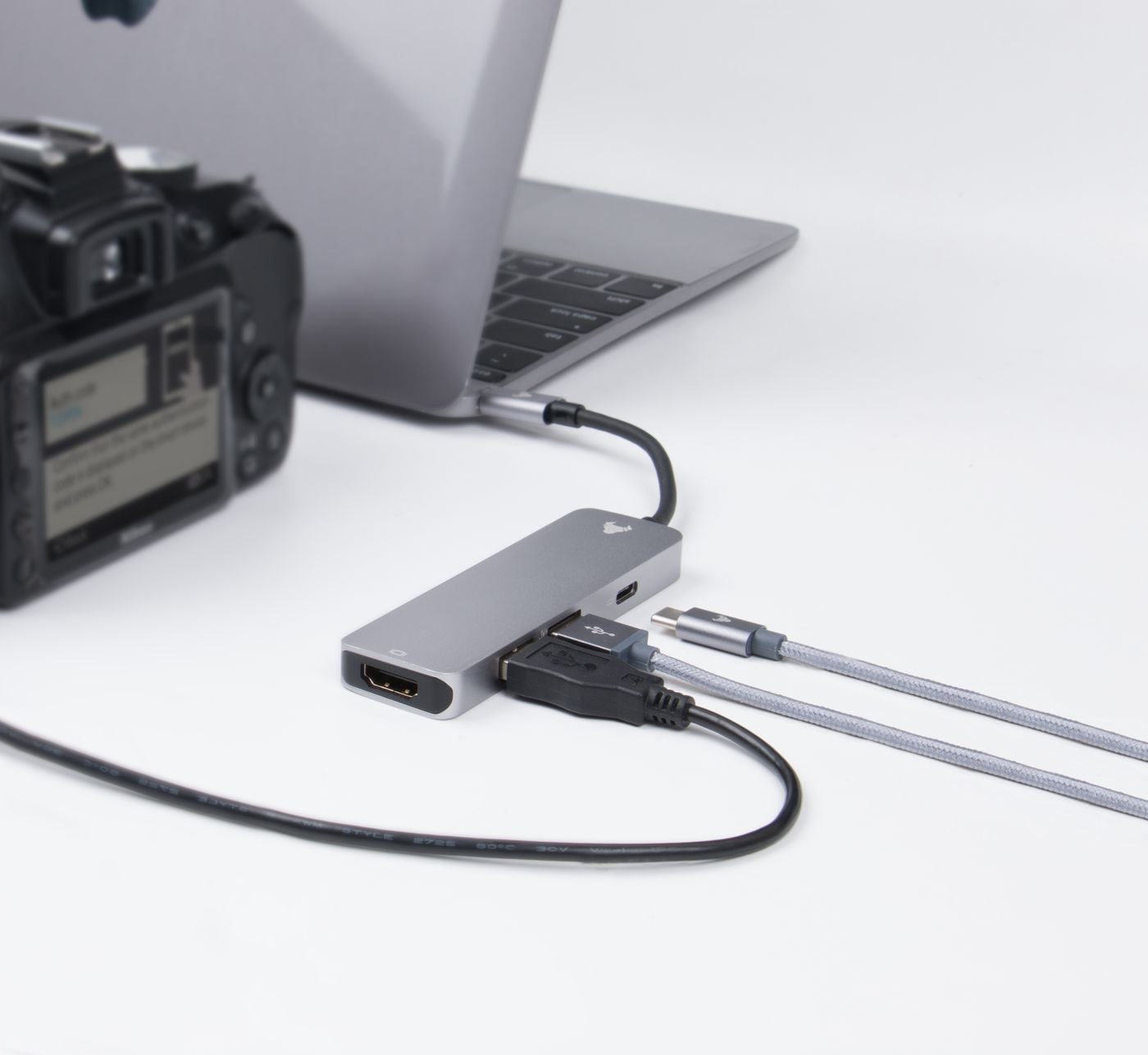
The labels hub and dock are not used consistently. What matters is the connections provided by the particular device.
Equipment & accessories
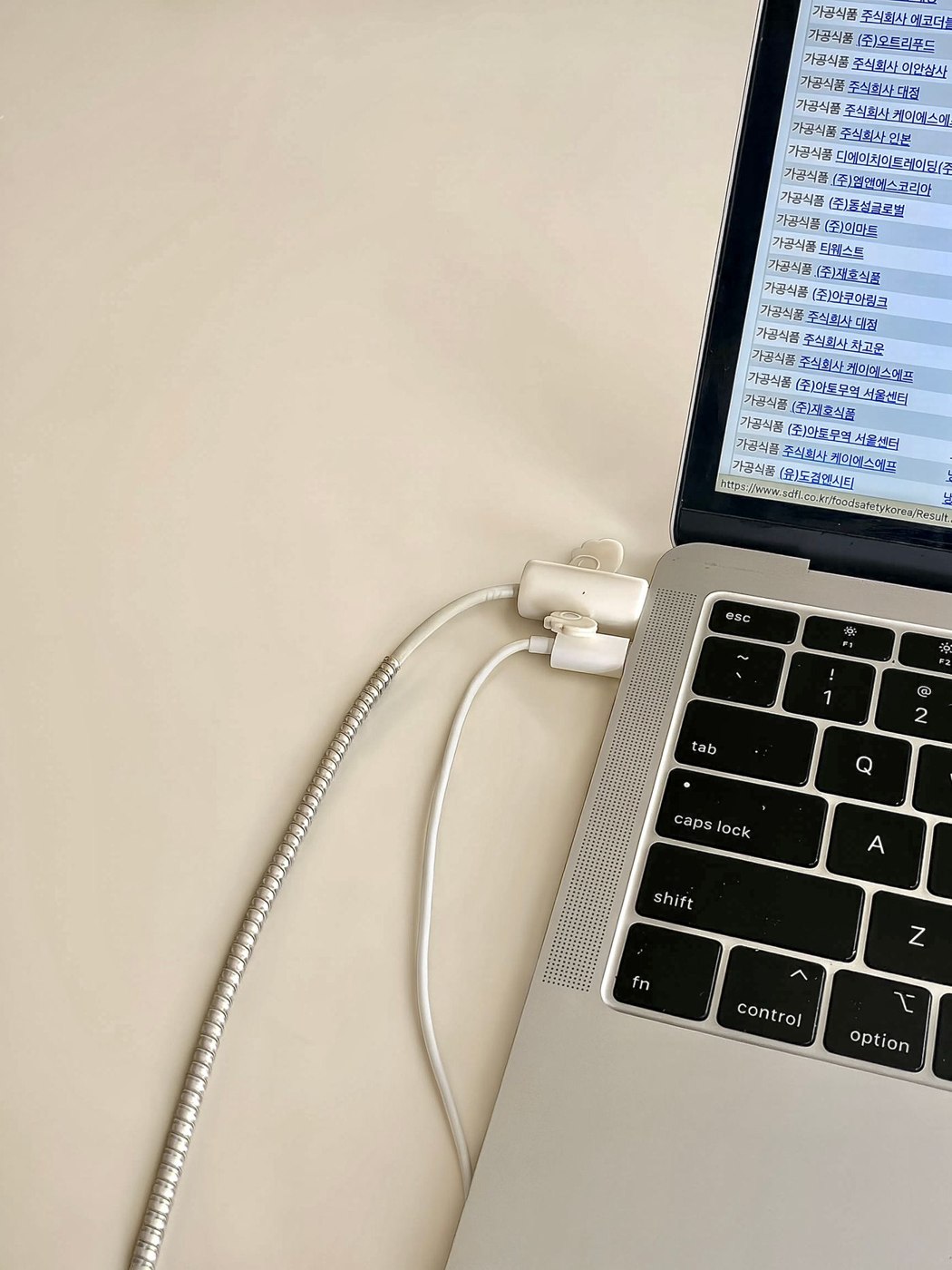
A charging cable needs the right power capability, connectors and any additional functions. Length and identification matter too.
Equipment & accessories
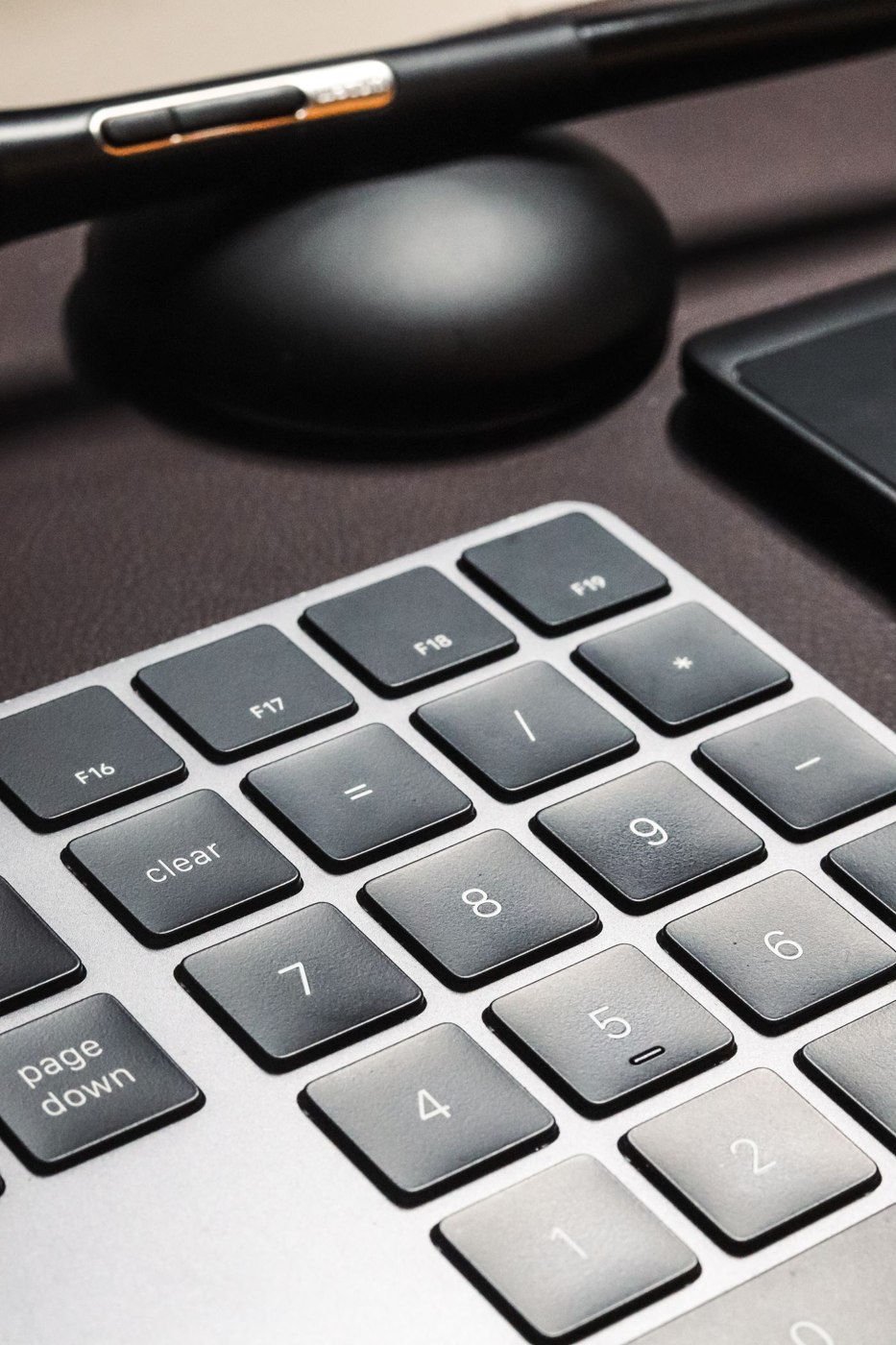
A smaller keyboard releases space beside the keys. Whether losing the numeric keypad matters depends on what you actually enter.
Equipment & accessories
Product photographs cannot reveal typing noise. Compare the complete sound in the room and in a call recording.
Equipment & accessories
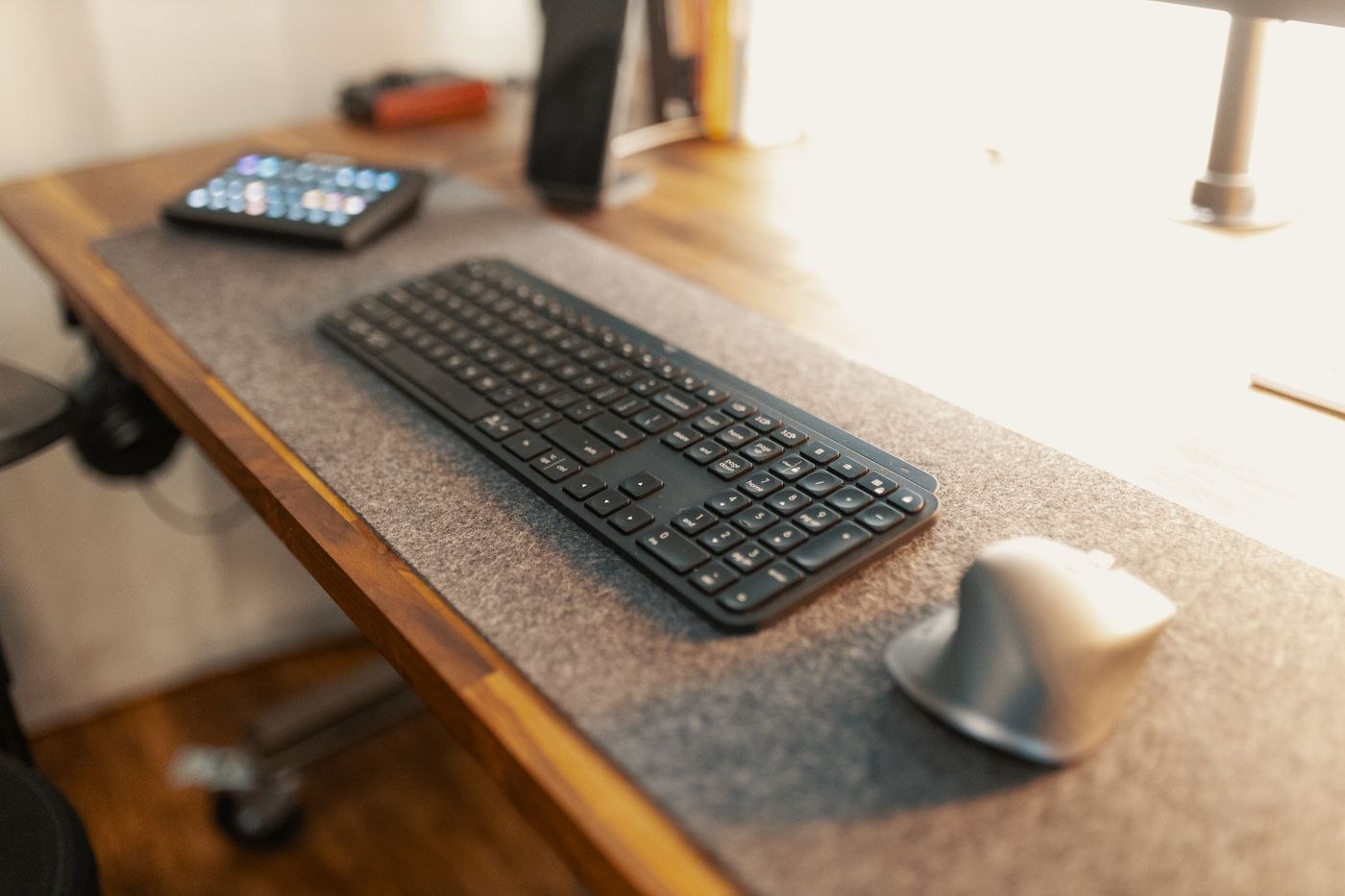
Assess a mouse by holding, clicking and moving it. Housing length alone says little about how it will work for you.
Equipment & accessories
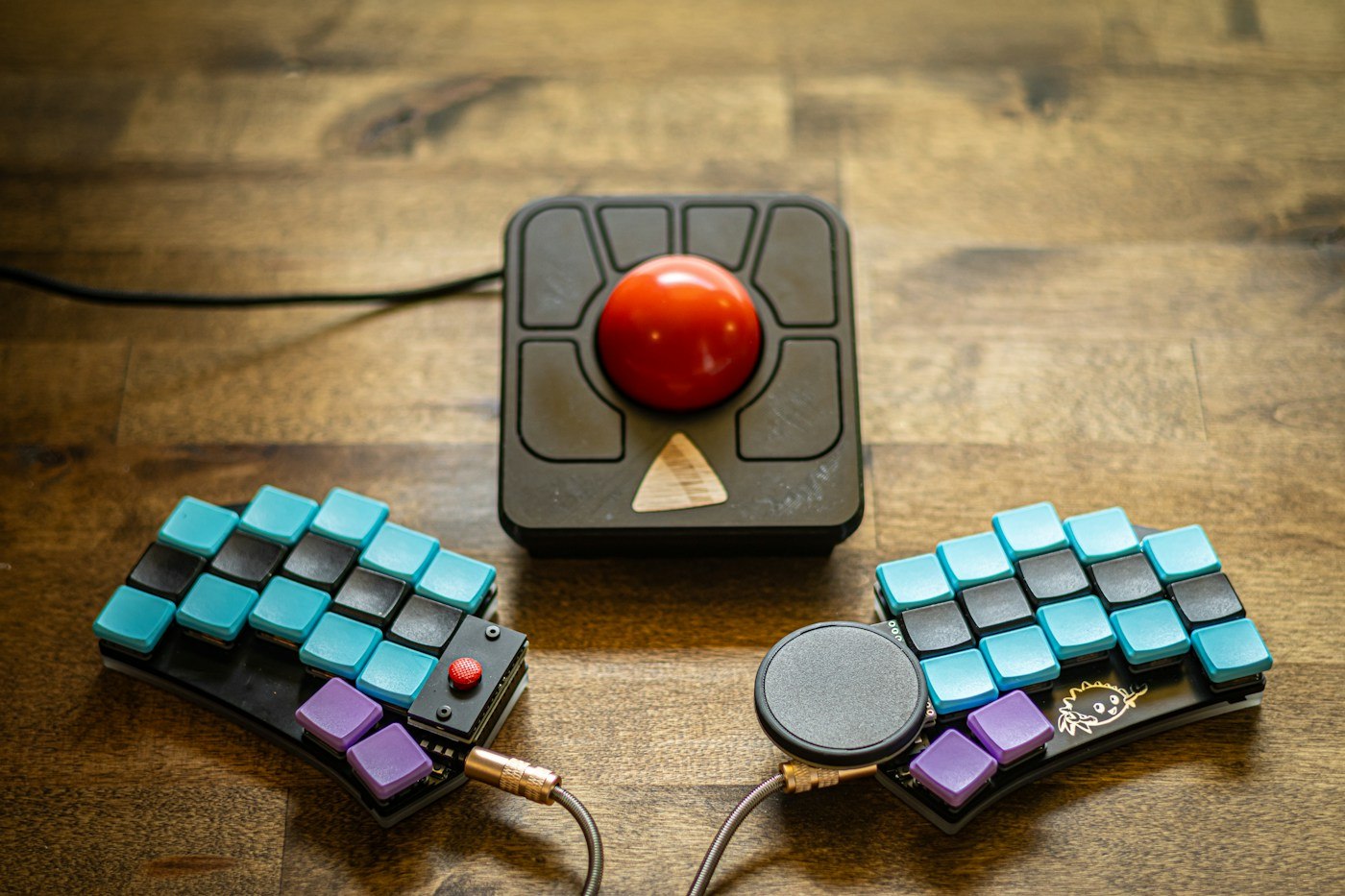
A trackball changes pointer control. Test actual tasks and allow realistic familiarisation before replacing a mouse.
Equipment & accessories
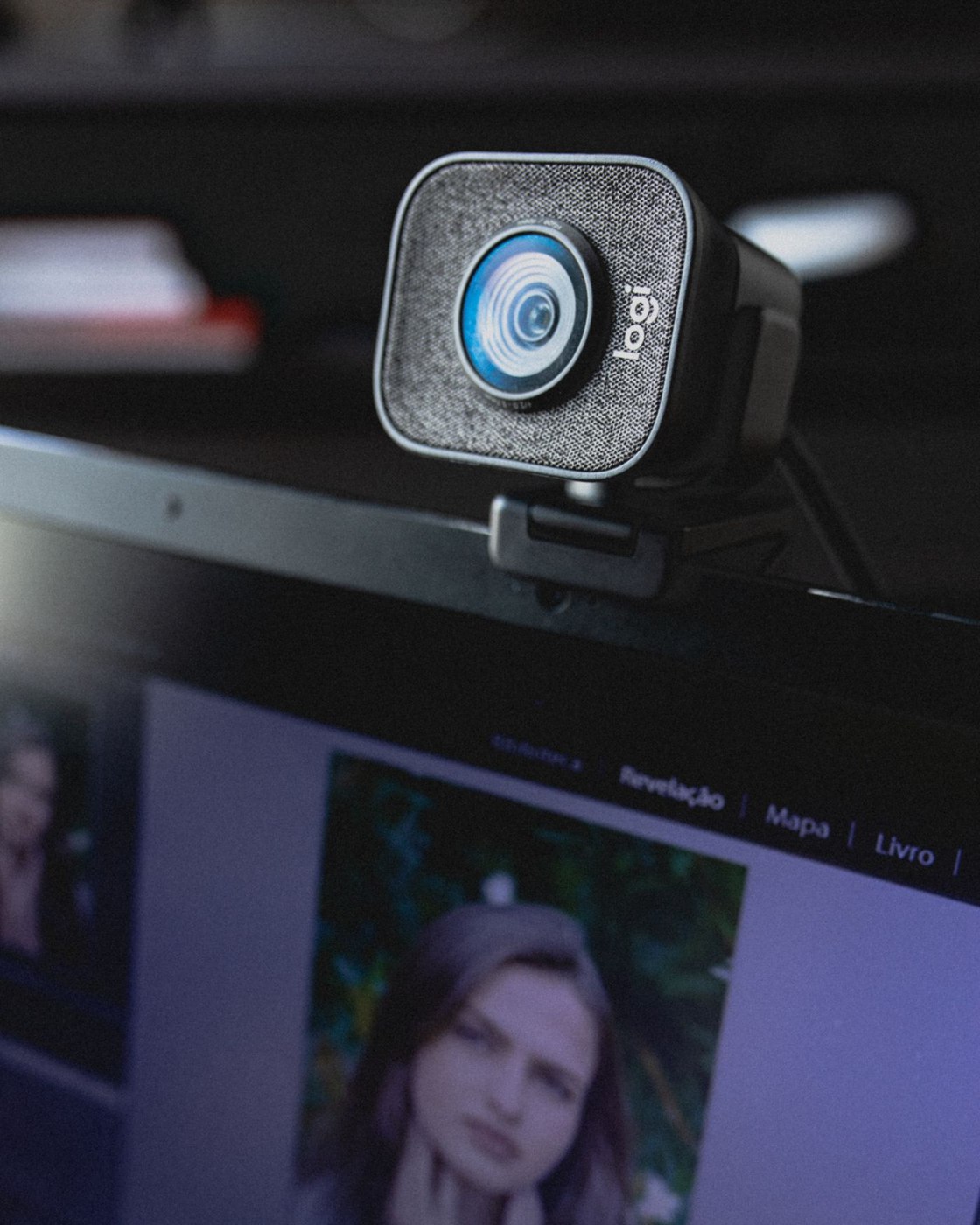
At a fixed desk, framing, attachment and light matter more than one resolution figure.
Equipment & accessories
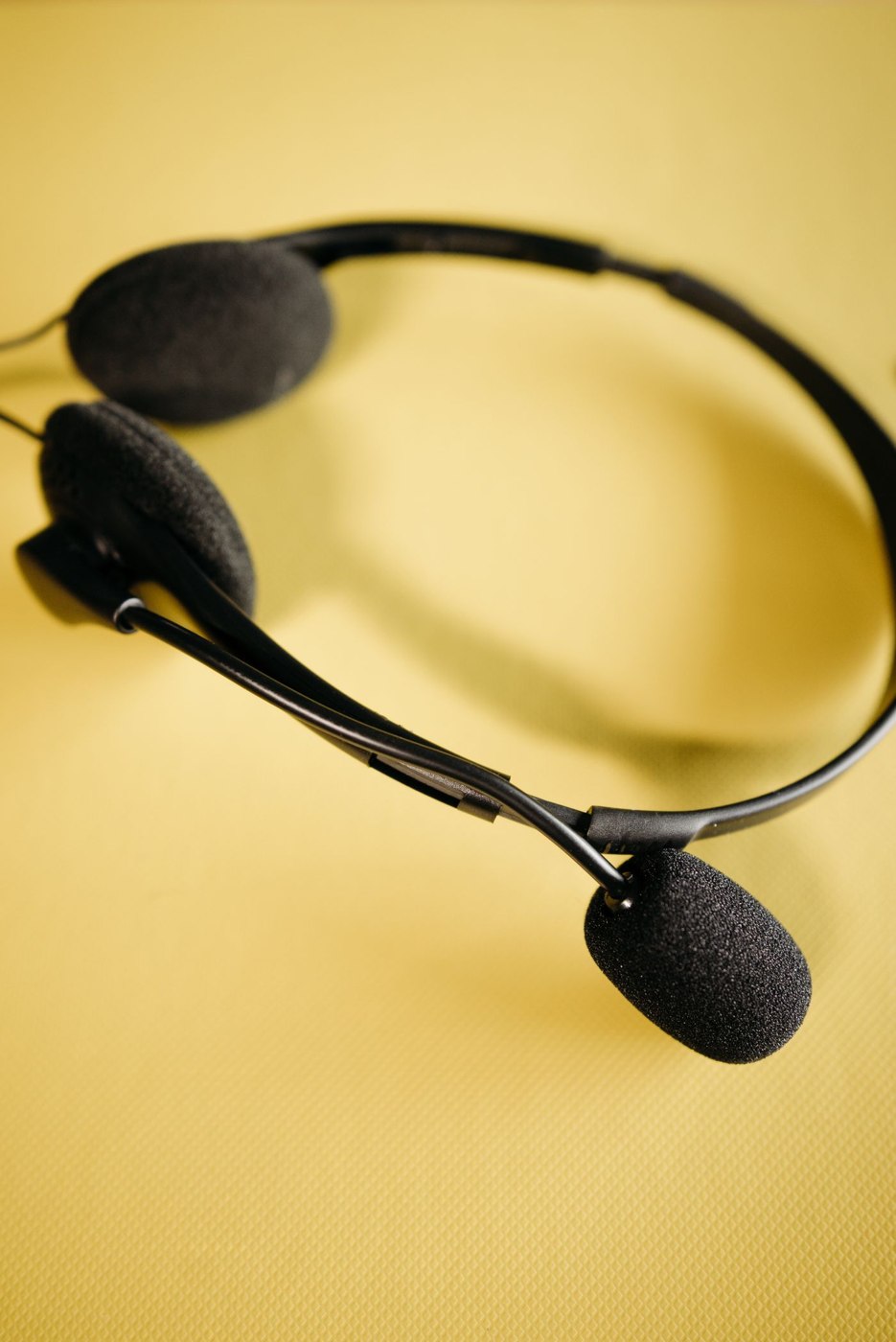
Longer meetings involve fit, controls and clear transmission together. A brief listening test is not enough to choose a headset.
Equipment & accessories
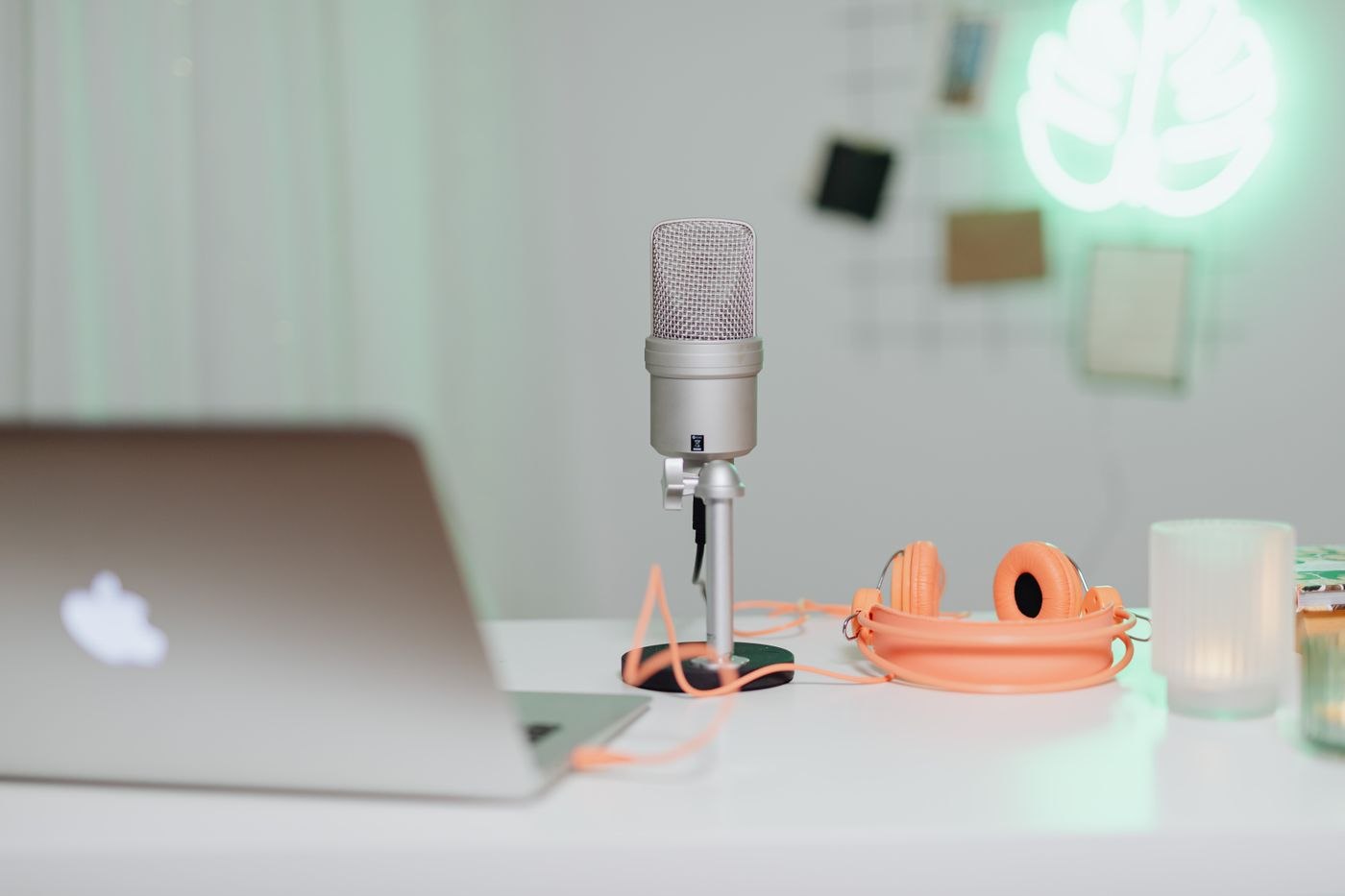
A USB microphone’s position affects speech and background sound. Begin with a short comparison at your own desk.
Equipment & accessories
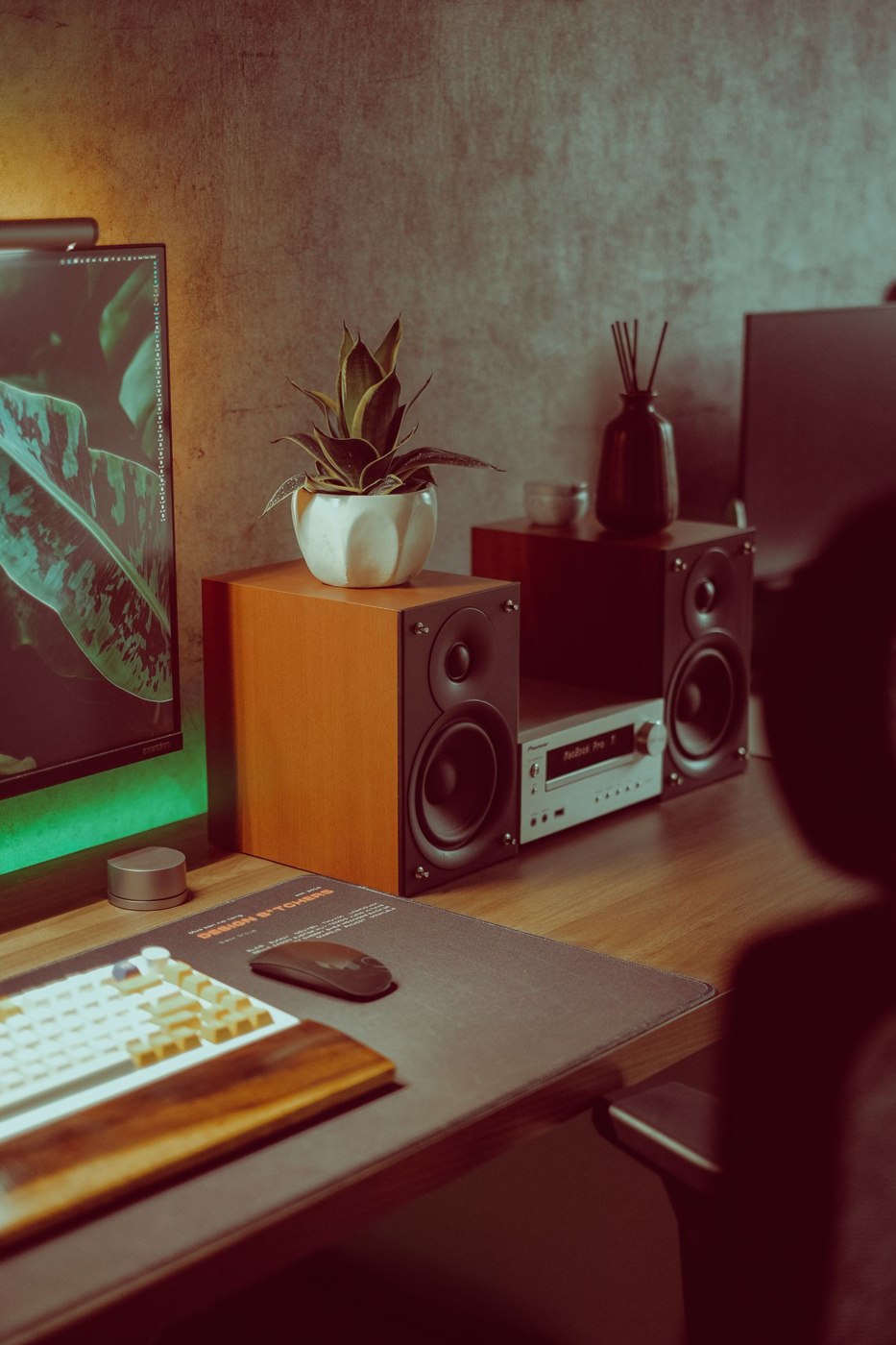
Small speakers need a defined role in an office. Plan listening position, volume and the transition to calls together.
Equipment & accessories
Two displays can separate the meeting from working materials. Prepare sharing so participants see only the intended content.
Equipment & accessories
A shared dock needs checking with every intended laptop. Record differences before they disrupt daily changeovers.
Equipment & accessories
A new display needs to match the computer output and complete cable route. Start with model numbers rather than connector photographs.
Equipment & accessories
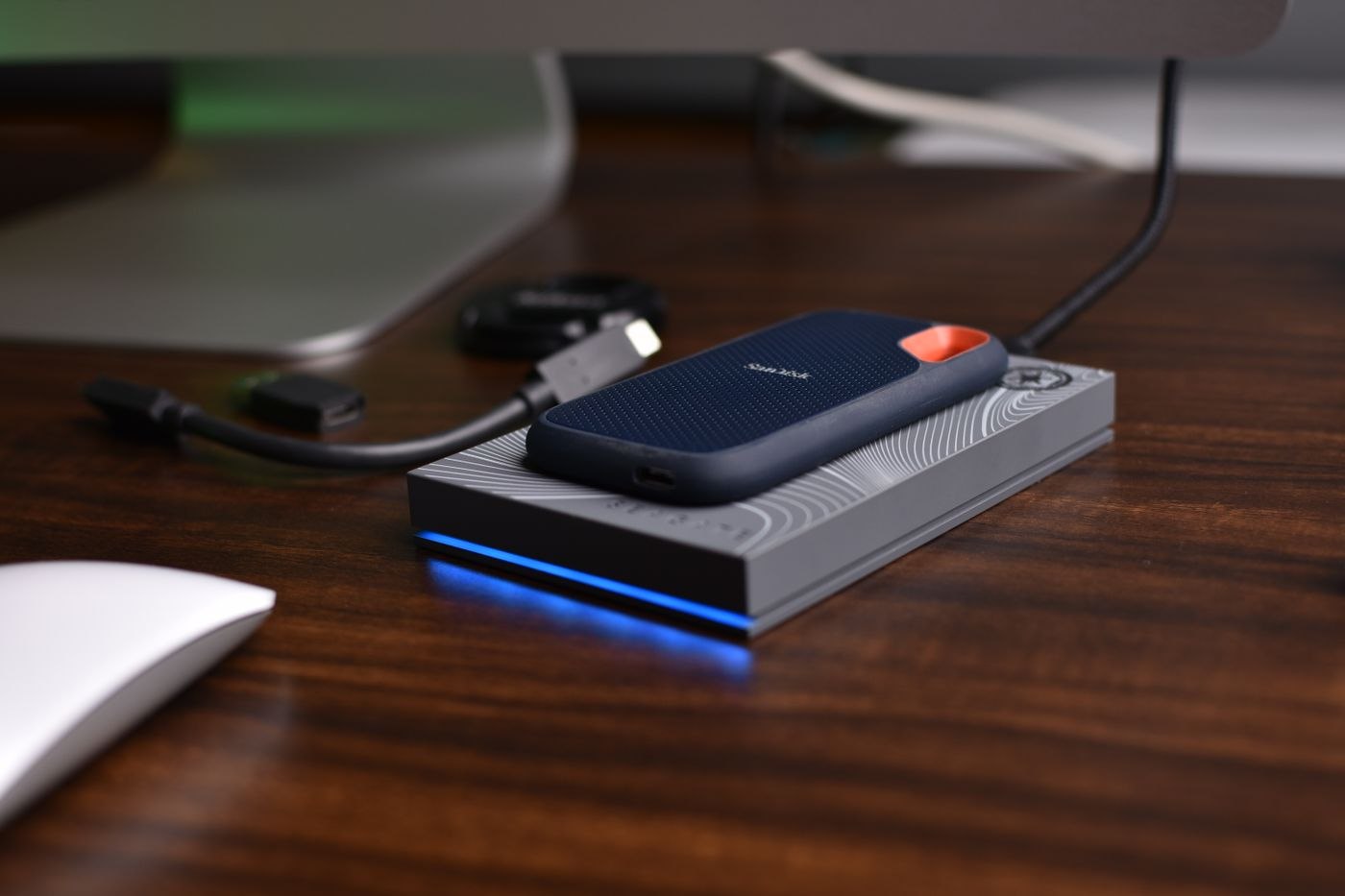
An external SSD should match file volumes, connections and the intended workflow. Extra storage is not automatically a backup.
Equipment & accessories
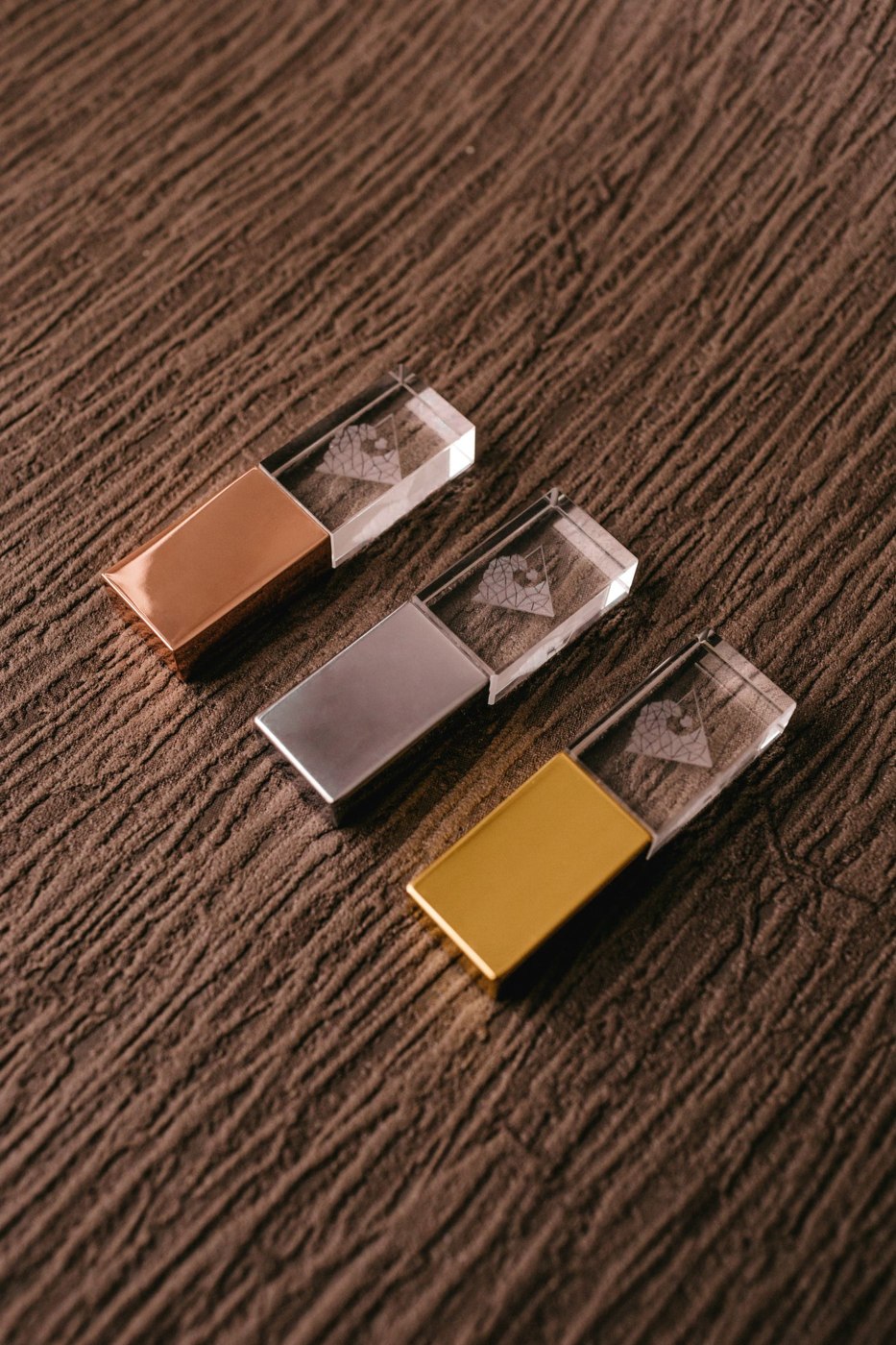
A file handover needs an identifiable version and an agreed return path for the drive. The USB device alone organises neither.
Equipment & accessories
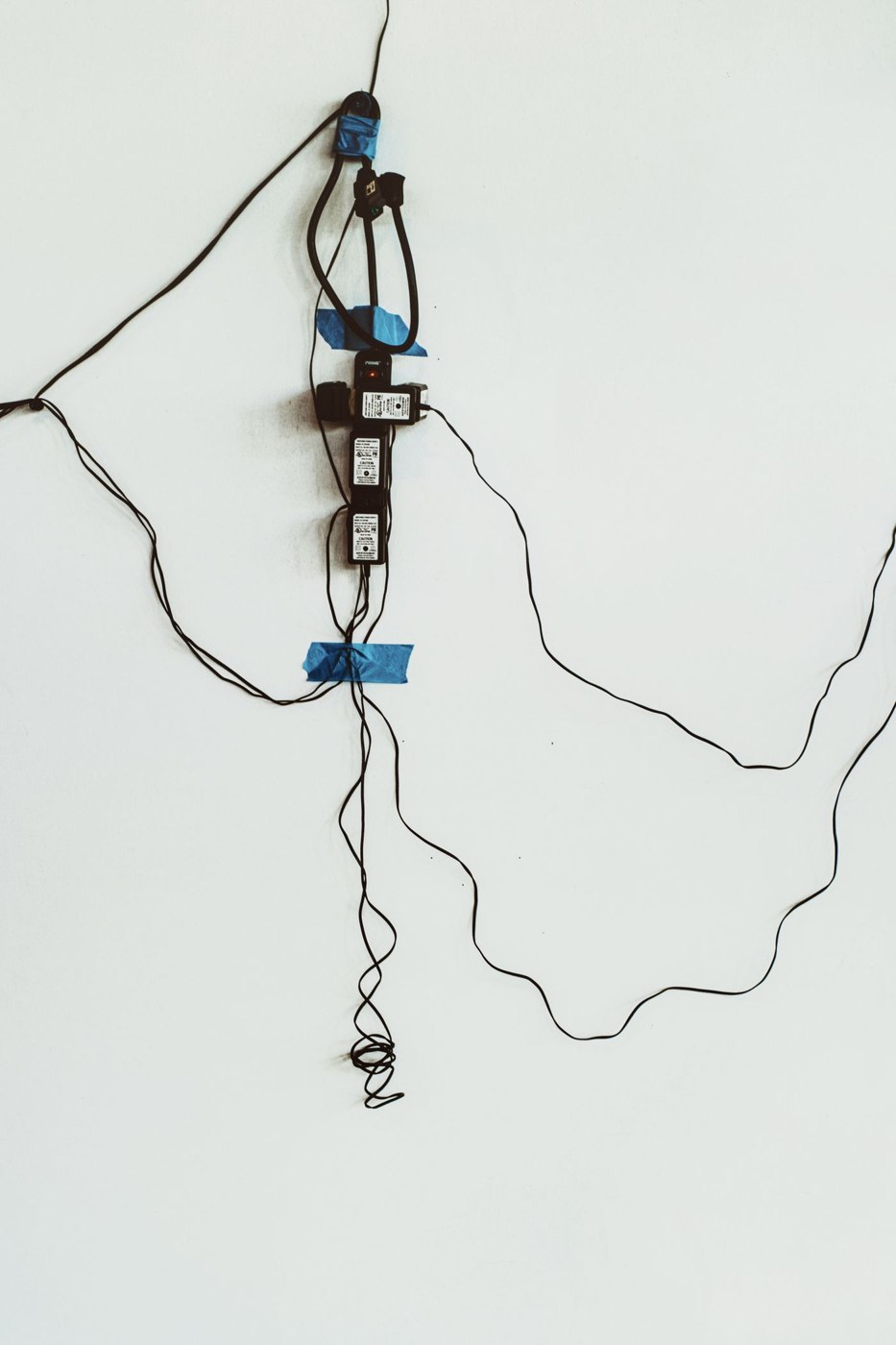
A power strip needs suitable placement and loading. Plan it together with power adapters and moving furniture.
Equipment & accessories
The suitable connection depends on location and actual problems. Compare Ethernet and Wi-Fi at the same desk using the same tasks.
Equipment & accessories
An interrupted call can have several causes. Separate video, audio and connectivity before replacing devices or settings.
Equipment & accessories
A laptop bag should cover the actual office day. Separate delicate equipment, frequently needed items and occasional spares.
Equipment & accessories
A tablet can take on selected tasks alongside a computer. First identify which activity it would genuinely simplify.
Equipment & accessories
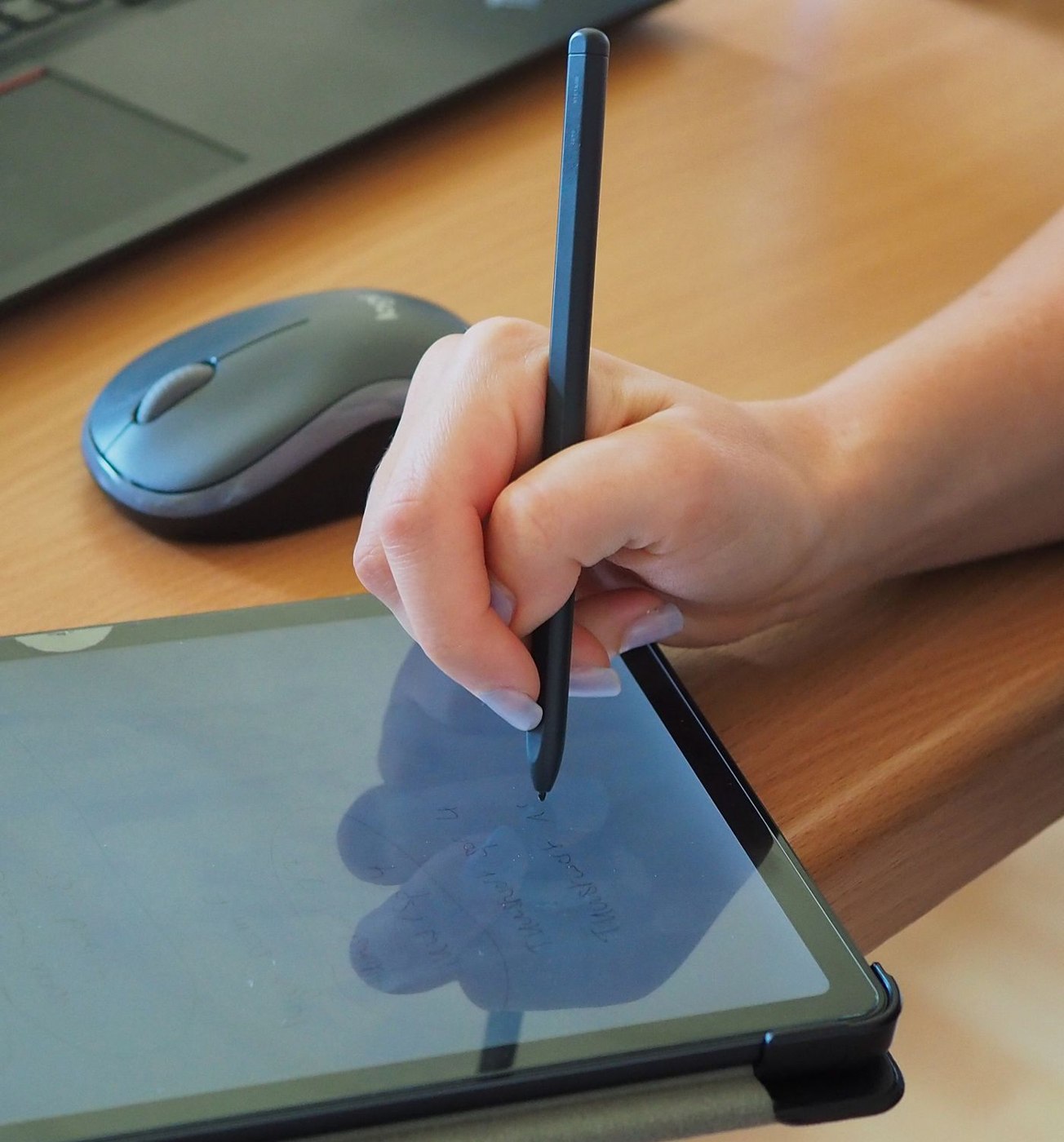
Digital handwriting becomes a working note through storage and retrieval. Test the pen, application and export as one process.
Equipment & accessories
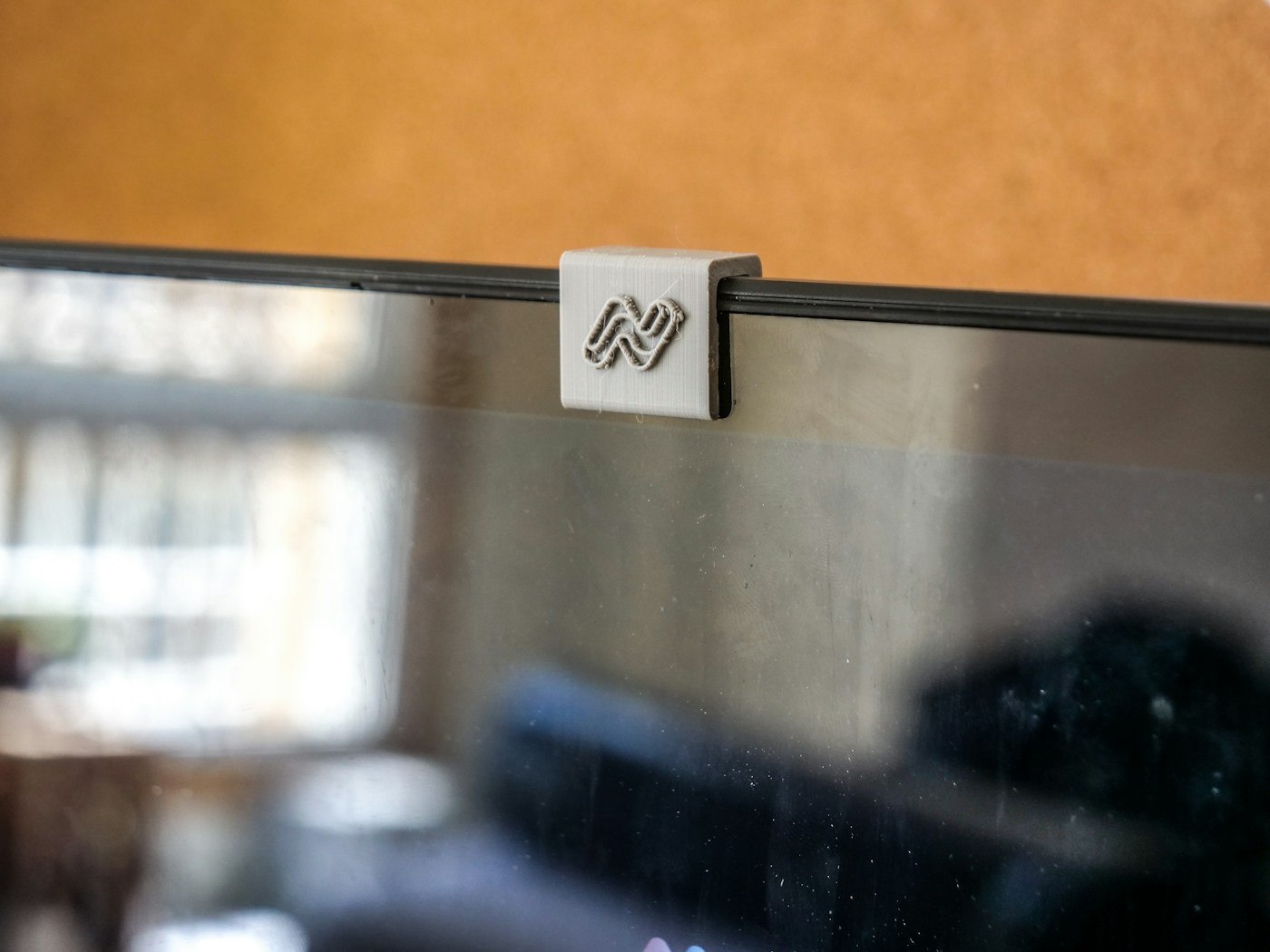
A camera cover must suit the actual device. On laptops, pay particular attention to clearance between screen and keyboard.
Equipment & accessories
Moving between two work locations does not require dismantling the entire desk every evening. Decide which equipment travels and which items stay at a particular site.
Equipment & accessories
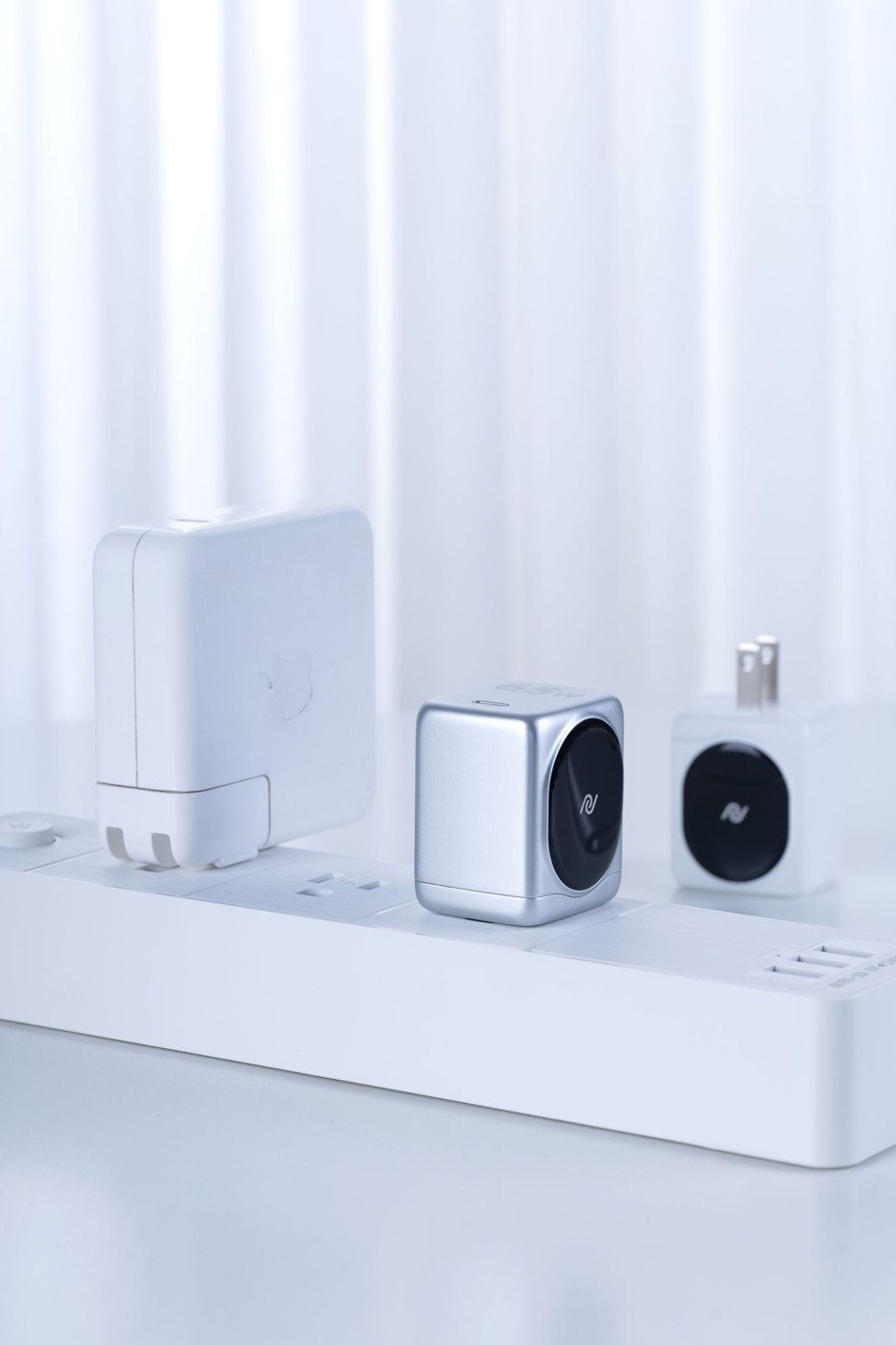
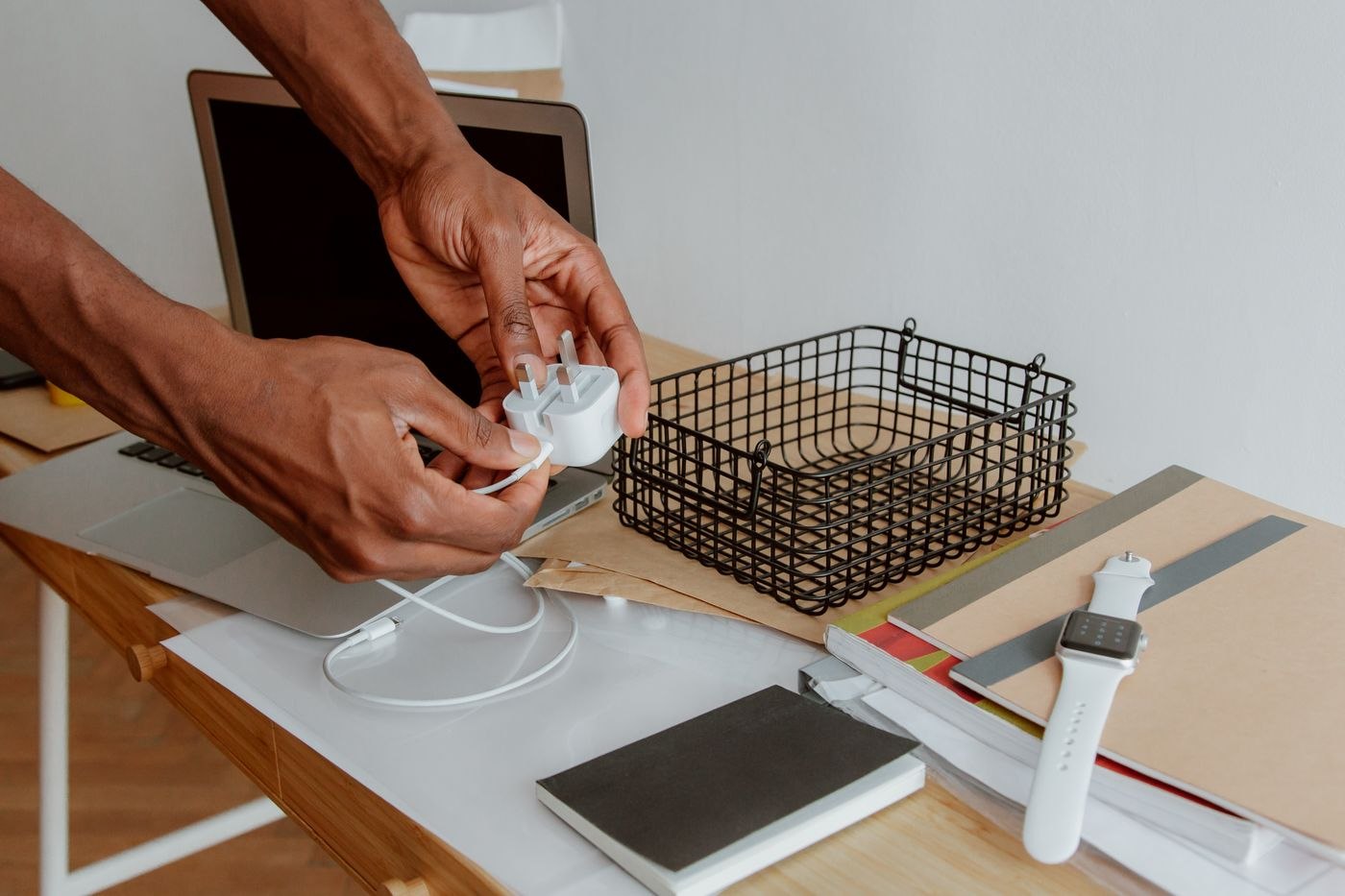
A second charger can simplify moving between workspaces. It needs to fit the laptop, cable and actual connection arrangement rather than merely having a matching plug.
Equipment & accessories
A cable label should make the next connection easier. Put the right information where it remains readable behind the desk, not just while the lead is lying loose.
Equipment & accessories
A display connection depends on the source, the route and the input together. Sketch the complete path before combining several adapters.
Equipment & accessories
A new computer becomes a replacement when the required work functions on it. Plan files, access, accessories and a controlled transition rather than treating delivery as completion.
Equipment & accessories
A small meeting kit should cover known gaps. It works best when its contents match the rooms and devices people actually use.