Agree on the use of sound in the room
Decide what the speakers are for: checking short media clips, watching training videos or playing background music. These uses involve different routines. In a shared room, others should have a say before sound routinely plays through speakers. Small size does not mean a device is inaudible beyond your own desk.
Define an alternative when others need concentration or are making calls. An existing headset may be more suitable then. Choose around the actual use of the room as well as sound preferences. Personal notifications and confidential conversations should not accidentally play into the shared surroundings.
For a shared training session, also assess sound from the seats people will actually use. Speech that is clear directly in front of the display may be difficult to follow at the side of the table. Play a short spoken passage and ask before starting the session. If some positions are unsuitable, change the seating or intended playback arrangement.
Check placement before sound settings
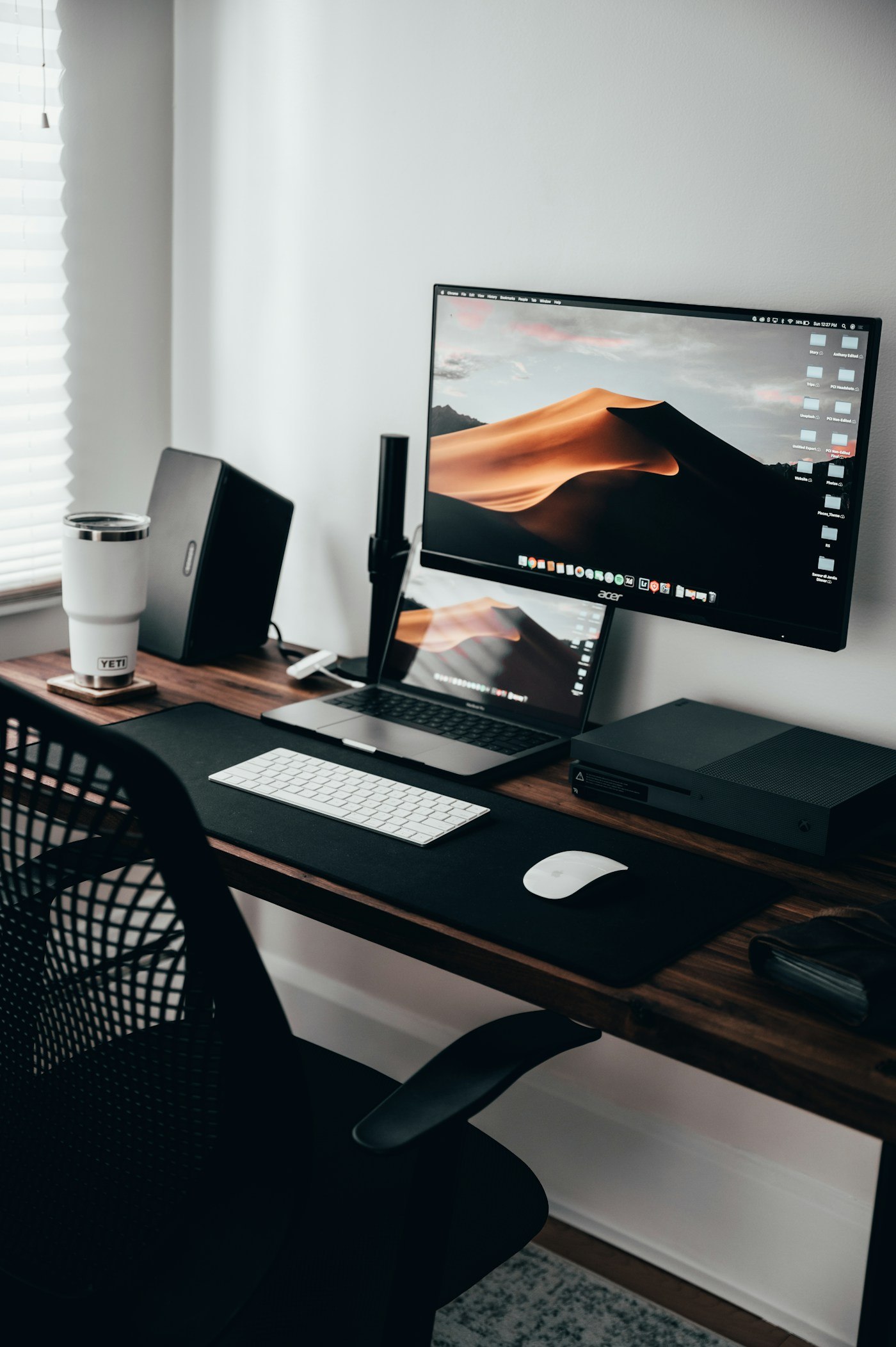
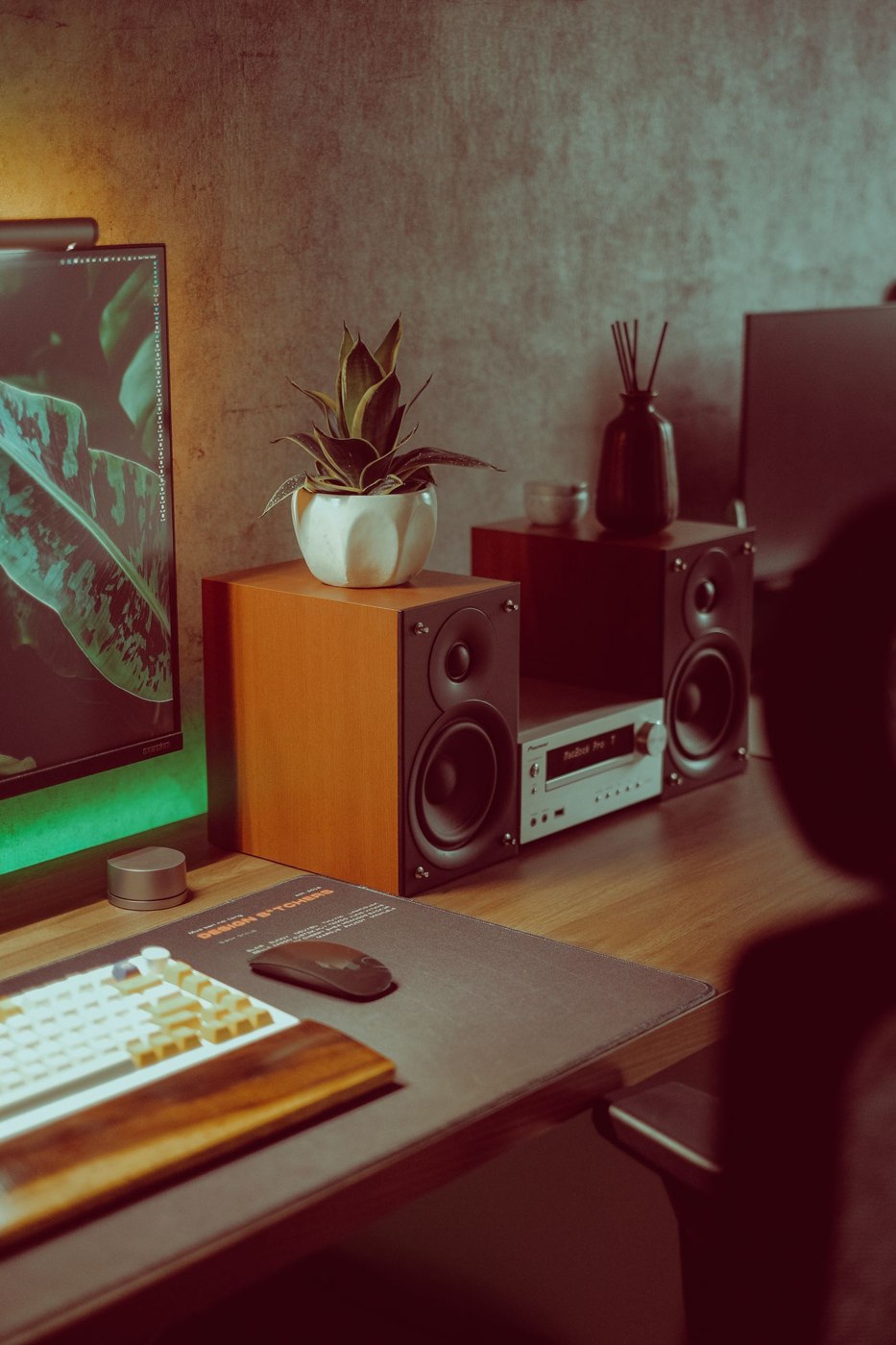
Position the speakers according to their instructions and keep the required areas clear. Look for monitor feet or papers in front of them. Increasing volume is not a reliable compensation for poor placement. Compare the sound from your normal seat using an ordinary voice recording or familiar work video.
Include cables and controls. Volume should be reachable without reaching behind a display. An external power adapter needs a suitable location outside walking routes. Check whether an attached cable restricts a monitor or adjustable desk.
Test the transition into meetings
Deliberately select input and output devices in the meeting application. A microphone can capture speaker output, so the actual combination needs a test. Make a brief call and ask about distracting returned sound. If problems occur, use an appropriate alternative audio arrangement rather than repeatedly changing volume alone.
After disconnecting a headset, check where audio goes. That action can change the selected device in some working arrangements. Start media playback at a low level and verify its destination. A fixed routine for headphones and speakers helps prevent a personal message from suddenly becoming audible in the room. Keep the arrangement simple enough to understand after a break, including a clear way to stop sound immediately when the room's use changes.