Paper & documents
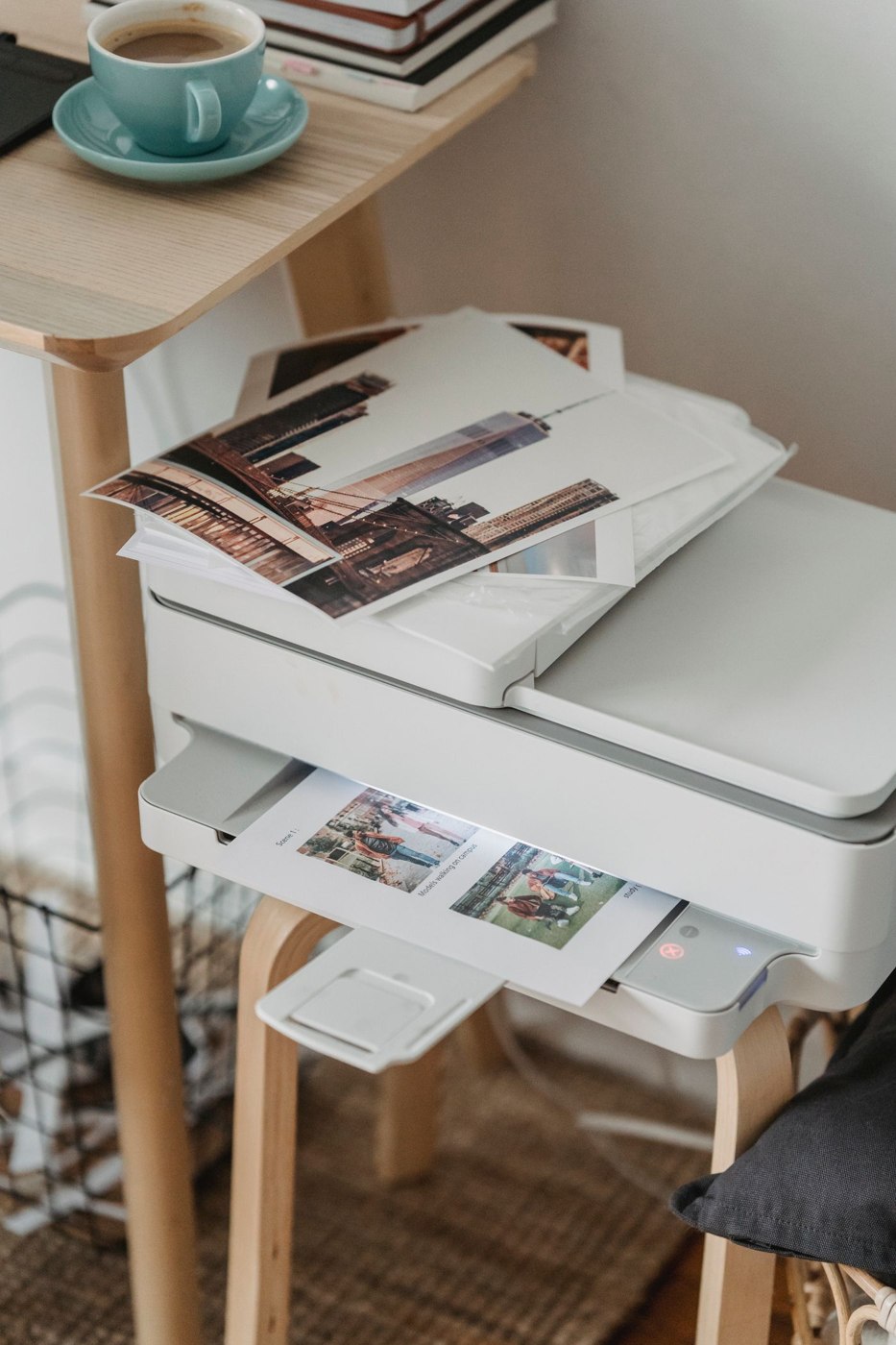
Inkjet or laser for occasional printing
Occasional printing calls for a decision about documents, idle periods and supplies rather than a machine designed around high monthly volumes.
23 articles
Paper & documents
Occasional printing calls for a decision about documents, idle periods and supplies rather than a machine designed around high monthly volumes.
Paper & documents
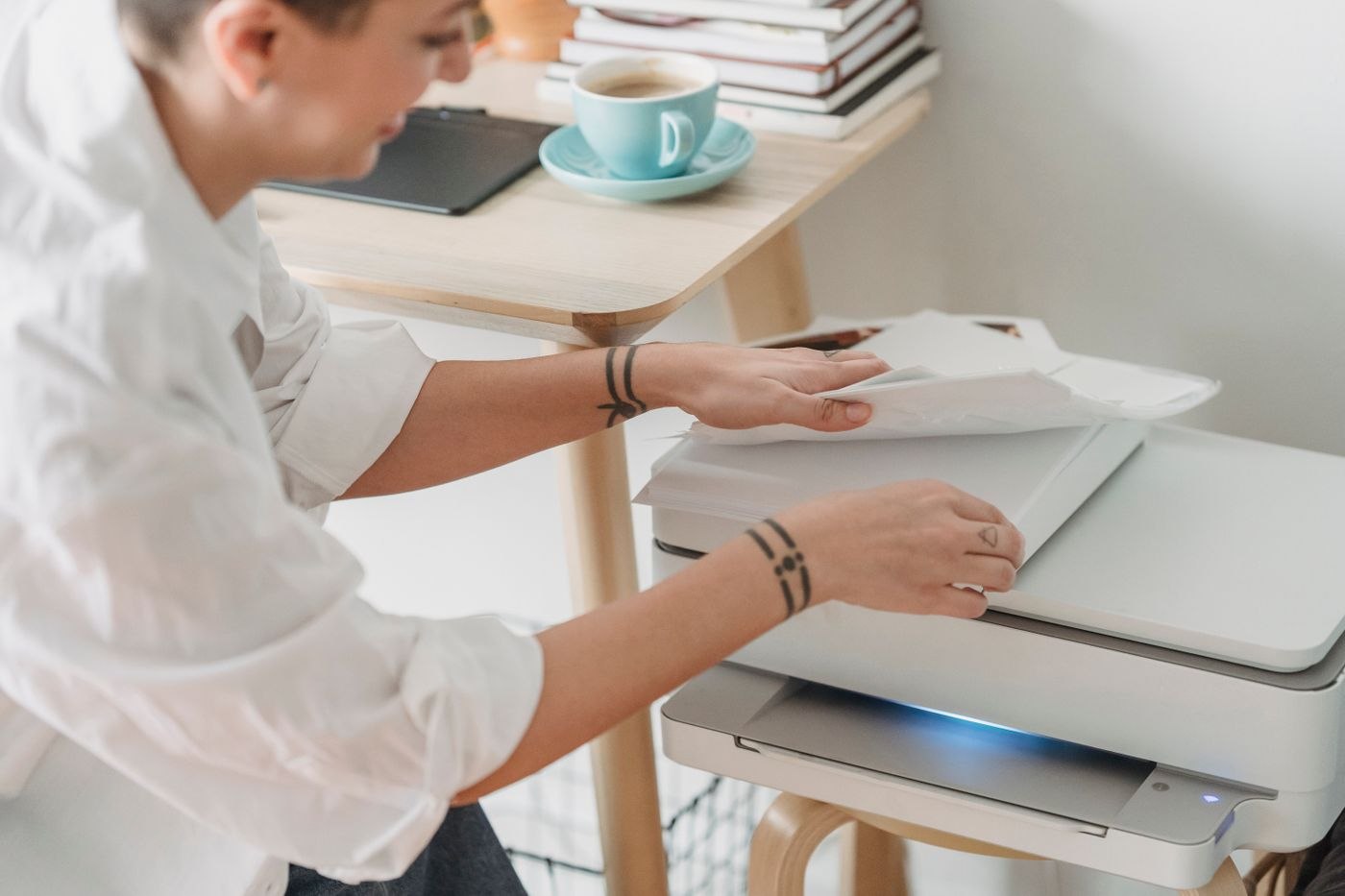
Paper handling affects both the documents a printer can process and the space it needs. Consider the machine during a print job rather than only with every tray closed.
Paper & documents
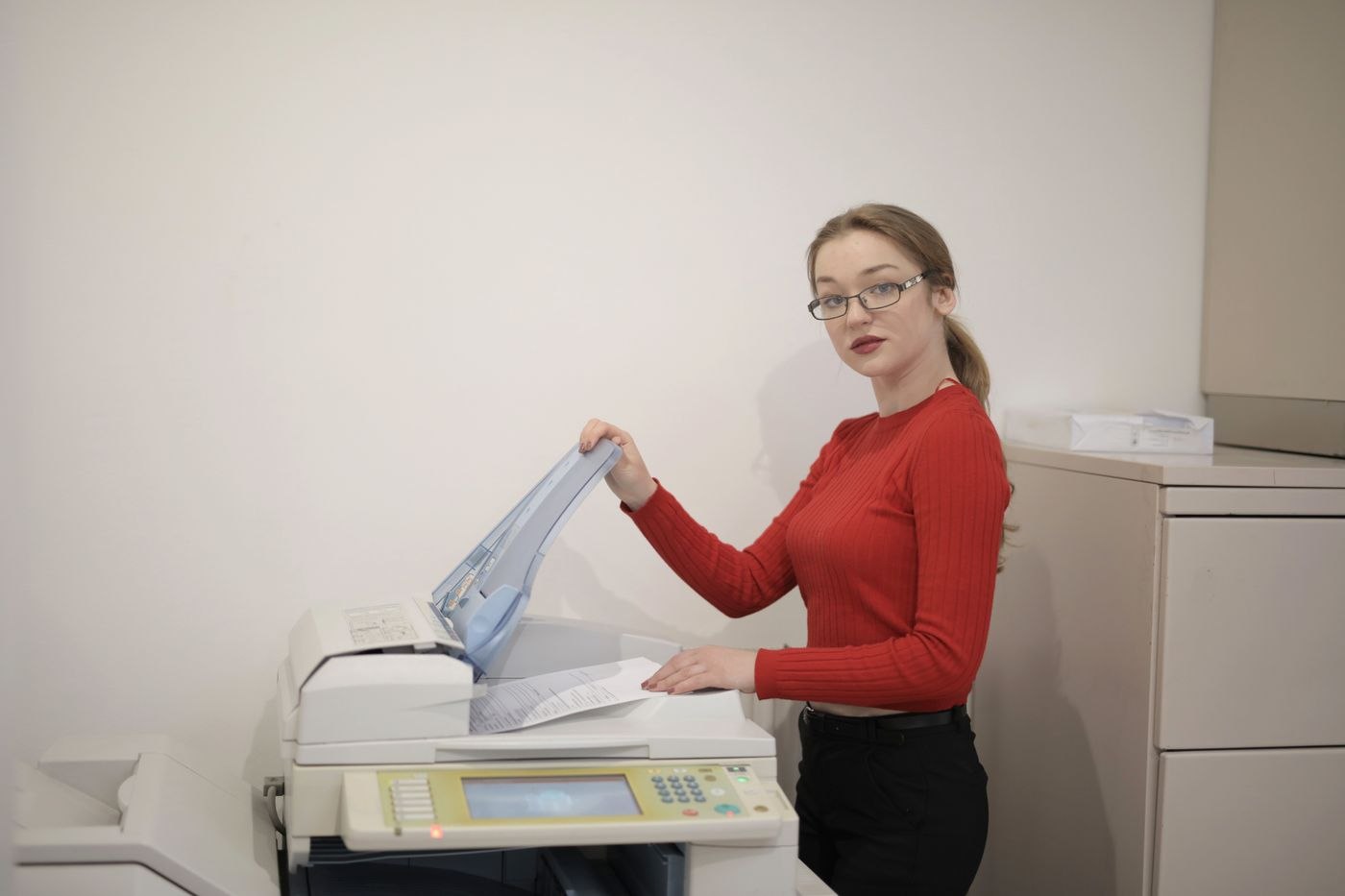
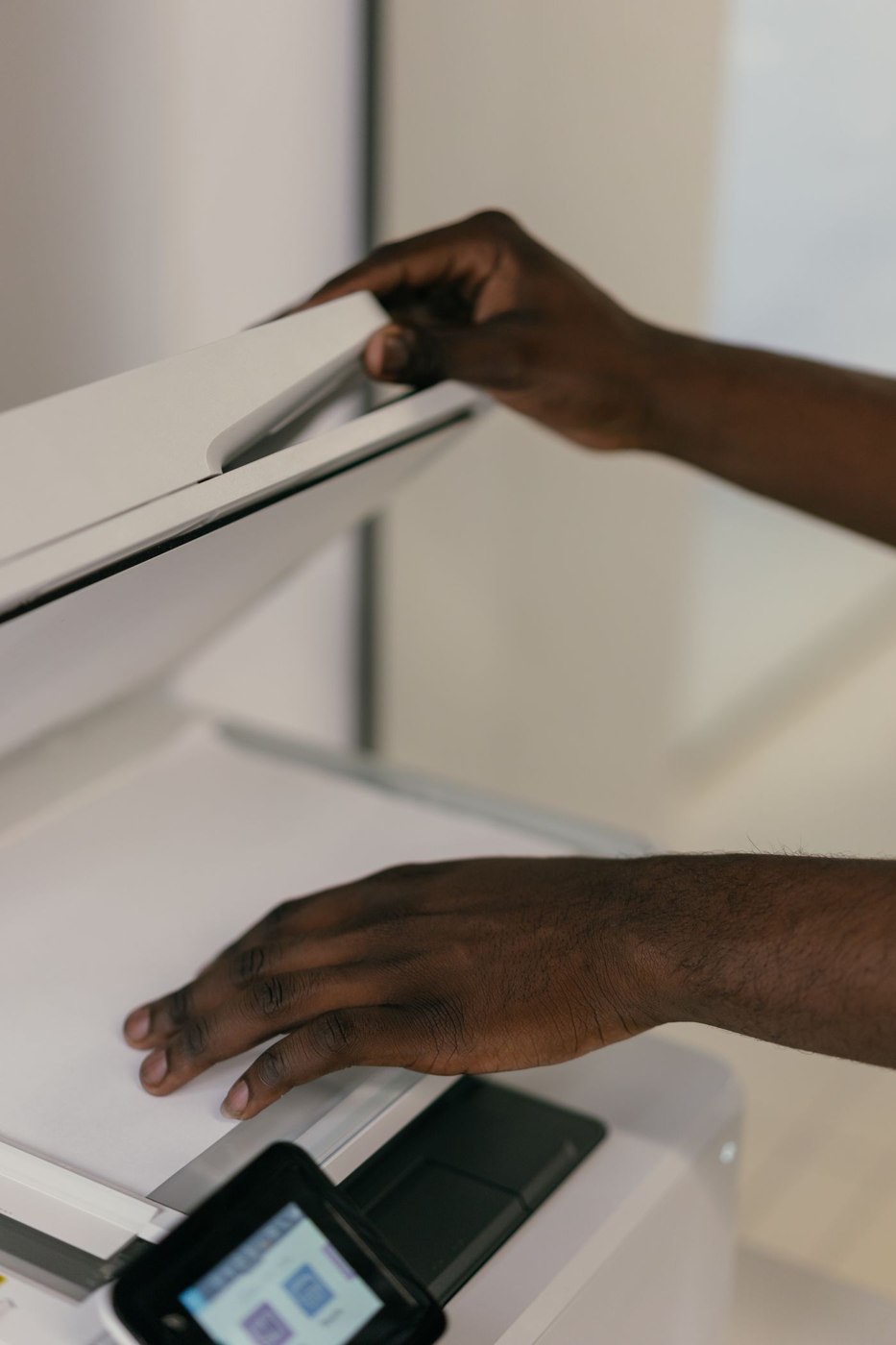
Duplex can describe printing or scanning. If you regularly digitise two-sided originals, check those functions separately rather than relying on a single feature label.
Paper & documents
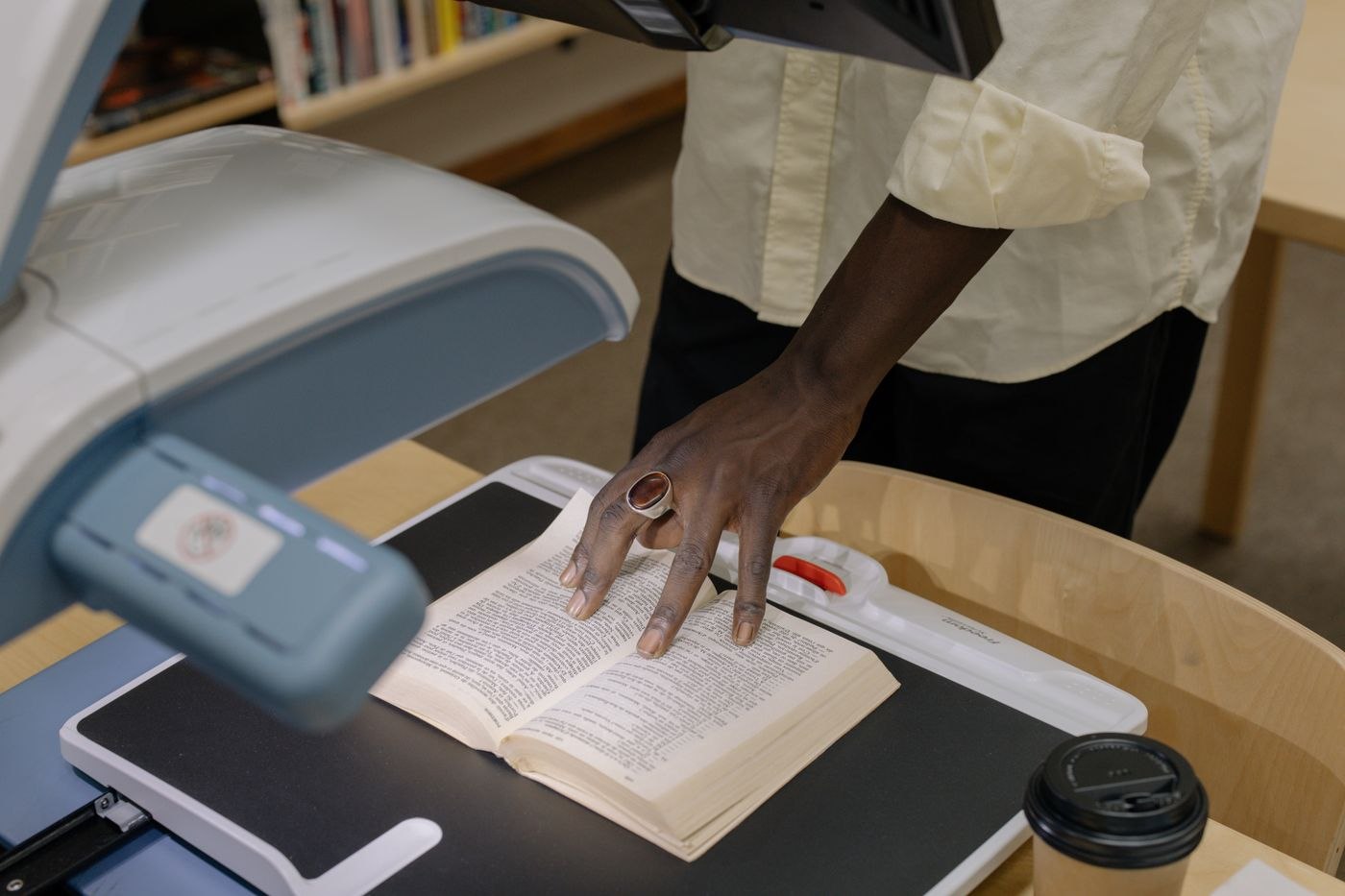
A dedicated scanner is not justified by a large paper pile alone. Compare the full process of preparing originals, feeding them, checking the result and filing the finished documents.
Paper & documents
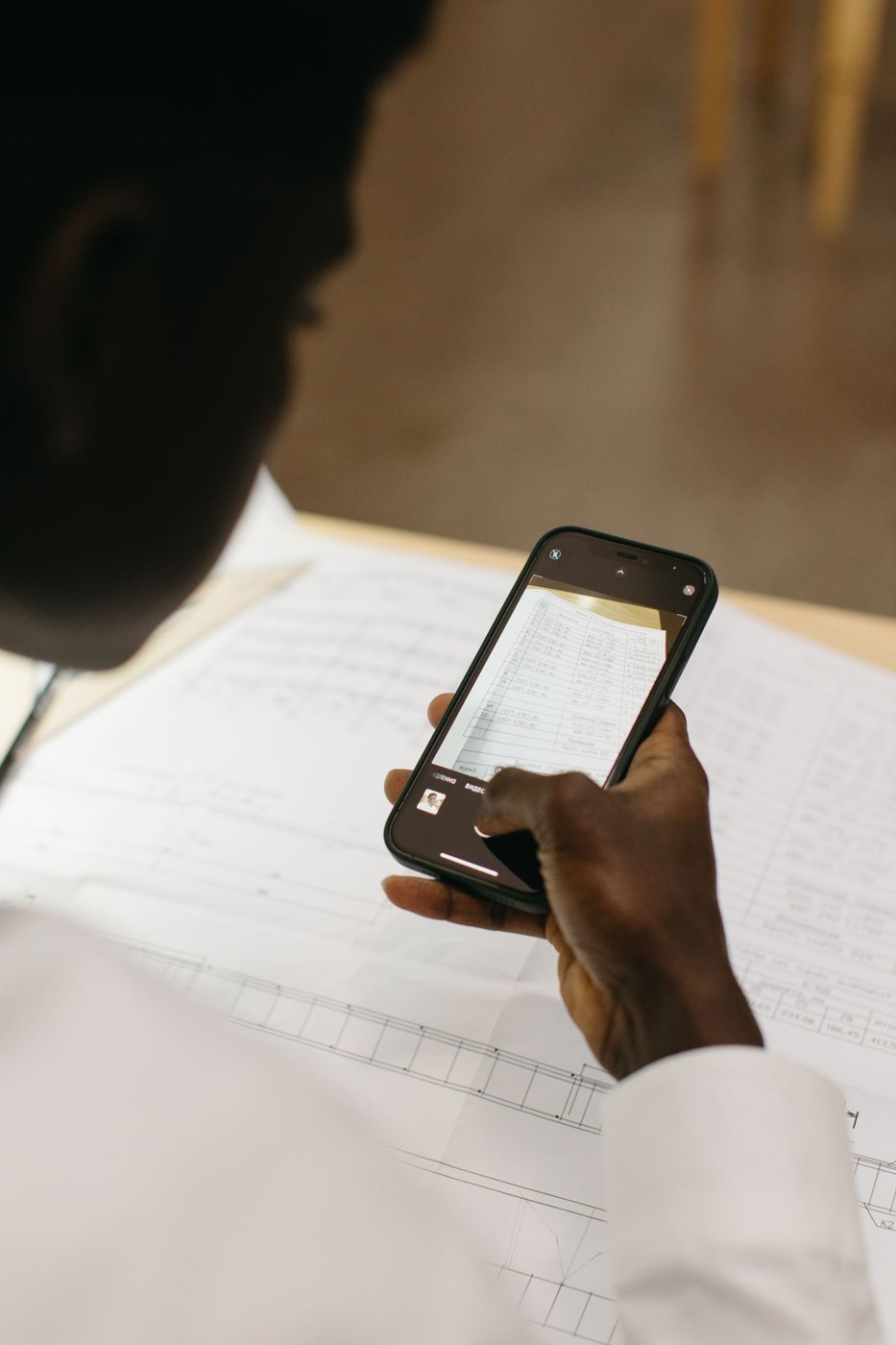
A phone can capture an occasional receipt quickly. Making the resulting file easy to find requires attention to the photograph, the check and the filing route.
Paper & documents
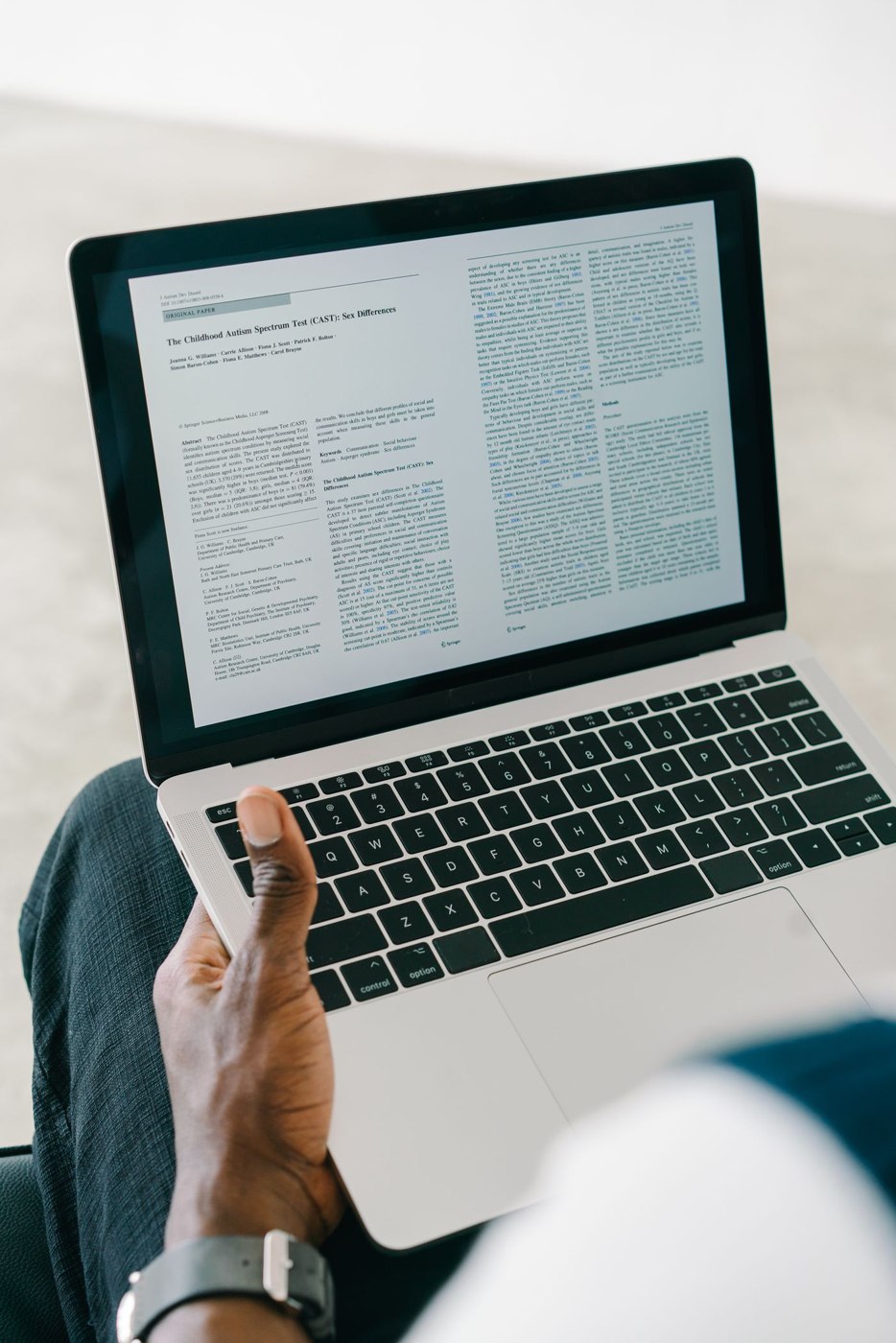
A PDF can look clear while containing incorrectly recognised text. Check both the page image and the characters used for search or copying.
Paper & documents
An inbox tray is a temporary stop for incoming paper. It works when each item leaves with a next action or a definite filing destination.
Paper & documents
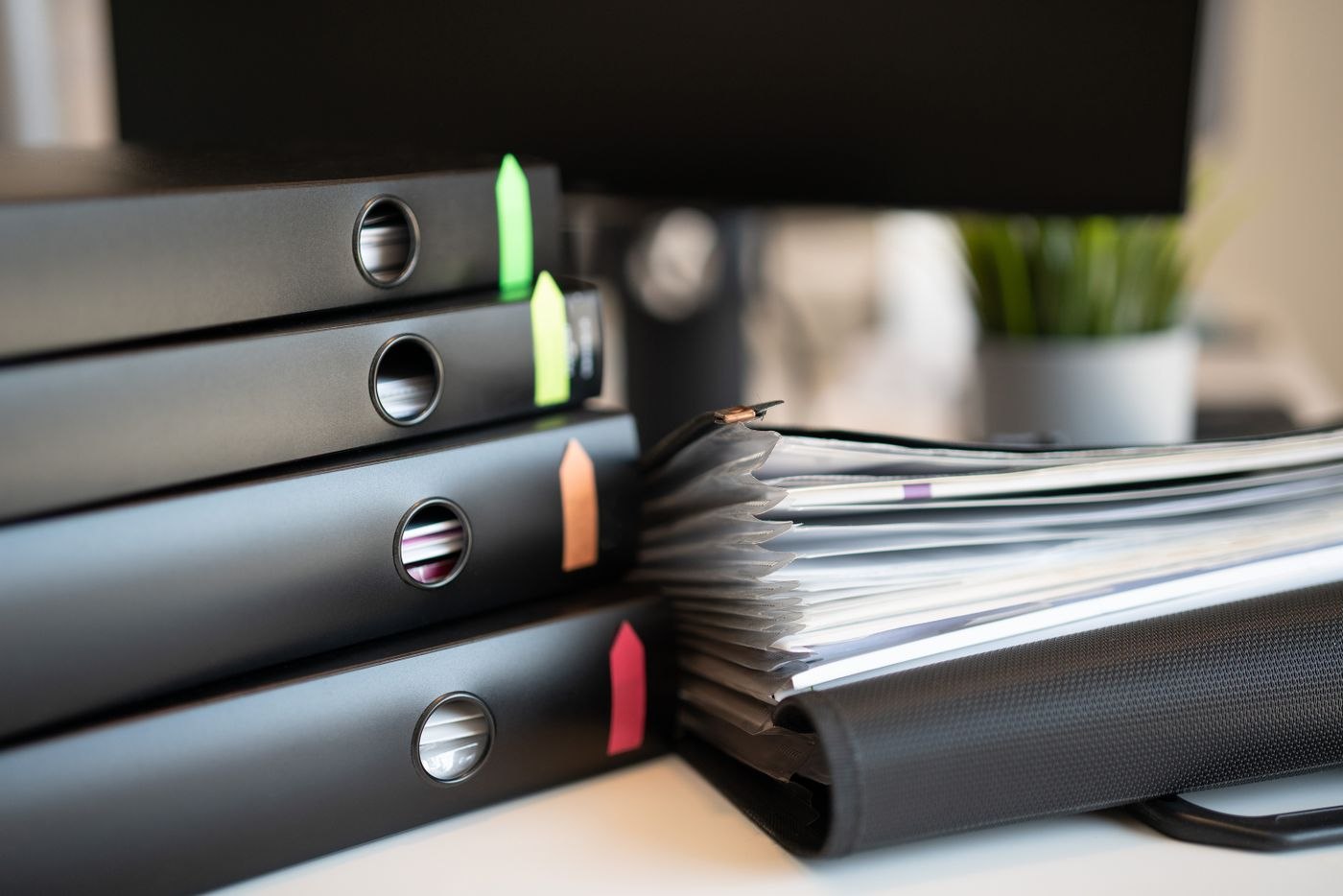
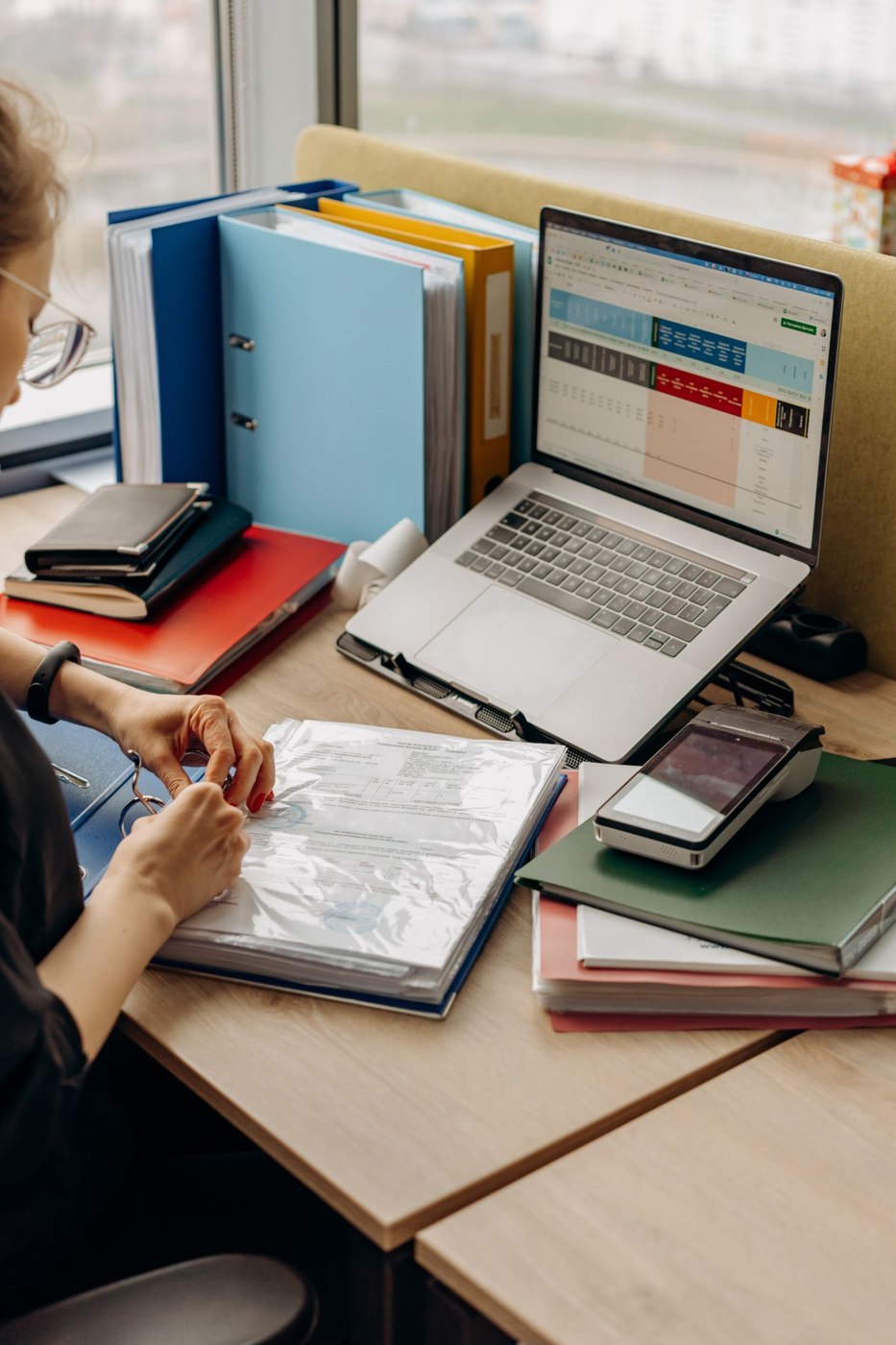
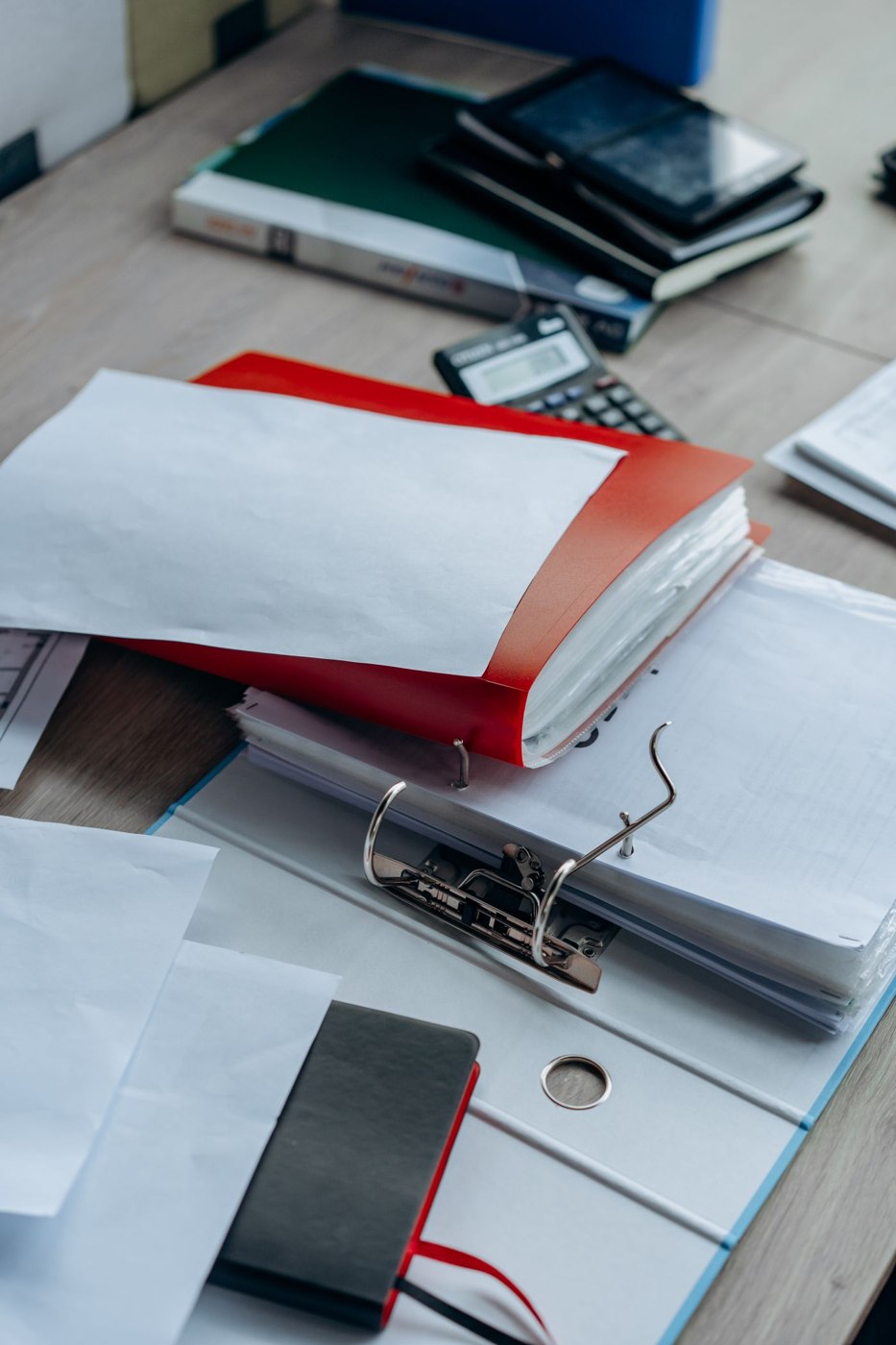
A binder is easier to use when its sections answer a recurring question. Filing and retrieval should follow the same organising principle.
Paper & documents
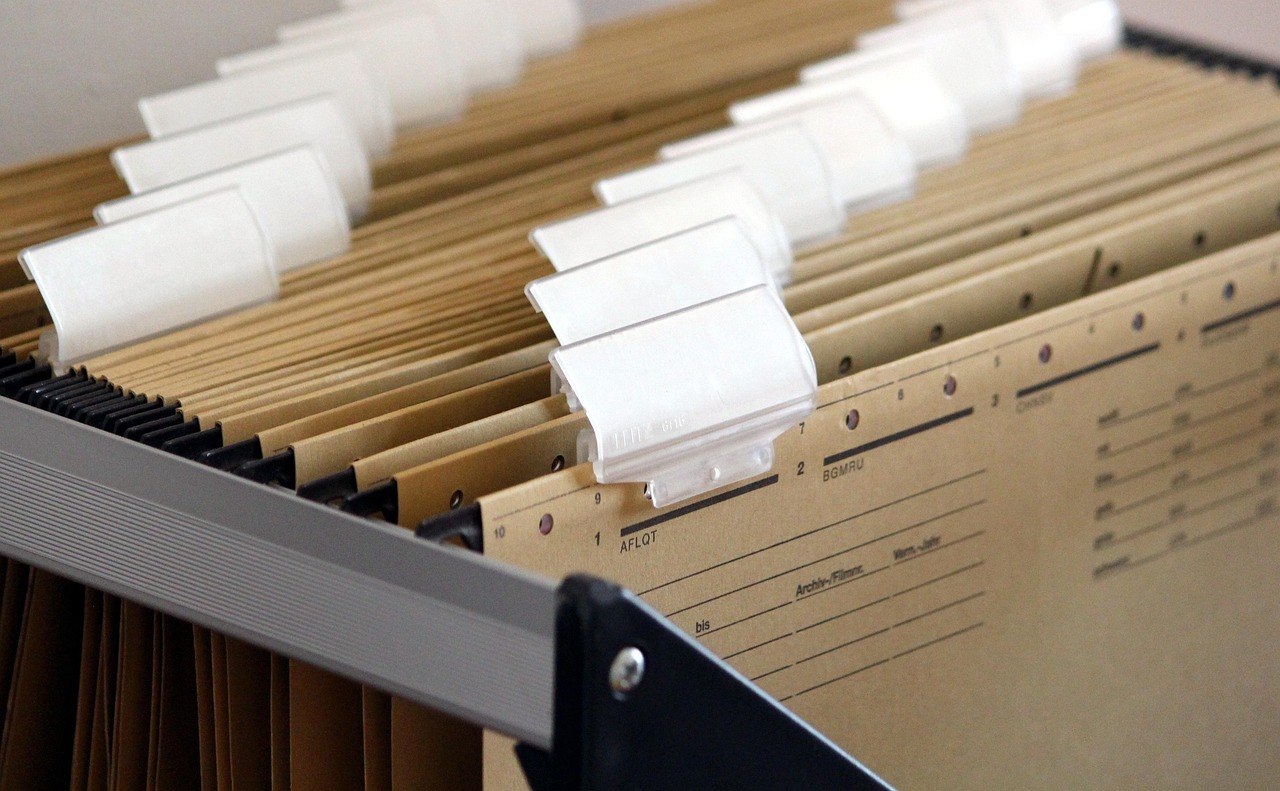
Hanging files can keep active cases individually accessible. Their usefulness depends on readable labels, a compatible drawer and room to handle the papers.
Paper & documents
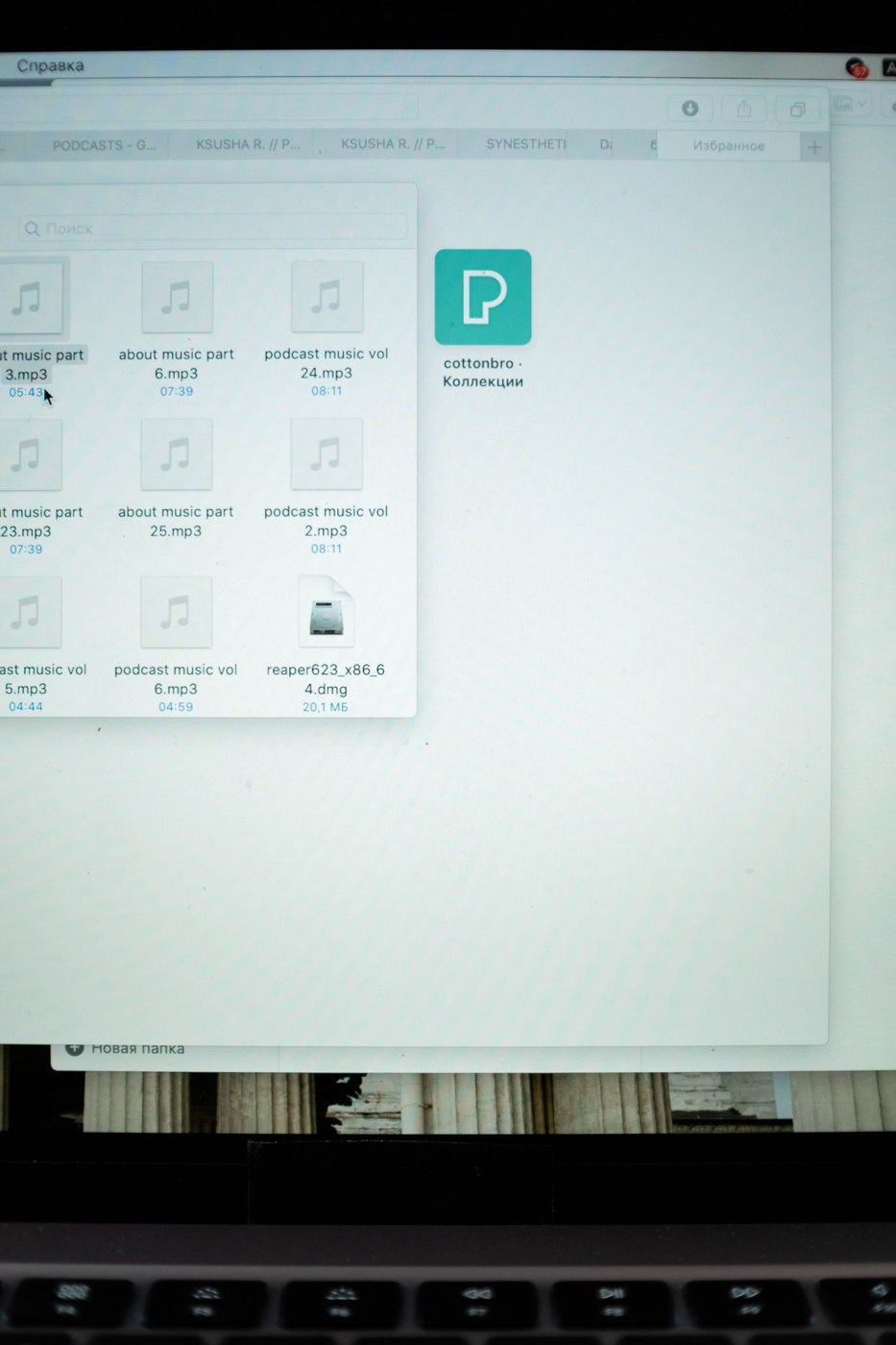
A useful filename answers enough questions without repeating the entire document. Decide on the order of information before many similar files accumulate.
Paper & documents
Improve an accumulated file structure without rebuilding every folder at once. Clear destinations and a defined transition matter more than a perfectly symmetrical folder tree.
Paper & documents
Give a paper file and its digital copy a shared identifier. This makes the original retrievable without building two elaborate systems for the same documents.
Paper & documents
The smallest PDF is not always the most useful. Compare readability and file size using a demanding sample page before scanning the entire pile.
Paper & documents
A shared PDF review works better when everyone examines the same version and comments have a clear purpose. Prepare the file, feedback route and closing decision together.
Paper & documents
Matching names and similar previews are not enough reason to delete files. Check their contents, purpose and recovery options before removing a copy.
Paper & documents
A shredder's workload includes preparing paper, feeding it, waiting through cooling pauses and emptying the bin. Maximum sheet capacity describes only one part of that process.
Paper & documents
Internal drafts, double-sided reports and presentation sheets put different demands on paper. Start with the printer's supported media and the job the finished document has to do.
Paper & documents
A label is useful only when it remains readable in its actual position and describes the contents clearly. Develop the format on a real shelf or drawer before committing to a whole sheet of stickers.
Paper & documents
Travel quickly exposes documents that were only apparently available. Prepare access around the actual appointment, including the possibility of a temporary loss of connectivity.
Paper & documents
A completed project needs an intelligible record, rather than an unexplained copy of its working disorder. Arrange the documents around the questions people are likely to ask about the result later.
Paper & documents
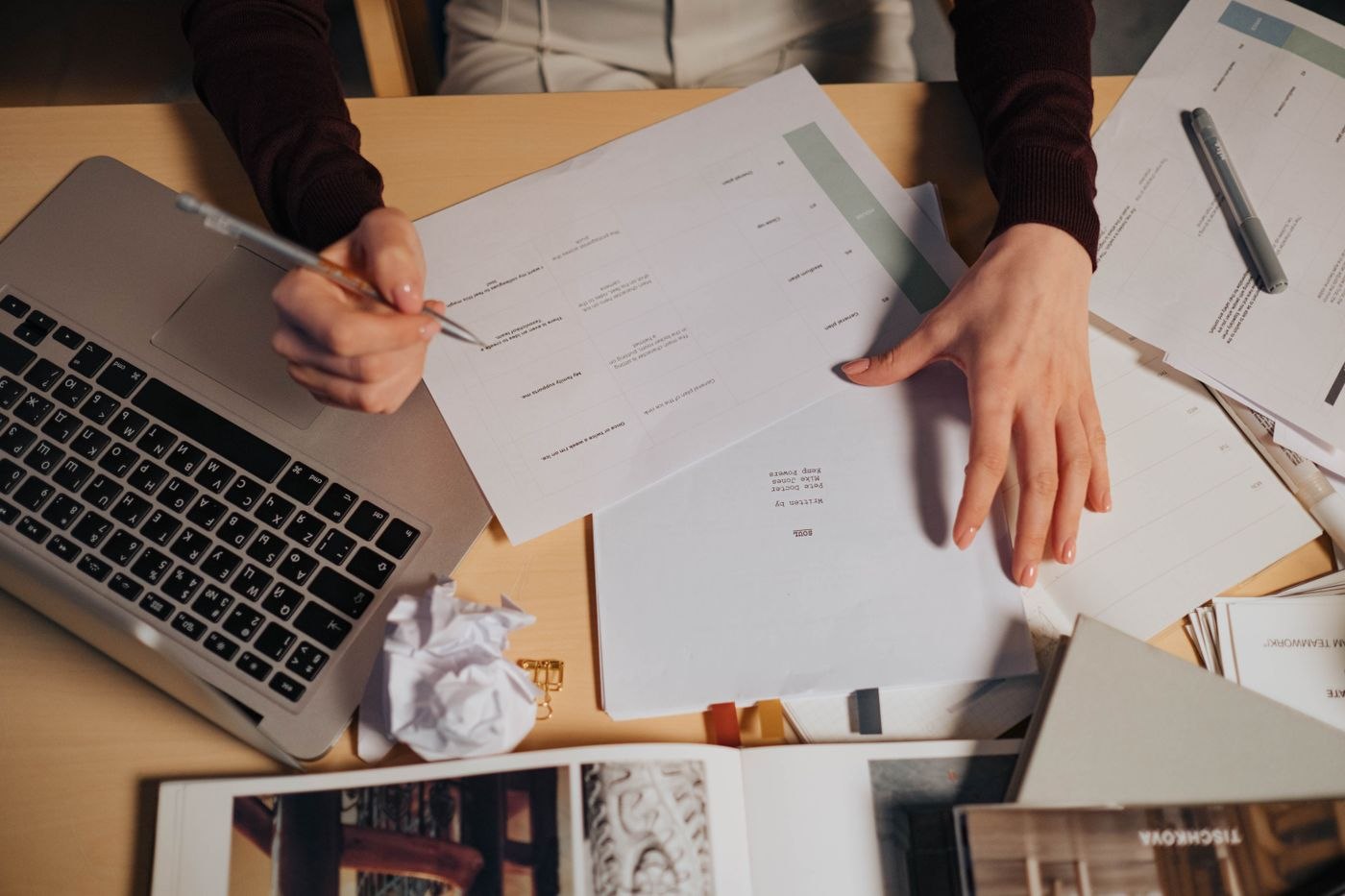
A large paper backlog becomes easier to handle when preparation, scanning and checking are treated as separate stages. Complete one small batch to discover how long the whole process actually takes.
Paper & documents
The test of a document handover is whether the next person can continue the work. A large collection of files without orientation merely transfers the searching to its recipient.
Paper & documents
A backup becomes useful when the required files can actually be restored from it. Plan responsibility and recovery as well as the copying process itself.