Choose a difficult sample
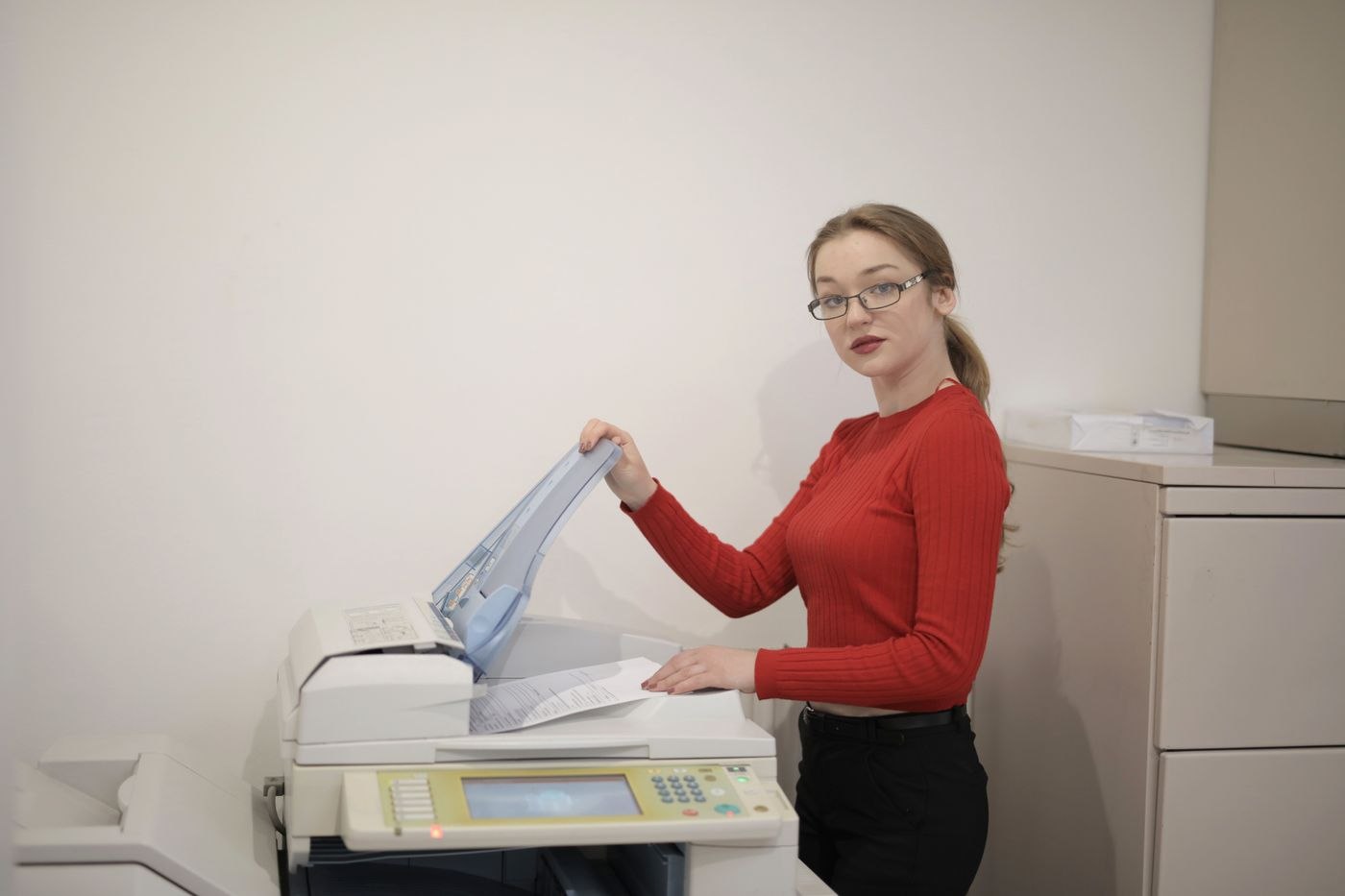
Do not select the cleanest sheet for your first attempt. Use a page containing small text, a faint stamp or a table with thin rules. If these survive, the setting is more likely to suit the remaining pages. Clean the scanning surface according to the equipment instructions and straighten the sheet. Increasing resolution will not reliably compensate for shadows, folds or dirt on the glass.
Establish the intended use first. A working copy read on screen has different requirements from a source whose fine graphic details will be examined later. Adobe gives 300 dpi as a starting point for colour and greyscale documents. Treat a value like this as a test setting rather than a guarantee for every original. Judge the actual content and increase resolution only when it makes required details more legible.
Remove colour only when it carries no meaning
A black-and-white mode may suit clear text but lose faint pencil marks or coloured highlighting. Greyscale preserves differences in brightness while losing the meaning of colour coding. If red and green lines indicate different states, colour can be part of the information. Make the decision from the document itself rather than from the expected reduction in file size alone.
Keep an unchanged starting file before trying stronger compression. Then compare exactly the same areas in both versions: small numbers, decimal marks, footnotes and fine table borders. Zoom in for this inspection, but also look at the normal reading view. A document that can only be deciphered at extreme magnification may still be unsuitable for the intended recipient. Check more than one page if the original contains different types of material.
Check searchability separately
Text recognition can make a scan searchable; it does not replace the visible document. Select the appropriate document language, then search for an unusual word and a number taken from the original. Copy a sentence into a plain text editor as a further check. Substituted characters and an incorrect reading order are often easier to notice there than by simply looking at the page.
Before sharing, check the page count, orientation and cropped edges too. Reopen the saved file instead of judging only the scanner preview. If the result remains too large for the intended transfer method, divide it into clearly labelled sections or use an approved transfer route. Do not send confidential material to an unfamiliar online service merely to reduce its size. Name split files so that their order and relationship are immediately apparent, and tell the recipient how many parts to expect.