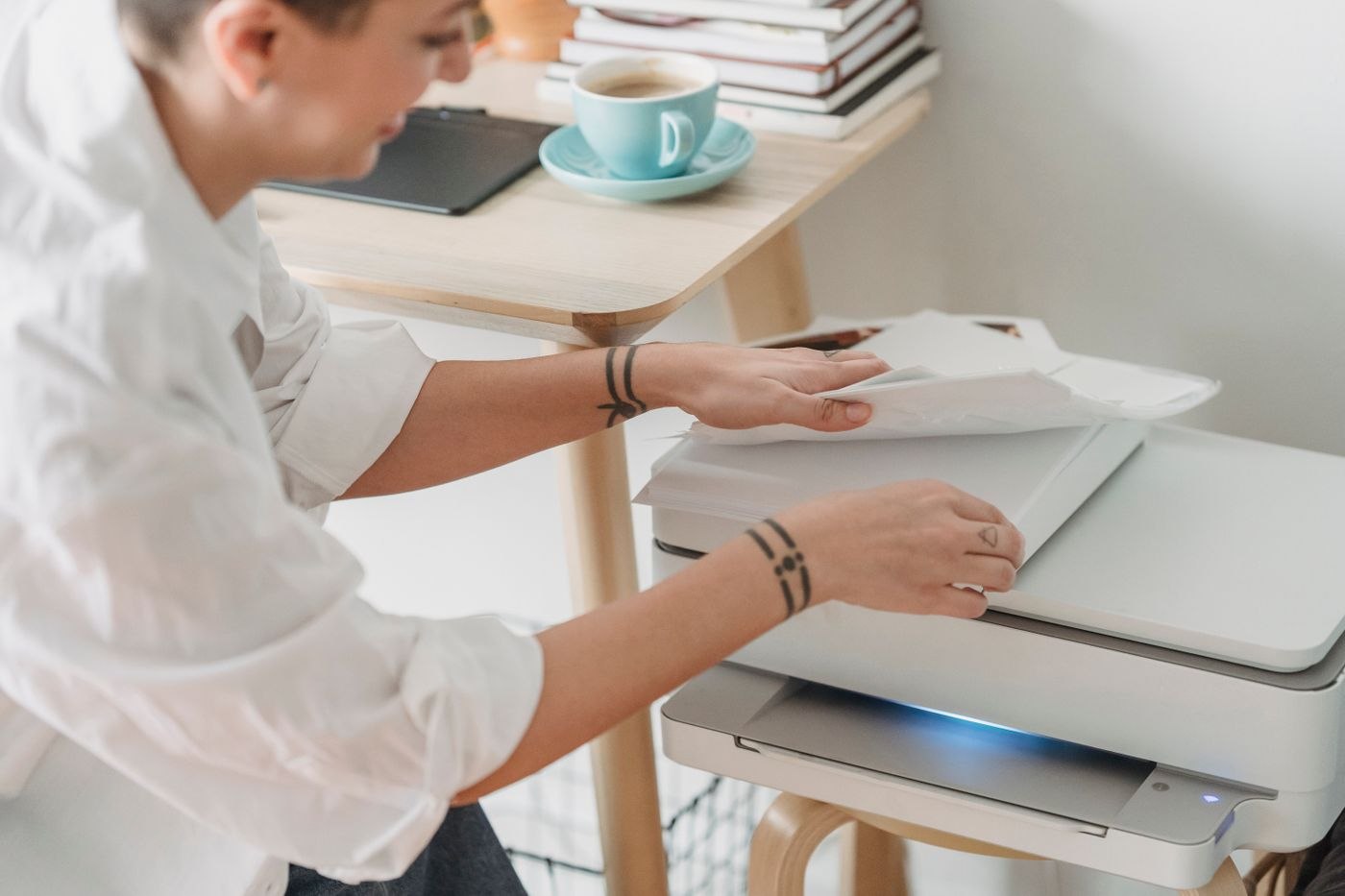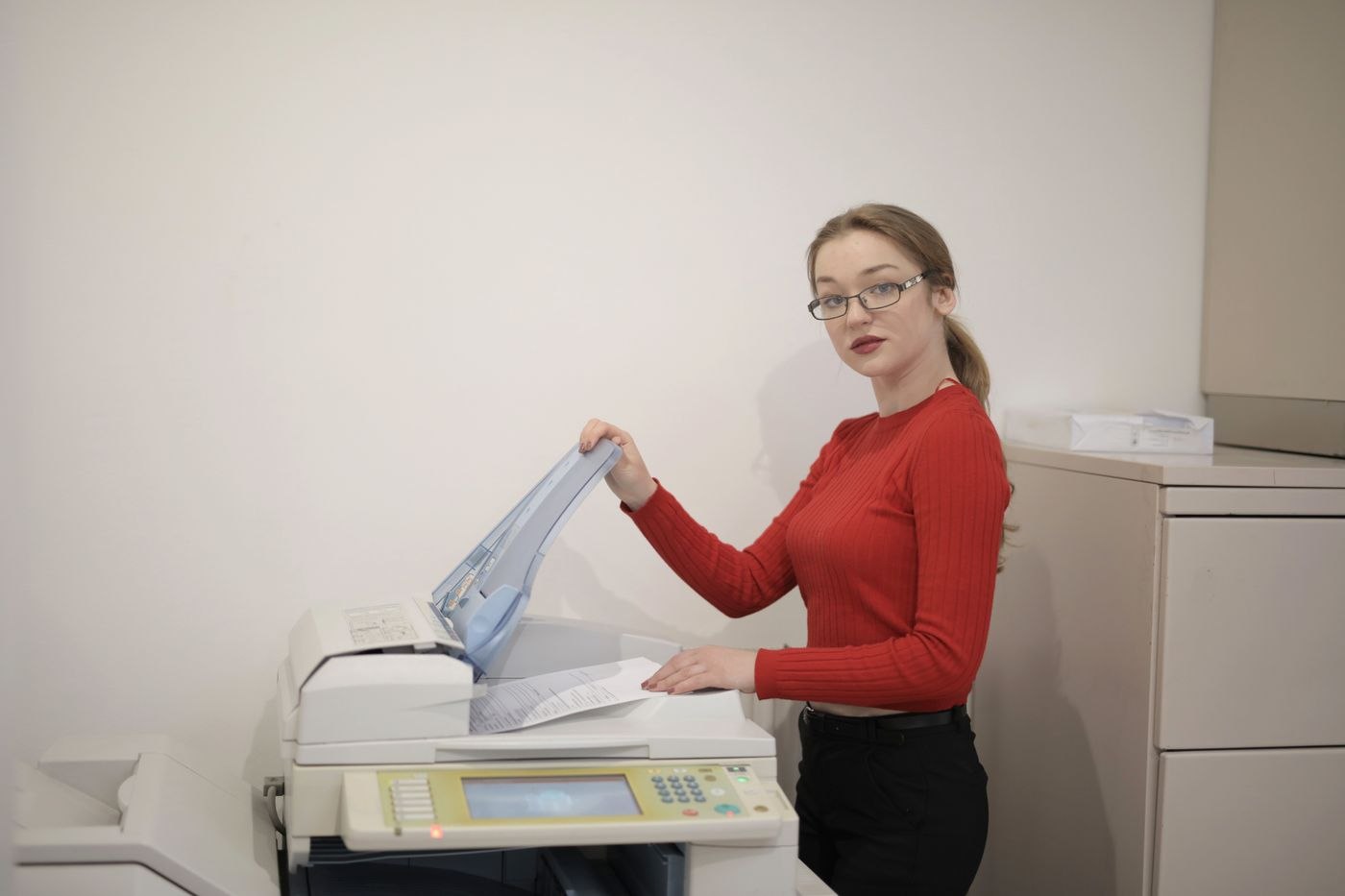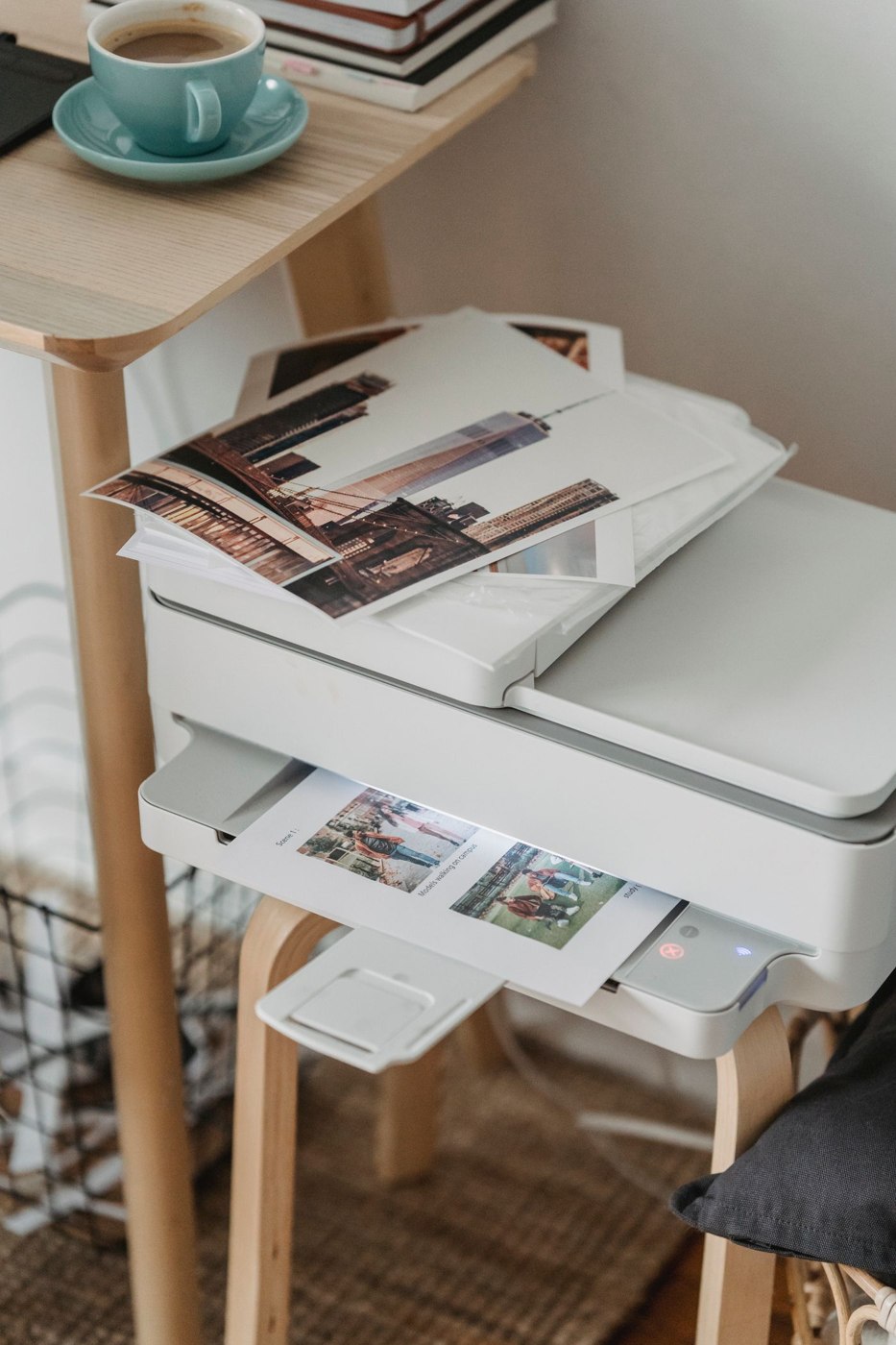
Start with the documents you print
Put a few typical files beside one another: a letter, a return label, a coloured chart and perhaps a photograph. Decide which genuinely need colour. A colourful document on a screen does not necessarily need a colour print. Different line patterns and labels may distinguish a chart adequately, whereas colour may be part of the purpose of a photograph.
Record whether your pages arrive one at a time over several weeks or as a substantial batch on one afternoon. The annual page count can be similar while the workflow differs. A batch needed quickly makes repeated paper loading unwelcome. For individual forms, an accessible paper feed on a compact machine may be more useful than a large paper reserve.
Compare complete machines and supplies
Inkjet printers use liquid ink, while laser printers use toner. That distinction alone cannot establish the total cost of a particular purchase. Compare the actual models and their consumables rather than treating either category as a guaranteed bargain. Costs beyond the initial machine can be especially noticeable when few pages are printed.
For each candidate, record the supplies included in the box and the replacement items listed in its manual. Are the drum and toner replaced together or separately? Which colours must be available? Does the setup involve registration, or is a supply subscription merely optional? A photograph of a large cartridge next to a printer does not establish the contents of the package you are buying.
Work through a modest example using your own intended documents. An advertised yield does not promise the same result for every page: a short letter and a presentation with large coloured areas use supplies differently. If colour is an occasional exception, include a monochrome printer at home plus an outside printing service for those exceptions among the arrangements you compare.
Account for the periods between jobs
Read the manufacturer's instructions for extended periods without use and routine maintenance. Decide whether those steps fit your habits. A printer purchased for urgent forms should not need its entire connection set up again each time it is required. Include its connection and a place for suitable paper in the permanent arrangement.
Check the space with covers open and the output tray extended. A device that fits a shelf only when closed adds work to every printing session. Also establish how you will reach it from the computer you actually use, particularly if the laptop regularly moves to another room. The connection should fit the room arrangement as well as the specification sheet.
For infrequent use, a manageable sequence matters: open the file, load the paper, print and collect the page. Select a machine around that sequence and your documents. Additional functions are useful when they replace tasks that really occur in your household or office; a longer feature list does not by itself simplify occasional printing.