Assemble a representative batch
Do not use a random pile of old paperwork as your only reference. Select a small batch reflecting the work you expect to continue doing: multipage letters, receipts, two-sided documents and, where relevant, delicate or bound originals. Count the different handling steps the mixture requires. A machine may be convenient for uniform sheets while needing repeated adjustments for mixed material.
Separate a one-off backlog from later everyday work. If a major clear-out leaves only a few new pages each week, that smaller continuing need should influence a permanent purchase. For a limited archive, temporary arrangements or an appropriate outside service may also be worth comparing. Confidential material and the service's conditions need to be considered before any originals are handed over.
Consider what sharing a machine means
A multifunction printer can make sense when printing or copying is already needed and its location suits scanning. A second device requires its own space and connection. However, compare more than closed dimensions. Establish whether originals, output and the screen used to check the result are all accessible during the job.
In a shared office, a separate scanner may allow scanning work to take place away from people collecting printouts. That benefit depends on clear handling areas. Another machine placed on the only free working surface may remove the space advantage. Mark the actual working zone required by each arrangement before deciding between them.
Also establish who operates the process. When one person prepares a batch and another files the resulting documents, the handover needs a clear status. If everyone scans their own papers, the procedure should be repeatable without a lengthy explanation. A personal scanning profile is less helpful when nobody else can identify the folder to which it sends documents.
Match the feed to the originals
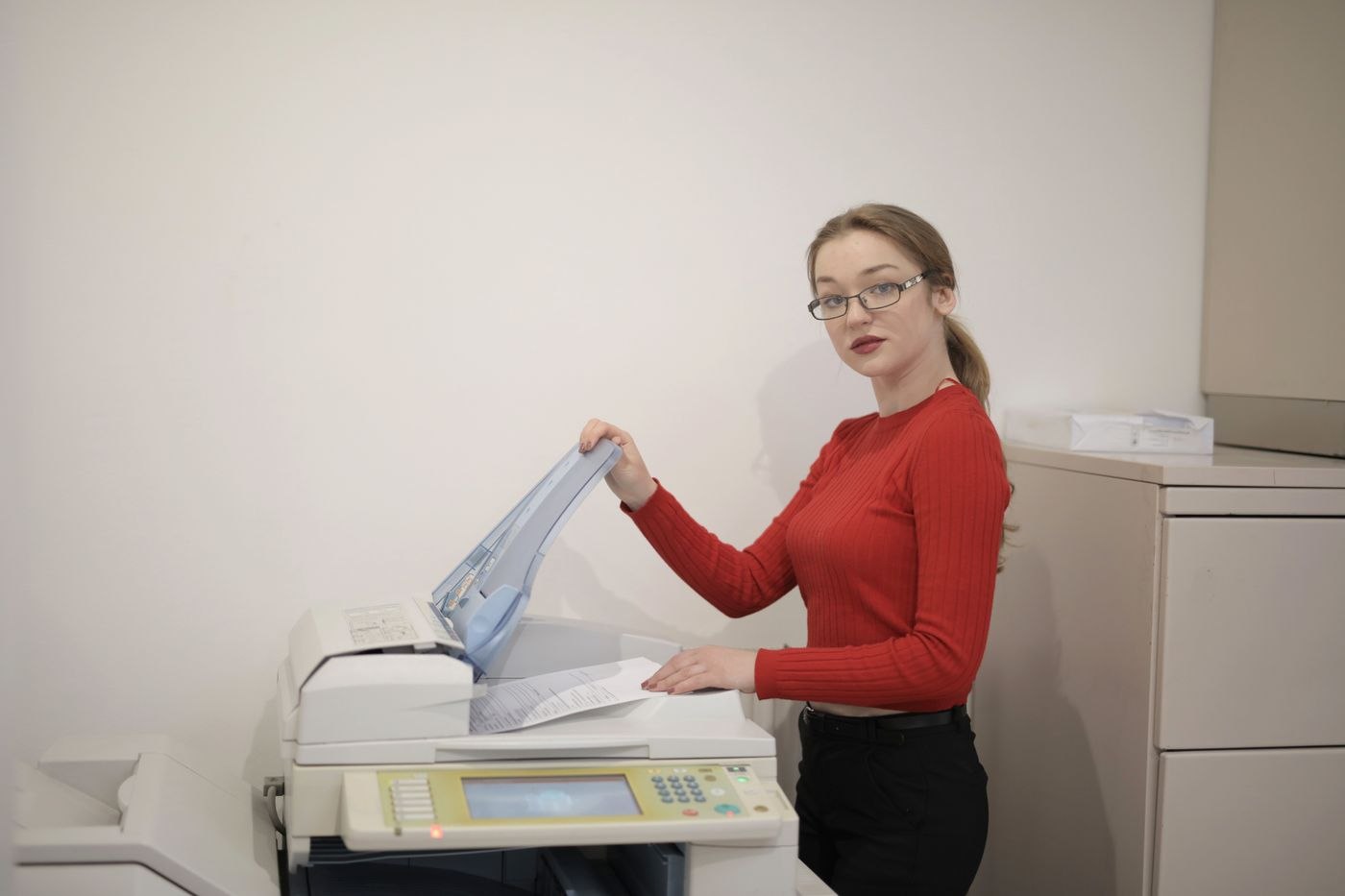
Check supported originals in the specific manual. A feeder opening is not evidence that every receipt, identity document or bound booklet can pass through it. Material unsuitable for the feeder needs another method, which may be a flatbed if both the machine and the original permit it.
Automatic capture of both sides of a sheet is a separate capability; a claim about duplex printing does not establish it. Consider whether different page sizes fit the proposed process and how you replace a badly captured page. A brief trial with your own non-sensitive samples can be more informative than a rapid demonstration using perfectly prepared sheets.
Treat the file as part of the output
Open the finished scan outside the scanning application. Are all pages present, correctly oriented and saved where expected? Can you change the filename without an awkward detour? Test these steps on the computer that will actually be used. A demonstration on another system may rely on additional software that is not part of your setup.
If searchable documents are required, try text recognition on a difficult sample and inspect the result. Establish whether the necessary function is included in the available application or requires another licence. Otherwise the visible hardware price can disguise software costs associated with a step you expect to perform regularly.
For your comparison, record more than a pages-per-minute figure. Note the time and interruptions involved in the complete sequence: preparation, scanning, checking, naming and filing. Include the small corrections that occur when a page is upside down or the destination folder is wrong; those are part of the job rather than exceptions to be ignored.
If the existing multifunction device handles this sequence comfortably, another machine may add little. If its feed, location or file output interrupts every batch, the benefit of a dedicated scanner can be described in terms of a specific task it improves. That makes the decision easier to assess than buying an additional device simply because the current backlog looks large.