Follow a sheet through the workspace
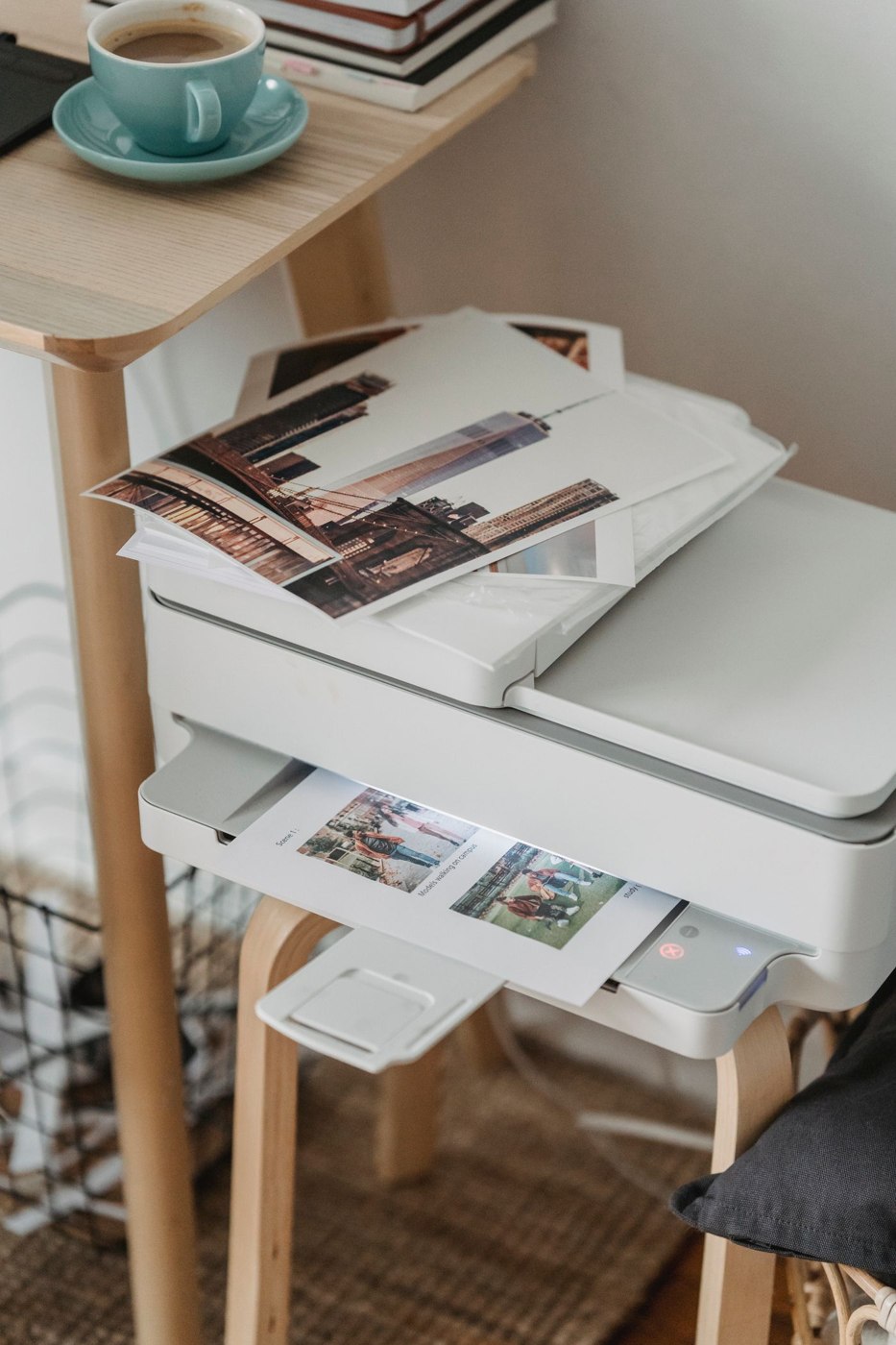
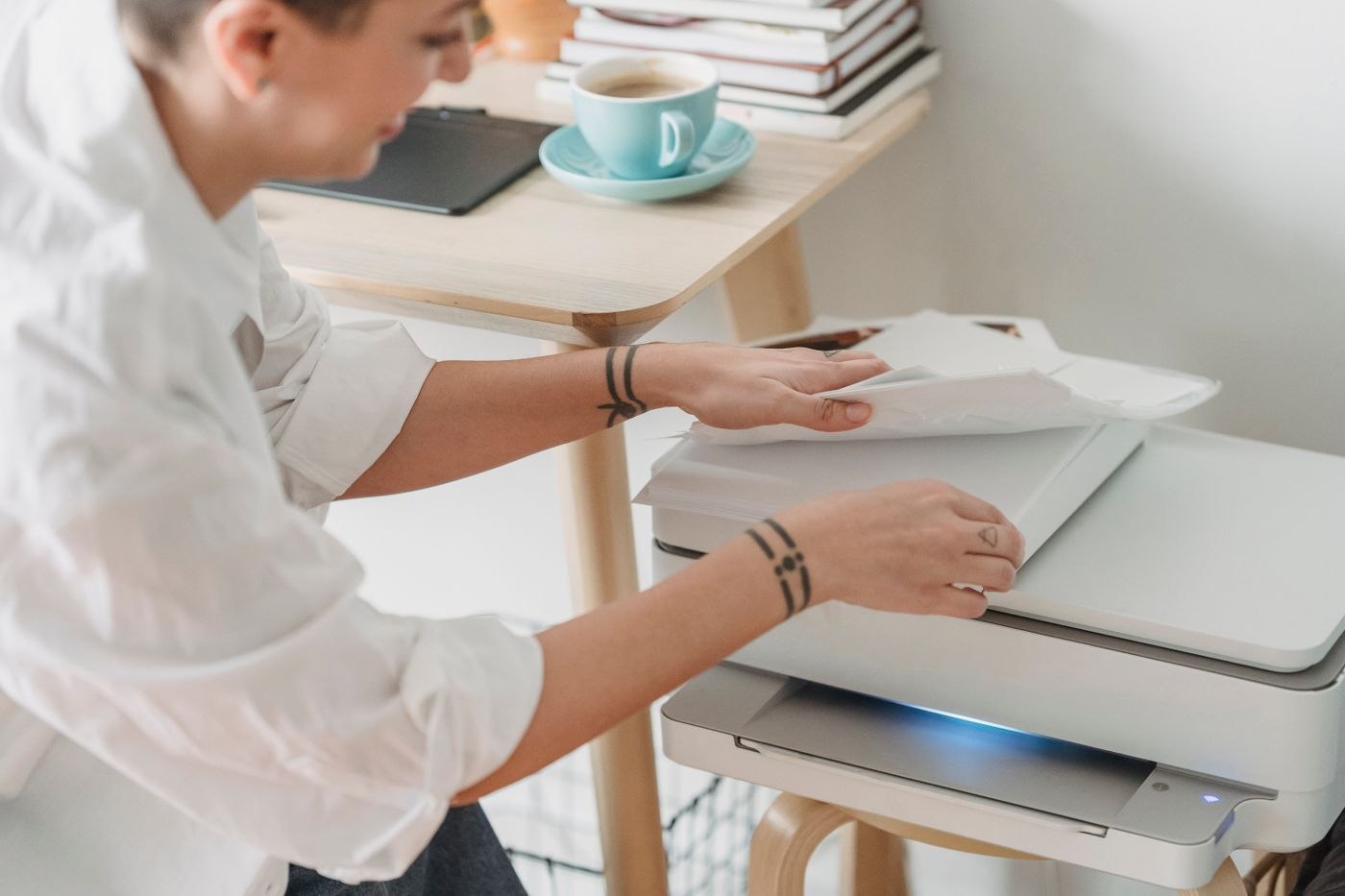
Sketch a short sequence: where blank paper is stored, where it enters the printer, where it emerges and where finished work is placed. On a narrow shelf, a rear feeder or extended tray may substantially change the required space. The closed footprint is therefore only one part of the arrangement.
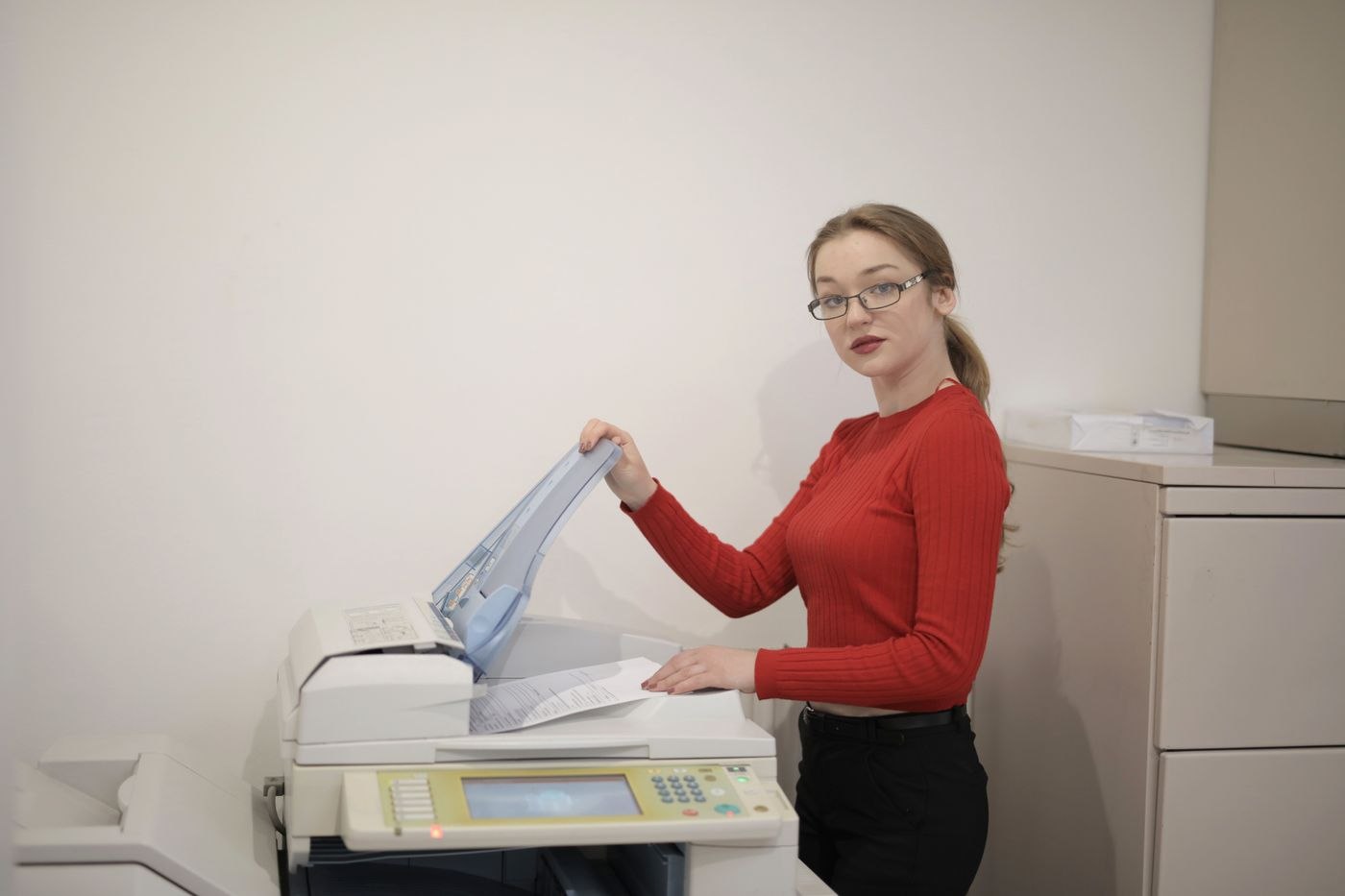
Find the manufacturer's drawings of the paper trays. Check operating dimensions where available and the direction in which covers open for loading or clearing a problem. A low cupboard may make access from above awkward. Mark the body footprint on the intended surface, then add strips of paper to represent open parts. This makes the required working area easier to judge than a product photograph alone.
Separate your different paper jobs
A main cassette for ordinary documents and a separate feed for other media can serve different purposes. The permitted paper type, size and thickness depend on the specific model. A rear opening does not mean that any card or label stock is suitable. Use the approvals in the manual rather than inferring capability from the shape of a slot.
List the media you actually expect to use: ordinary paper, preprinted forms, envelopes or compatible label sheets. Beside each, write the required feed and setting. This exposes arrangements where a frequent change requires unloading the main tray. That may be acceptable for an occasional special job, but inconvenient several times each day.
Keep different stocks identifiable. Retaining a labelled wrapper beside the supply is more useful than several loose stacks that look alike. During a demonstration, establish which side of a preprinted sheet faces upwards and how its orientation is selected in the print dialogue. One test page can reveal a loading mistake before an entire batch is affected.
Leave room to collect the result
Output trays should not project into a walking route or collide with nearby objects. Check that you can remove a finished stack without disturbing paper waiting in the feeder. Where several people share the device, a clearly identified collection area beside it can prevent somebody else's printout from being mistaken for unused paper.
Keep replacement paper accessible but clear of moving parts. A location comparison should therefore include three areas: the machine itself, its open trays and the space needed for your hands. A slightly larger position with straightforward access may create less work than a close-fitting shelf from which the printer must be moved every time paper is changed.