Space & furniture
Planning a desk in a narrow room
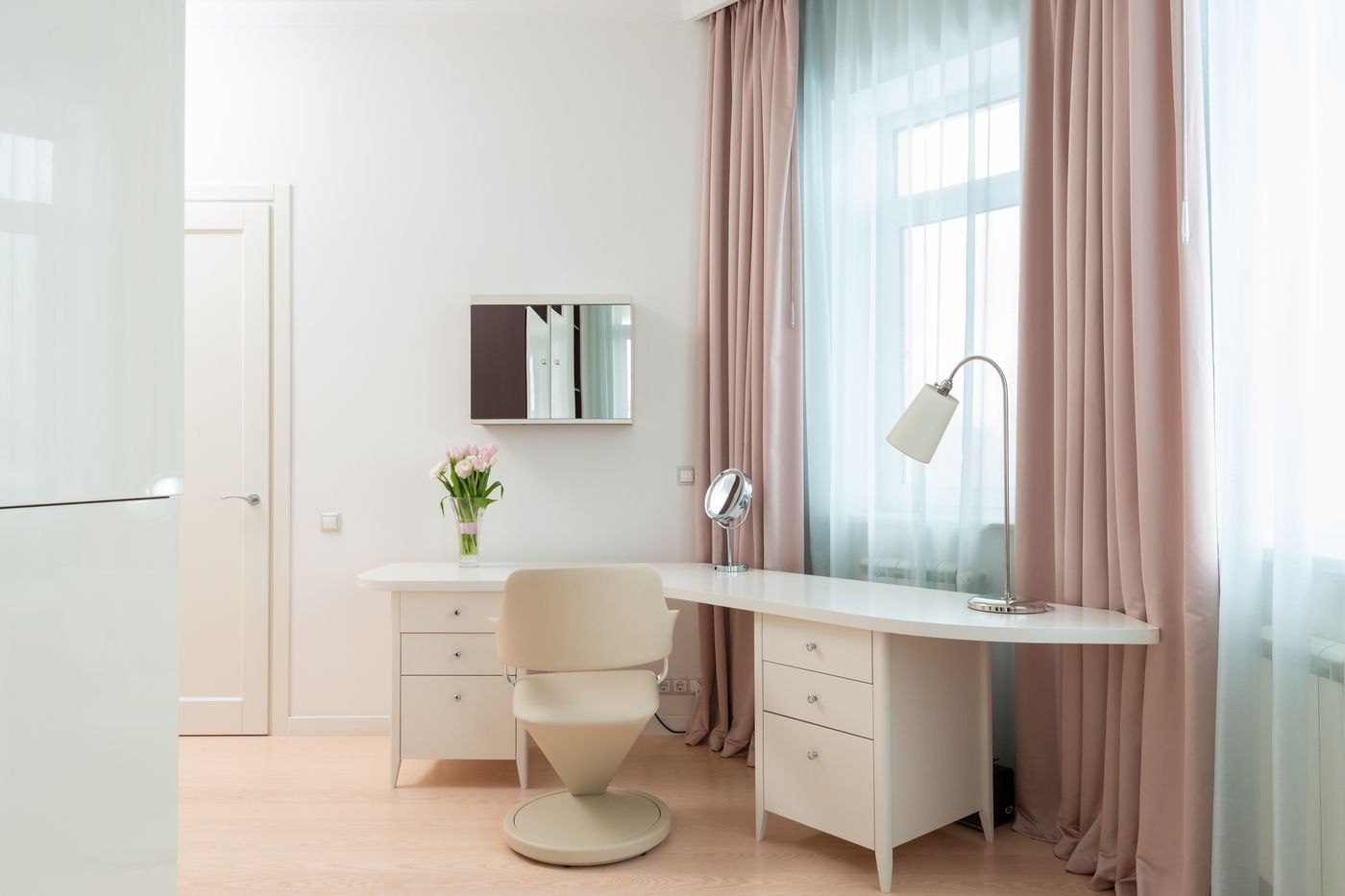
Desk width tells only part of the story. Test the room with the chair pulled out, doors open and your actual work equipment in place before choosing furniture.
The article archive
Space & furniture
Desk width tells only part of the story. Test the room with the chair pulled out, doors open and your actual work equipment in place before choosing furniture.
Space & furniture
Usable depth is the space between the front edge, input devices and display. Measure it with the equipment you actually use.
Space & furniture
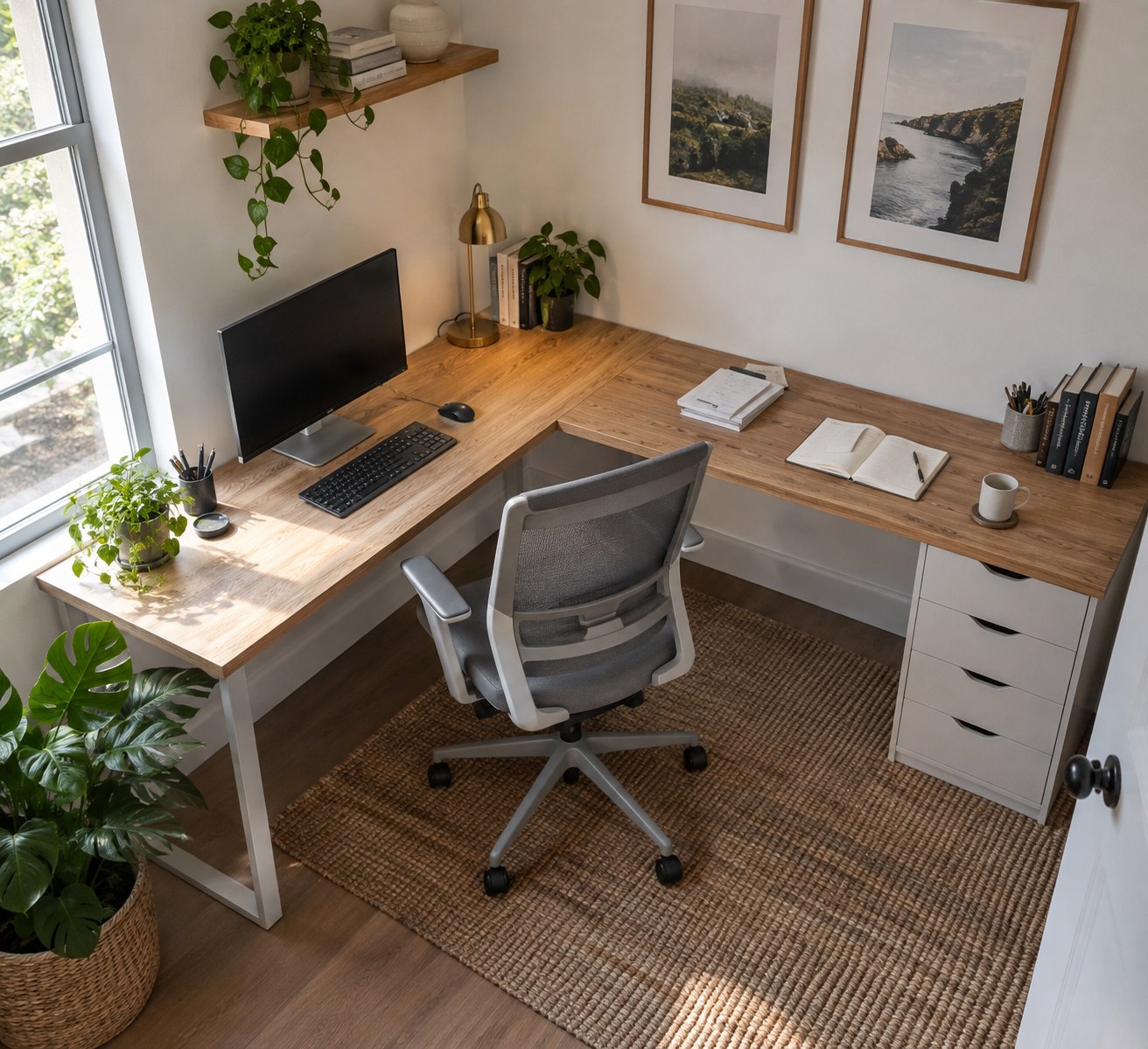
A corner desk adds useful space only if you can reach it and move the chair freely.
Space & furniture
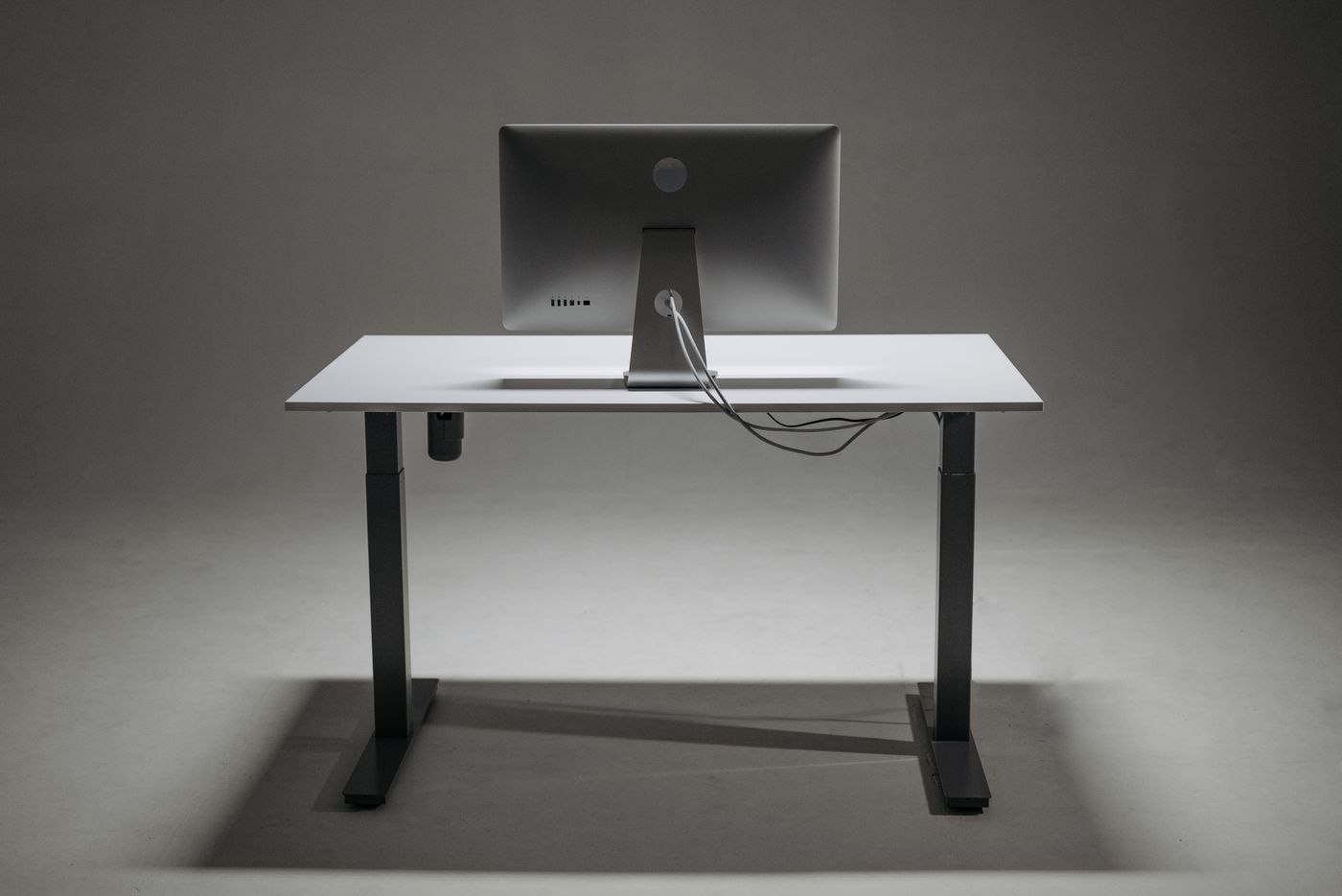
Height range, movement and accessories must work together. Testing the planned setup reveals more than inspecting an empty desktop.
Space & furniture
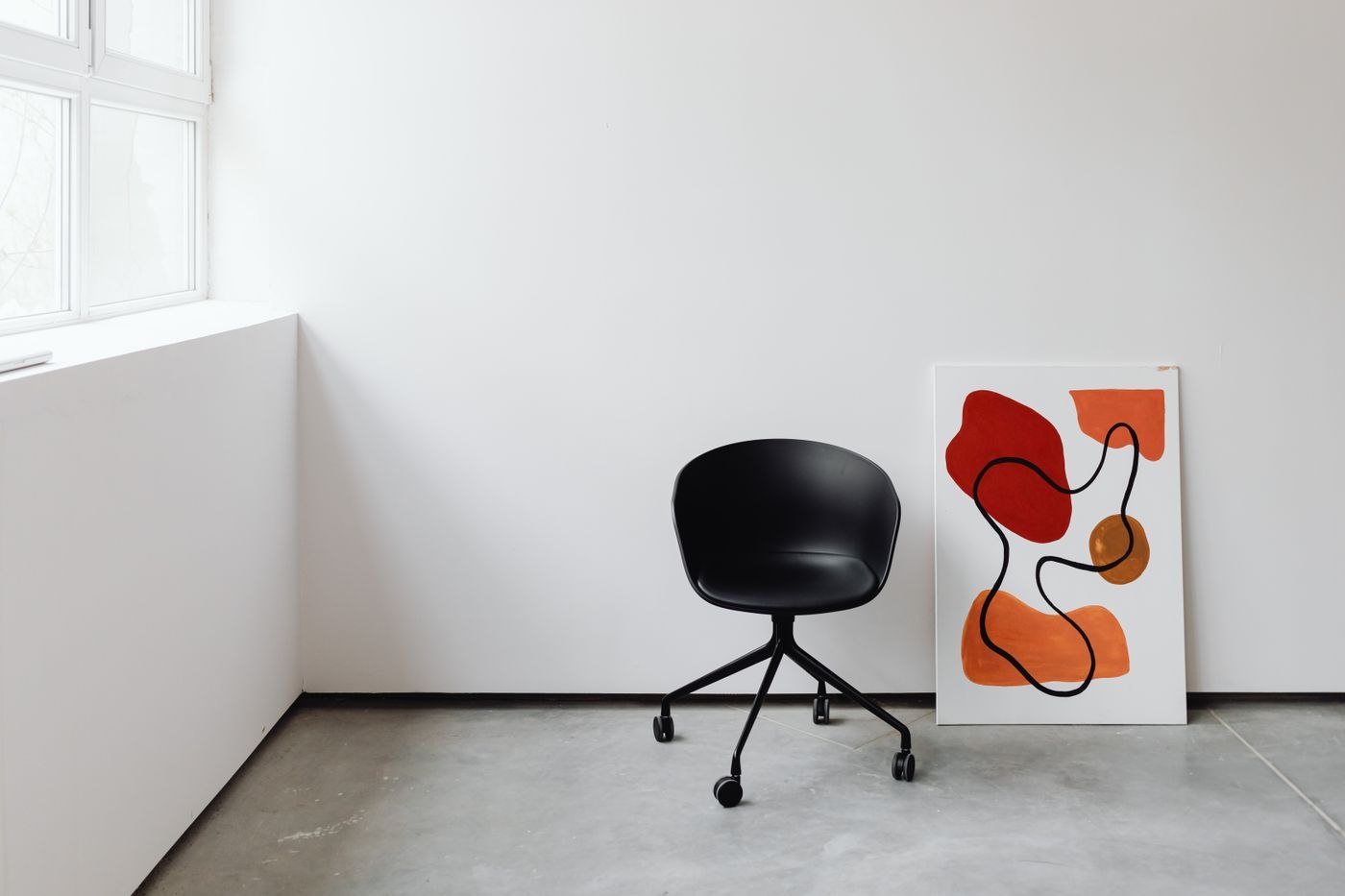
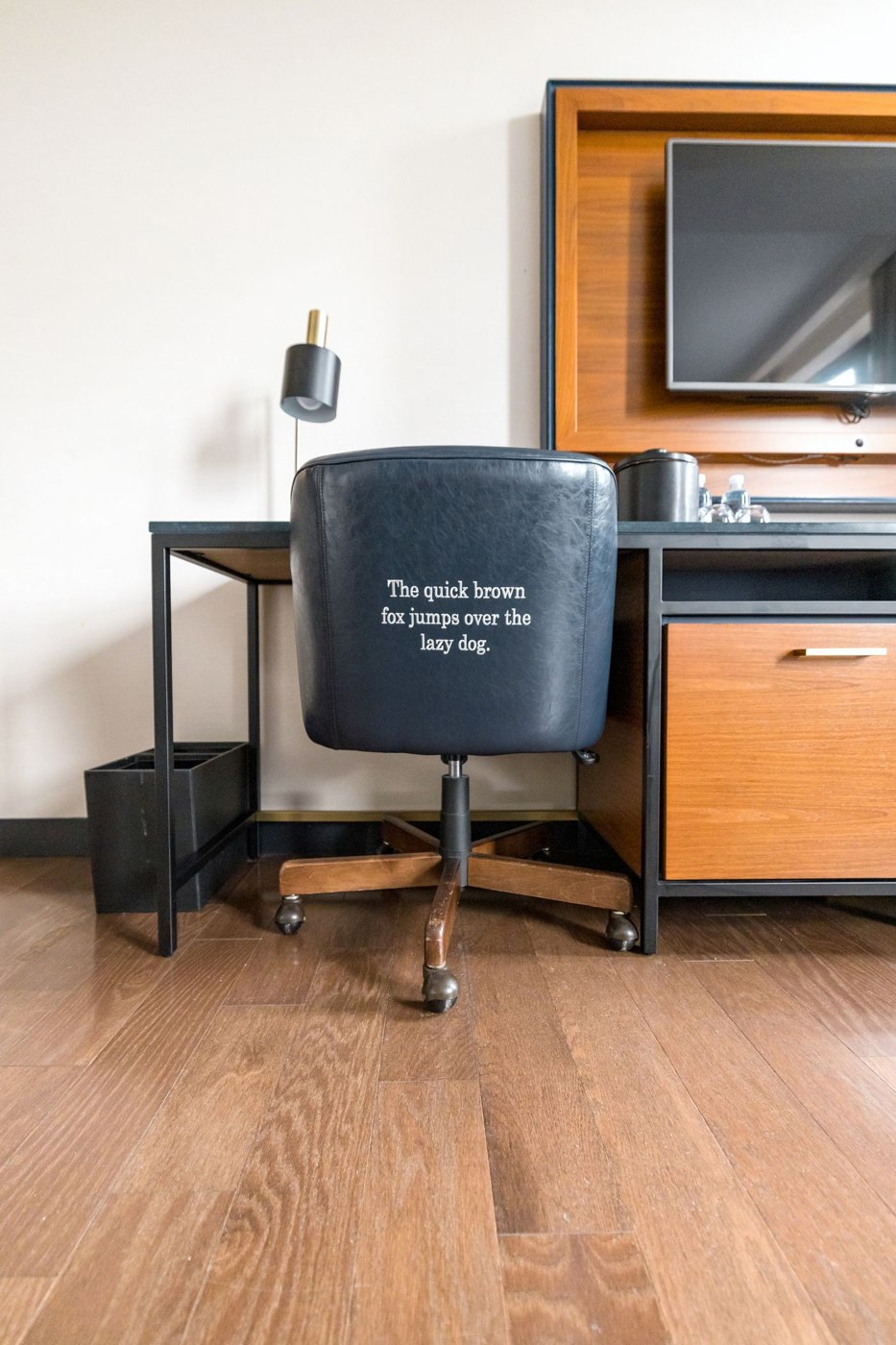
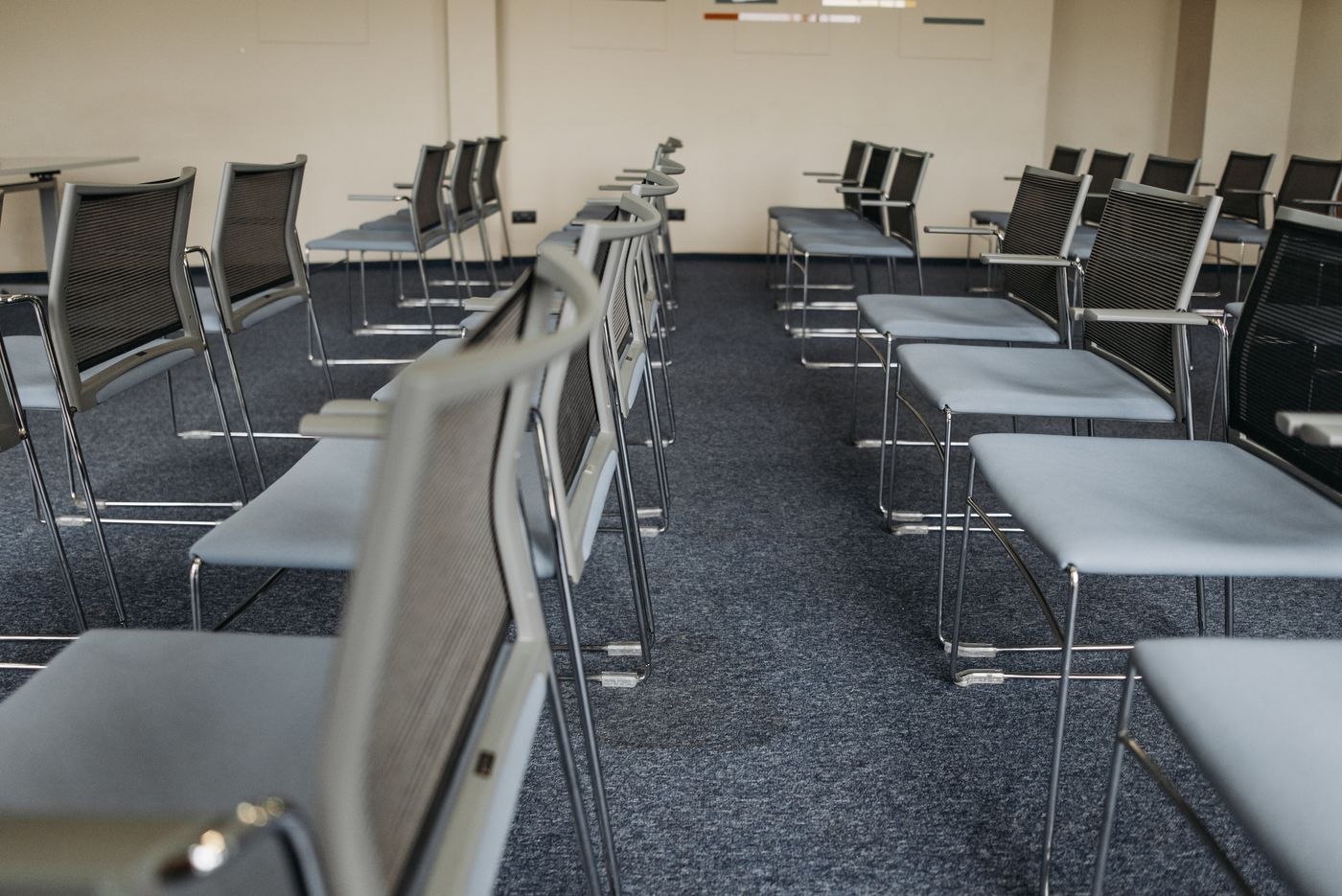
Judge a chair alongside the desk, floor and equipment. Start with the adjustments that actually work.
Space & furniture
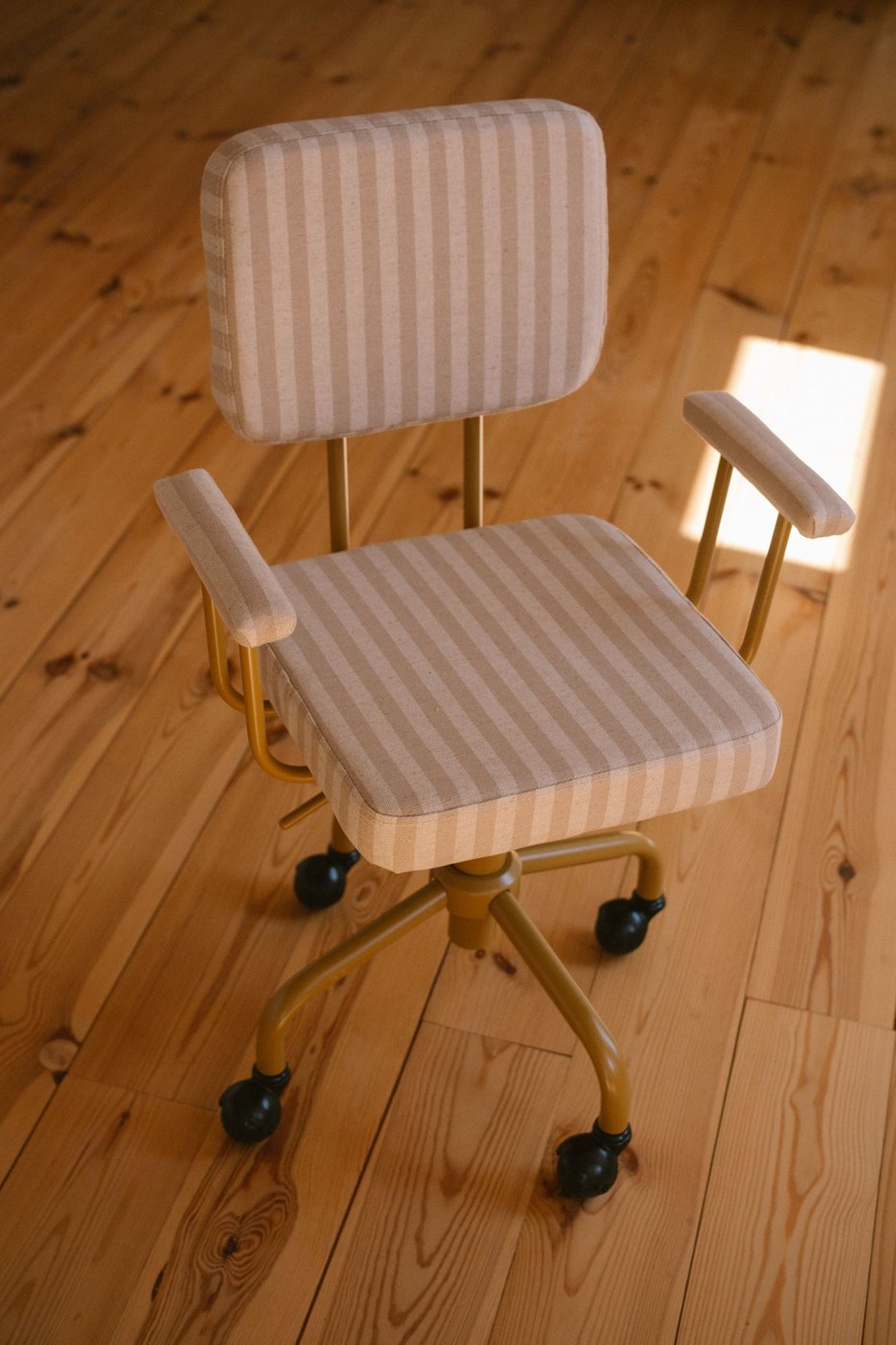
Armrests can limit access to the keyboard. Compare their height, width and movement with the underside of the desk.
Space & furniture
A desk used at different times needs a quick changeover and separate places for personal materials.
Space & furniture
Two workstations need to function at the same time, including calls, chair movement and access to shared equipment.
Space & furniture
A dining table can provide temporary workspace. A complete pack-away kit and a workable changeover matter more than leaving a laptop there permanently.
Space & furniture
Storage and daily setup are part of choosing a folding desk. Test both as carefully as the working surface.
Space & furniture
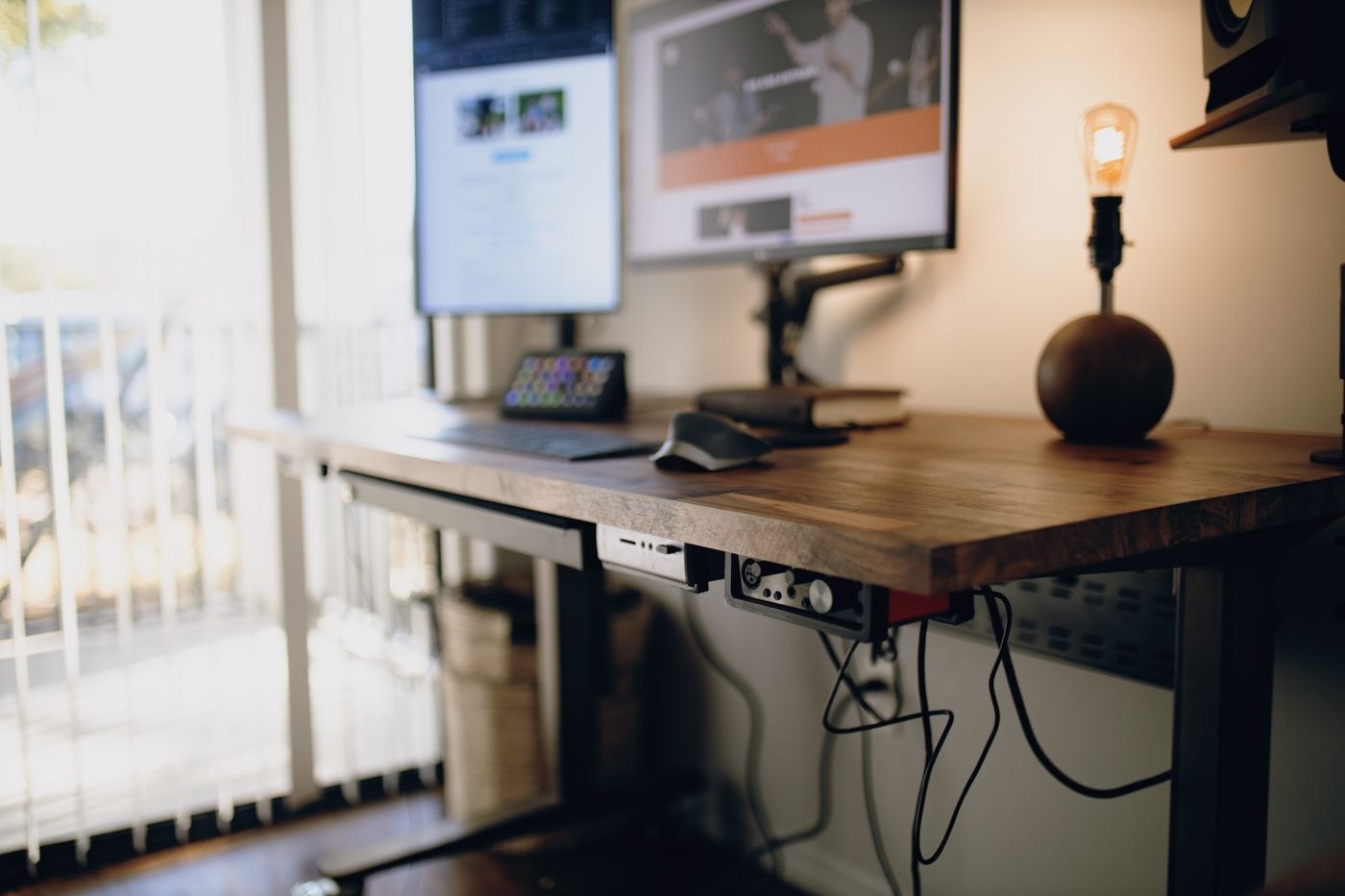
The area beneath a desktop is also movement space. Store only what you can reach without disrupting the workstation.
Space & furniture
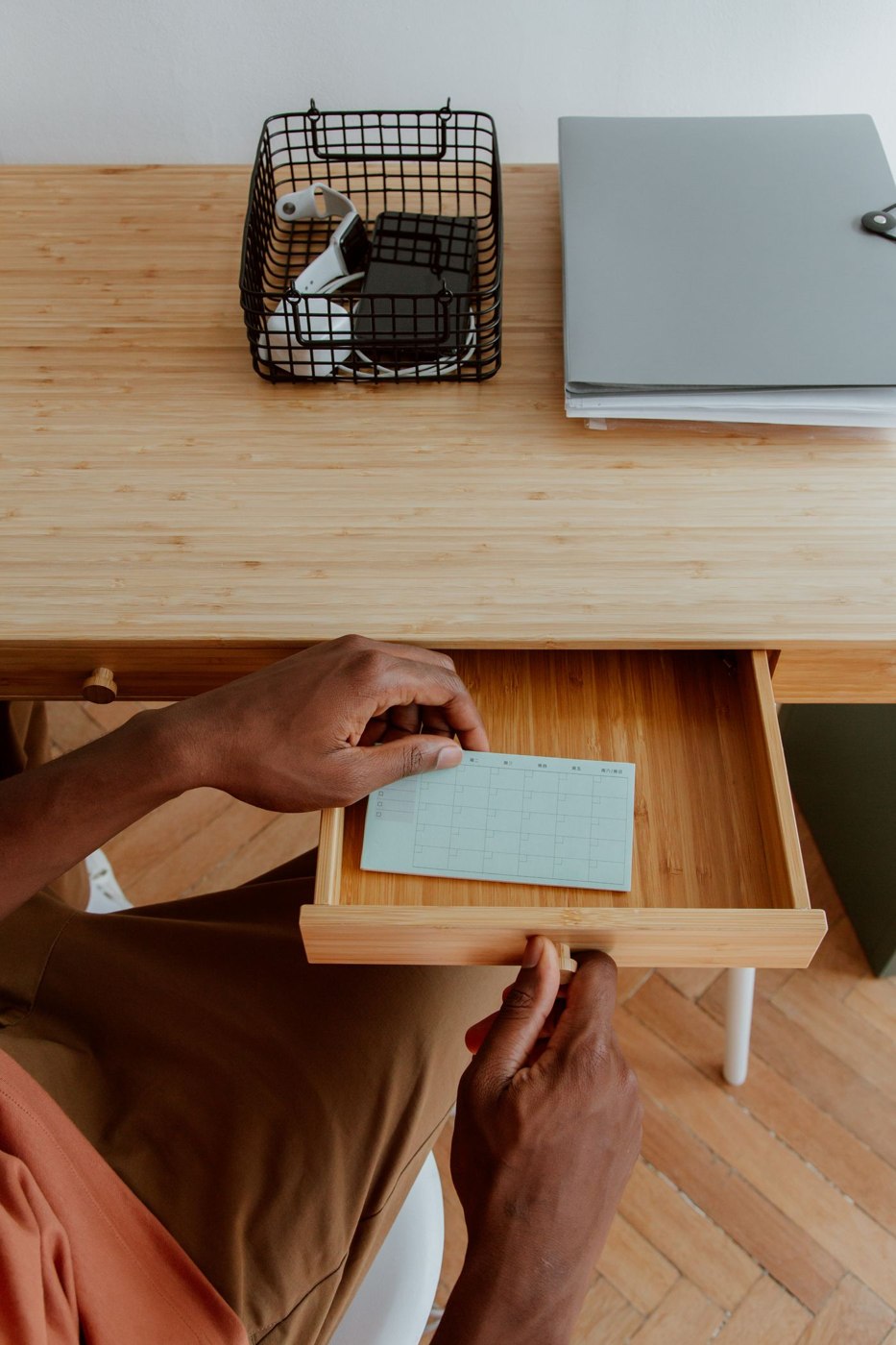
A mobile pedestal needs more than clearance beneath the desk. Drawers, wheels and contents determine whether it works there.
Space & furniture
The choice depends on retrieval frequency and how much visible organisation you want to maintain in the room.
Space & furniture
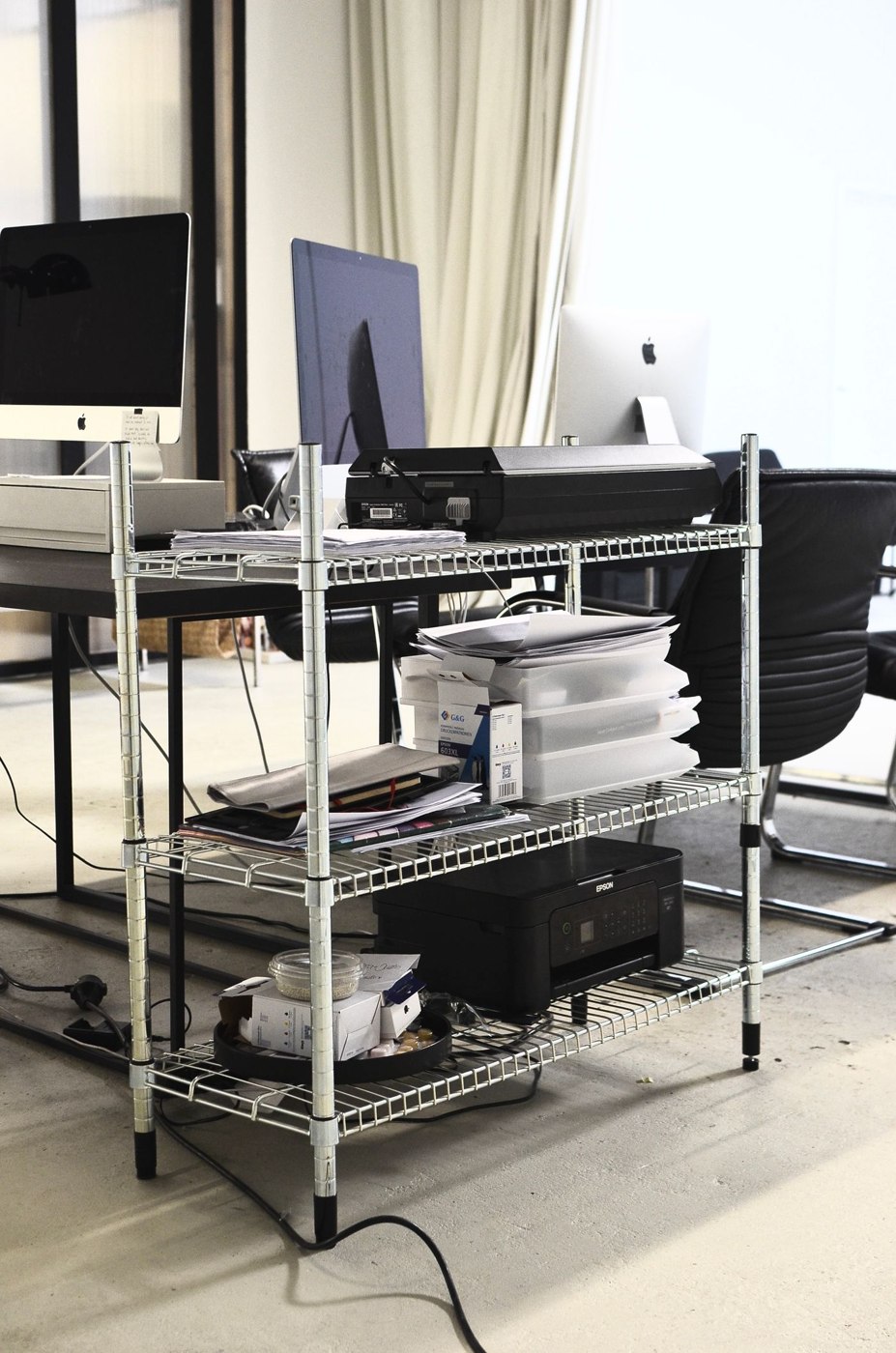
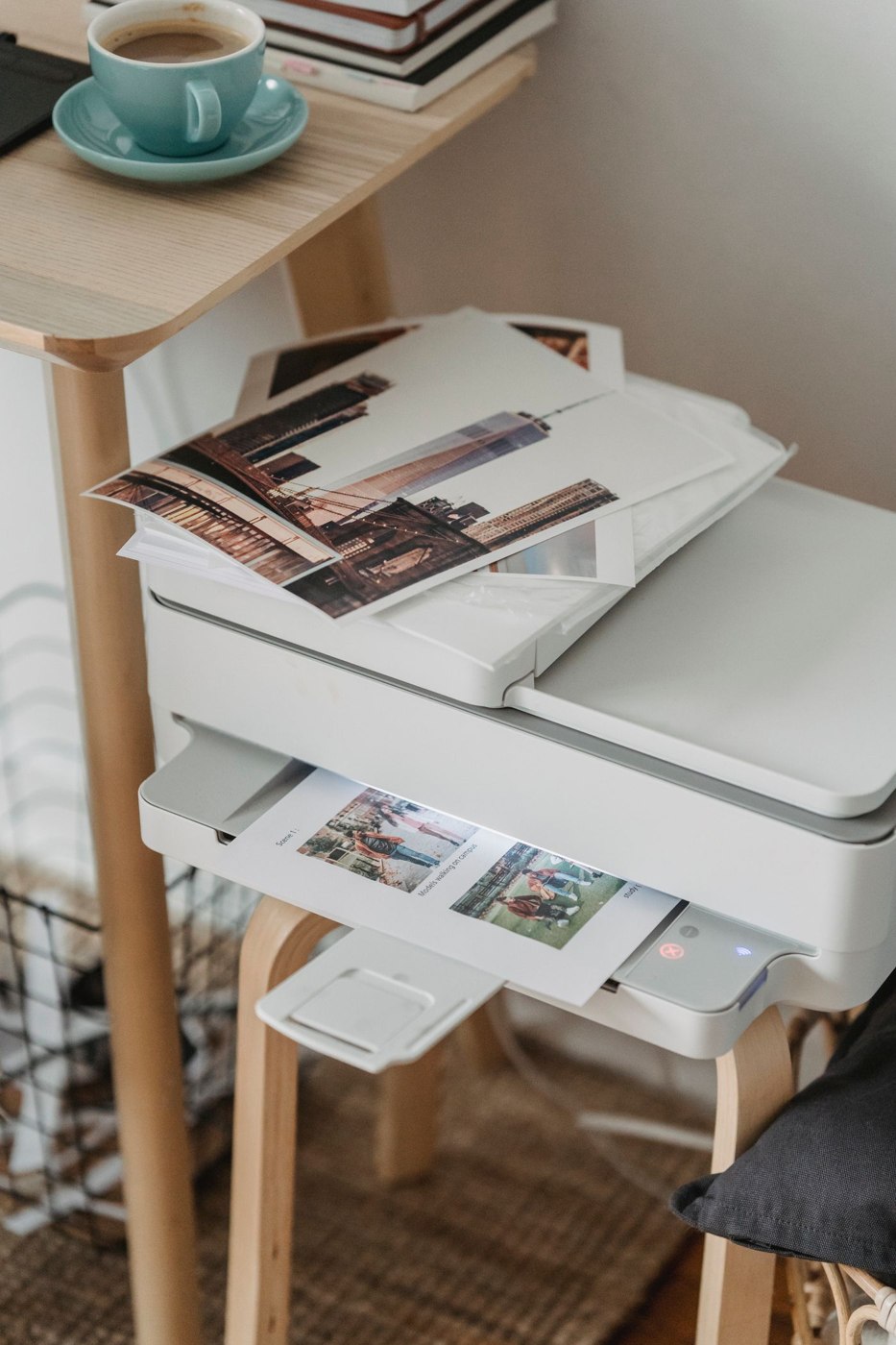
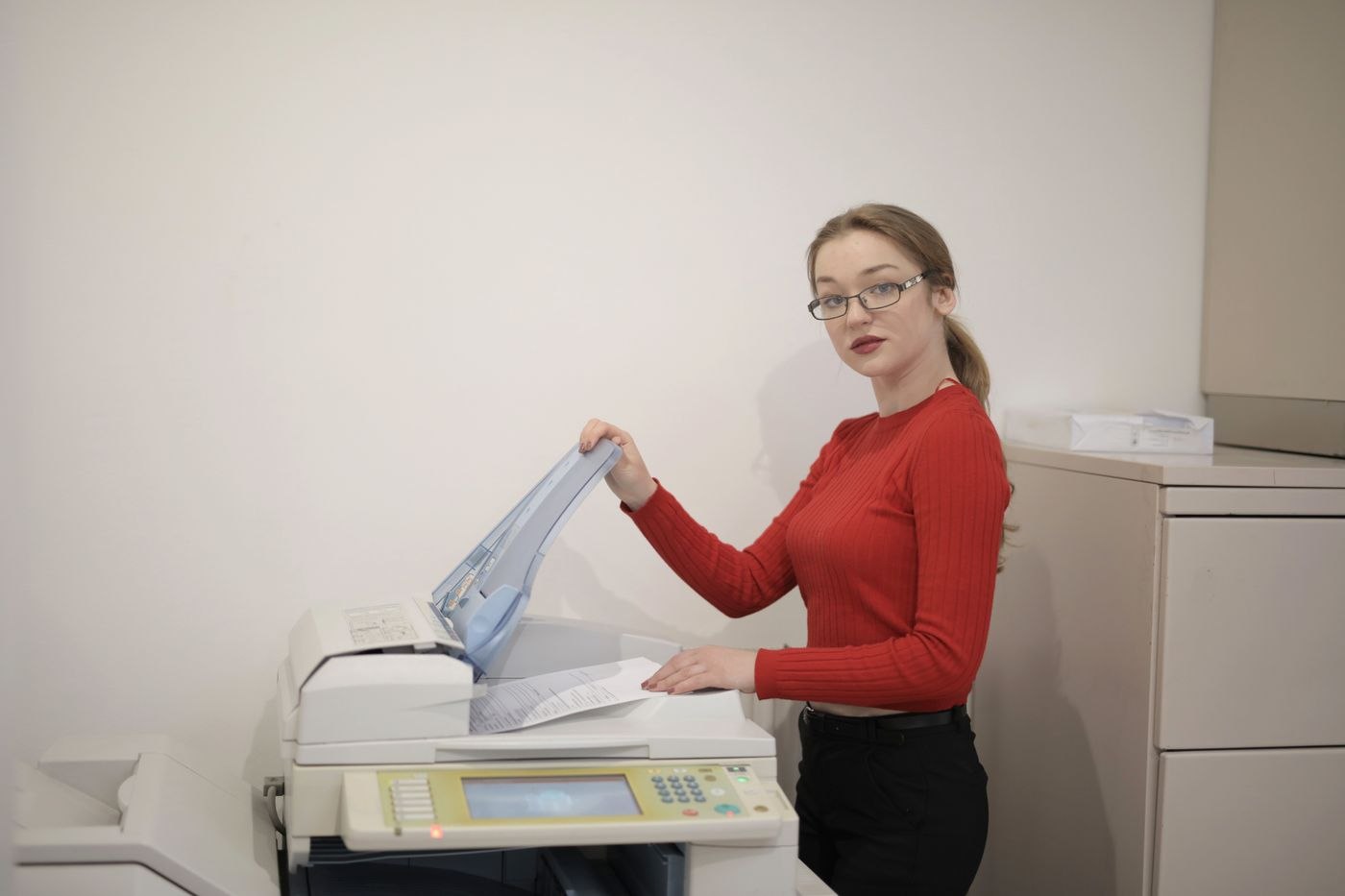
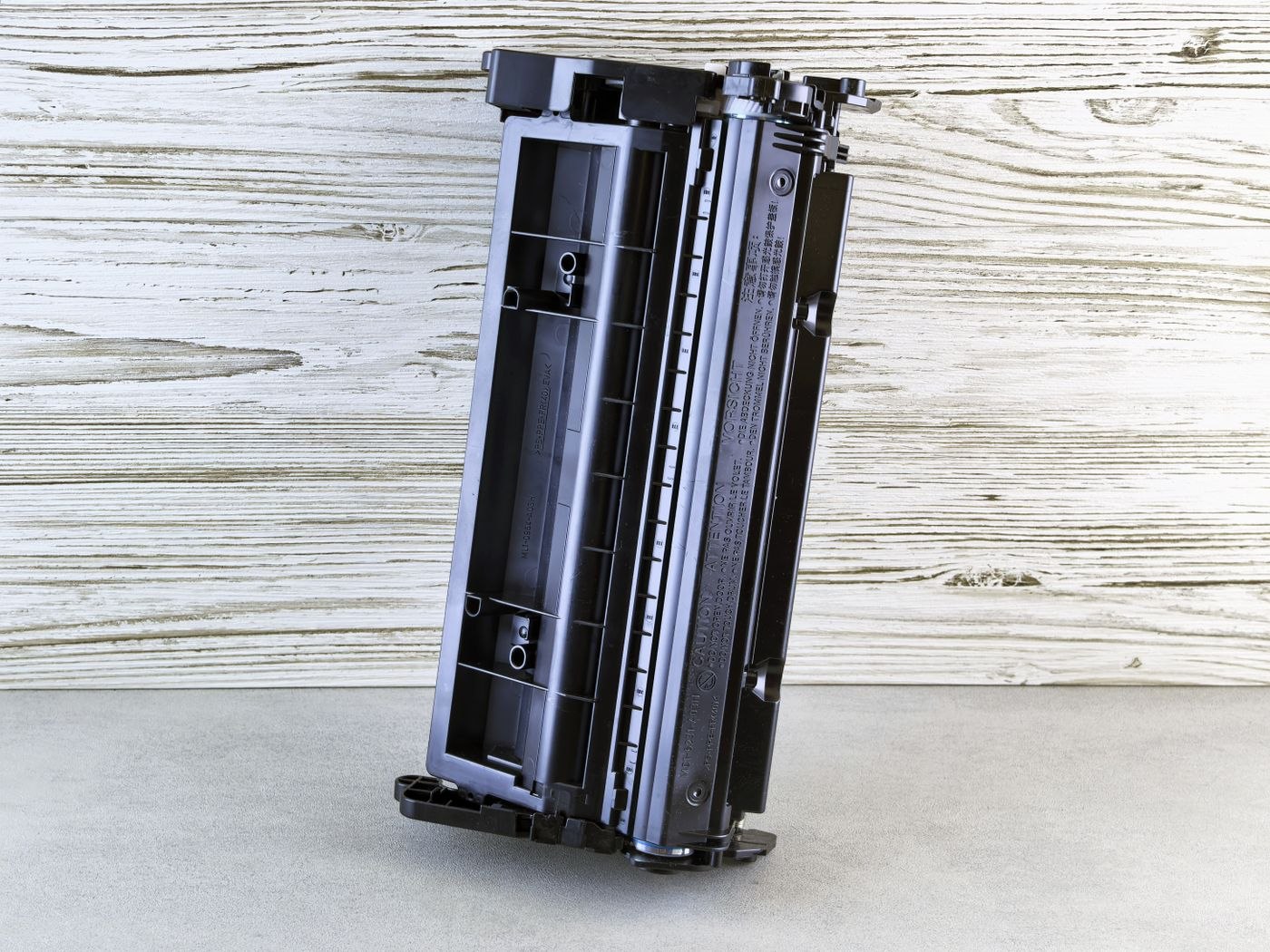
A printer needs operating space, not just a footprint. Check paper paths and maintenance access before moving it onto a shelf.
Space & furniture
A bedroom work corner needs defined storage and a workable transition between work and the room’s other uses.
Space & furniture
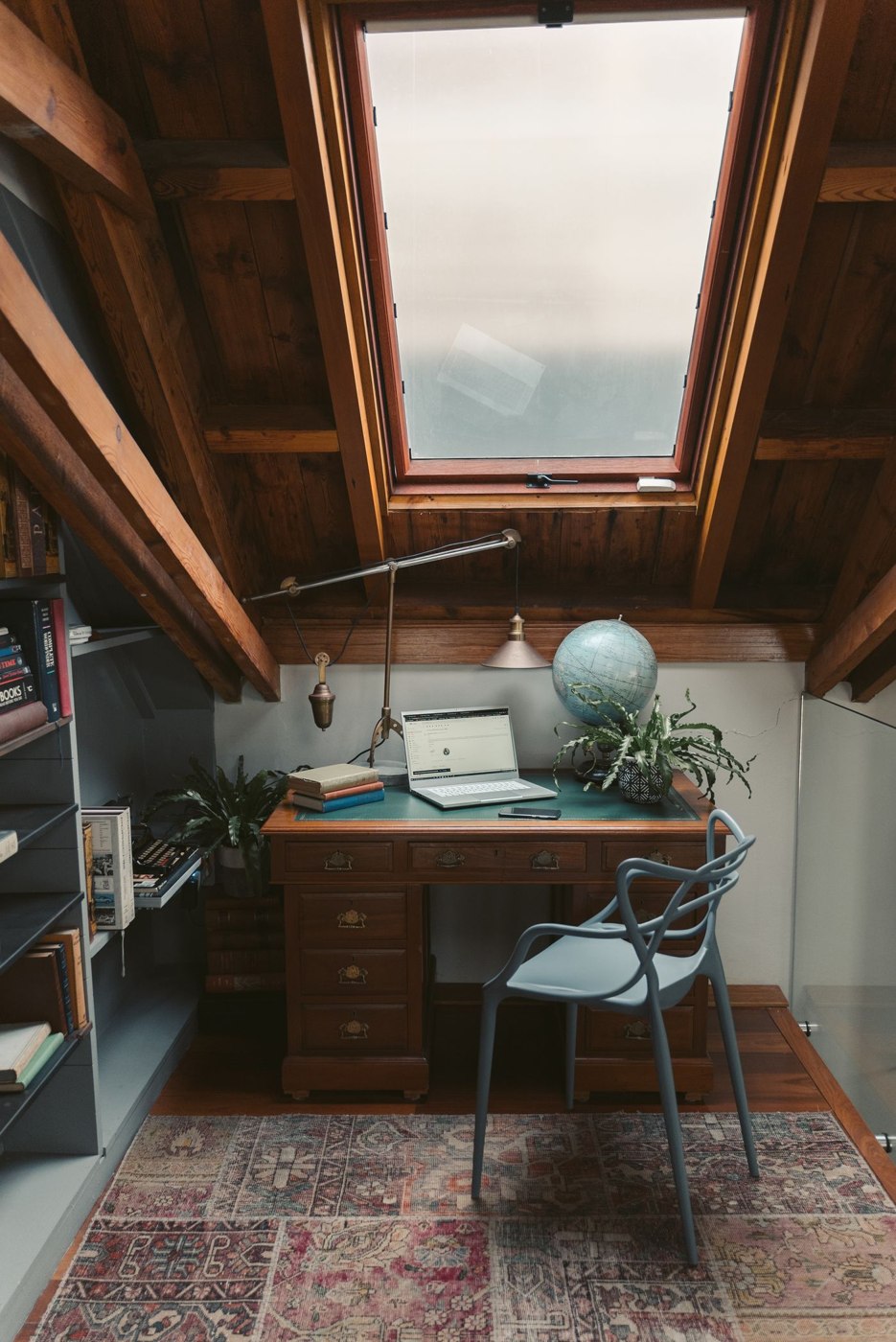
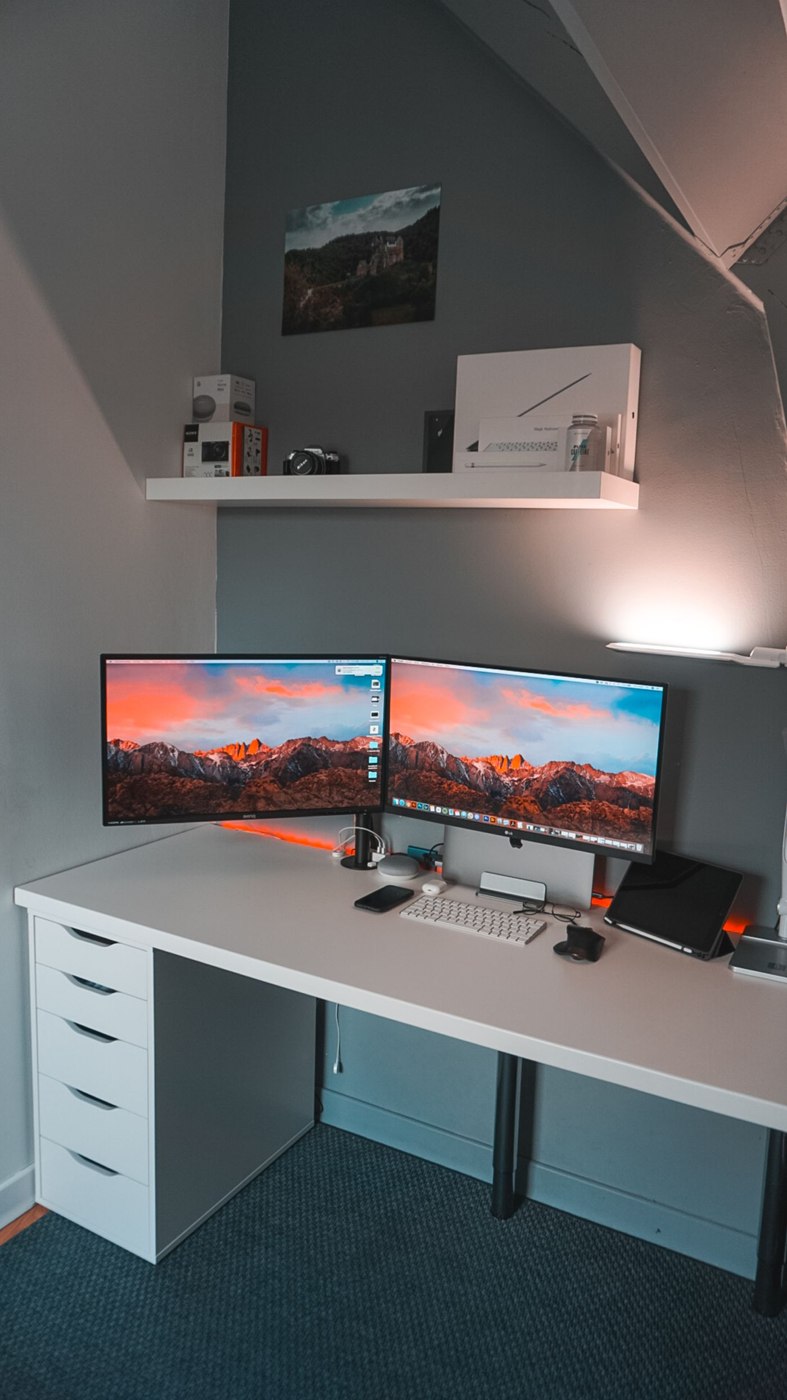
Sloping ceilings change usable space as you move. Include headroom, daylight, heat and the route upstairs in the plan.
Space & furniture
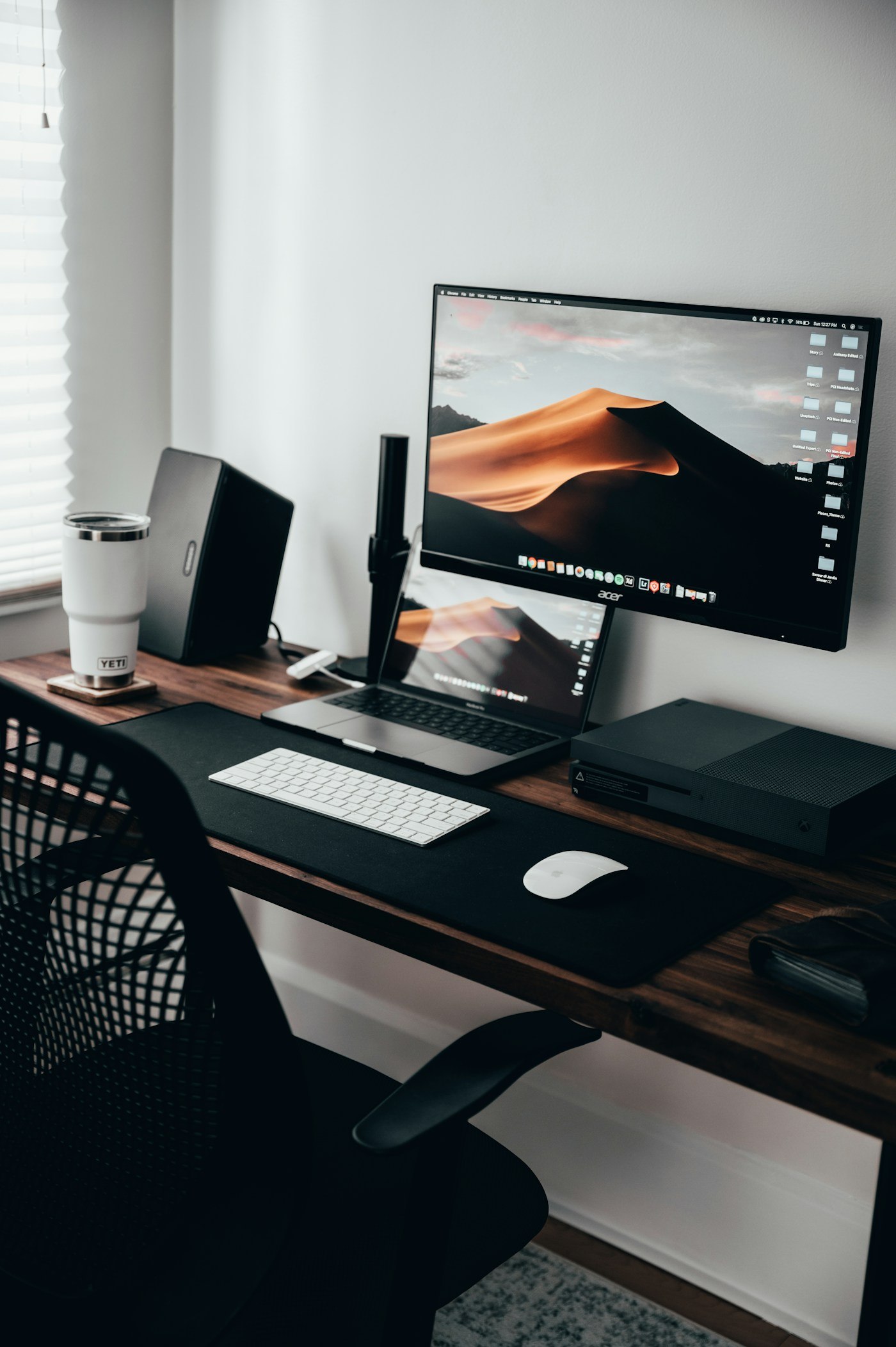
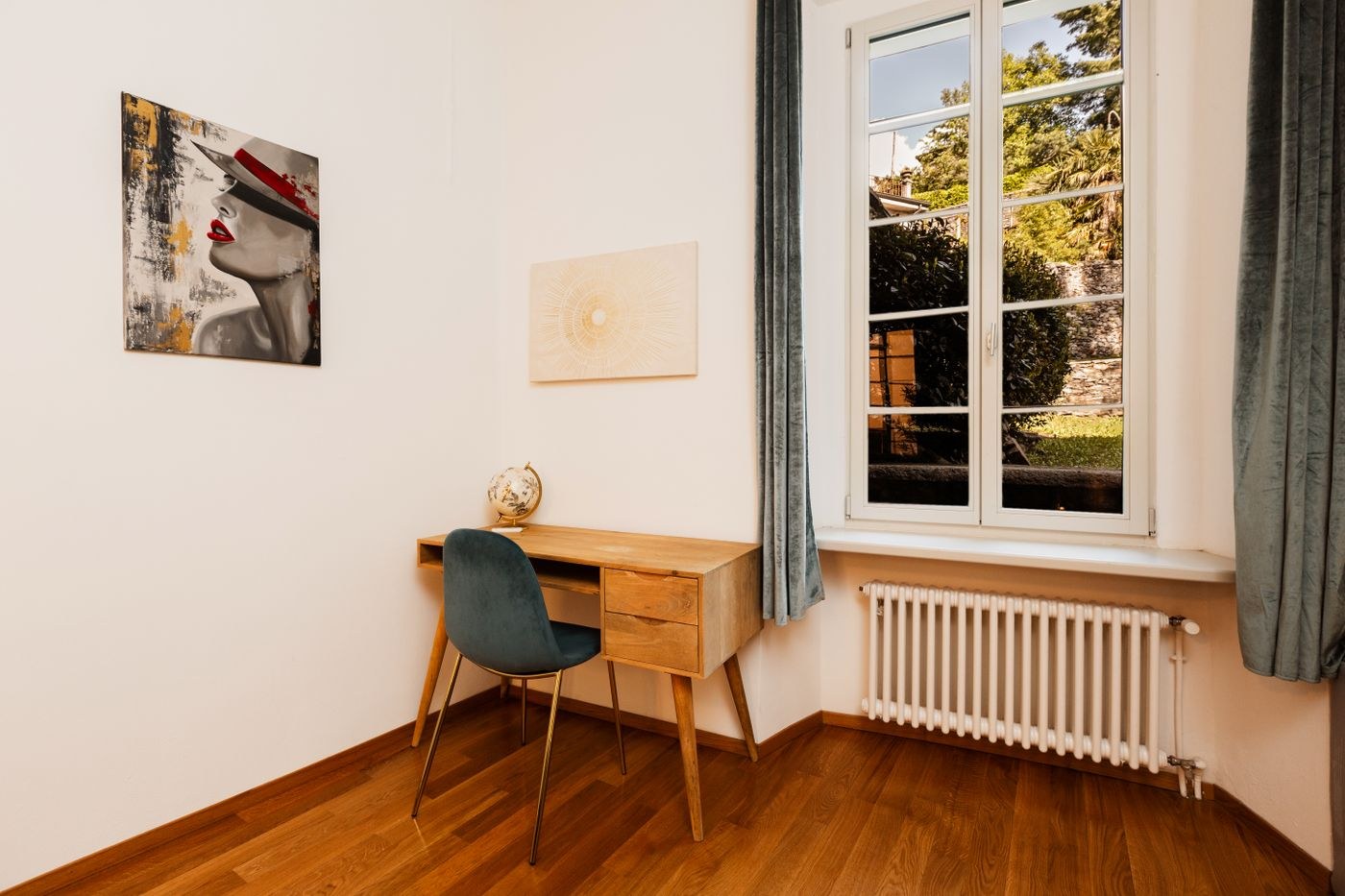
A window brings changing light into the workspace. Judge the screen from your seat rather than choosing only for the view.
Space & furniture
A guest room can serve two purposes when the changeover includes the open bed and fully stored working materials.
Space & furniture
Clear routes depend on everyday movements. Check the room with doors open and chairs in use.
Space & furniture
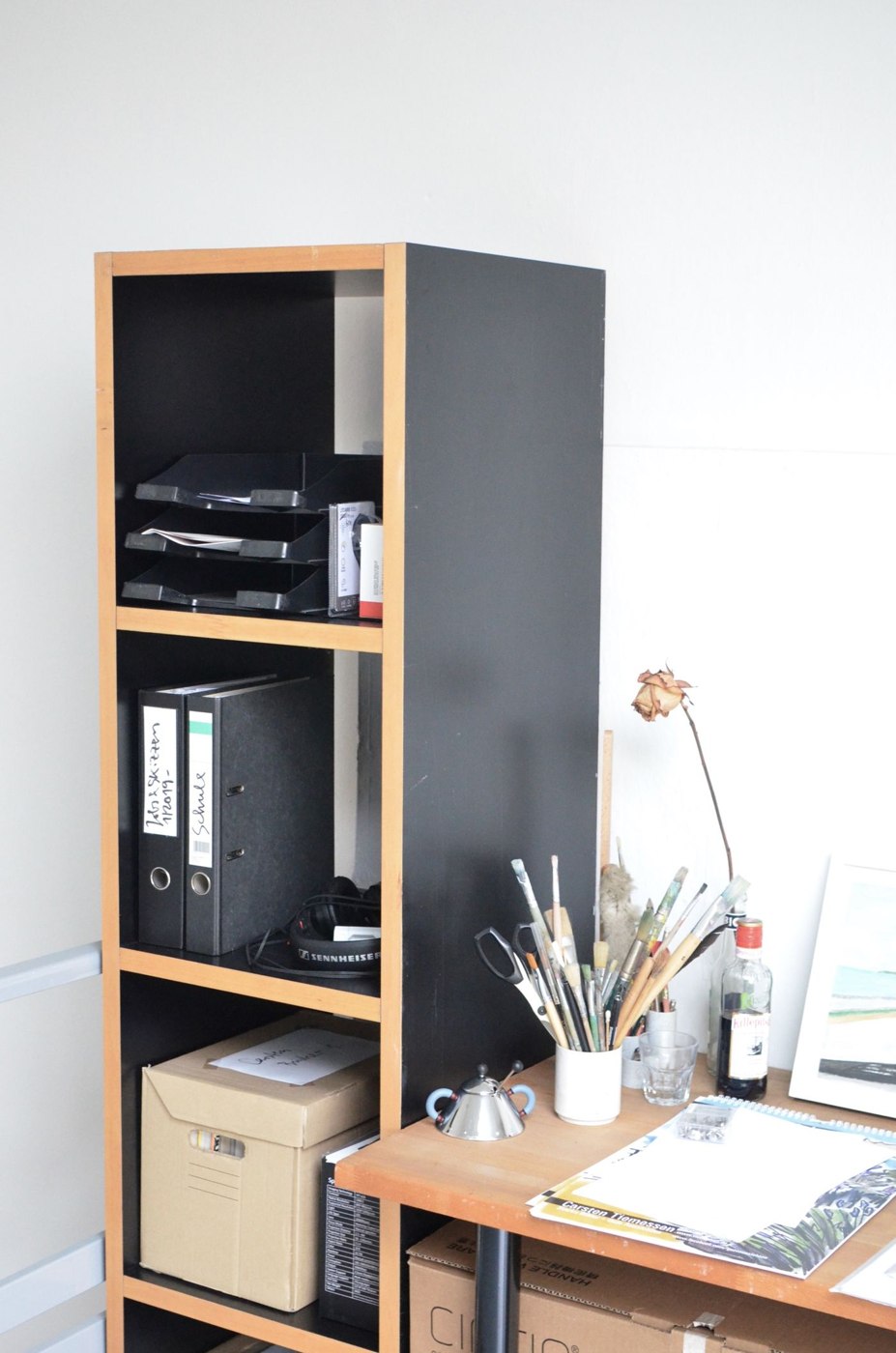
Reach depends on contents, height and retrieval frequency. Plan shelves around their objects rather than evenly spaced appearance.
Space & furniture
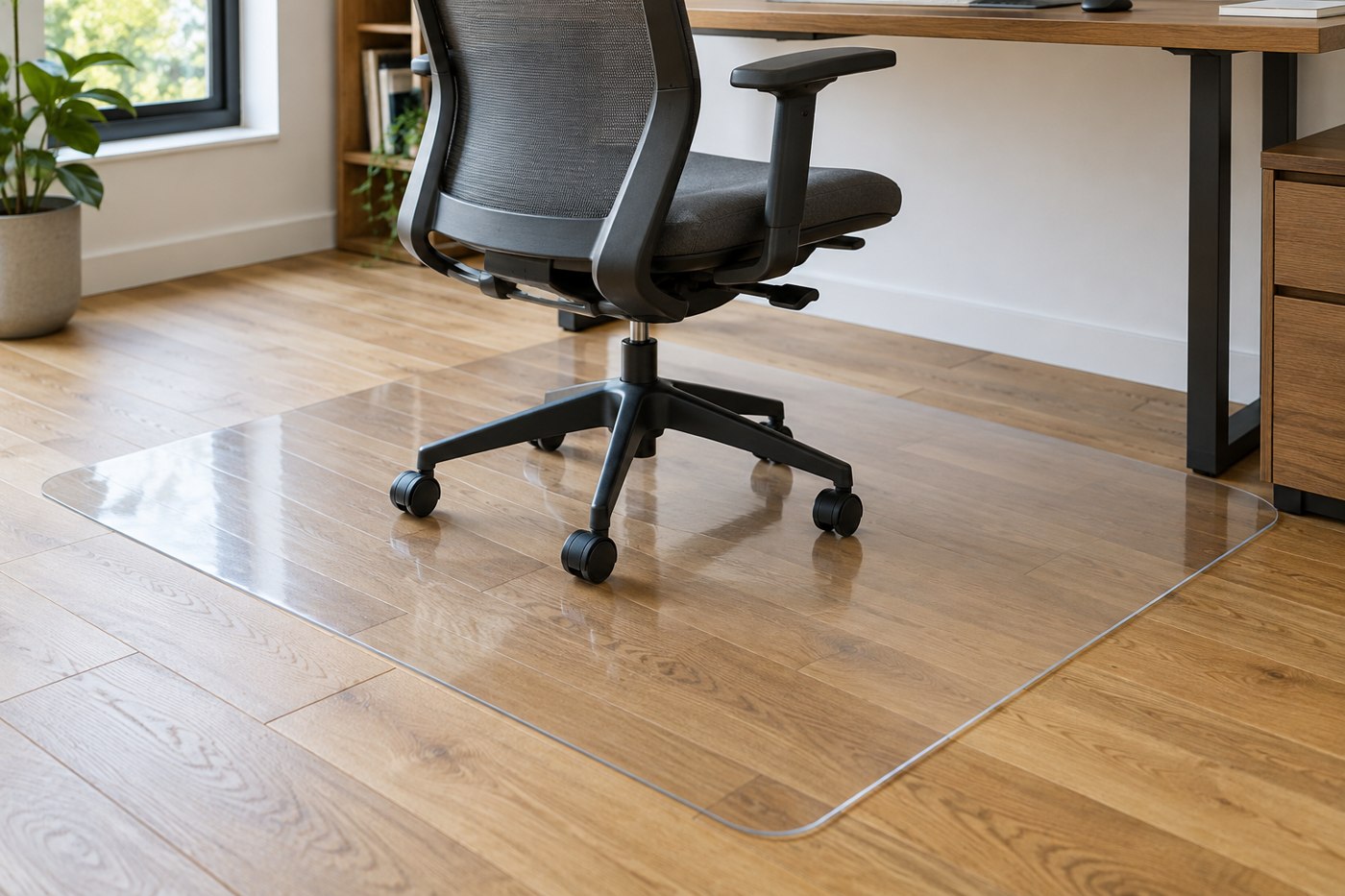
A chair mat needs to suit the floor and rolling area. Compare surface compatibility, edges and the actual shape required.
Space & furniture
A material name does not describe a finished desktop. Its surface, edges, construction and mounting options need to suit the work.
Space & furniture
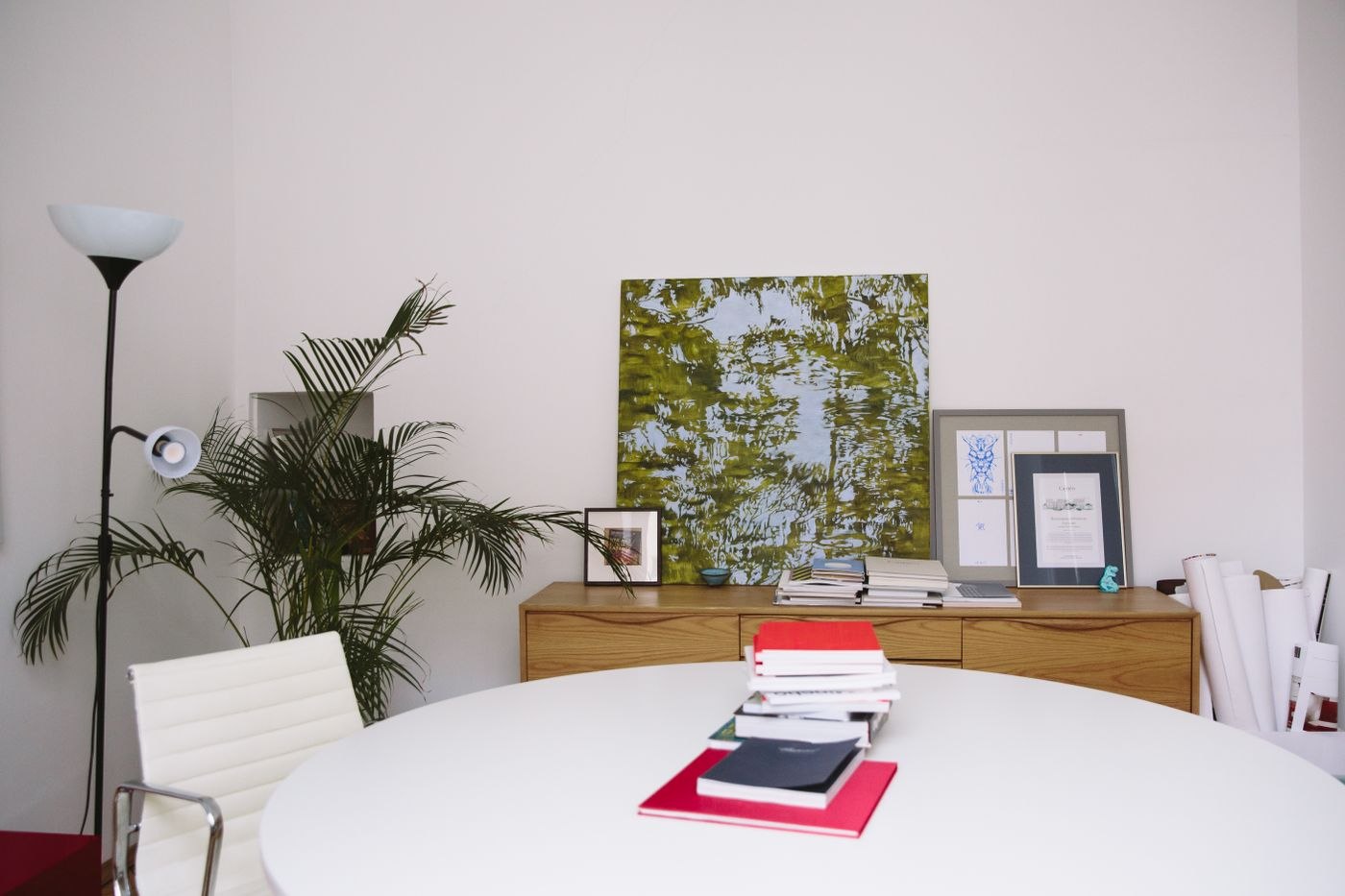
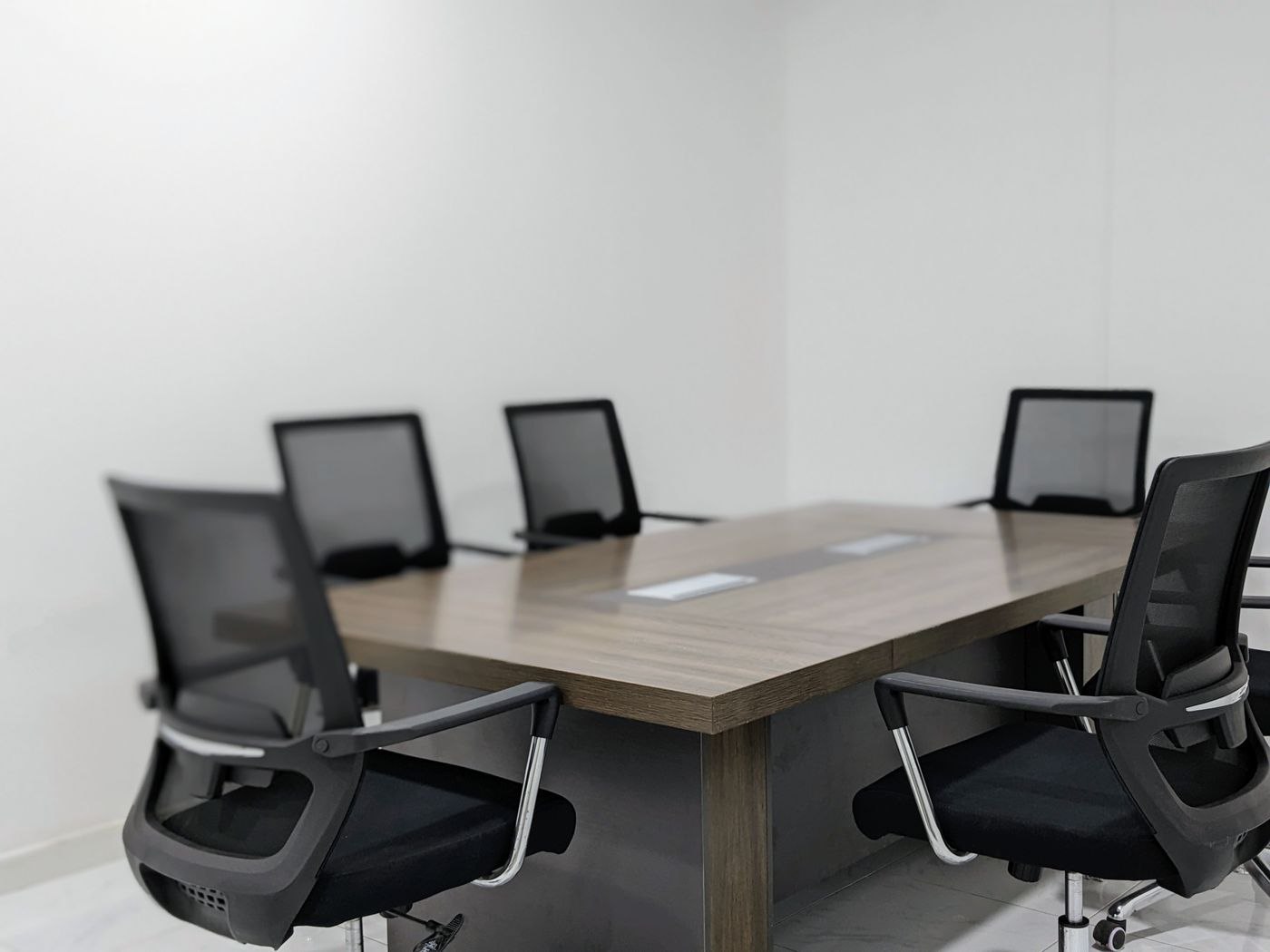
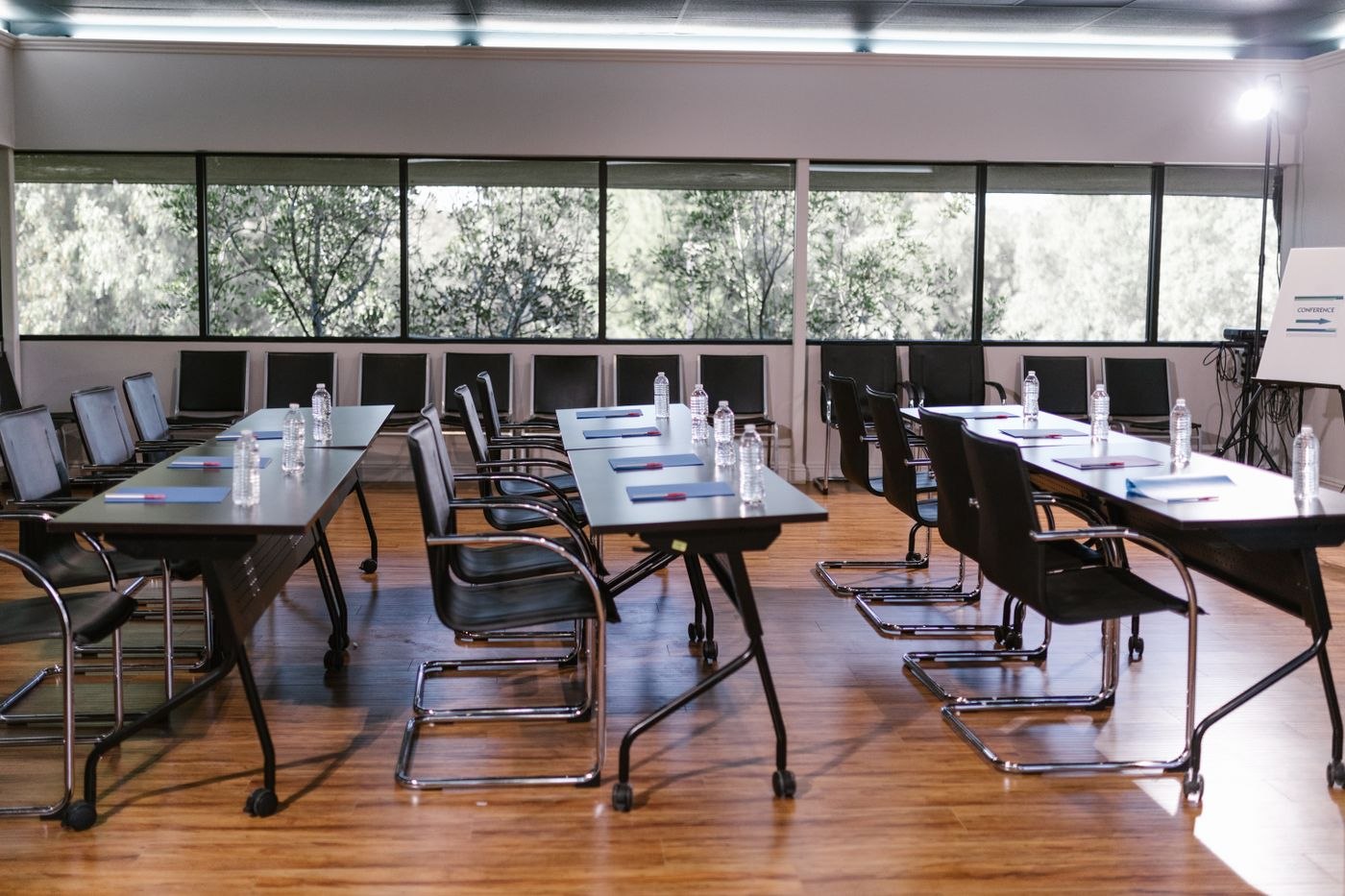
A short discussion needs room for the actual materials and straightforward access. It does not always require a large conference table.
Space & furniture
An office move is an opportunity to rearrange routes and equipment. Start with real activities rather than recreating the previous furniture positions.
Space & furniture
With used furniture, complete fittings, working adjustments and the condition of the actual item matter. Include transport in the inspection.
Space & furniture
A left-handed workspace depends on reachable materials and suitable movement paths. Not every arrangement needs a simple mirror image.
Space & furniture
Changes in desk height can follow changes in tasks. Plan the necessary movements rather than pursuing a fixed standing quota.
Space & furniture
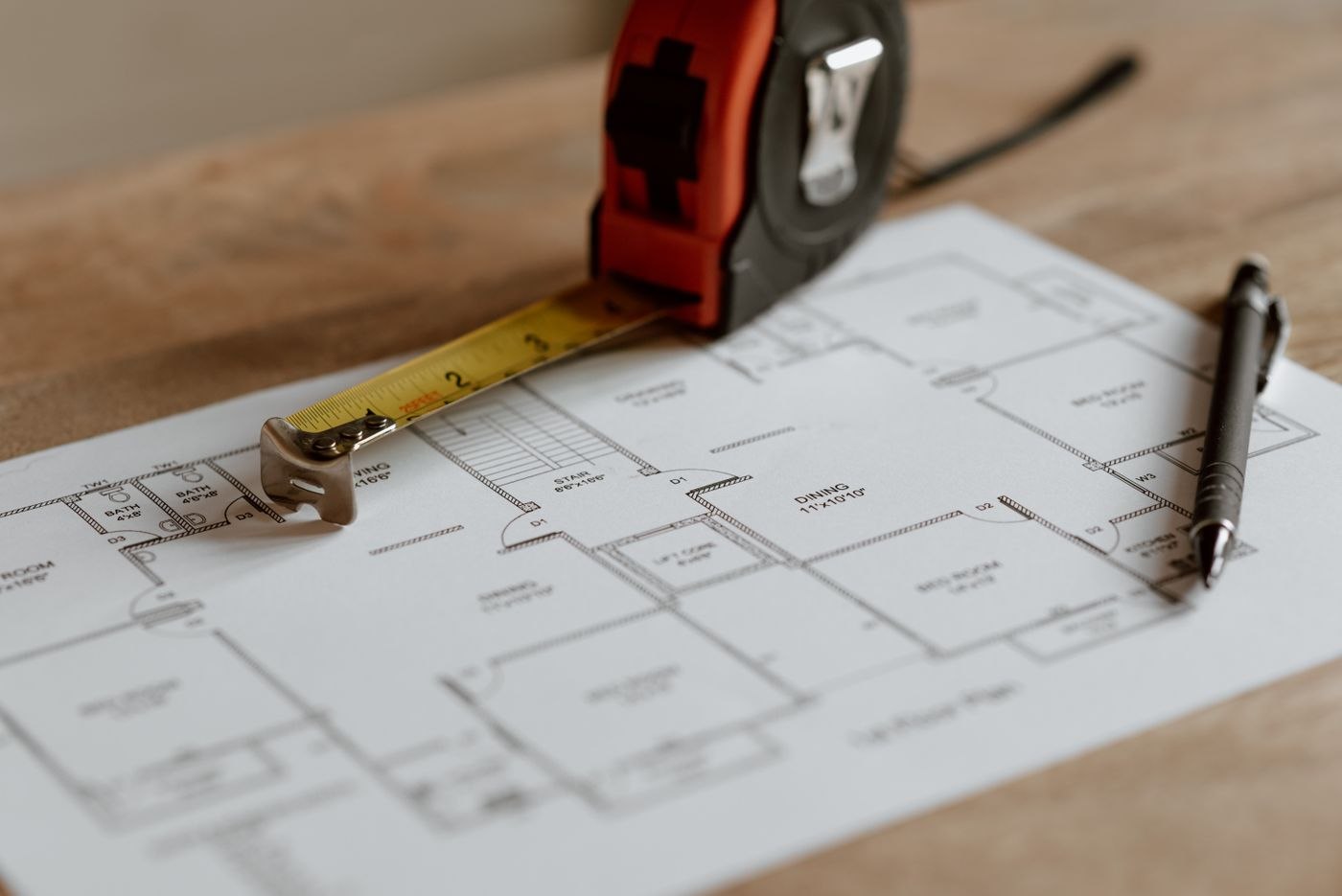
Useful measurements include openings, movement and connections. A few targeted sketches help avoid furniture that fits only on paper.
Equipment & accessories
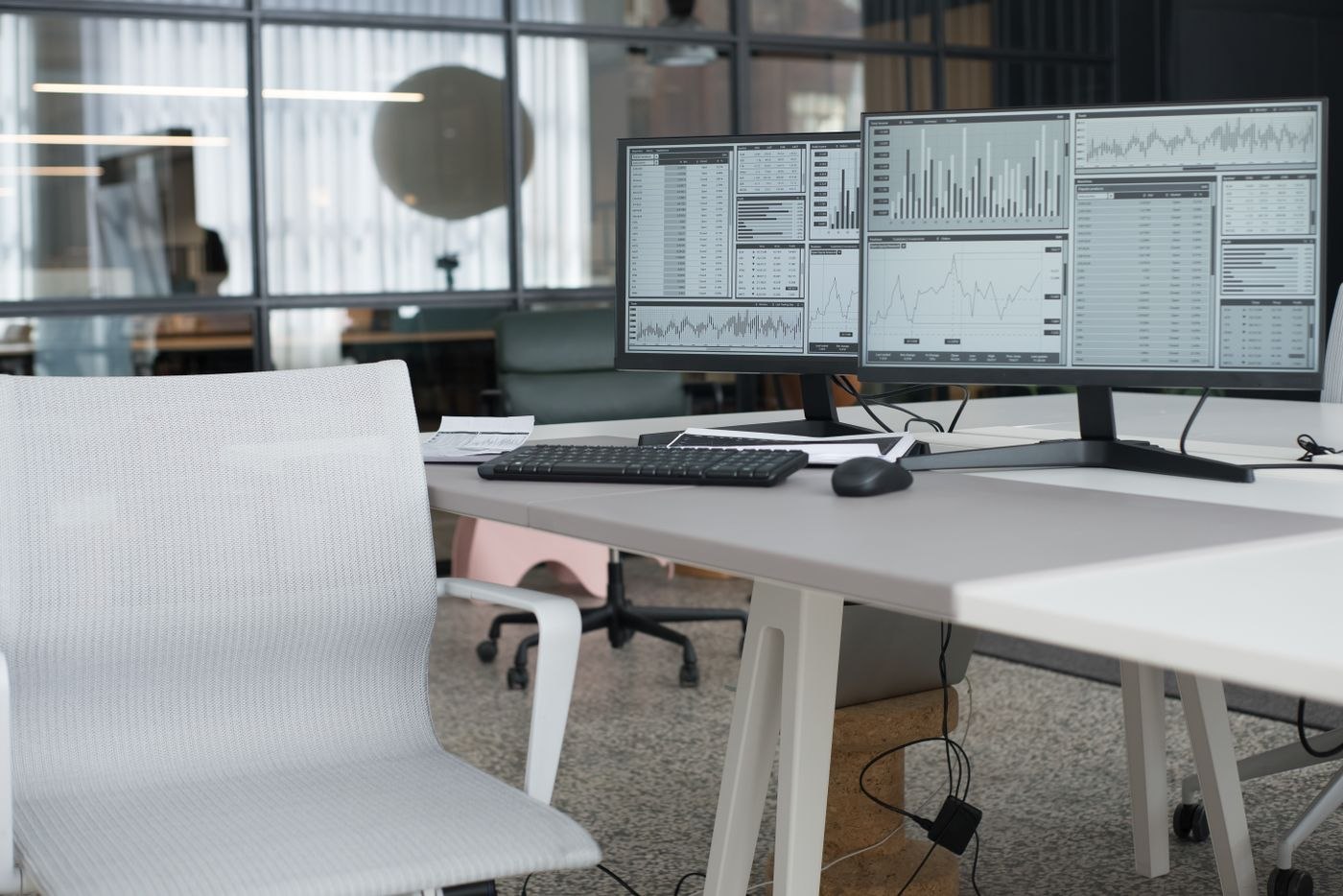
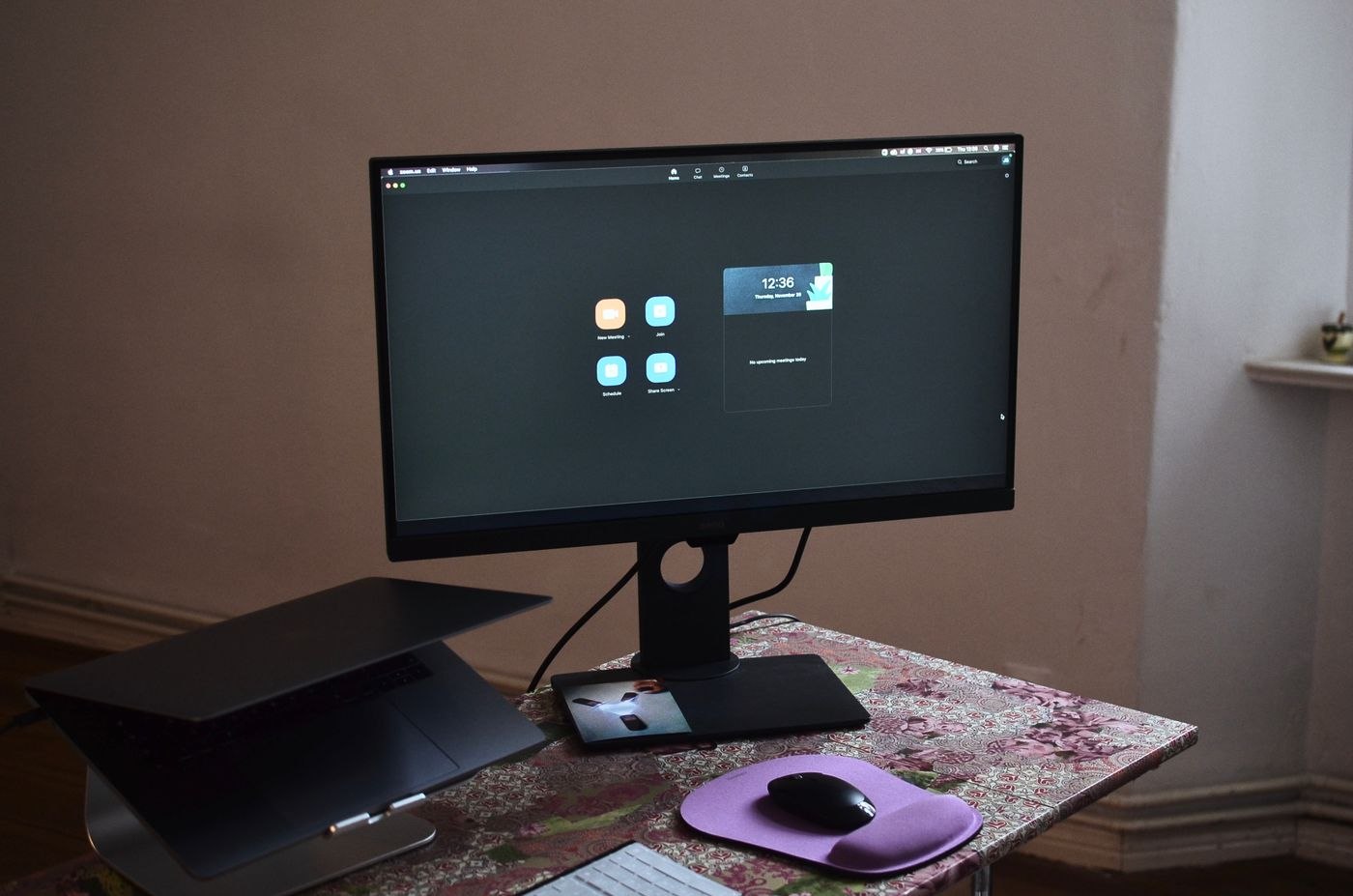
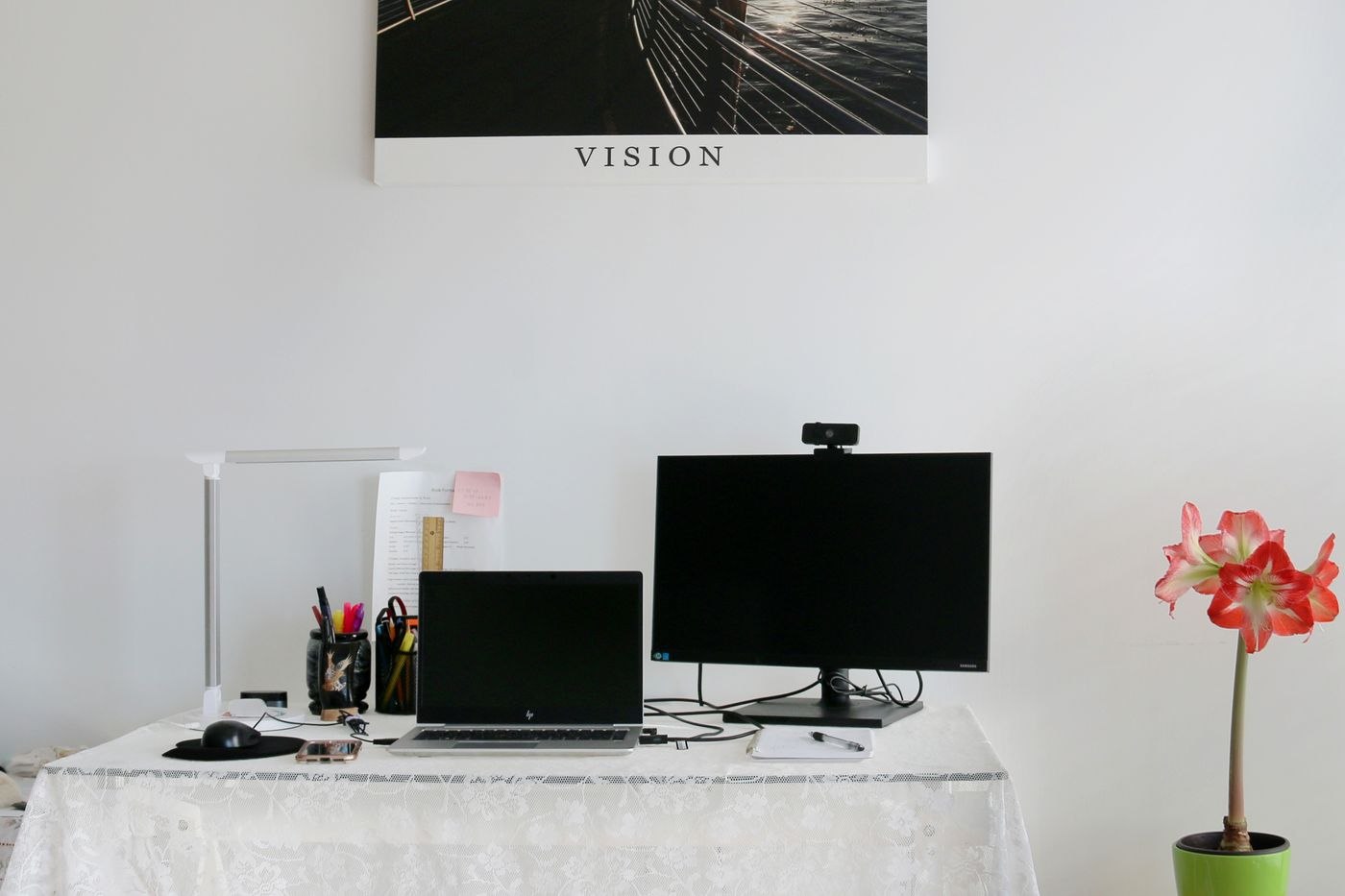
Two displays are most useful when two sources need to remain visible together. Assess the task before filling more of the desk.
Equipment & accessories
Screen diagonal does not establish how readable your applications will be. Assess size, resolution and scaling at the intended desk position.
Equipment & accessories
Monitor weight and mounting pattern are only part of the check. Include the desk edge, movement area and display shape.
Equipment & accessories
An ultrawide display provides a continuous surface. Its usefulness depends on window sizes, screen sharing and the space on your desk.
Equipment & accessories
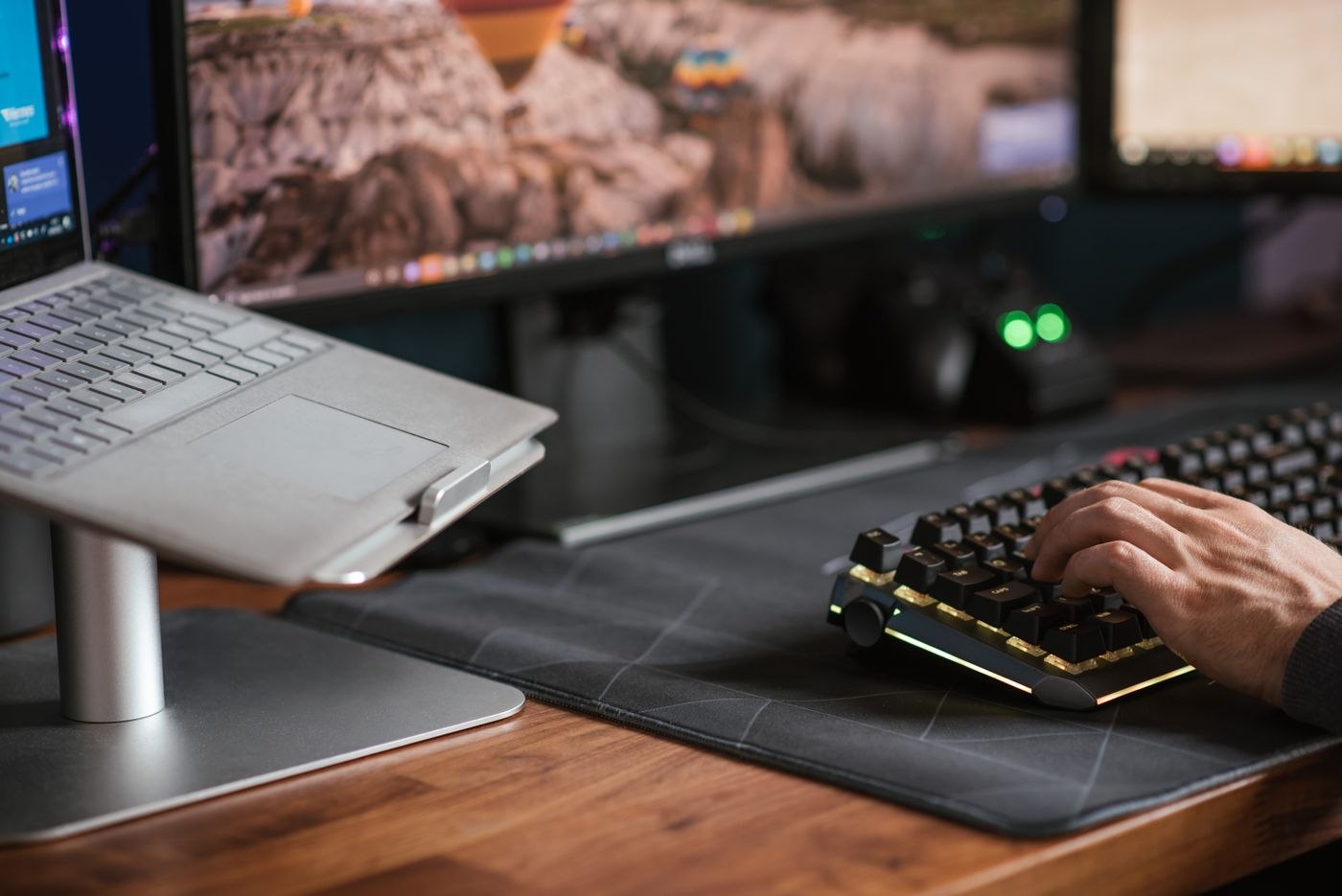
A laptop stand changes the position of the screen. Keyboard, mouse and usable desk space need arranging around it.
Equipment & accessories
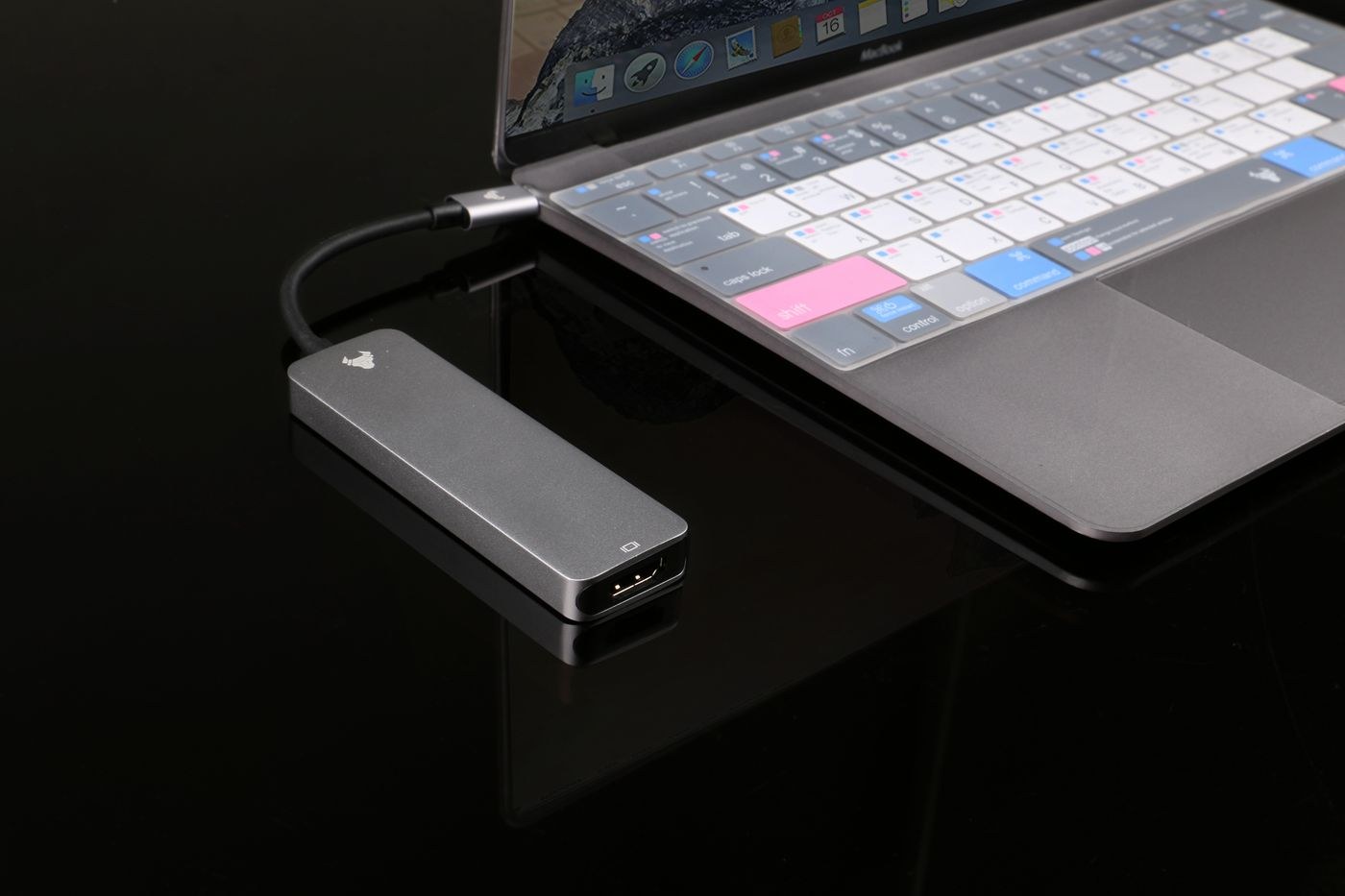
A matching plug is only the beginning. Compare the laptop, displays, power supply and dock as one working setup before placing an order.
Equipment & accessories
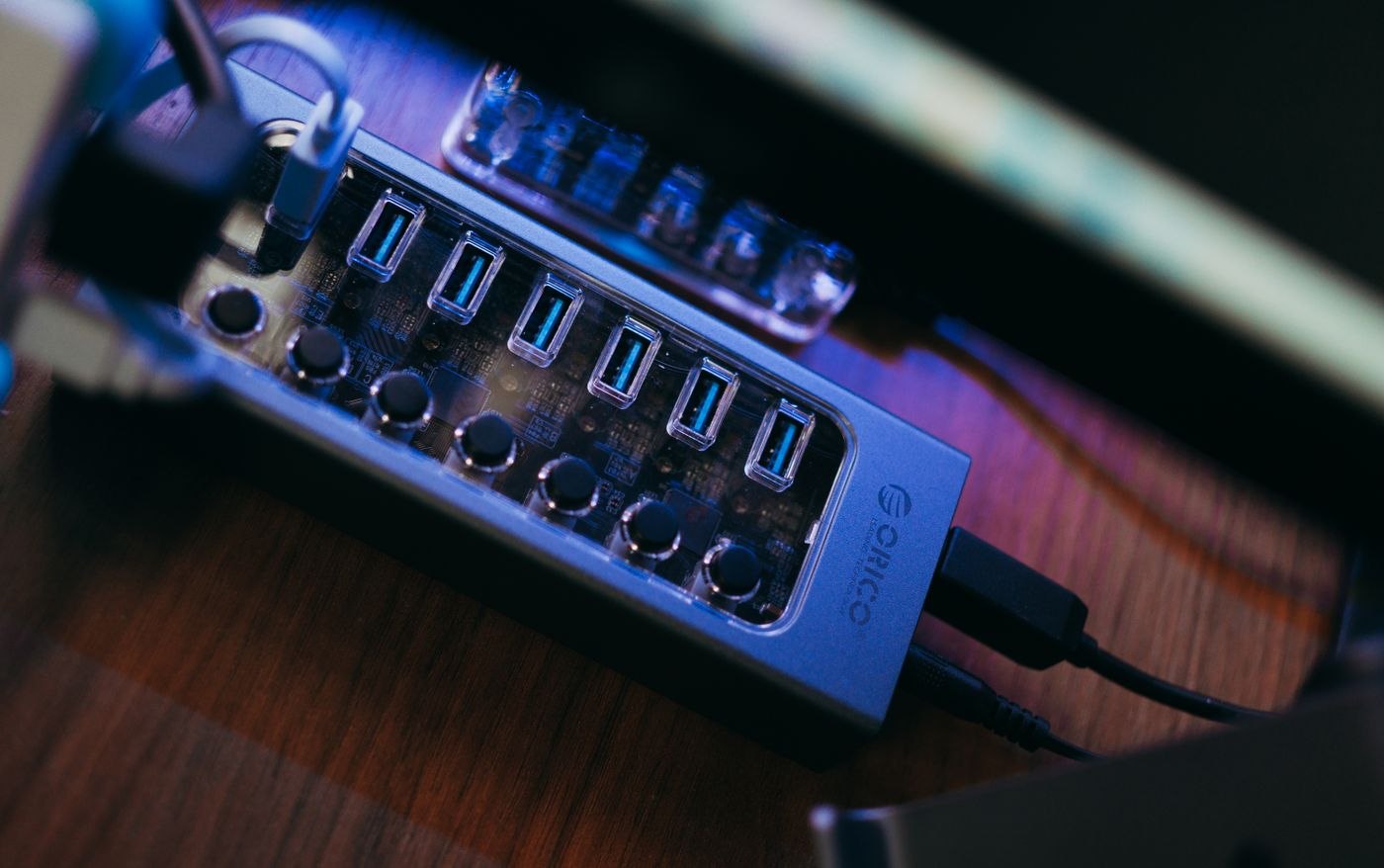
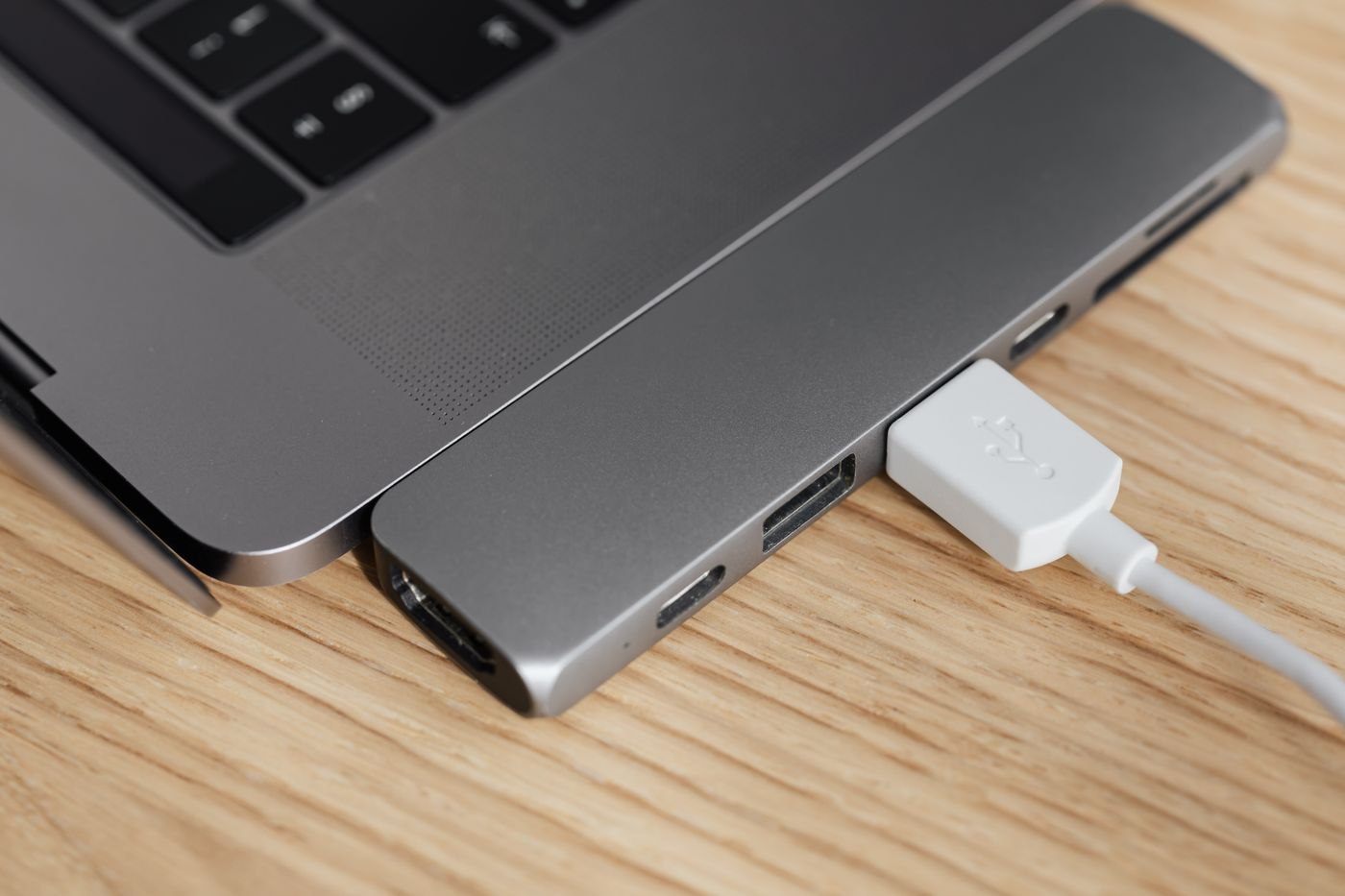
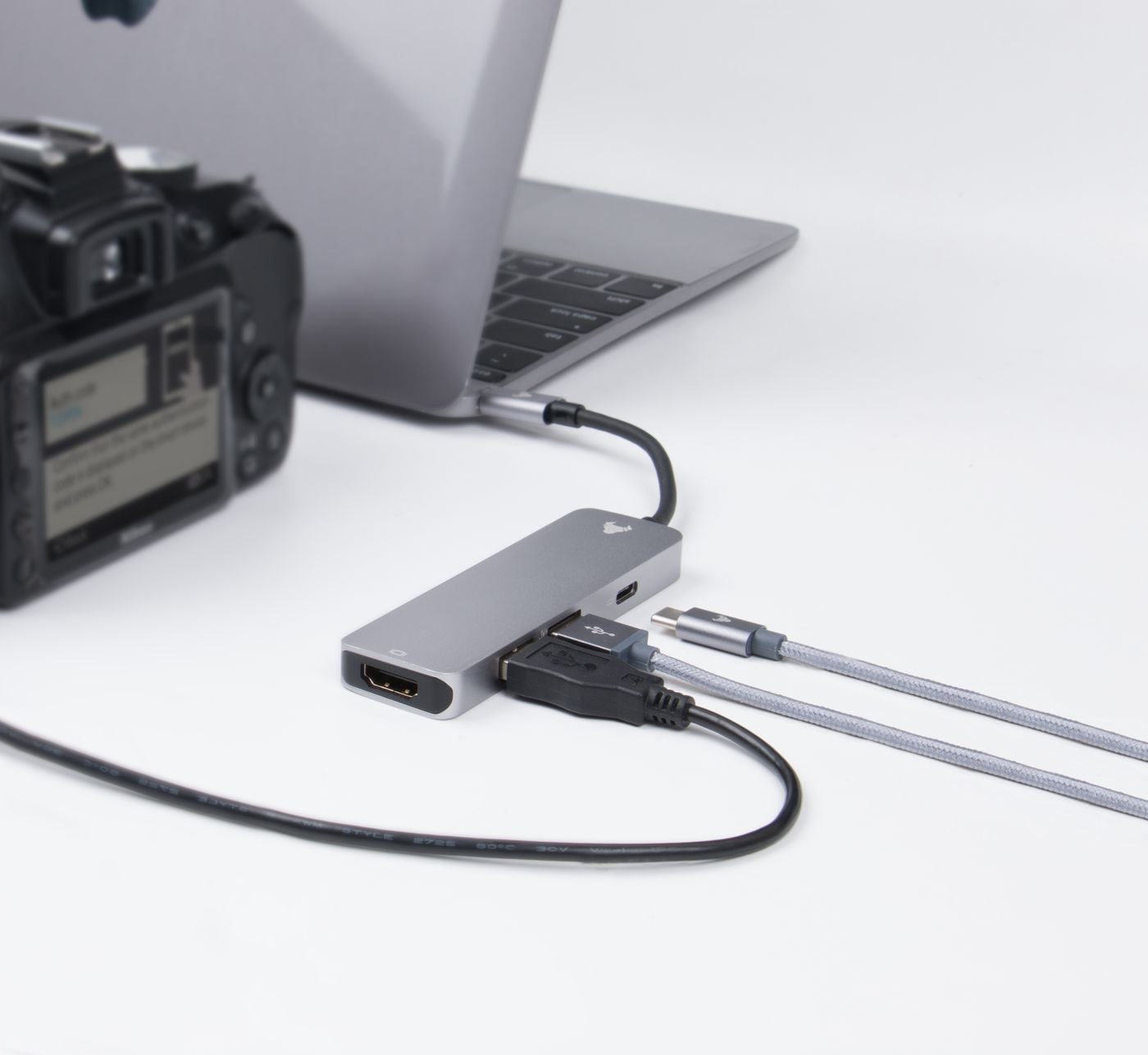
The labels hub and dock are not used consistently. What matters is the connections provided by the particular device.
Equipment & accessories
A charging cable needs the right power capability, connectors and any additional functions. Length and identification matter too.
Equipment & accessories
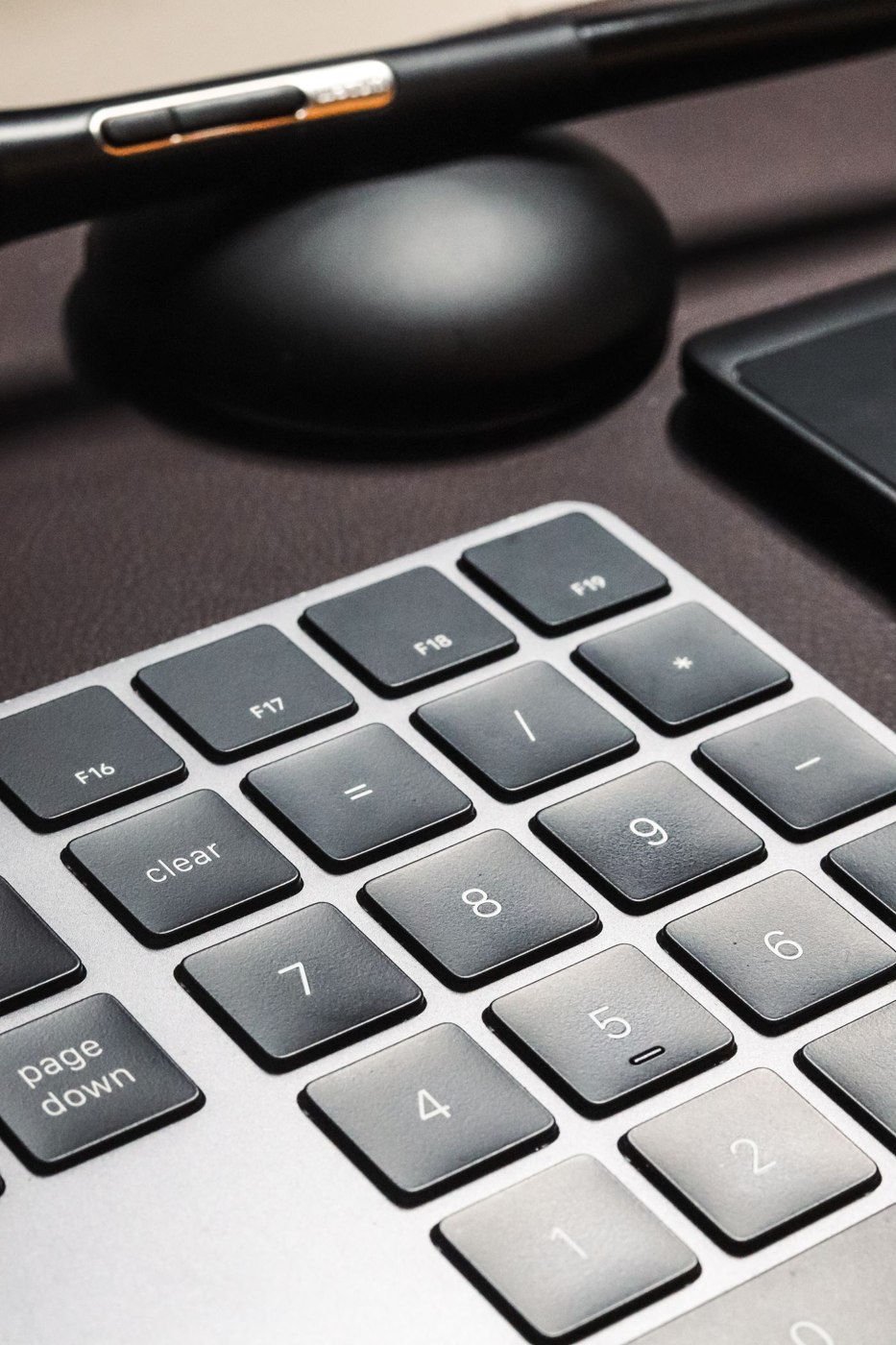
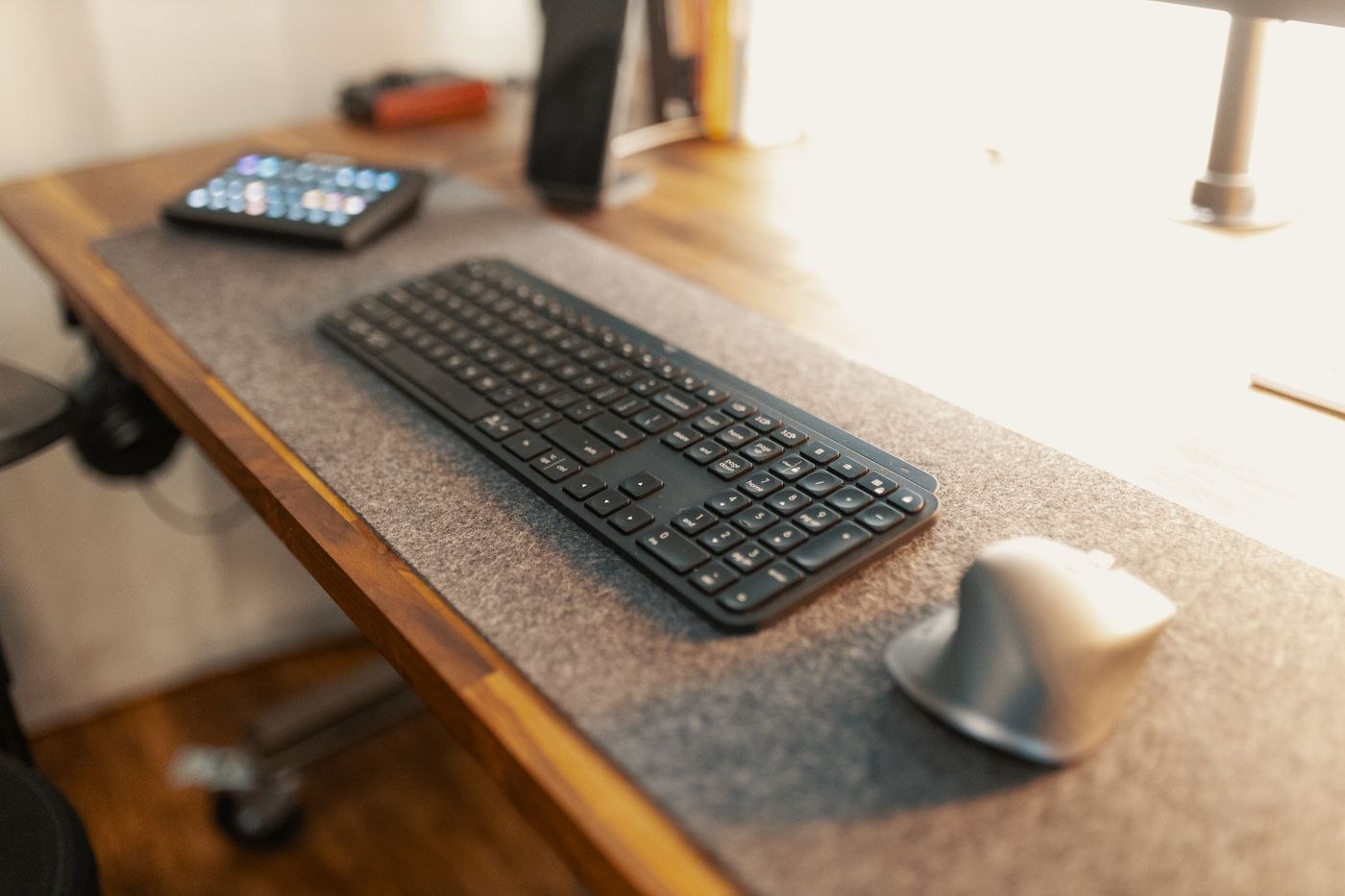
A smaller keyboard releases space beside the keys. Whether losing the numeric keypad matters depends on what you actually enter.
Equipment & accessories
Product photographs cannot reveal typing noise. Compare the complete sound in the room and in a call recording.
Equipment & accessories
Assess a mouse by holding, clicking and moving it. Housing length alone says little about how it will work for you.
Equipment & accessories
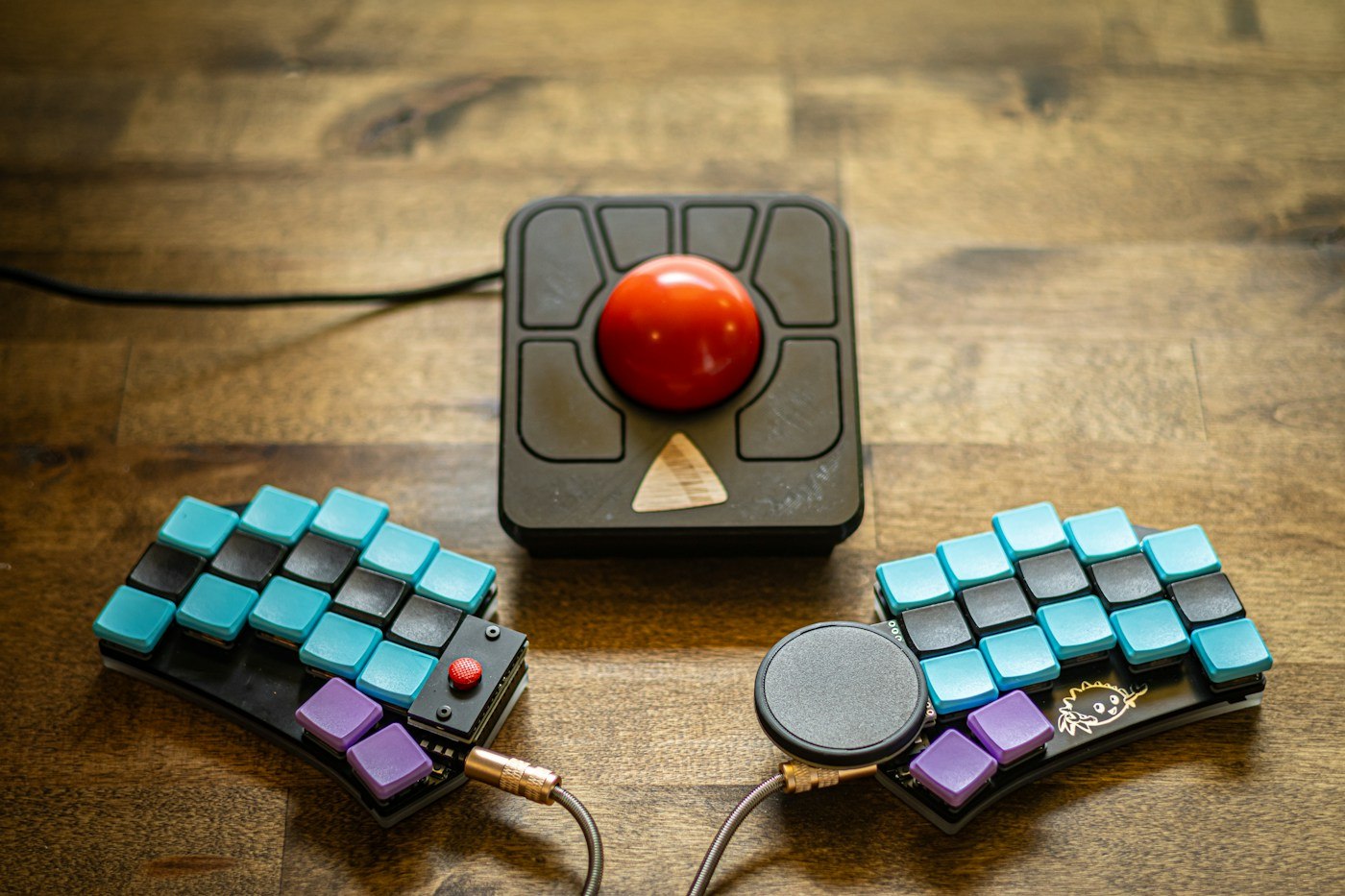
A trackball changes pointer control. Test actual tasks and allow realistic familiarisation before replacing a mouse.
Equipment & accessories
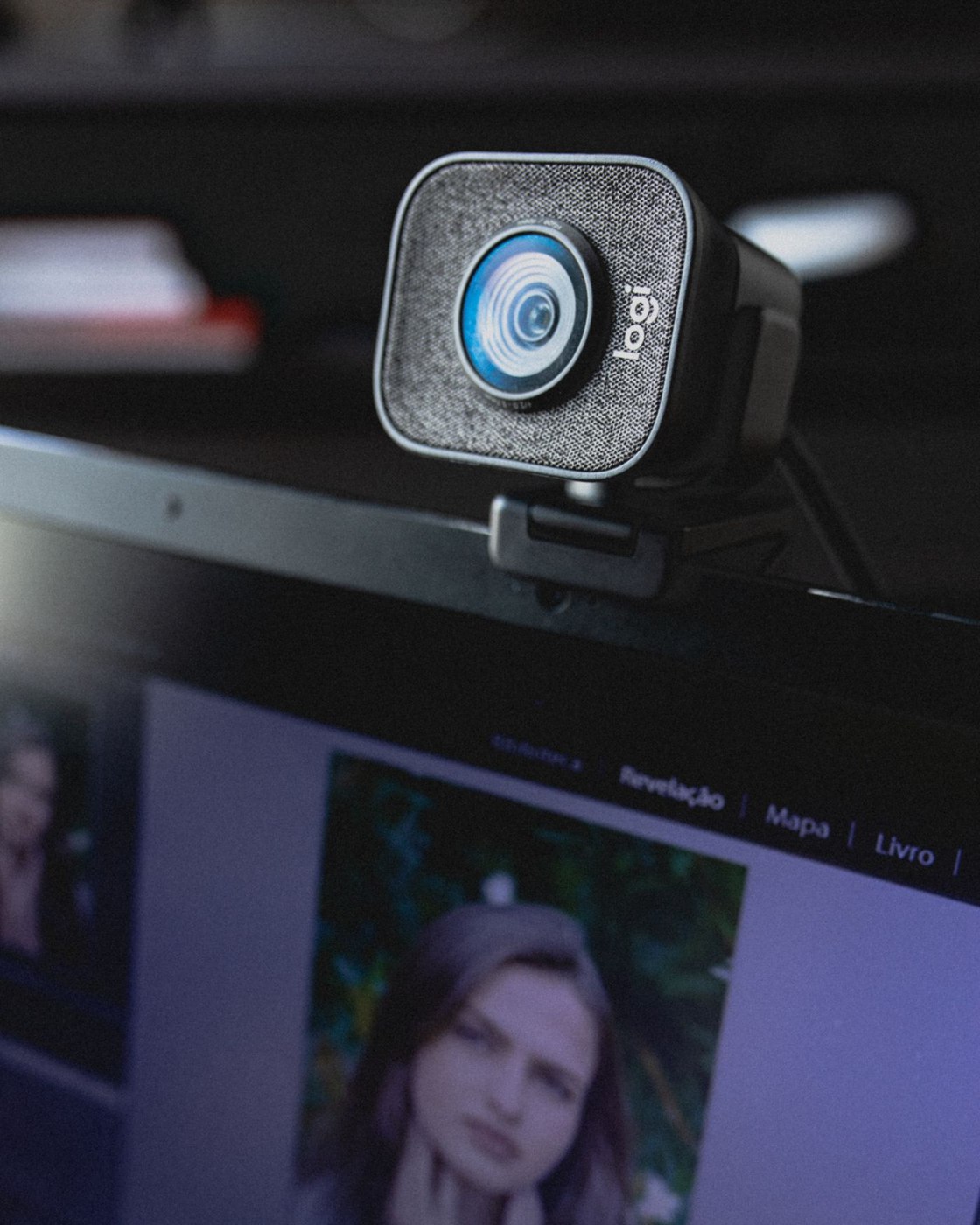
At a fixed desk, framing, attachment and light matter more than one resolution figure.
Equipment & accessories
Longer meetings involve fit, controls and clear transmission together. A brief listening test is not enough to choose a headset.
Equipment & accessories
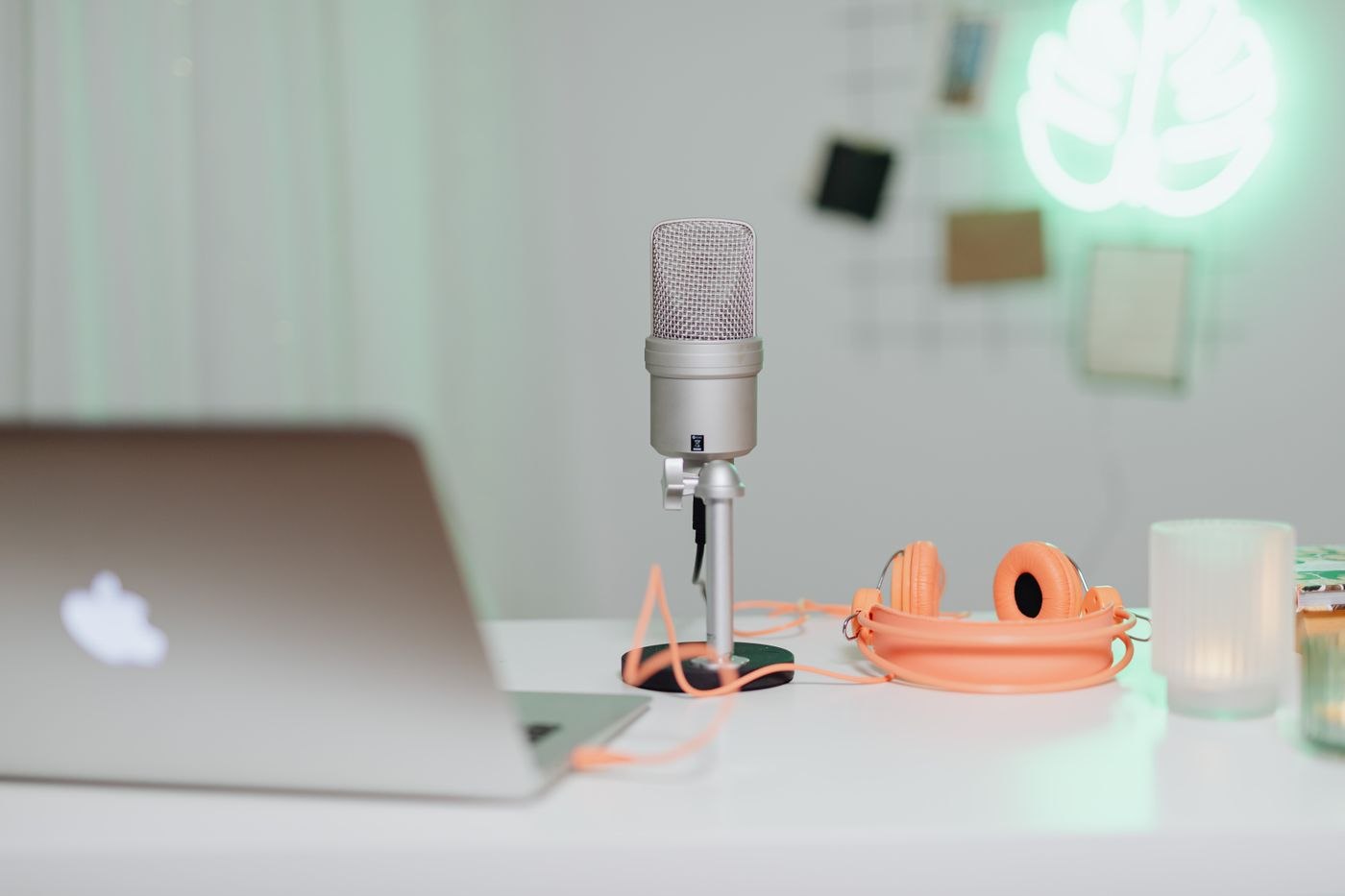
A USB microphone’s position affects speech and background sound. Begin with a short comparison at your own desk.
Equipment & accessories
Small speakers need a defined role in an office. Plan listening position, volume and the transition to calls together.
Equipment & accessories
Two displays can separate the meeting from working materials. Prepare sharing so participants see only the intended content.
Equipment & accessories
A shared dock needs checking with every intended laptop. Record differences before they disrupt daily changeovers.
Equipment & accessories
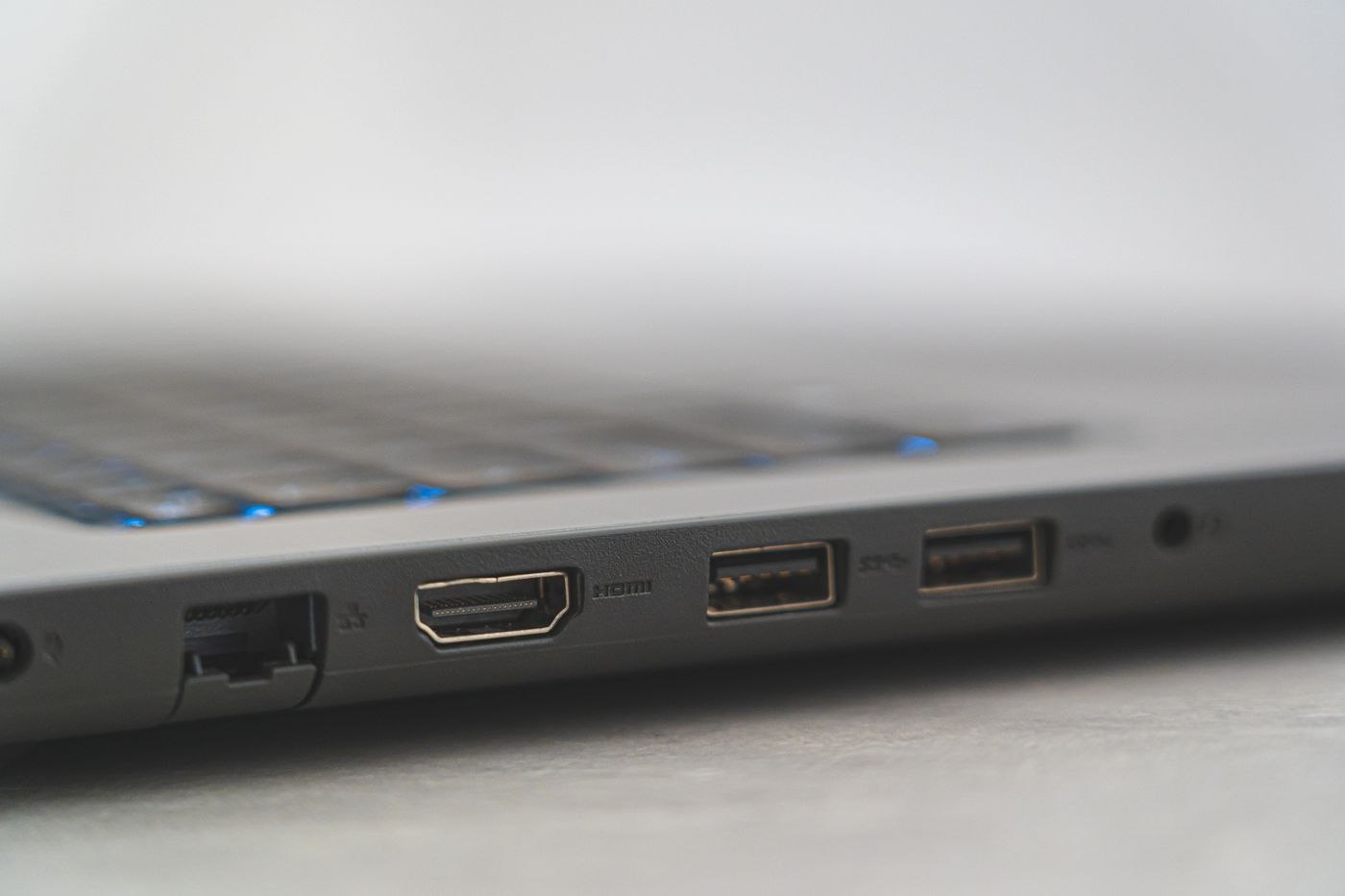
A new display needs to match the computer output and complete cable route. Start with model numbers rather than connector photographs.
Equipment & accessories
An external SSD should match file volumes, connections and the intended workflow. Extra storage is not automatically a backup.
Equipment & accessories
A file handover needs an identifiable version and an agreed return path for the drive. The USB device alone organises neither.
Equipment & accessories
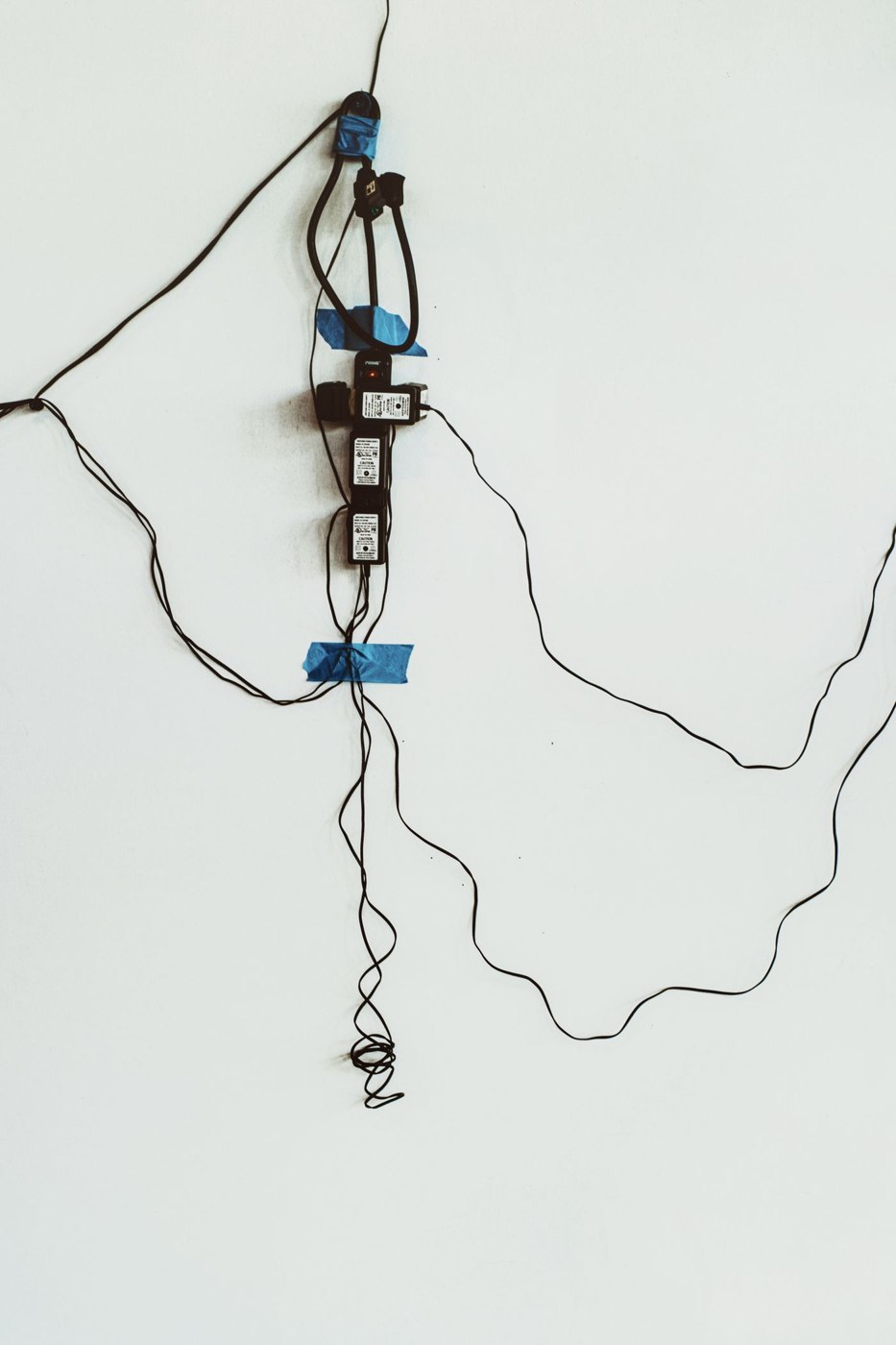
A power strip needs suitable placement and loading. Plan it together with power adapters and moving furniture.
Equipment & accessories
The suitable connection depends on location and actual problems. Compare Ethernet and Wi-Fi at the same desk using the same tasks.
Equipment & accessories
An interrupted call can have several causes. Separate video, audio and connectivity before replacing devices or settings.
Equipment & accessories
A laptop bag should cover the actual office day. Separate delicate equipment, frequently needed items and occasional spares.
Equipment & accessories
A tablet can take on selected tasks alongside a computer. First identify which activity it would genuinely simplify.
Equipment & accessories
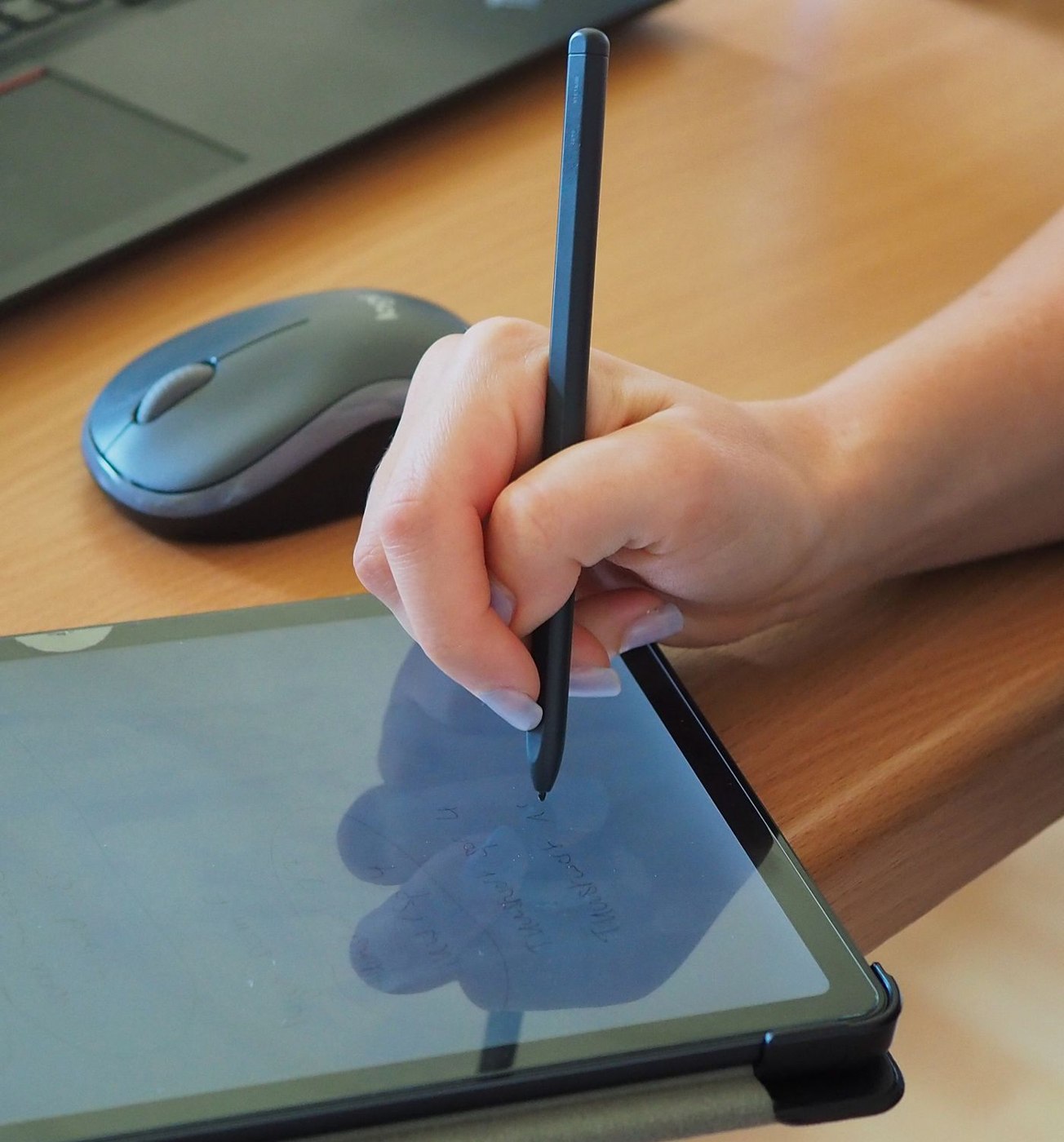
Digital handwriting becomes a working note through storage and retrieval. Test the pen, application and export as one process.
Equipment & accessories
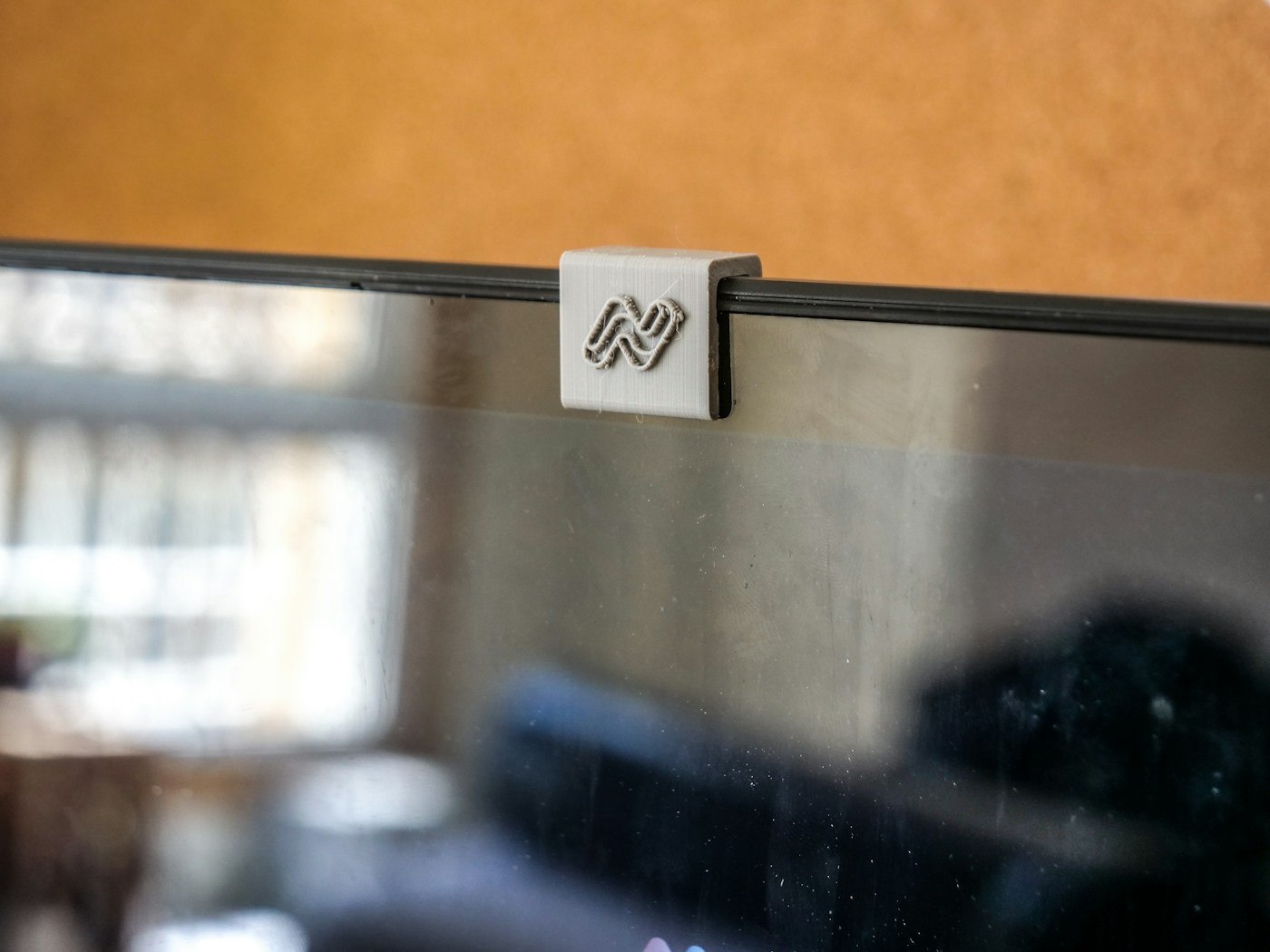
A camera cover must suit the actual device. On laptops, pay particular attention to clearance between screen and keyboard.
Equipment & accessories
Moving between two work locations does not require dismantling the entire desk every evening. Decide which equipment travels and which items stay at a particular site.
Equipment & accessories
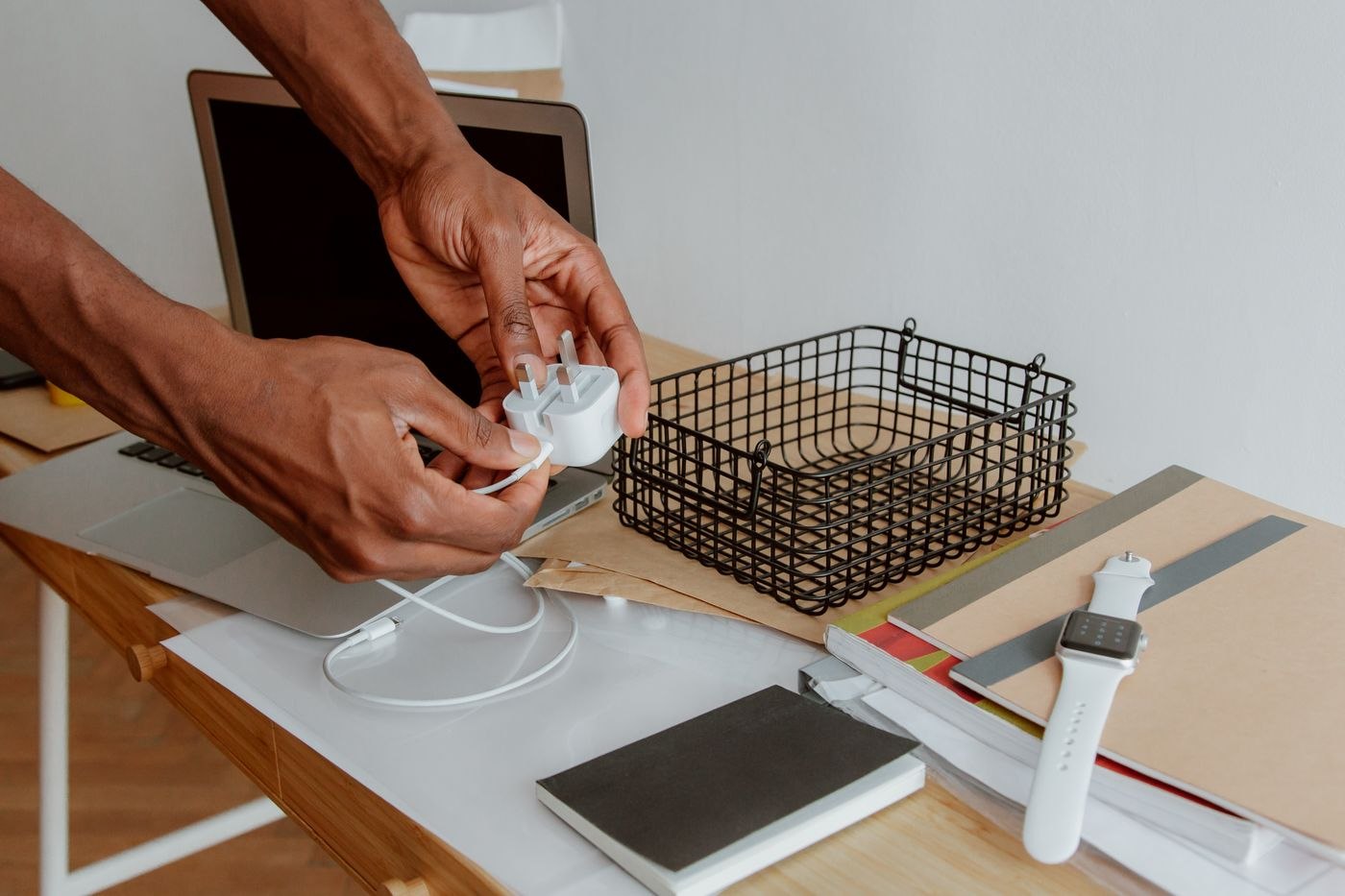
A second charger can simplify moving between workspaces. It needs to fit the laptop, cable and actual connection arrangement rather than merely having a matching plug.
Equipment & accessories
A cable label should make the next connection easier. Put the right information where it remains readable behind the desk, not just while the lead is lying loose.
Equipment & accessories
A display connection depends on the source, the route and the input together. Sketch the complete path before combining several adapters.
Equipment & accessories
A new computer becomes a replacement when the required work functions on it. Plan files, access, accessories and a controlled transition rather than treating delivery as completion.
Equipment & accessories
A small meeting kit should cover known gaps. It works best when its contents match the rooms and devices people actually use.
Paper & documents
Occasional printing calls for a decision about documents, idle periods and supplies rather than a machine designed around high monthly volumes.
Paper & documents
Paper handling affects both the documents a printer can process and the space it needs. Consider the machine during a print job rather than only with every tray closed.
Paper & documents
Duplex can describe printing or scanning. If you regularly digitise two-sided originals, check those functions separately rather than relying on a single feature label.
Paper & documents
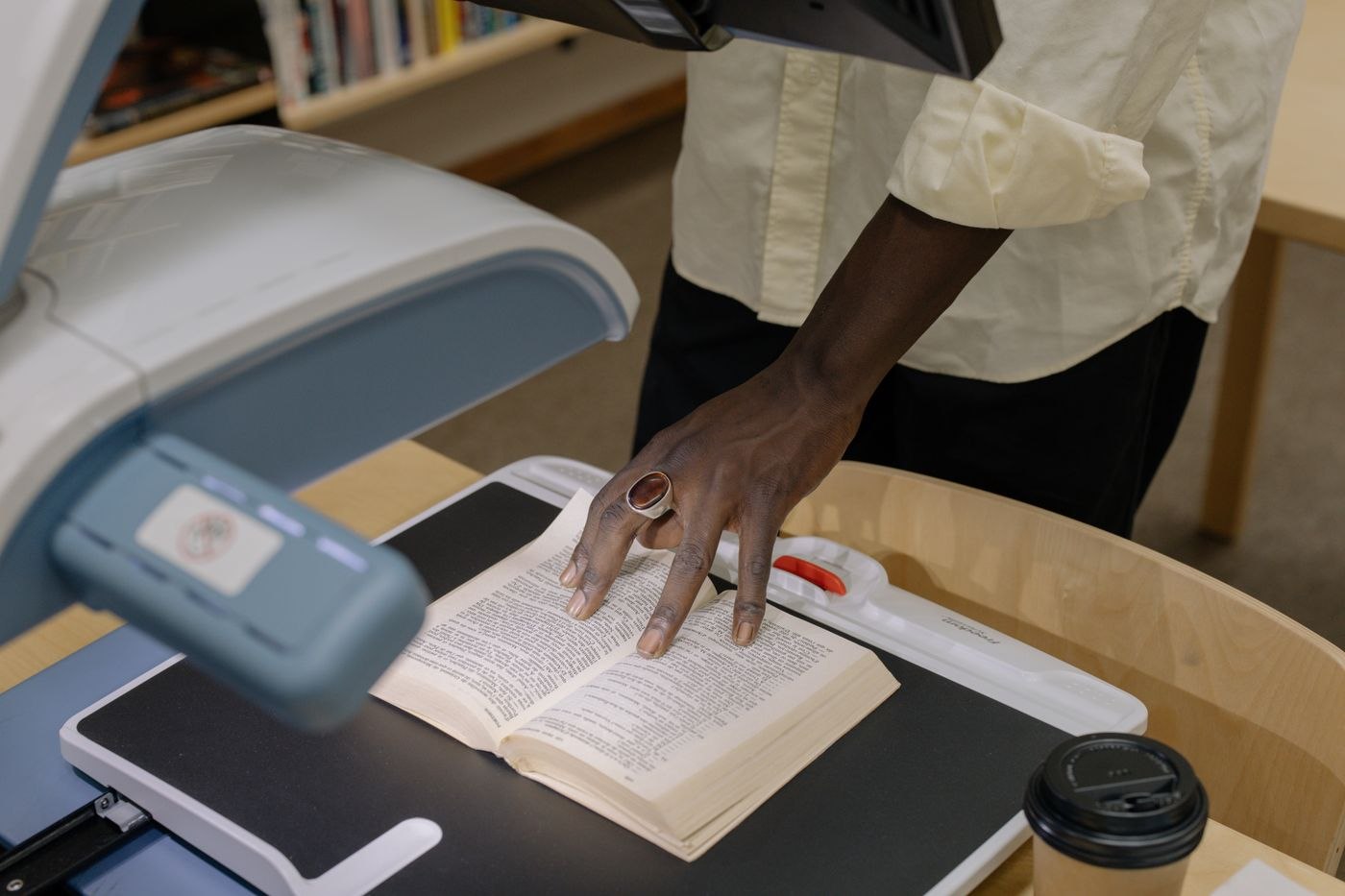
A dedicated scanner is not justified by a large paper pile alone. Compare the full process of preparing originals, feeding them, checking the result and filing the finished documents.
Paper & documents
A phone can capture an occasional receipt quickly. Making the resulting file easy to find requires attention to the photograph, the check and the filing route.
Paper & documents
A PDF can look clear while containing incorrectly recognised text. Check both the page image and the characters used for search or copying.
Paper & documents
An inbox tray is a temporary stop for incoming paper. It works when each item leaves with a next action or a definite filing destination.
Paper & documents
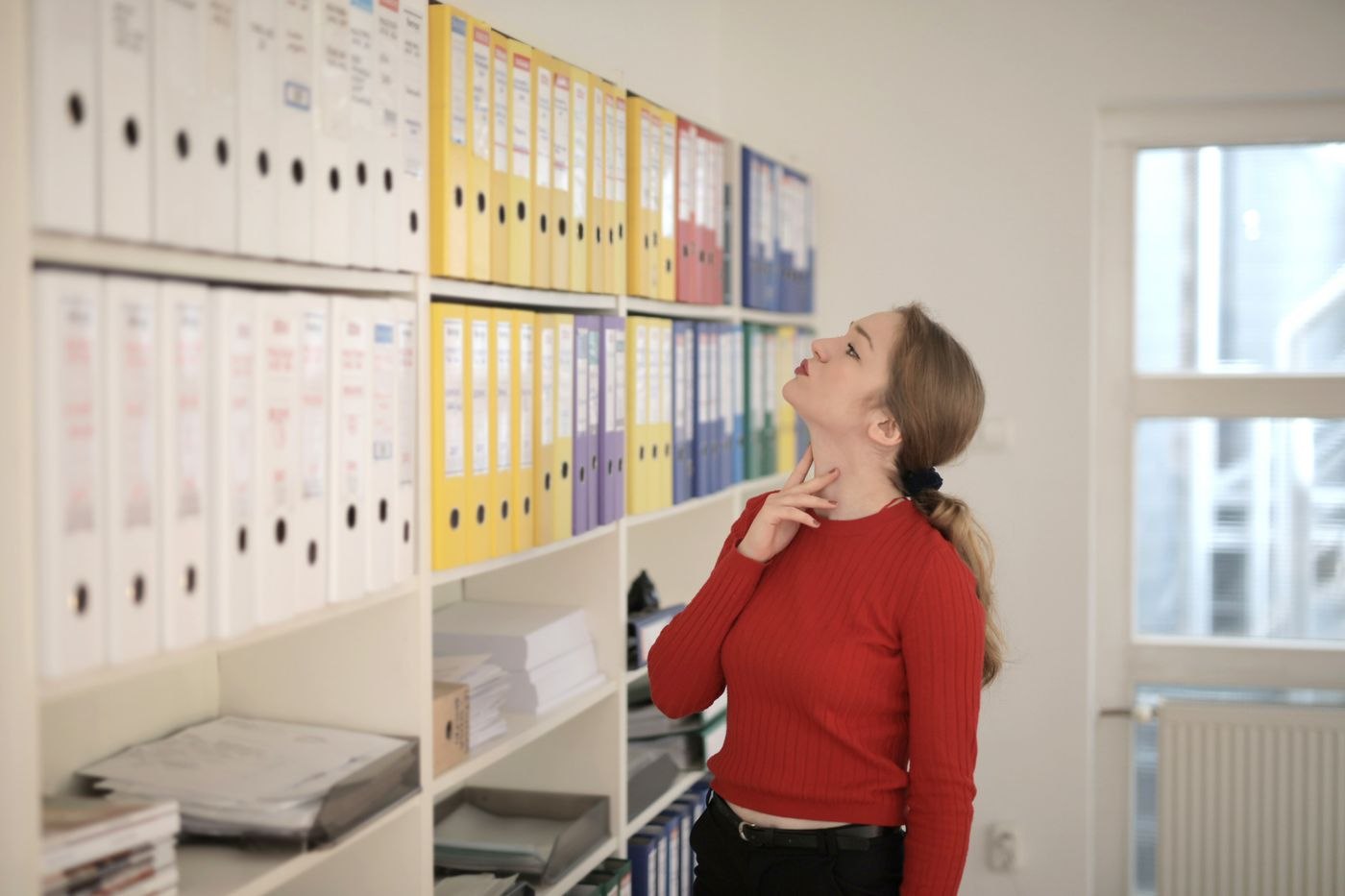
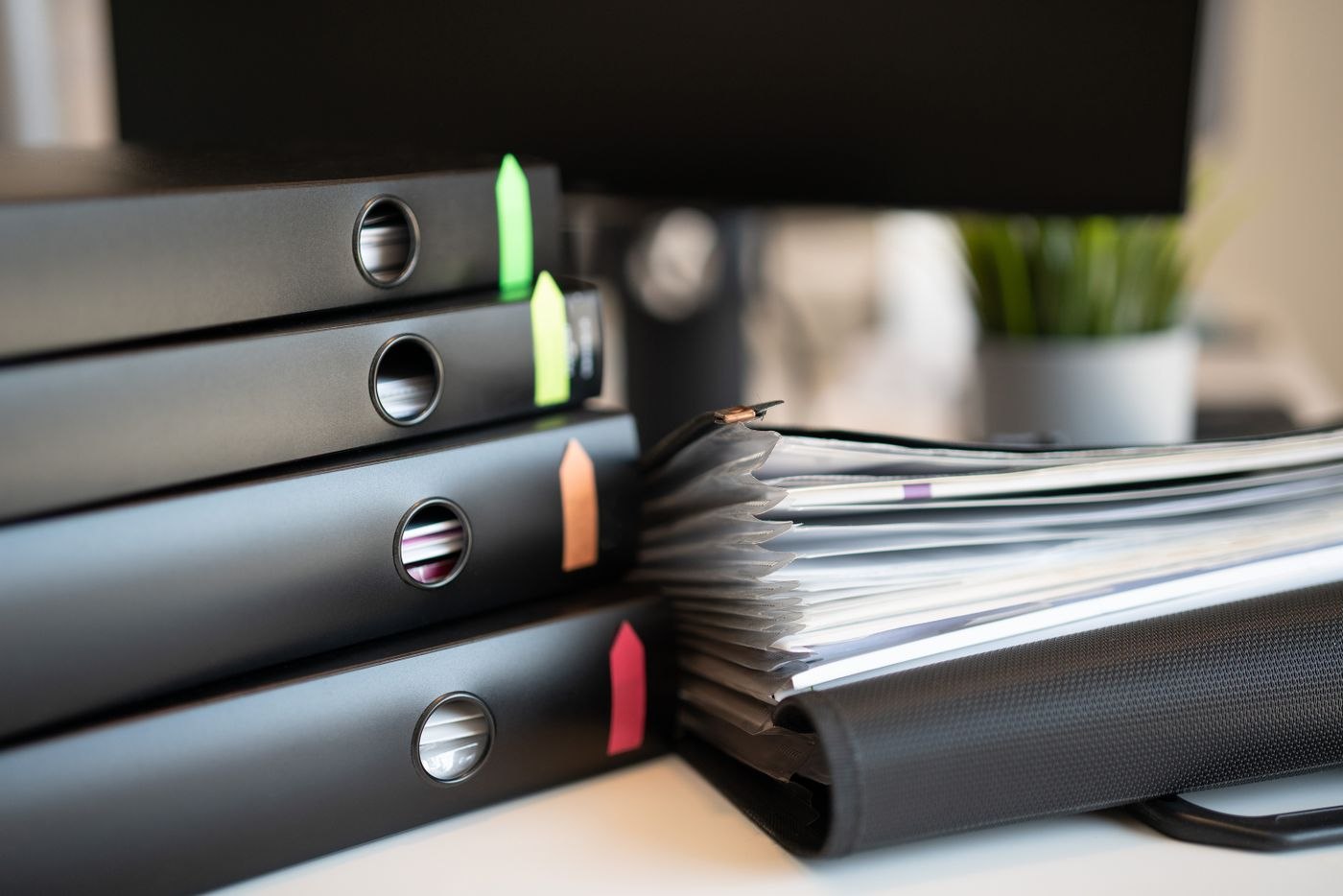
A binder is easier to use when its sections answer a recurring question. Filing and retrieval should follow the same organising principle.
Paper & documents
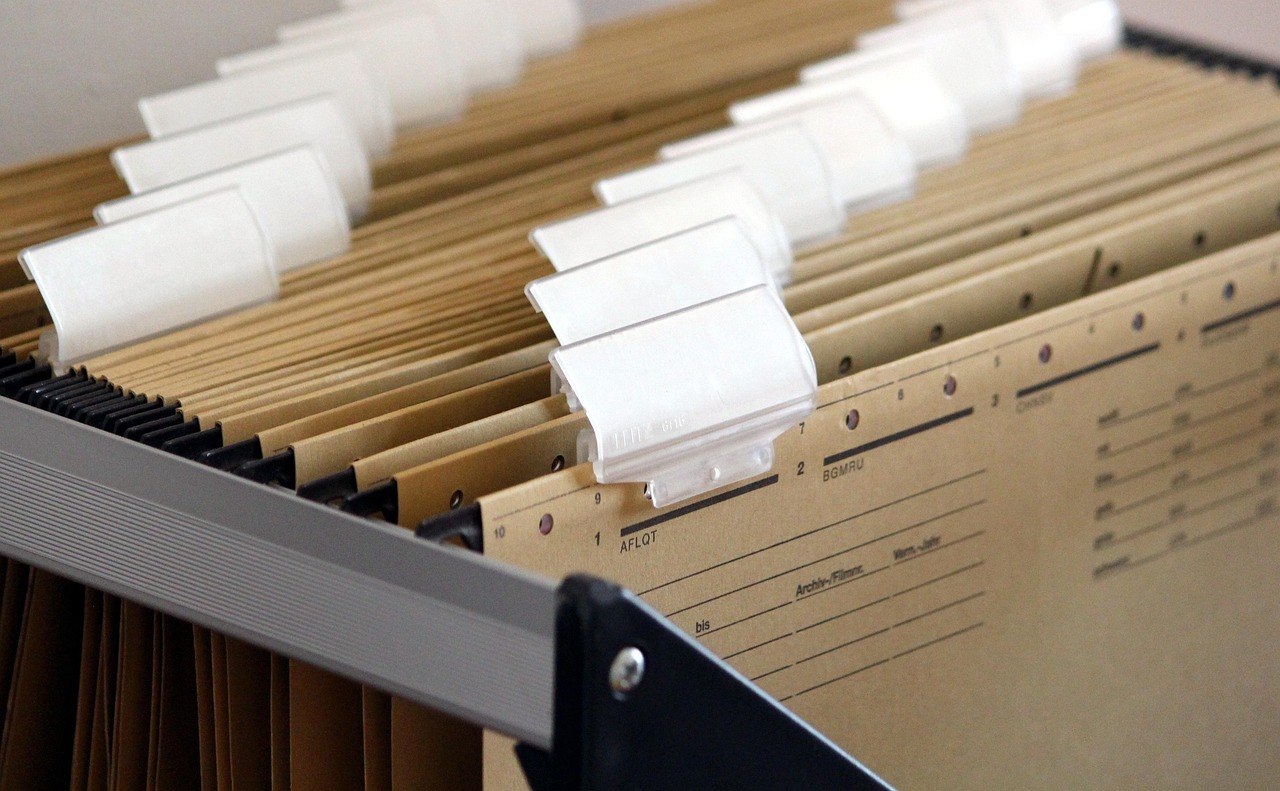
Hanging files can keep active cases individually accessible. Their usefulness depends on readable labels, a compatible drawer and room to handle the papers.
Paper & documents
A useful filename answers enough questions without repeating the entire document. Decide on the order of information before many similar files accumulate.
Paper & documents
Improve an accumulated file structure without rebuilding every folder at once. Clear destinations and a defined transition matter more than a perfectly symmetrical folder tree.
Paper & documents
Give a paper file and its digital copy a shared identifier. This makes the original retrievable without building two elaborate systems for the same documents.
Paper & documents
The smallest PDF is not always the most useful. Compare readability and file size using a demanding sample page before scanning the entire pile.
Paper & documents
A shared PDF review works better when everyone examines the same version and comments have a clear purpose. Prepare the file, feedback route and closing decision together.
Paper & documents
Matching names and similar previews are not enough reason to delete files. Check their contents, purpose and recovery options before removing a copy.
Paper & documents
A shredder's workload includes preparing paper, feeding it, waiting through cooling pauses and emptying the bin. Maximum sheet capacity describes only one part of that process.
Paper & documents
Internal drafts, double-sided reports and presentation sheets put different demands on paper. Start with the printer's supported media and the job the finished document has to do.
Paper & documents
A label is useful only when it remains readable in its actual position and describes the contents clearly. Develop the format on a real shelf or drawer before committing to a whole sheet of stickers.
Paper & documents
Travel quickly exposes documents that were only apparently available. Prepare access around the actual appointment, including the possibility of a temporary loss of connectivity.
Paper & documents
A completed project needs an intelligible record, rather than an unexplained copy of its working disorder. Arrange the documents around the questions people are likely to ask about the result later.
Paper & documents
A large paper backlog becomes easier to handle when preparation, scanning and checking are treated as separate stages. Complete one small batch to discover how long the whole process actually takes.
Paper & documents
The test of a document handover is whether the next person can continue the work. A large collection of files without orientation merely transfers the searching to its recipient.
Paper & documents
A backup becomes useful when the required files can actually be restored from it. Plan responsibility and recovery as well as the copying process itself.
Light & surroundings
A desk lamp's best position depends on the paper, display and direction of your gaze. A short trial at the furnished desk tells you more than the arrangement in a product photograph.
Light & surroundings
A window changes the workstation throughout the day. Check the hours when you actually use the screen, rather than only the bright moment when the furniture is first arranged.
Light & surroundings
Warm and neutral white describe the appearance of a light source, rather than its overall suitability for work. Compare the effect on your documents and alongside the lighting already in the room.
Light & surroundings
Paper and a screen often sit beside each other but do not need identical lighting. Arrange the workstation while using both, rather than optimising one and introducing the other afterwards.
Light & surroundings
A video-call background does not need to be empty or elaborately decorated. It should suit the available room and avoid revealing information unintentionally.
Light & surroundings
An echoing room can make conversation unclear even when the microphone works properly. First distinguish reverberation inside the room from noise produced by equipment or arriving from outside.
Light & surroundings
A busy street changes with the time of day and the task you are doing. Plan the workspace by separating the situations that cause difficulty instead of treating every sound as the same problem.
Light & surroundings
A rug beneath an office chair has to do more than look attractive. Consider movement, the floor below and cleaning before deciding on a material or pattern.
Light & surroundings
A screen can separate a work corner from the rest of a room. First decide which sightline needs interrupting and which connections to the surrounding space should remain open.
Light & surroundings
Cables beneath a desk need identifiable routes that allow equipment changes and movement. A tidy bundle alone does not show whether the workstation will remain usable afterwards.
Light & surroundings
Several devices do not automatically require several charging stations on the work surface. Organise the requirement around the equipment, charging times and whether each item is used while connected.
Light & surroundings
A desk with little daylight needs lighting that supports the whole working routine. One bright lamp beside the monitor is not always enough for the room and the tasks within it.
Light & surroundings
Ventilation should be possible without moving furniture or abruptly interrupting a call. Plan window access and the working routine together before filling every available surface.
Light & surroundings
Glare during a video call affects both your own view and the camera image. Check both before ordering an additional light.
Light & surroundings
A clear work surface comes from suitable storage places, not from hiding everything each day. Keep what the next piece of work needs within the usable area.
Light & surroundings
A plant at the workstation should suit the available light and the care it will receive. Choose the position first, then a species whose requirements can be met there.
Light & surroundings
A pleasant winter window position may receive direct sun in summer. Review shading and the working routine before committing to a permanent rearrangement of the desk.
Light & surroundings
At a desk used for both personal and professional tasks, it needs to be clear who owns material and where it returns after use. A physical dividing line alone may not establish that distinction.
Light & surroundings
Ending the working day is easier when the next start has been prepared. A short closing routine should preserve unfinished work and release the space without becoming another large project.
Light & surroundings
When several people live or work at home, noise conflicts often arise because plans are unknown. Agree specific periods and signals instead of expecting continuous silence.
Light & surroundings
Small objects easily disappear in deep drawers or large collection boxes. Sort them by use and frequency of access before buying additional organisers.
Light & surroundings
A portable work kit should make moving between suitable rooms easier. It needs to contain what those places lack, rather than becoming a mobile collection of the entire desk.
Light & surroundings
Dust management starts with accessible surfaces and the equipment's cleaning instructions. Fewer loose objects make routine care easier without repeatedly moving the technology.
Light & surroundings
Occasional visitors need a usable place without turning the home office permanently into a meeting room. Plan arrival, the conversation and the return to ordinary work as one routine.
Planning & collaboration
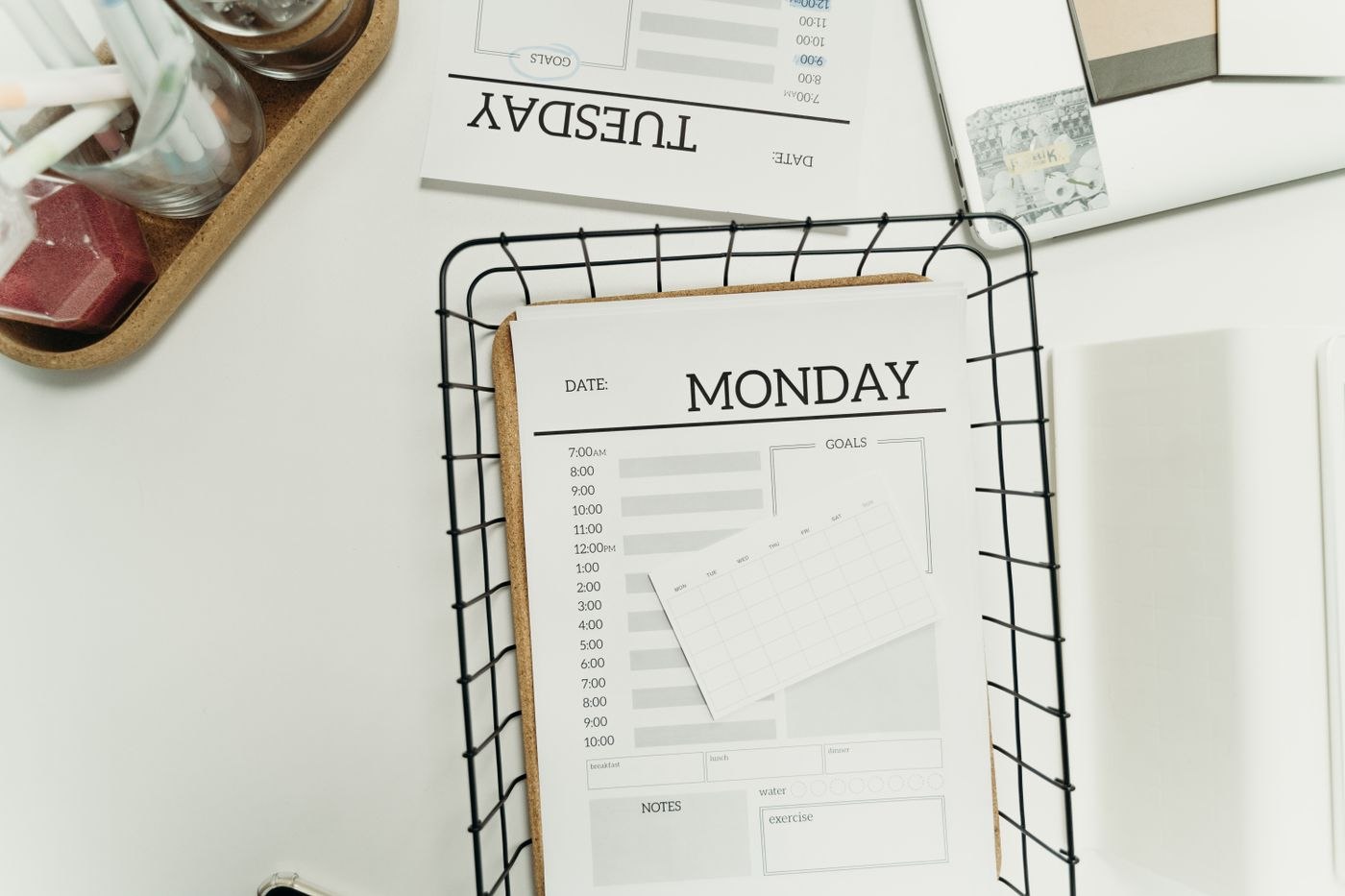
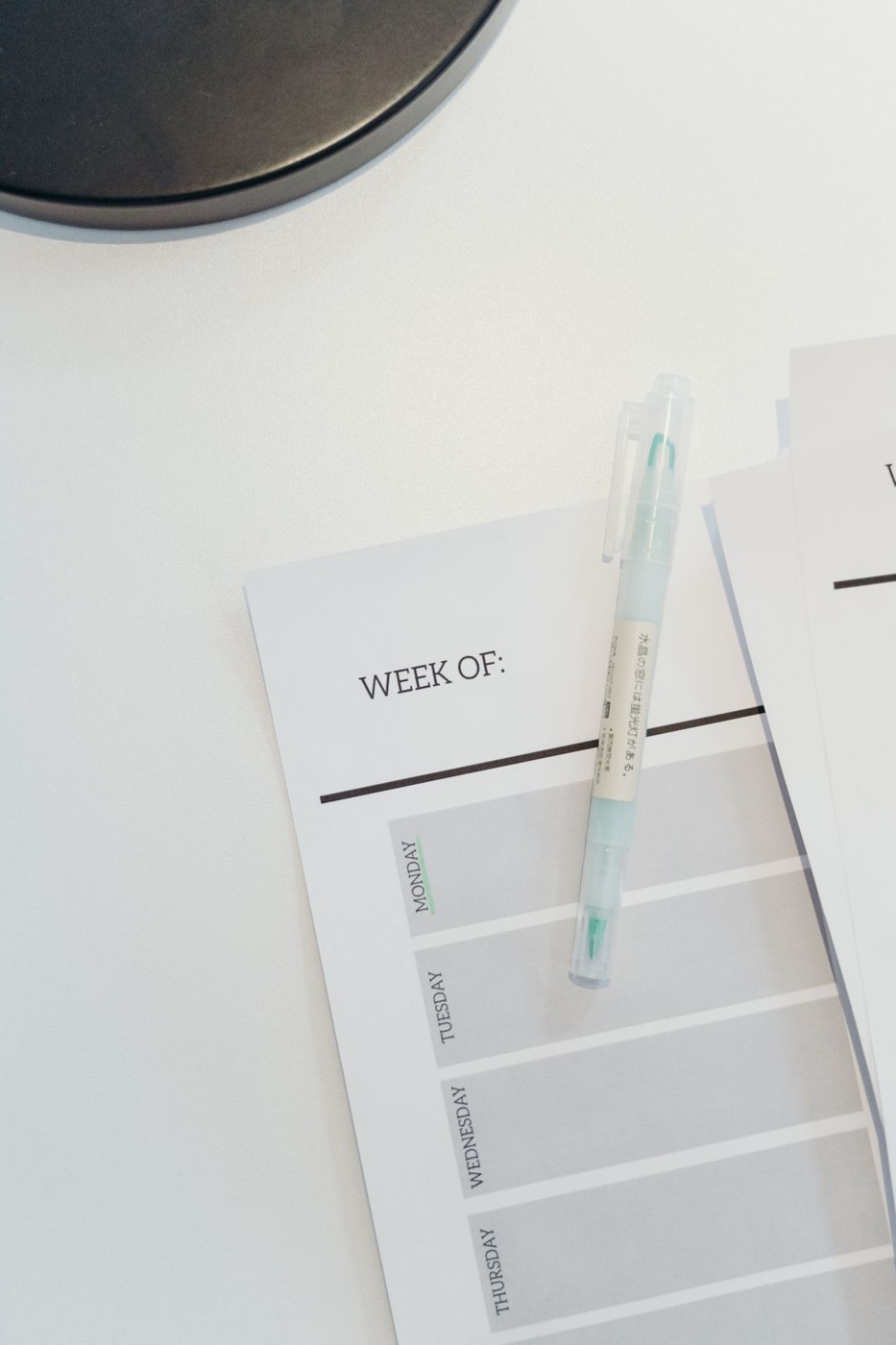
A weekly plan starts with the time that is genuinely available. Enter fixed commitments before distributing tasks across days that merely appear empty.
Planning & collaboration
A calendar and a task list answer different questions. One shows committed time, while the other tracks work still to be done. Clear connections make them useful together.
Planning & collaboration
A task is easier to begin when its next action is visible. Write what can actually be done rather than recording only a subject.
Planning & collaboration
Scheduled email sessions work only when they match real expectations about response times. Establish those expectations first, then give each message a clear next step.
Planning & collaboration
A meeting needs a question that will have moved forward by the end. Plan participants, preparation and time around that outcome rather than around an empty calendar slot.
Planning & collaboration
Meeting notes often mix decisions, ideas and actions. Move only genuinely agreed actions into the task overview while keeping their context traceable.
Planning & collaboration
A small project file collection needs a clear entry point and a few understandable areas. Build it around the material that will actually exist rather than importing a large hierarchy in advance.
Planning & collaboration
Version confusion often comes from treating several files as current at the same time, rather than from a lack of software. First agree which version is authoritative and how changes reach it.
Planning & collaboration
A leave handover should enable the deputy to act without reading your entire work history. Concentrate on matters that may genuinely become relevant while you are away.
Planning & collaboration
A checklist is useful when it prevents recurring omissions. It should support a known process rather than document every obvious movement.
Planning & collaboration
Not every spare minute between meetings is equally usable. Choose work whose start and stopping point fit the real interval.
Planning & collaboration
Notifications should match the task and agreed response expectations. Decide by sender and purpose, rather than simply by which application flashes most often.
Planning & collaboration
Daily notes become useful when decisions and open actions can be found again. A date helps memory but does not replace a connection to the subject.
Planning & collaboration
A digital whiteboard needs an understandable working path and a plan for transferring the results. A large blank canvas alone does not make a workshop collaborative.
Planning & collaboration
A shared task spreadsheet needs unambiguous columns and reliable maintenance. Start with the small set of information the team actually uses to coordinate work.
Planning & collaboration
A status update should show others what changed and where their decision is needed. A report of every small activity can easily obscure that purpose.
Planning & collaboration
A hybrid meeting is one shared conversation reached through different routes. Plan contributions, material and decisions for remote participants as well as the camera in the room.
Planning & collaboration
A presentation is prepared when it has been checked through the intended equipment and from the audience's perspective. A file that works on your own computer is only part of that test.
Planning & collaboration
A task can have a calendar slot and still be unable to start. Plan the required inputs and decisions alongside the time for doing the work itself.
Planning & collaboration
A finished project often leaves more than its final result. Files, remaining commitments and borrowed equipment need a clear handover so the next task does not begin with a search.
Planning & collaboration
A template saves work only when people can find it and know it is current. A small maintained collection is often easier to use than every document produced in the past.
Planning & collaboration
“Could you quickly …?” may mean a small answer or the start of a longer task. A brief clarification helps without turning every request into a separate project.
Planning & collaboration
A day filled with calls, questions and unexpected handovers cannot be planned like an uninterrupted one. Leave room for known interruptions and make it easy to return to work already started.
Planning & collaboration
Before sharing your screen, identify what other people actually need to see. The aim is a clear presentation without unnecessary glimpses of unrelated work.
Planning & collaboration
A shared knowledge collection should answer recurring questions. It needs less material than a complete document archive, but more upkeep than a folder created once and forgotten.
Planning & collaboration
A new workspace does not need every setting and folder changed on the first day. Establish the functions needed for your immediate work before reshaping the whole arrangement.
Office routines & buying
An empty pen box can coexist with several unopened packs elsewhere. Reordering needs a visible stock position and a clear person responsible for acting on it.
Office routines & buying
A shared stationery cupboard should make sense to people who did not arrange it. Organise it around taking and returning materials rather than only its appearance after tidying.
Office routines & buying
Replacement supplies help only when they match the printer and can be found in time. Begin with precise equipment identification rather than a large general order.
Office routines & buying
An equipment handover involves more than a laptop in a box. A short, accountable record connects the device, its accessories and any agreed next steps.
Office routines & buying
An equipment list does not need every technical detail. It should answer the questions that arise in the office: what is available, where it is and who can resolve the next step.
Office routines & buying
Unpacking leaves cartons, small bags and unfamiliar adapters behind. Sort them by their future use before they disappear into a shared cupboard.
Office routines & buying
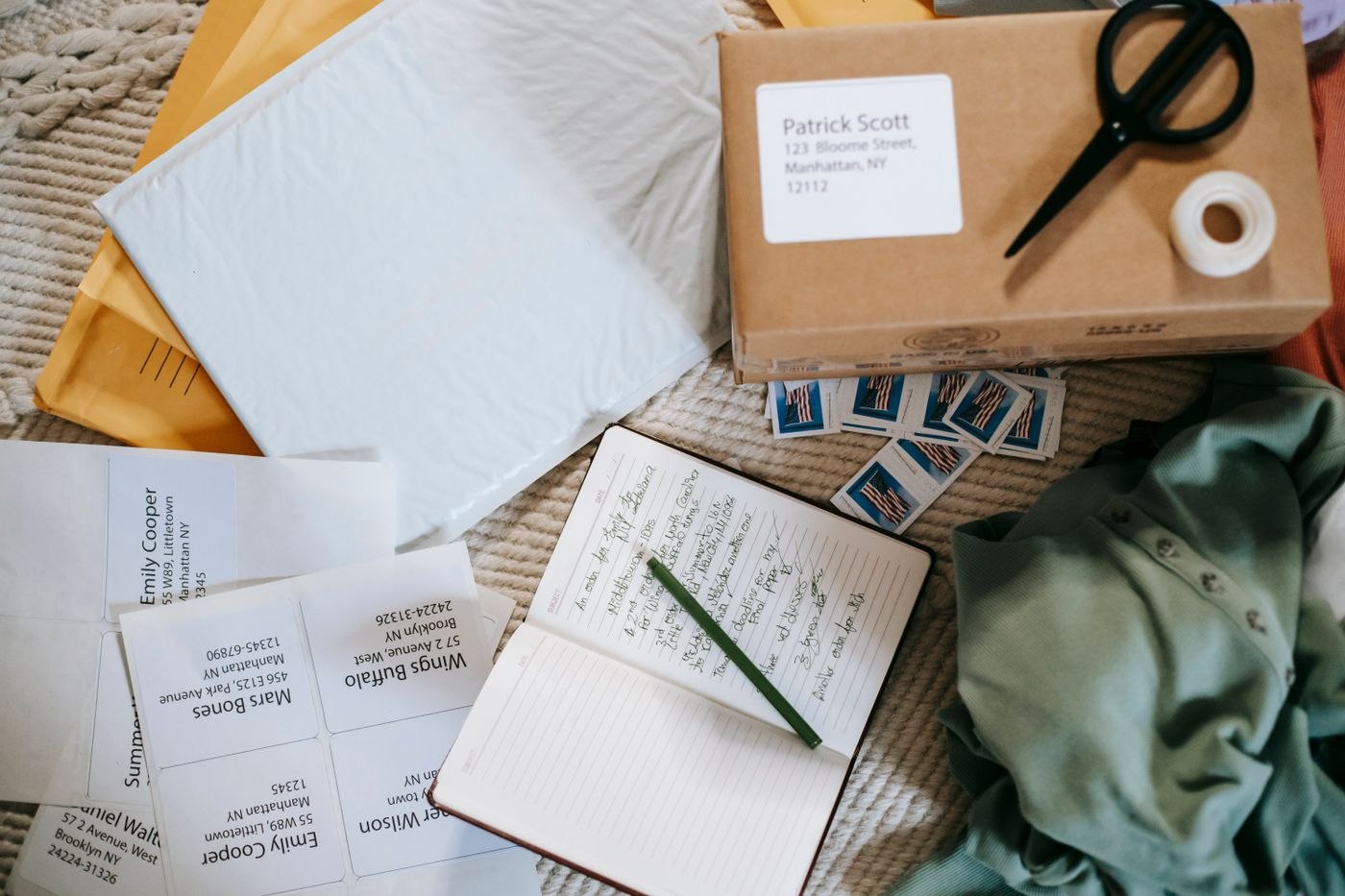
A small mailing station needs a clear working surface and unmistakable handover points. Design it around the items the office actually sends.
Office routines & buying
The next meeting should not begin with a search for a cable or somebody else's notes. A short room reset keeps shared meeting spaces ready to use.
Office routines & buying
Before a longer absence, switching off displays is only part of the job. Establish which work continues, who needs access and how problems will be handled.
Office routines & buying
A new workspace does not need a complete stationery catalogue immediately. Assemble the materials required for the first real tasks, then expand from experience.
Office routines & buying
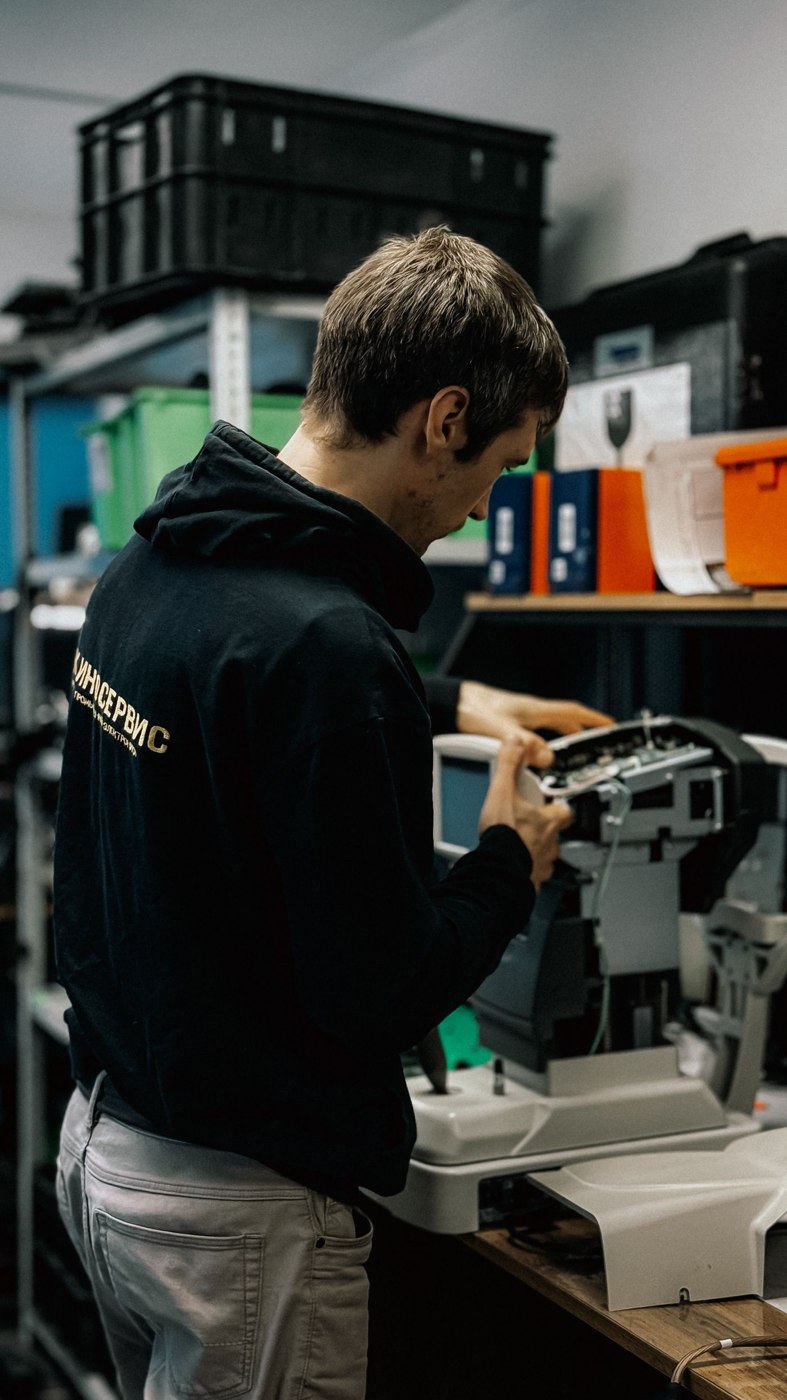
Whether repair makes sense depends on more than the purchase price of a replacement. Compare downtime, the fault, related costs and the work the equipment must perform next.
Office routines & buying
A visitor day runs more smoothly when arrival instructions, working locations and responsible people fit together. Prepare the actual sequence rather than merely reserving a meeting room.
Office routines & buying
Loan equipment rarely disappears deliberately. More often, a clear return date, accessory list or agreed receiving point is missing.
Office routines & buying
A workspace can be built in stages if the sequence makes sense. Start with a usable core setup and base later purchases on observed constraints.
Office routines & buying
A comparison sheet becomes useful only when its criteria match the work. Separate essential requirements, verifiable differences and the complete order.
Office routines & buying
An office clear-out sends furniture, work data, keys and ongoing commitments along different routes. A shared overview prevents the final day from becoming an improvised sorting exercise.
Office routines & buying
When attendance varies, desks, shared equipment and personal belongings need clear arrangements. Organise around the patterns that actually occur in the office.
Office routines & buying
Compact stock storage starts with limited quantities and suitable locations. Extra boxes do little if supplies become difficult to find or reach inside them.
Office routines & buying
A shared calendar should show more than an occupied slot. Make the resource, responsible person and actual next availability clear.
Office routines & buying
For a short off-site visit, the right combination of tools matters more than carrying everything. Pack around the task, available connections and journey back.
No articles found. Try a different search term.