Prepare the required view
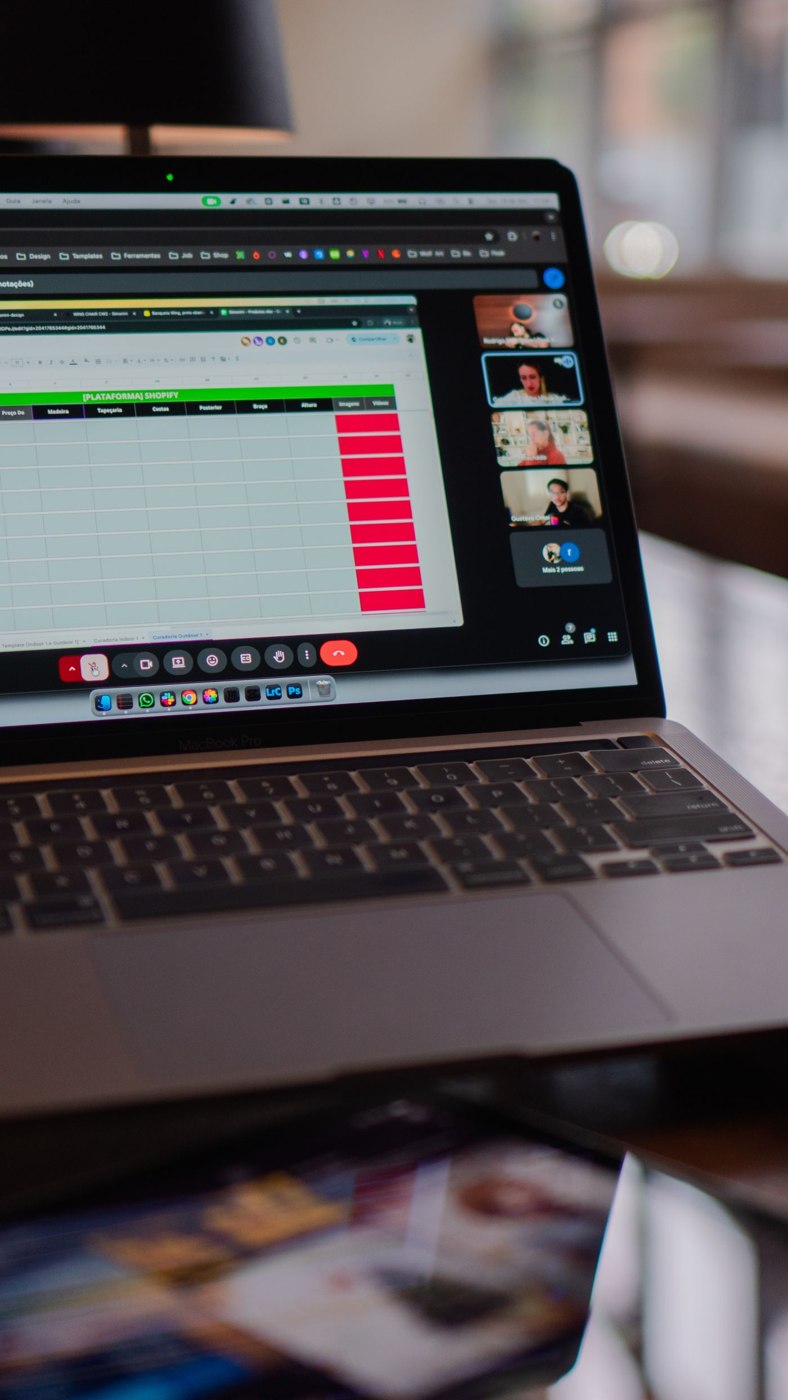
Decide whether you need to share one application, a particular window or the entire display. Available options depend on the meeting software and device. Check the appropriate choice before the session rather than switching randomly between sharing modes during the explanation. With multiple monitors, make sure the intended display is selected.
Open the necessary material and close unrelated windows or tabs. Also inspect visible filenames, bookmarks and sidebars. A document itself may be suitable for sharing while another part of the window reveals information not intended for the participants. Where possible, use appropriate sample information for a demonstration rather than genuine confidential records.
Enlarge text and relevant content until they remain understandable on a smaller participant screen. An entire spreadsheet may look manageable on your large monitor but be nearly unreadable to somebody else. Plan several views if necessary. When changing between them, briefly explain which part of the information the group is now looking at.
Check notifications and transitions
Before starting, check whether notifications or message previews could appear. Use the relevant device and application settings. Do not assume every meeting application automatically conceals all alerts. Test the actual configuration with harmless information rather than discovering its behaviour while an important document is being presented.
Consider which additional windows you will need during the explanation. A file picker, sign-in screen or transition to another application may reveal more than the prepared slide. Stop sharing if an unexpected private or confidential step becomes necessary. This is generally easier than trying to cover individual items while the audience is already watching the screen.
Begin with confirmation from the audience
After starting, ask whether the intended content is visible and readable. A sharing indicator on your own device does not establish that everyone can see the view clearly. If the demonstration includes sound or moving content, test those elements beforehand in the actual meeting setup too. Avoid promising functionality that has only been checked locally on your device.
End sharing explicitly before returning to other work. Check the displayed status and only then open unrelated documents. If participants need material afterwards, send it through the intended channel with suitable access permissions. A temporary screen view does not replace an organised file handover, nor does it establish that everyone received a usable copy of the information.