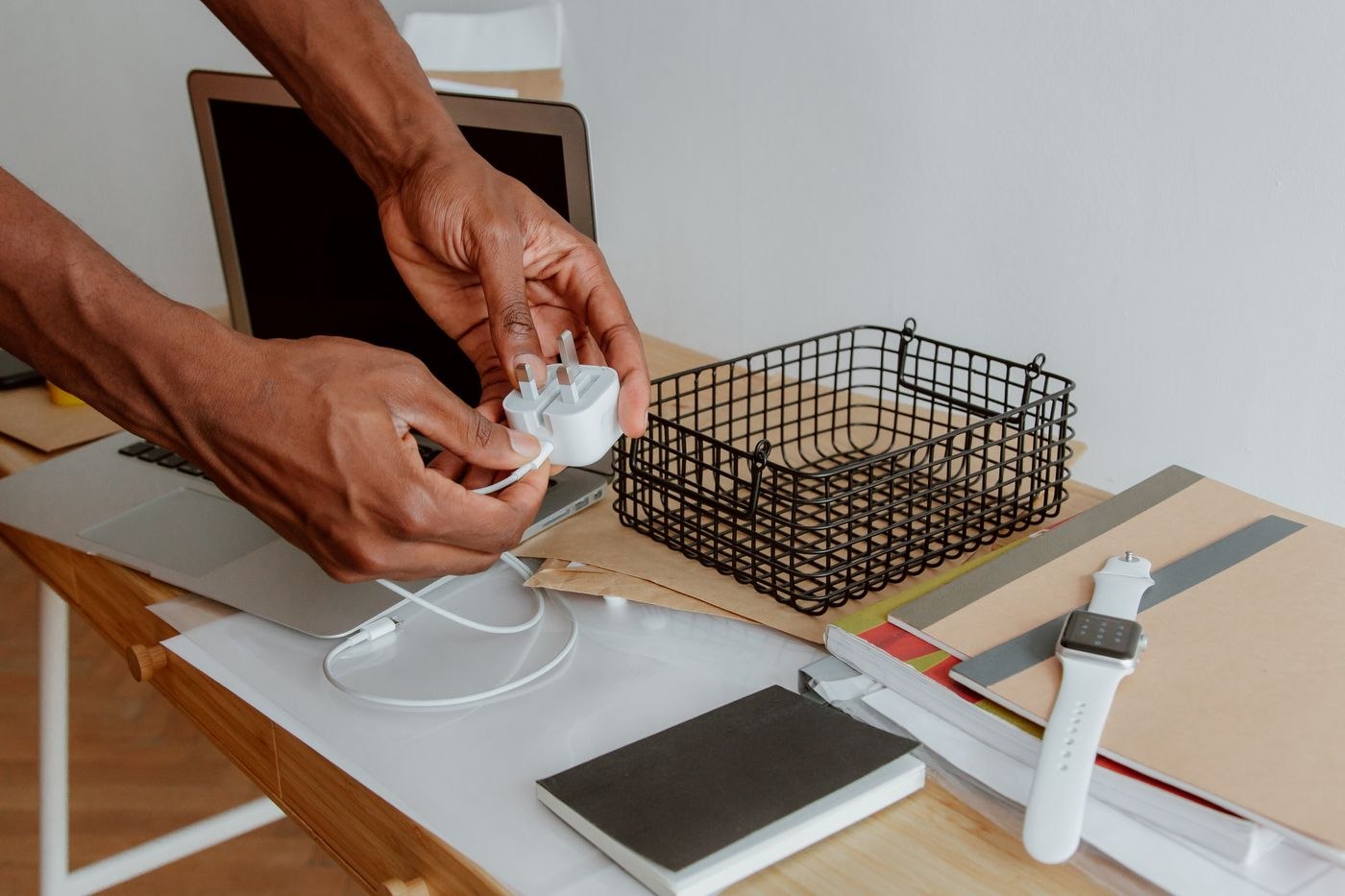
Start with the exact laptop
Find the full model designation and its manufacturer's power requirements. Compare more than the physical connector. Similar-looking sockets do not establish identical capabilities. For a proposed USB-C arrangement, confirm which charging function the laptop supports and what cable is suitable for it.
Record the specifications of an existing suitable charger if you are using it as a reference. A readable photograph of its label can help with an enquiry, but it does not establish approval for a different replacement product. With organisational equipment, have the responsible IT team confirm the selection before making a private alternative part of the permanent setup.
Look at the power delivered by the intended port
A multiport charger's prominently advertised total is not automatically available from every port simultaneously. Read the specifications for the intended output and the combination of devices connected at once. Adding a phone may change the available distribution. Whether that arrangement suits the laptop depends on the actual specifications rather than the largest number on the package.
Include the cable in the same check. Mechanical fit alone does not make an existing lead suitable. Depending on the product, manufacturer guidance distinguishes charging capability from other functions. If the charger will stay at the second location, keep its selected cable there as well. This creates a complete connection rather than another power supply without the right lead.
Assess where it will be used
Check whether the charger blocks neighbouring sockets and whether its lead reaches the intended laptop connection. Allow for normal movement of the computer. A taut cable is unsuitable for a table where the laptop is regularly moved aside. Follow the manufacturer's operating requirements and keep the power supply clear of covering materials.
If a docking station is involved, establish whether its own supply already provides the required charging function. A separate charger may have a different role there from the one it has at a temporary kitchen-table workspace. Treat the second location as a complete connection chain rather than carrying assumptions across from the first desk.
Try an ordinary working session
Test the confirmed combination with the tasks and devices normally used at the second location. Pay attention to power-related messages from the system and check whether the intended arrangement works throughout the session. A charging icon appearing briefly does not describe the entire working day. Investigate unexpected messages using the manufacturer's guidance instead of obscuring the cause by repeatedly swapping unidentified cables.