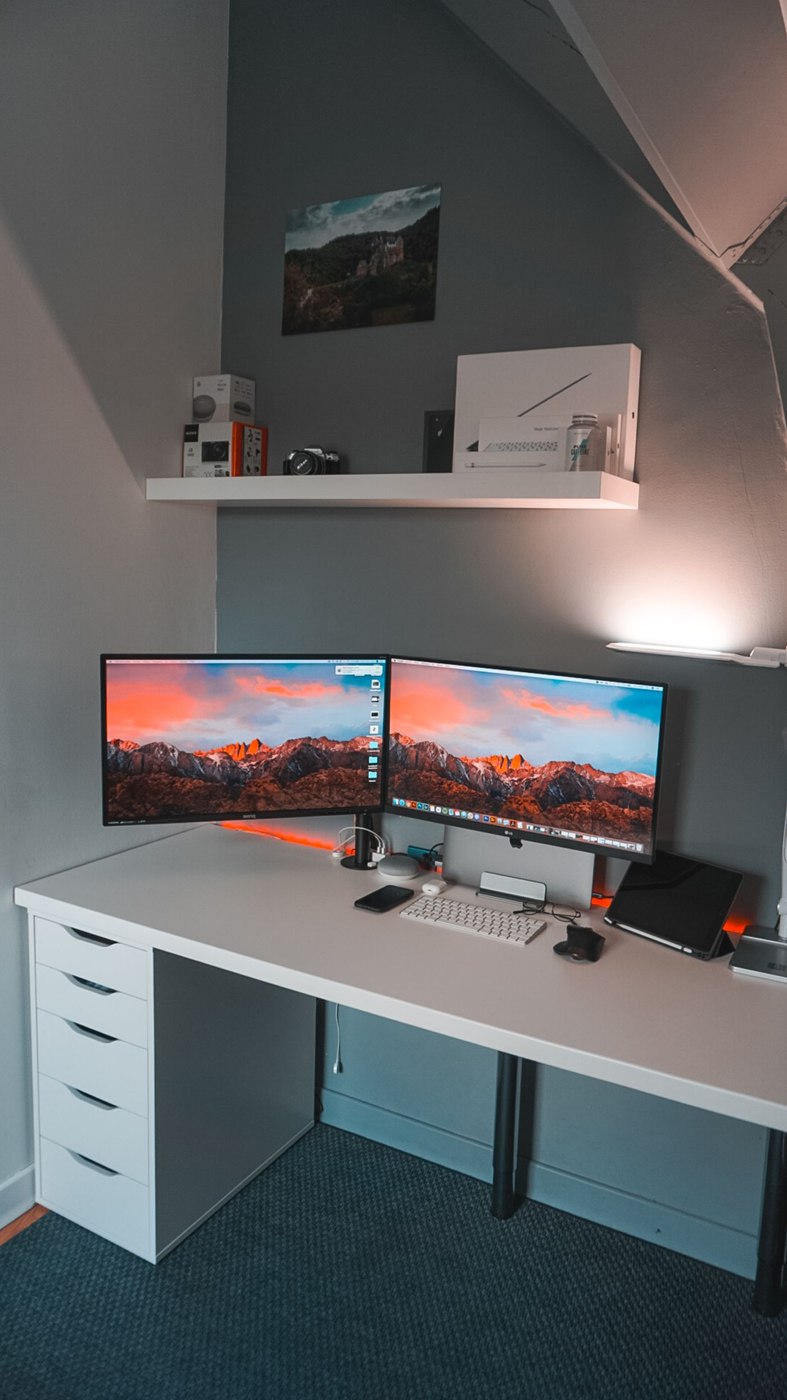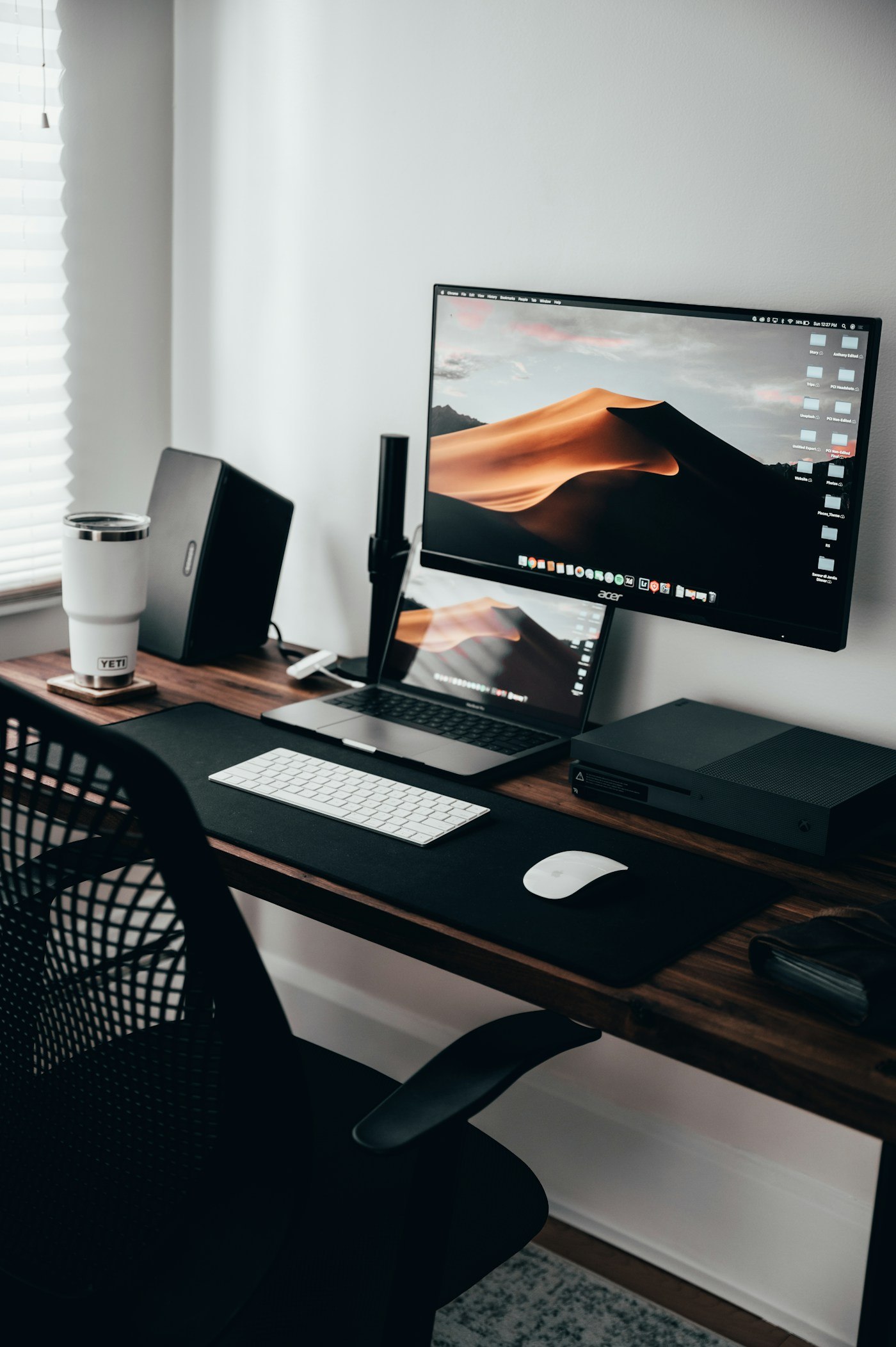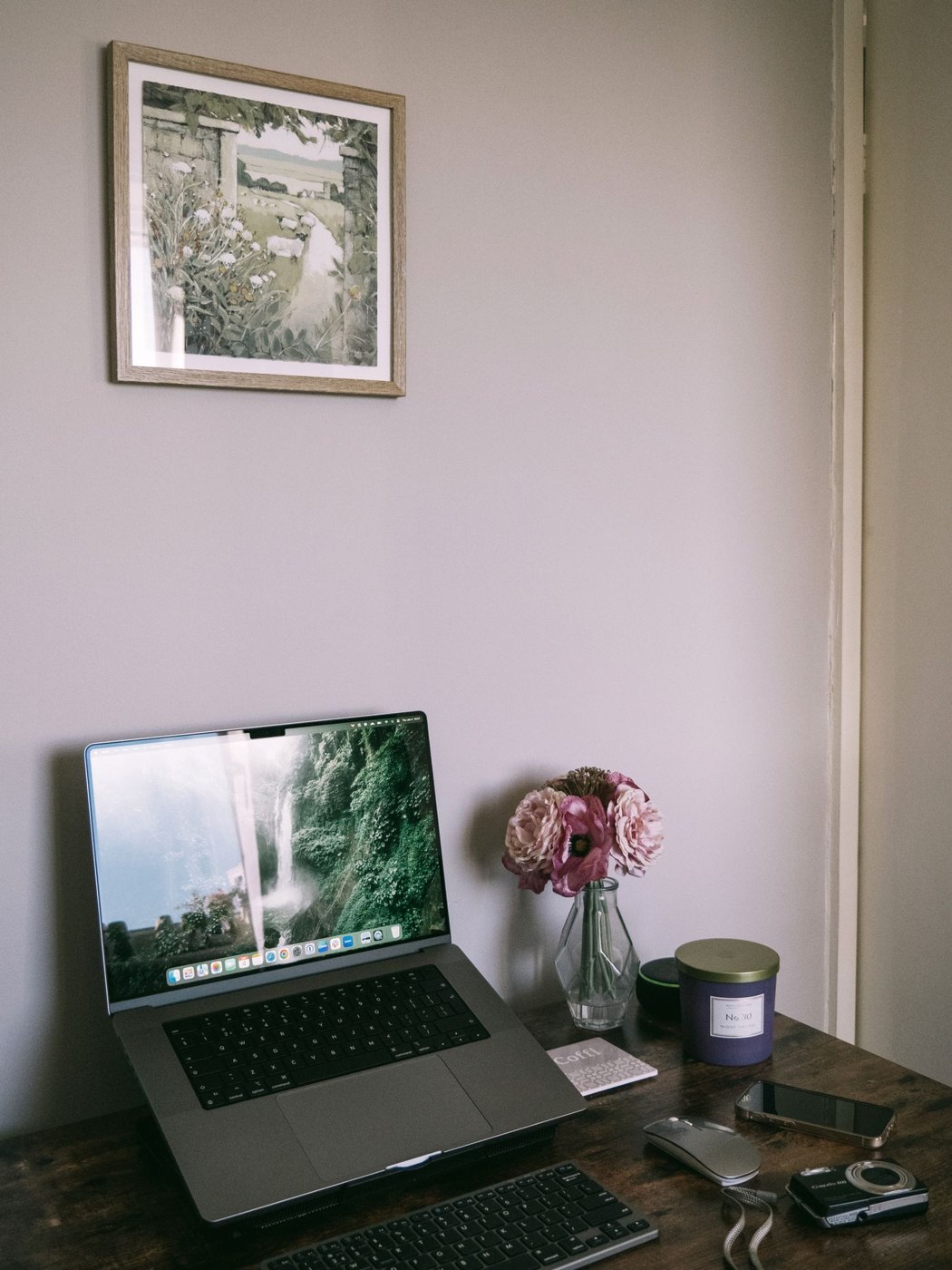
Lay out the complete setup
Put the laptop on the proposed stand and place a separate keyboard and mouse in front. Check that all three work on the desk without pushing the input devices against the front edge. A stand may create space beneath the computer, but it does not automatically enlarge the whole usable surface. Cables and side connections still need room.
Open the screen to the position you actually need. Check secure support and keep the manufacturer's ventilation areas clear. The stand should suit the particular laptop's dimensions and weight. Its front edge must not obstruct frequently used ports or controls.
Adjust height and distance separately
Changing screen height can change distance too. Move the complete arrangement so text is readable at your usual display setting. Avoid raising the computer as high as possible while leaving keyboard and mouse in unsuitable positions. Work with an ordinary document for several minutes and notice which movements are really required.
If an external display is also present, decide which screen handles the main task. The laptop may provide side reference material or operate closed if the specific device and configuration support that use. Check the manufacturer's information before placing a closed computer in a tight holder. Visual tidiness does not replace appropriate operating conditions.
Consider removal and transport
If you take the laptop away daily, test lifting it out and replacing it. Complicated cable routing can cancel the stand's convenience. Keep required connections accessible and label similar leads. A stand left permanently on the desk should not be pulled by a taut cable when the computer is removed.
For changing rooms, weight and folded size matter too. Check that a folding model is secured in its open position according to its instructions. Include keyboard and mouse in the same packing routine. A portable display support alone does not create a complete mobile workstation if the separate input devices are regularly forgotten at the other location. Try the full setup-and-pack sequence before making it part of your daily routine.