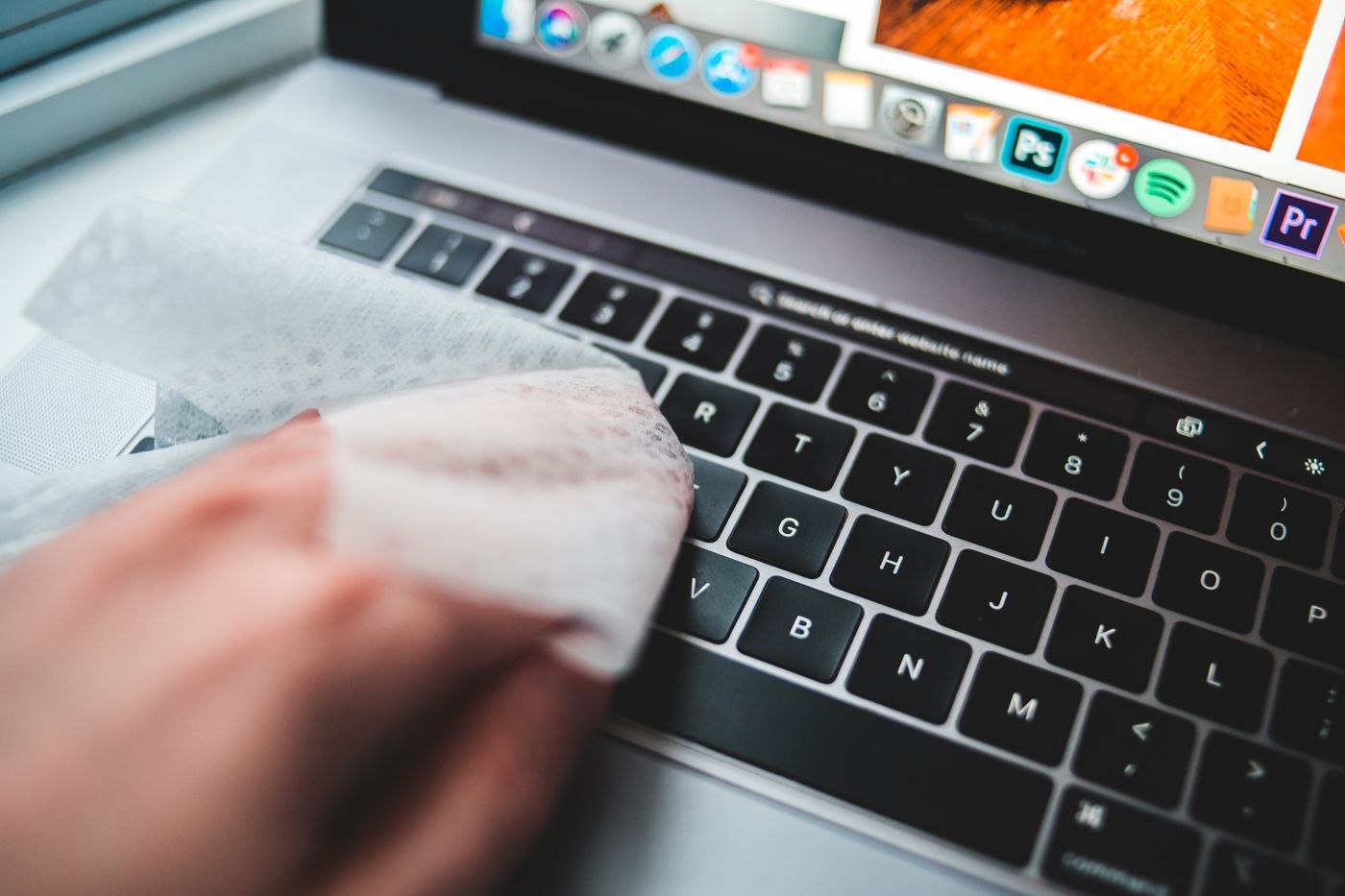
Read device guidance before choosing a cleaner
Check the intended cleaning method for the display, keyboard and other devices. A product suitable for the desktop may not suit a screen coating. Turn equipment off as directed and disconnect it where the instructions require. Do not spray liquid into ports or openings, or improvise internal cleaning that the device was not designed to allow.
Keep suitable cloths and permitted cleaning products separate from ordinary kitchen or workshop supplies. Label their purpose if several people do the cleaning. This helps prevent a heavily soiled cloth being used on a sensitive display. For managed equipment, establish which care users may perform and when the responsible technical team should take over instead.
Clear surfaces without disturbing connections
Remove loose papers and small objects first. Keep project material together so that cleaning does not create a new filing task. Move equipment only as far as its connections safely allow. A quick look behind the monitor can prevent a cable being pulled sideways when the device is lifted or rotated.
Check that ventilation openings remain clear and paper stacks do not sit directly in front of them. If internal dust or unusual operation is suspected, follow the designated service process. A vacuum attachment or compressed air is not automatically appropriate for every device or opening. The particular manufacturer's instructions take precedence over general household cleaning tricks or advice for a different model.
Choose a small repeatable scope
Clean frequently touched and accessible areas at a frequency suited to their use. Less accessible places can form a separate planned round. A short routine is easier to maintain than waiting for a large session in which the whole workstation has to be dismantled before any surface can be reached.
Use the opportunity to remove unnecessary packaging and empty organisers. Fewer objects mean fewer surfaces that must be awkwardly lifted. Afterwards, return equipment and papers to their designated positions and check essential connections. If cleaning repeatedly loosens plugs or changes support positions, improve access rather than relying on ever more careful movement around the same obstruction.