Measure the printer while it is open
Measure the machine with the covers and paper trays used during normal work open. Compact closed dimensions do not describe the whole operating area. A rear feed may need distance from the wall, while a front output tray can extend beyond the shelf. Check these movements on the existing printer or in the exact model's manual.
For a multifunction machine, include the scanner lid. Try placing a book or folder on the glass if those are typical originals. A shelf immediately above may prevent full opening. Access for replacing consumables and clearing paper jams needs to remain available too. A location requiring you to lift the machine down for every such task will become inconvenient.
Assess the support and the access separately
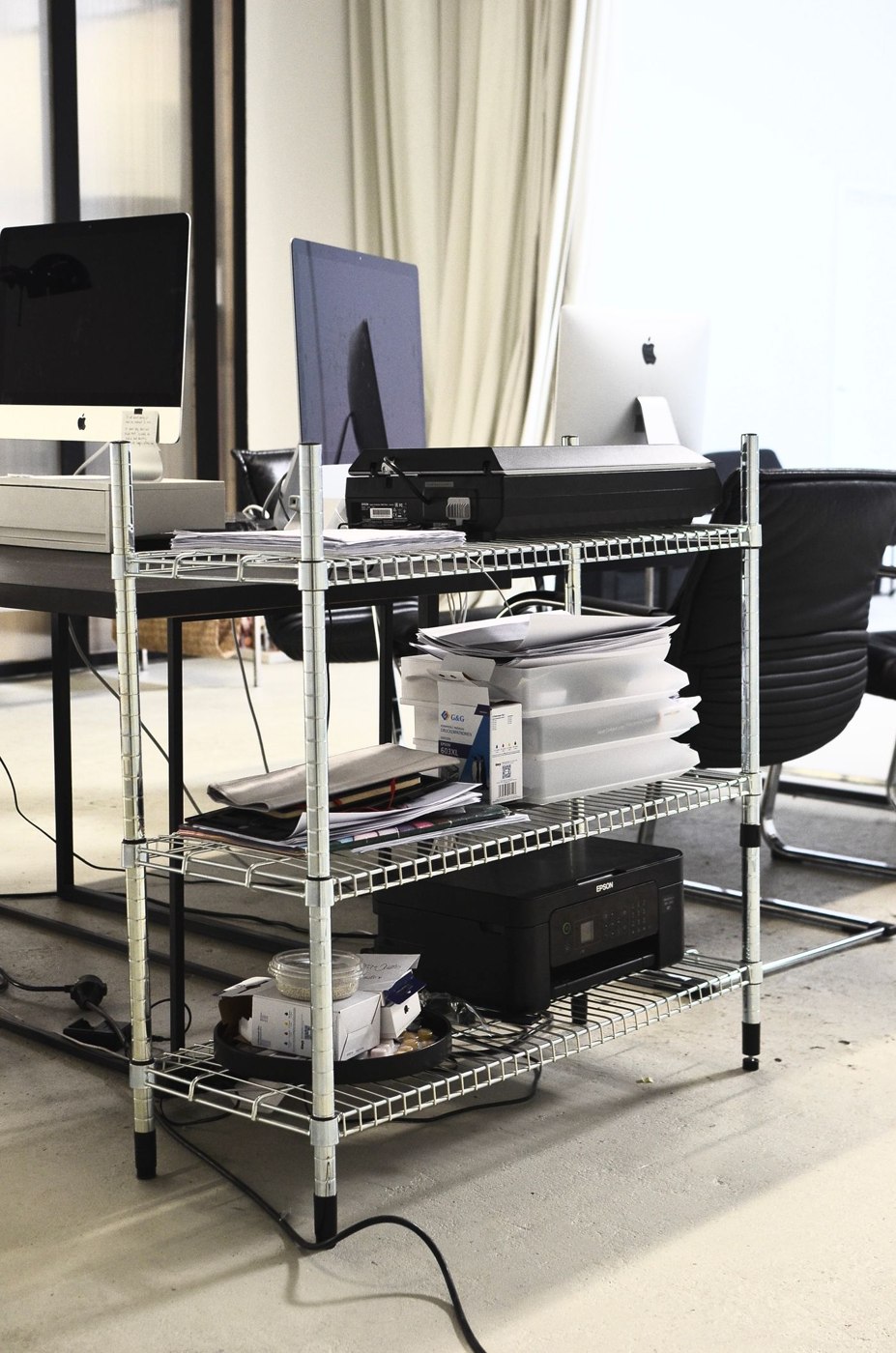
Compare the printer's weight and installation requirements with the furniture specifications. Observe the stated ventilation clearances and keep those areas free. A broad shelf is not proof of adequate load capacity. With narrow shelves or wheeled supports in particular, the manufacturers' information should clearly cover the intended arrangement.
Choose a height at which you can load paper and collect output without reaching into the machine blindly. A low position may work for occasional printing but become frustrating for frequent scanning. Put a box at the proposed machine height and rehearse placing and collecting sheets.
Observe the route to it
A printer moved off the desktop should not narrow the only passage through the room. Check the arrangement with trays extended and someone standing in front of the machine. In a shared office, a neutral location is better than a position immediately behind a regularly occupied chair. Keep spare paper nearby without covering service panels.
Plan power and data connections around the available options. Before making the move permanent, print from every intended computer and test scanning if used. Only then repurpose the original location completely. This makes it easier to distinguish a connection problem caused by the move from an issue with the printer itself. After a few days, check whether finished pages are being collected promptly or accumulating in a place where another user needs access.
Separate shared use from output storage
When several people print, agree how output is identified and collected. A pile in the output tray is not reliable personal storage. Similar-looking documents especially benefit from a routine preventing someone taking the wrong sheets. Handle confidential output according to available device functions and organisational requirements.
Keep a limited paper reserve in a suitable nearby location. Separate different types clearly. Occasional special paper should not obstruct everyday access to ordinary stock. After relocation, check that refilling and collection still work when another person stands at the machine. Recovering desktop space is beneficial only if the new location does not become a permanent bottleneck.