Choose the main working direction first
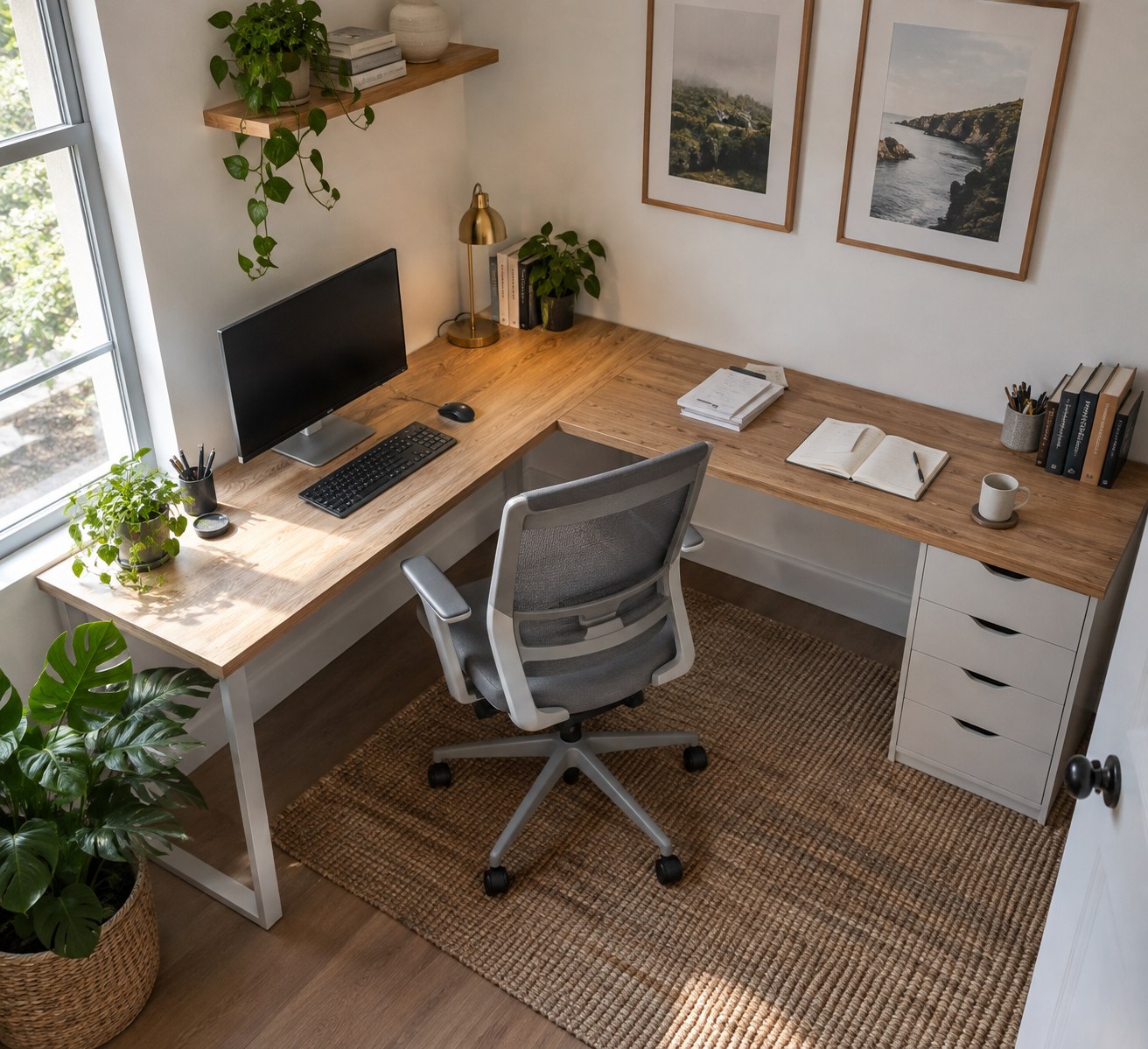
A corner desk offers several possible working directions. Start by deciding where the keyboard and main display belong. If most tasks happen on the computer, that position should not be dictated solely by the angle of the walls. Sit in front of a marked desk edge and turn towards the proposed side surfaces. Turning the chair is a different movement from repeatedly twisting your upper body.
The deepest corner is not automatically a good place for frequently used items. Check what you can reach while sitting normally. A pen pot can sit closer than an occasionally consulted reference book. Placing a tall screen at the farthest point may divide the surface, but it may also create an unnecessarily long viewing distance. Reachable working area matters more than the desktop's total area.
Avoid committing too early to left or right
Mock up the return on the left and right where the room allows. Consider not only your preferred hand but also the route to the door and the view towards another person in the room. A paper surface on the supposedly correct side may be inconvenient if you must walk around it whenever you stand up.
In a shared room, establish whether the side surface belongs exclusively to your workstation. If others regularly leave materials there or use the printer, it becomes part of a shared route. A low storage unit outside the desk corner may separate that access. Plan the corner around actual movements rather than assuming that every added top automatically provides more uninterrupted working space.
Give the return a specific job
Assign a purpose to the side section. It might hold papers for proofreading, handwritten notes or a small piece of equipment. If it merely collects unsorted documents, the extra surface soon becomes permanent temporary storage. During planning, lay out a fully opened document and establish whether there is still space to write beside it.
If a printer will sit on the return, allow access for output, refilling and maintenance. A machine may occupy more space in use than it does with all trays closed. The side surface is also poorly placed if collecting each sheet requires rolling the chair completely away from the working area. Rehearse the most frequent task with an object of similar dimensions.
Inspect the inside corner and supports
Look at how the inner corner is shaped on the plan. A deep cut-out, square junction and rounded corner offer different positions for your chair and arms. Beneath the surface, an additional leg or crossbar may occupy exactly the space needed to move your legs. A photograph taken from above will not show all of these restrictions.
For a modular desk, establish whether the return can attach on the left, right or either side. Draw the intended version together with the door swing and power sockets. Consider assembly order too: a fully assembled desk may not turn through the doorway. Keep any required connecting hardware if you expect to rearrange the return later. Before accepting the layout, sit at both surfaces and check that moving between them does not require lifting or shifting equipment.