Match two working positions
A sit-stand desk must suit both your seated and standing working positions. Establish those positions using your existing chair and input devices. Then compare the required range with the dimensions of the exact desk. Check whether the manufacturer lists frame height or the finished height including the top. A different top thickness changes the final measurement.
A very high maximum is of little use if the lowest setting is unsuitable. Equally, a desk that lowers far enough does not guarantee a workable arrangement of keyboard and display when standing. Consider both ends of your own working range. Adjustment makes changes possible; it does not prescribe one posture or a fixed standing duration for everyone.
Identify everything that moves
List everything placed on or attached to the top: monitors, mounts, computer, trays and perhaps an under-desk drawer. Compare the intended load with the specifications for the exact model. Check whether the manufacturer distinguishes between a stationary load and a load during movement. Information for a similar-looking frame is not a sufficient basis for the decision.
With a heavy or extended setup, assess stability at your intended standing height. Try typing and moving the mouse while watching the display. Movement that is barely noticeable on an empty desk may become distracting with a long monitor arm. If a demonstration is possible only without accessories, ask about the conditions for testing the desk in your own workspace.
Follow cables through the full travel
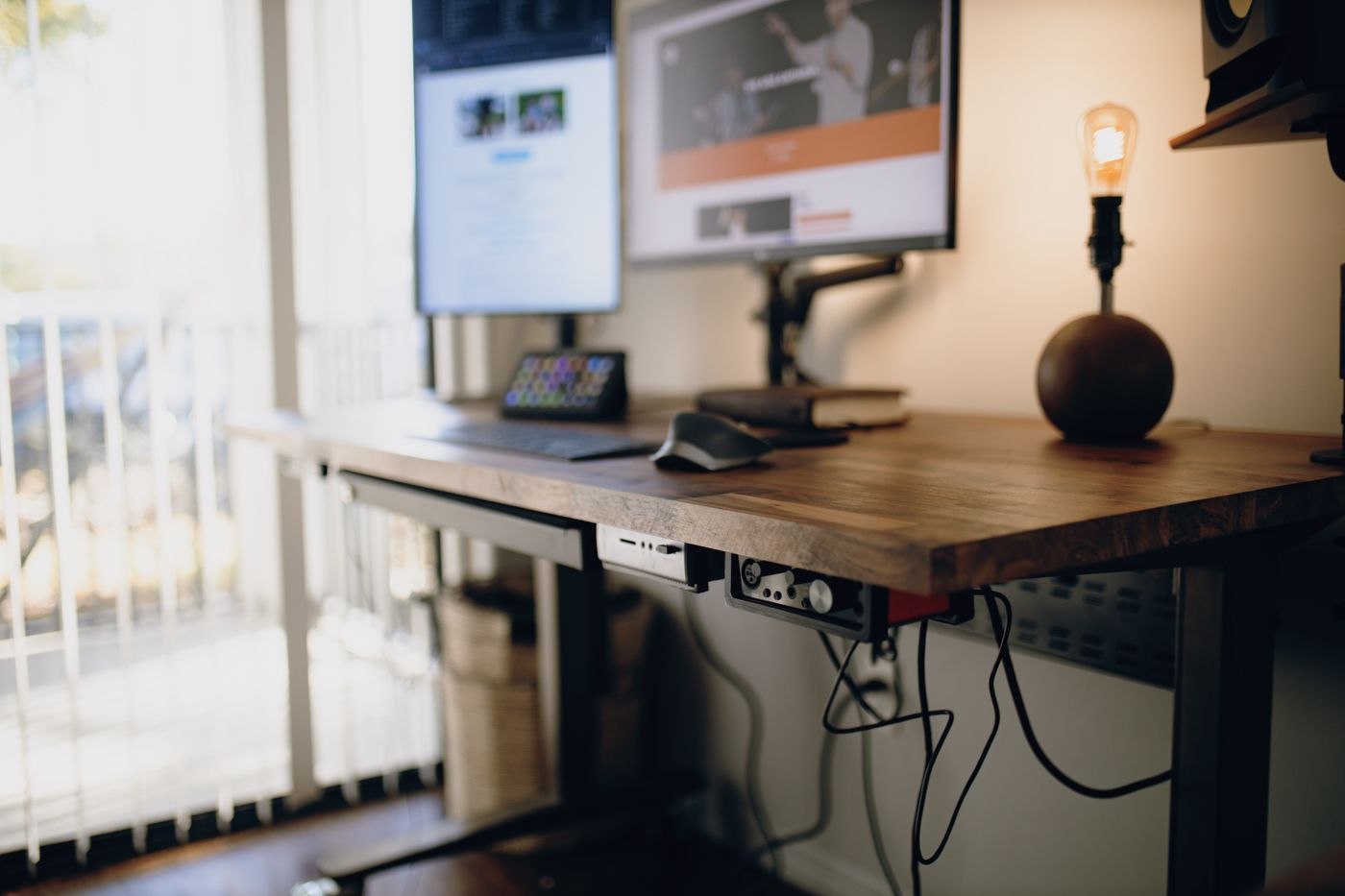
Cable routing must work between the lowest and highest positions you use. Do not simply fasten every lead tightly beneath the top. A lead to a fixed wall socket needs movement allowance, but that spare length must not enter chair wheels or moving parts when the desk is lowered. Check the movement slowly and watch each cable separately.
Pay particular attention to equipment that stays still. If the computer sits on the floor, its distance from the monitor, dock and keyboard connections changes. A shelf fixed to the wall can also intrude into the travel area. Draw the whole space occupied by the moving top and accessories, not just the footprint of the desk. Follow the manufacturer's assembly and safety instructions.
Existing furniture can restrict travel
Inspect the desk's surroundings at three heights: the lowest working position, ordinary standing position and highest intended point. Look beyond the rear wall. A cupboard handle to the side, an open door or a pedestal underneath can become an obstruction at just one height. Remove these conflicts from the arrangement instead of relying on remembering them every time.
If another person uses the desk, have both complete settings demonstrated. The higher position may require different cable allowance, while the lower one may conflict with under-desk storage. Record what must not be left beneath the desk. A small permanent location beside the workstation is often clearer for bags than an empty floor area that gradually fills during the day.
Repeat the check when adding a monitor arm or larger lamp later. The originally suitable desk remains the same, but its moving setup has changed. Keep dimensions and assembly information together so additions are not chosen solely by the apparent spare area on the top.
Make the controls work in daily use
Consider who uses the desk and how often settings change. Memory buttons may be useful when two people have different positions. Controls should remain reachable without being accidentally pressed by a chair arm or drawer. Check whether a nearby window ledge, shelf or chair arm could become trapped beneath the moving top.
Allow time for initial setup with the surrounding area clear. Learn the intended controls and any manufacturer-described reset procedure before fully loading the surface. In daily work, begin with changes that fit your activities. If changing height repeatedly requires clearing objects or unplugging cables, fix the arrangement first. Being able to raise a desk does not by itself make changing position convenient.