Inspect built-in options first
Check whether the camera already has an intended mechanical shutter or documented switch. Read which function it controls. Covering the lens changes the visible image but does not replace control of the microphone or application permissions. Separate the desired visual cover from other privacy settings.
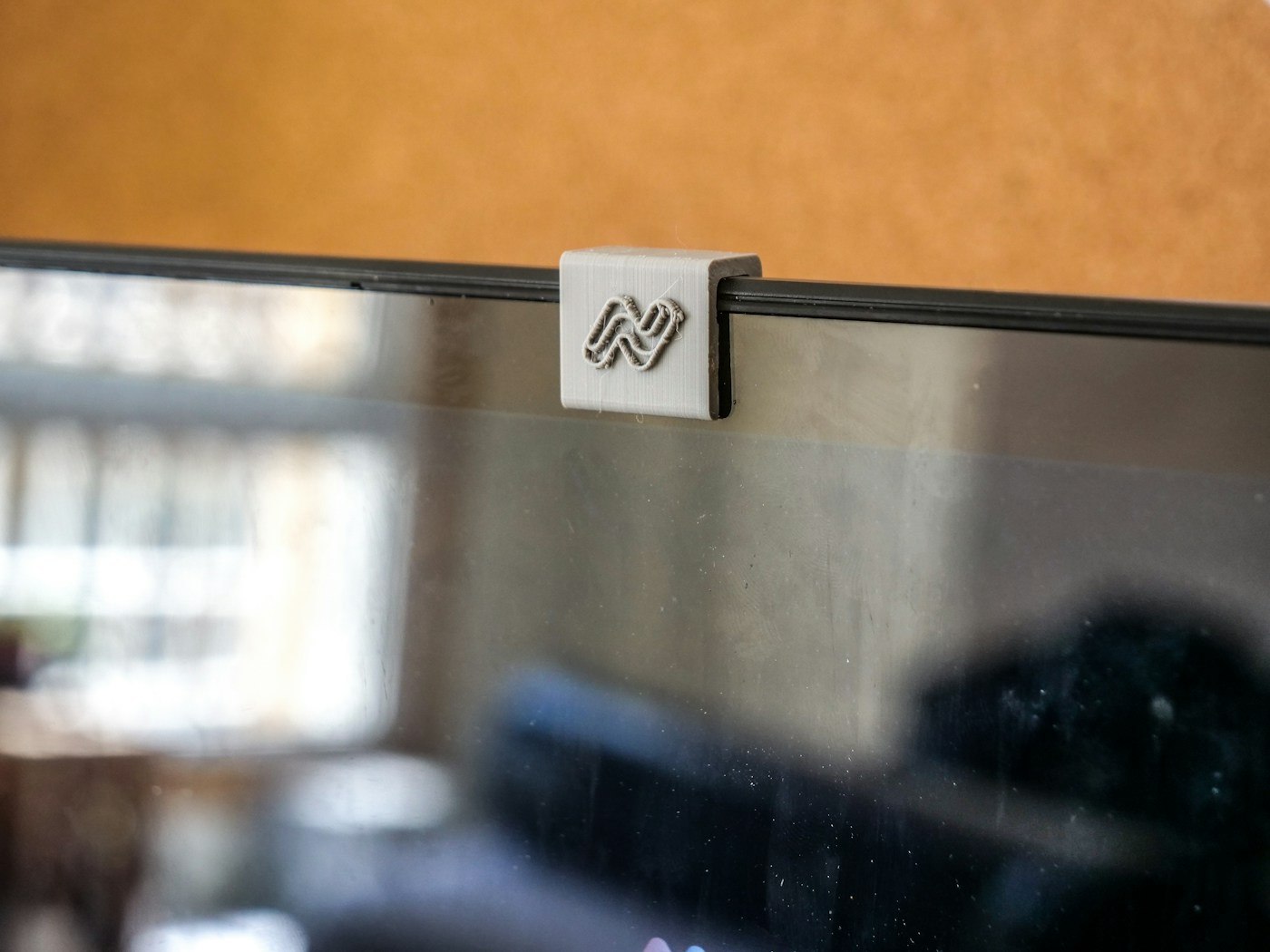
An external webcam's supplied shutter may be designed for its shape. Check that it closes fully and opens without moving the camera. A removable cap needs a fixed resting place during use or it can easily disappear among cables and papers.
Do not close laptops over arbitrary attachments
Apple warns against closing MacBook models with a camera cover attached because the small clearance between display and keyboard can lead to damage. It also notes possible interference with the ambient-light sensor. Check the corresponding guidance for your own device rather than transferring a solution suited to an external webcam onto a laptop bezel.
If your organisation requires a cover, agree a suitable approach with the responsible people and the device guidance. Do not force the lid shut with an extra attachment between its surfaces. A product description saying universal is not confirmation for every laptop configuration. Observe advice about adhesive residue and delicate finishes too.
Test the everyday meeting routine
Open a local camera preview before a call. Check that the cover is completely clear of the image area and does not obscure neighbouring sensors. Afterwards, close the intended shutter and end the application as appropriate. Separately verify the actual selected input and output devices.
For a removable cover, define a clear sequence: open, store safely, hold the conversation and restore it according to the device instructions. On a laptop, any required removal before closing must form part of that routine. A suitable solution is not merely small in a photograph; it works on the actual device without pressure, obstructed functions or uncertain handling. Retain the device-specific instructions rather than assuming another laptop will accept the same accessory.