Establish what is duplicated
A presentation in a project folder and the same presentation in a distribution folder may deliberately serve two purposes. Conversely, differently named files can contain identical material. Start with a limited area whose purpose you understand. Leave system folders, application data and other people's work areas outside an initial tidy-up. Apparent copies there may be required by software or by colleagues.
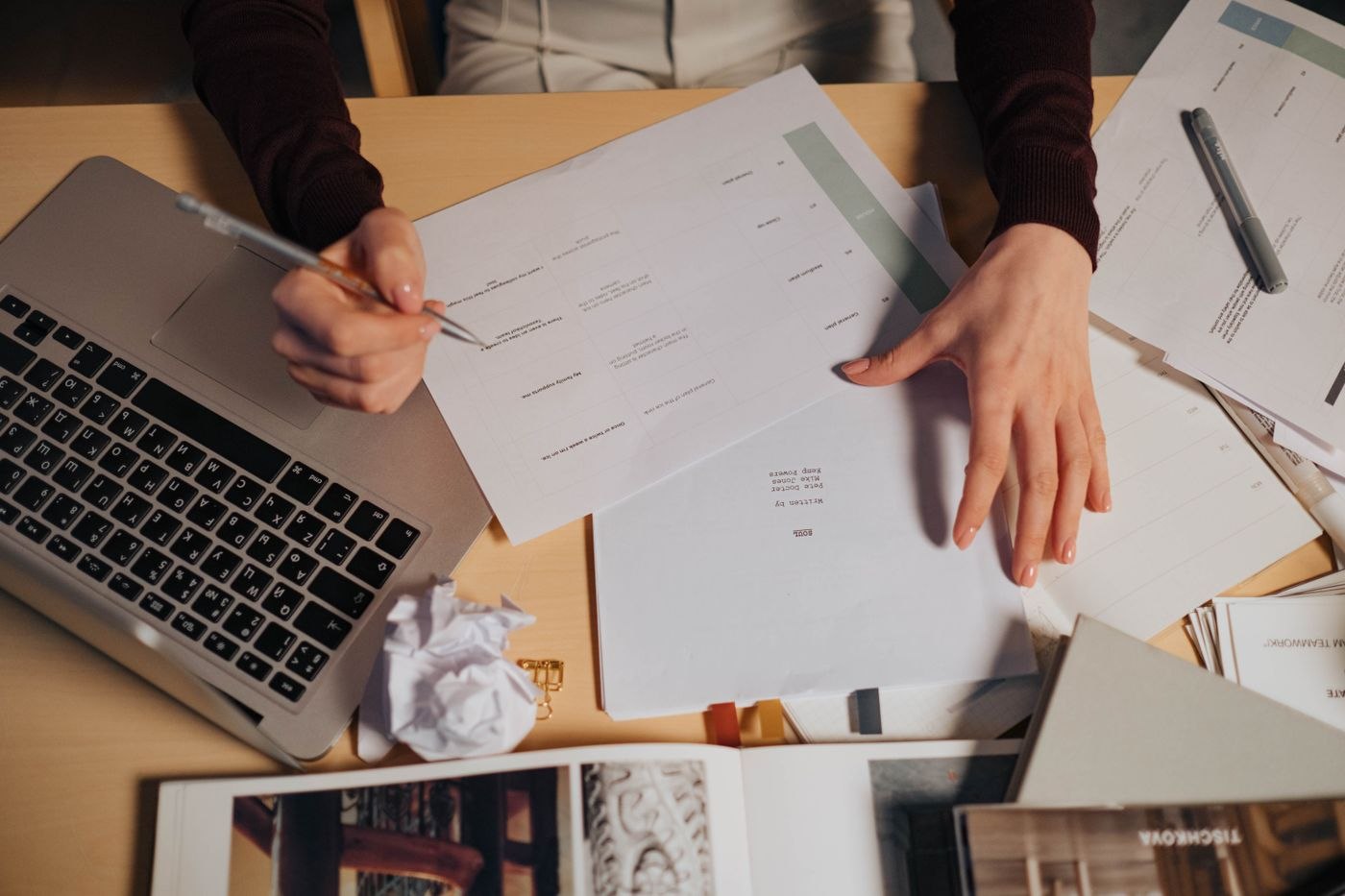
Compare file type, size and contents first. Modification dates provide a clue, but do not prove which version is authoritative. Copying, exporting and synchronising can affect timestamps. For documents, examine more than the first page: review changes, comments, attachments and hidden content where these matter to the work. An identical cover page says little about the remainder of a file. Open candidates in the relevant application rather than deciding entirely from thumbnail previews.
Similar versions need a decision
When two documents differ, the question is no longer simply which one is duplicated. Establish what information must be retained and who can decide. An older file may record an approved version, while the newer one is an unfinished draft. Label these roles clearly instead of automatically keeping whichever file has the most recent date.
Duplicate-finding tools can assemble candidates but should not become an unchecked deletion list. Read whether the tool compares actual file contents or merely similar names and sizes. Inspect a small selection of matches yourself. Even a byte-for-byte duplicate may be needed in its second location because other material refers to it or a completed project must remain self-contained. Technical equality does not automatically settle the organisational question.
Keep changes reversible at first
Before making changes, establish that recovery is possible. In shared or synchronised storage, understand how deleting a file affects other devices and users. Move uncertain candidates to a designated review area only if its permissions and location are appropriate. A private temporary folder is not a suitable replacement for protected shared project storage.
For larger clean-ups, record the original path and the decision made in a brief log. Afterwards, test important shortcuts and representative workflows. Set a date to revisit files placed aside for review. Delete permanently only after the agreed checks and within the retention rules applicable to the material. The aim is an understandable collection, not the largest possible number of files removed in one afternoon. If a decision remains unclear, leave that item intact and continue with the candidates whose purpose can be established.