Understand the available adjustments
Find the instructions for your chair and identify what each lever does. Avoid changing several settings at once. Start with seat height, then check the backrest before moving on to the armrests. This makes it easier to identify which change matters. A stiff or ineffective lever needs attention rather than increasingly forceful pulling.
The HSE display-screen workstation checklist includes stability and functioning seat and backrest adjustments among its checks. At your own desk, the useful question is whether you can actually adjust the chair, rather than whether it looks adjustable. A label describing a chair as ergonomic does not answer that question or establish a suitable setting for you.
Roll up to the desk and work
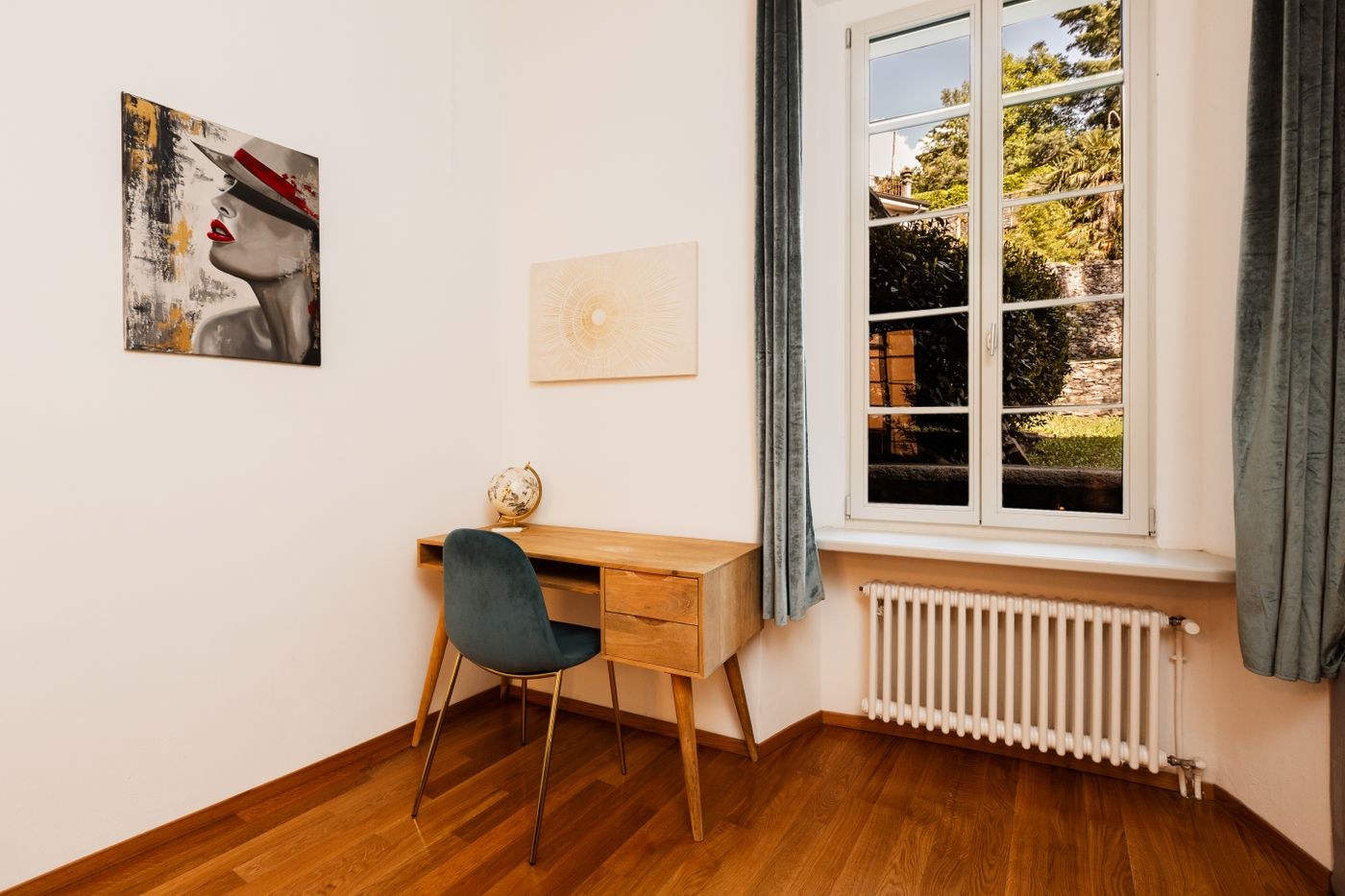
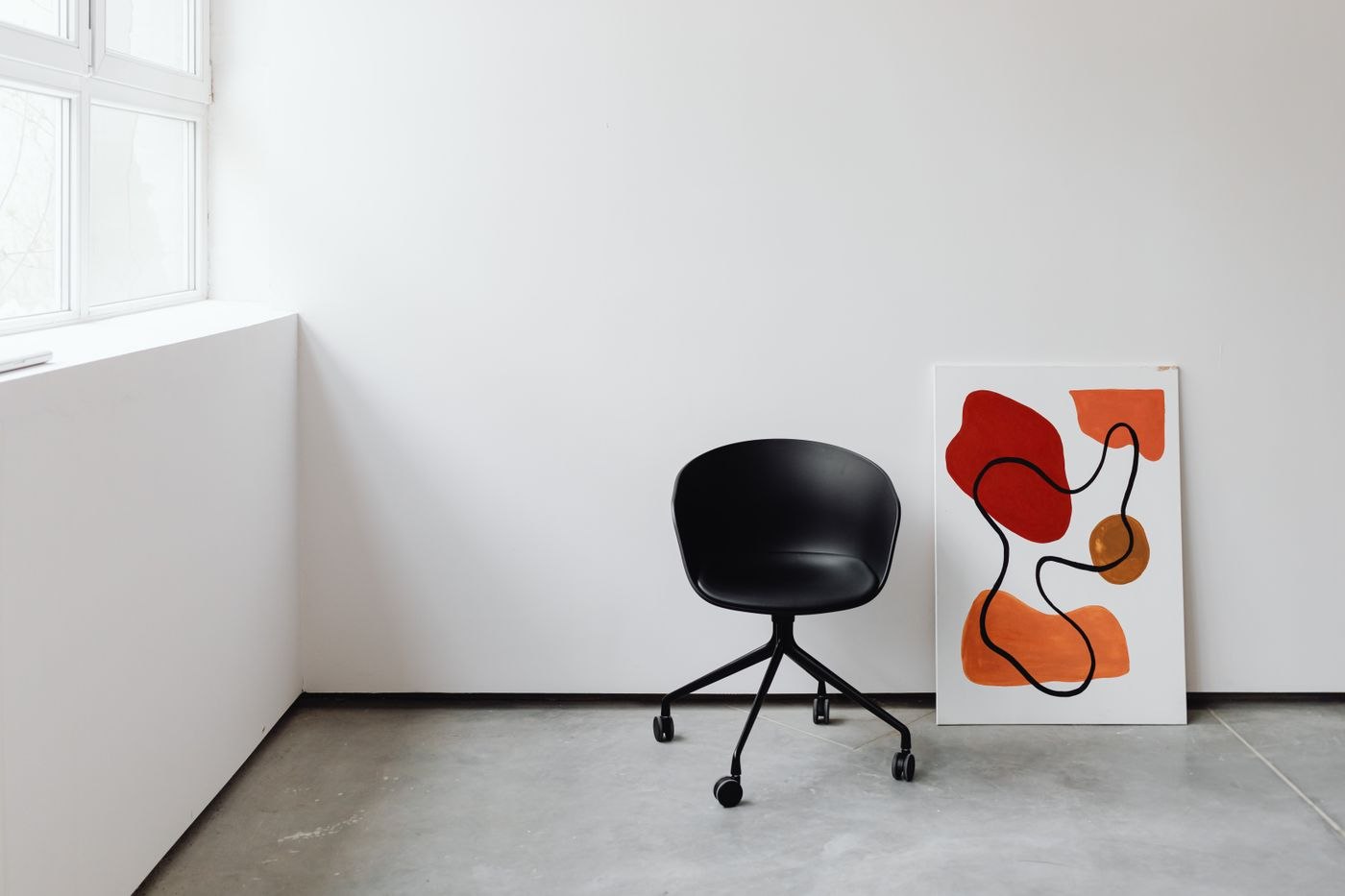
Position the chair at your equipped desk rather than against an empty wall. Use the keyboard and mouse with your usual working materials in place. Check whether you can move close enough to the front edge and whether your feet have stable support. If desk height and sitting position do not work together, a different chair alone may not resolve the mismatch.
Move between the display and paper documents. Notice components that obstruct the movement: a broad underframe, an under-desk drawer or armrests that sit too high. A chair may feel pleasant in a furniture showroom but leave you too far from your own desk. Record the desk height and clear space underneath before trying a replacement.
Make a chair comparison meaningful
When trying another chair, initially keep the rest of the arrangement unchanged. Use the same desk, keyboard position and comparable task. First record the new model's adjustable functions, then specific differences during work. This avoids crediting the chair for a benefit actually caused by moving the keyboard at the same time.
Include transitions between tasks. Roll towards a document to the side, stand up and sit down again. A chair is not used exclusively in one stationary position. Where several people share it, each should be able to reach the intended adjustments. Keep the instructions at the workstation so a new user does not operate levers randomly or leave an unfamiliar function permanently unused.
Include wheels and movement space
Check the manufacturer's description of suitable castors or glides for your floor. The choice should match the actual surface; adding an arbitrary protective mat does not automatically make unsuitable wheels appropriate. Also establish whether the chair can move around the intended area without crossing cables or raised mat edges.
At a shared workstation, a short note of personal adjustments can make changeovers easier. Record your seat setting or an existing scale mark without treating it as a universal target for someone else. After switching users, do more than return the chair to its familiar height: check the display and keyboard positions too. If persistent discomfort cannot be resolved through a clear assessment of the setup, an individual professional assessment is more useful than buying additional accessories on speculation.