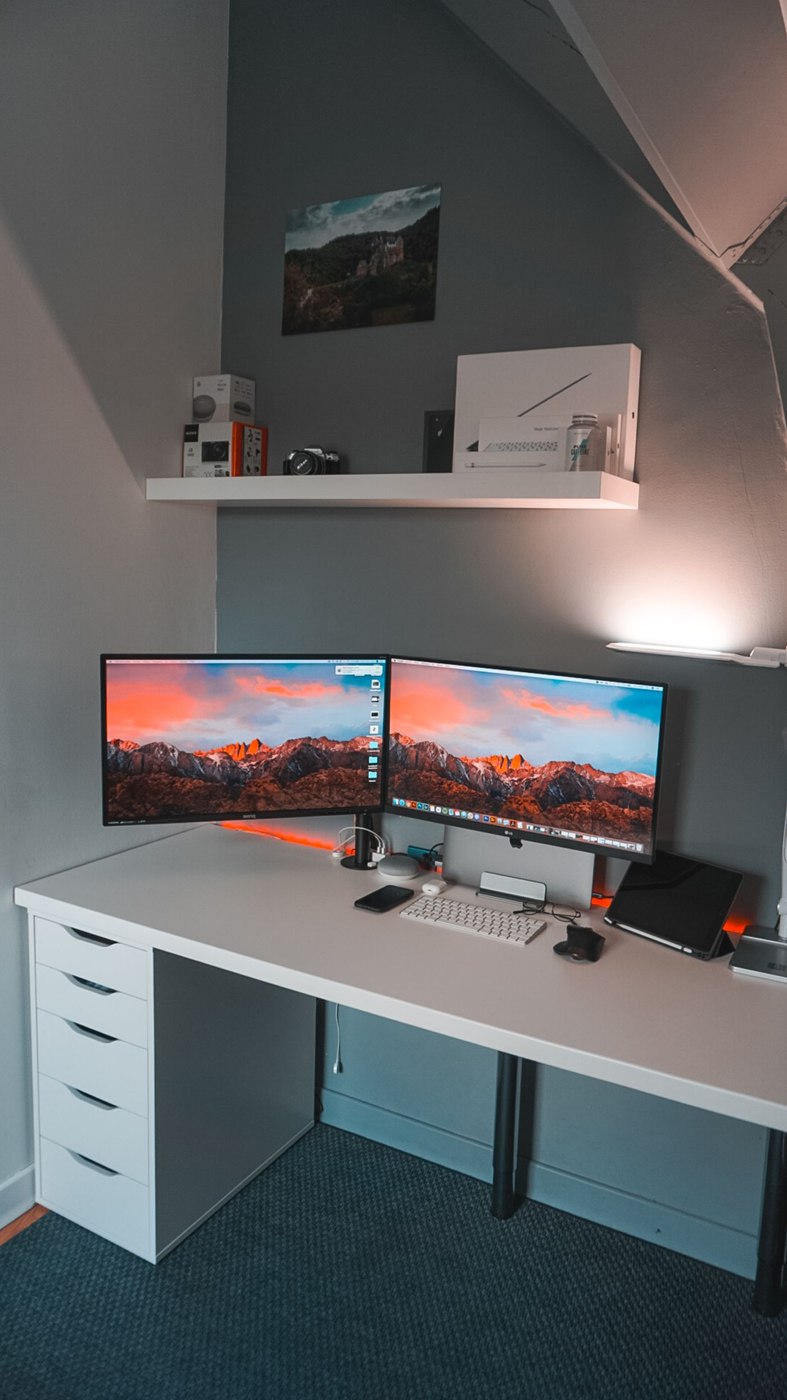
List connections by task
Write down everything that must connect at the same time: mouse, keyboard, display, network and perhaps a storage drive. Note which devices stay permanently at the desk and which travel. This list is the basis for selection. The product name alone does not reliably establish whether a device connects the entire workstation.
If you only lack additional USB ports for input devices, the solution may differ from one needed for two displays and laptop charging. Check the actual functions of each socket on every proposed model. Two similar-looking USB-C ports may have different roles. Read the connection description rather than counting ports alone.
Distinguish power from connection
Establish whether the accessory has its own power supply, draws power from the laptop or requires a separate adapter. Check the specifications against the intended devices and laptop charging requirement. A power pass-through connection does not mean a suitable charger is included in the package.
Microsoft's USB-C troubleshooting guidance notes that cables and connected devices can have different capabilities. For selection, this means the computer, accessory and cable must support the intended function together. Matching connector shapes alone do not answer that question. Record unresolved functions before purchase instead of inferring them from a photograph.
Compare the fixed desk with the travel bag
At a permanent workstation, reachable ports and a longer connecting cable may matter more than low weight. A small adapter with a short lead may hang from the laptop or sit awkwardly beneath other cables. Test its position using a simple template and the proposed cable routes.
For travel, a compact device may be sufficient if it covers the functions actually needed. Do not automatically turn every connection at the fixed desk into a travelling requirement. Compare the whole kit, including power adapter and connection lead. Finally, decide from the verified connection list: which tasks are covered, which still require a separate connection and which are not needed at all? Keep that list with the model details so future changes can be checked against the same requirements.