Choose the control arrangement deliberately
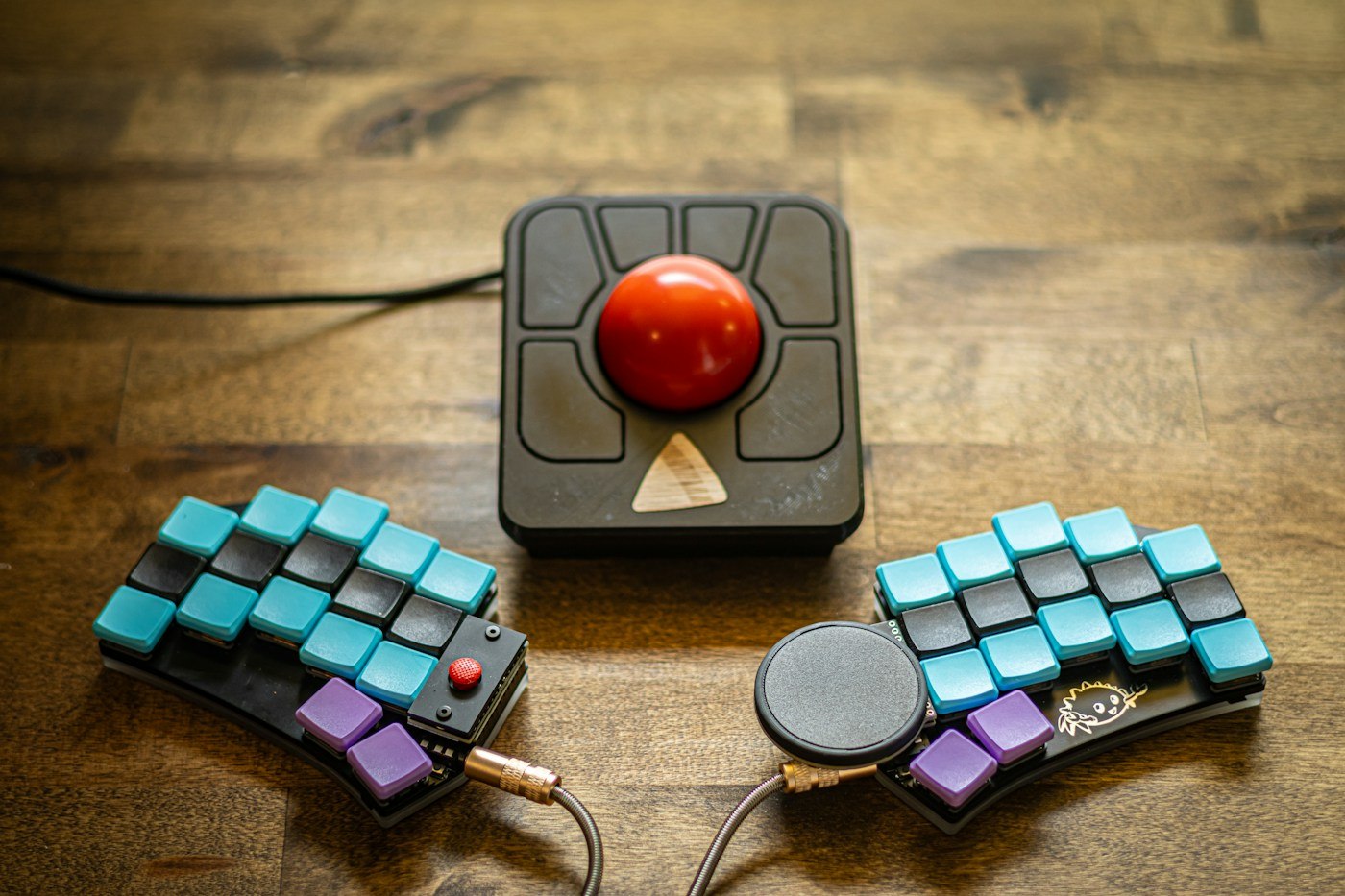
Trackballs differ in ball position and intended operation. Inspect the actual model: which fingers move the ball, where are the main buttons and wheel, and which hand does the shape support? A general recommendation for trackballs does not answer these questions. Check the controls with the hand resting before beginning a task.
A fixed location may be useful on a limited desk surface. The device still needs room for the hand and access to buttons. Mark that complete area beside the keyboard. A small housing helps little if the hand is crowded between the desk edge and other equipment. Include transitions to pen or keyboard too.
Compare a small set of tasks
Choose three everyday actions: selecting a longer passage, hitting a small control and dragging an object across the screen. Repeat them with the existing mouse and the trackball. Record accidental clicks and places where you change grip as well as the time needed.
Do not expect unfamiliar controls to feel identical to a familiar device immediately. Allow time within the available trial period without dismissing every difficulty as familiarisation. If a frequent task remains awkward, that is a relevant observation. Suitability depends on your activities rather than claims that one category of device is inherently better.
Include an action that combines several steps. Move a calendar appointment, open its details and then correct some text, for example. One precise click may work well while sustained dragging with a button held remains unfamiliar. Record which part caused difficulty rather than rating the entire attempt simply as fast or slow.
When comparing two arrangements, avoid changing the device, pointer speed and desk position all at once. Start from a known setting and change one factor at a time. Keep the previous mouse available during the trial where workplace rules permit. A time-critical task is a poor first opportunity to try completely unfamiliar controls.
Include settings and care
Check which adjustments are possible without additional software and which features require a manufacturer's application. Follow the relevant approval process on a managed work computer. Keep changed values traceable so later comparisons with the mouse are not distorted by unknown settings.
Read the instructions for cleaning the ball and its housing. Remove components only as intended for the model. Do not leave cleaned small parts loose among papers. If you move between workspaces, decide whether the trackball remains in one location or travels with you. Size, connection and storage then matter alongside pointer movement. Judge the complete working routine before retiring a device that is still needed for particular tasks.
At a shared desk, include the change between users in the trial. Check whether the configured button assignments remain understandable after the next sign-in and whether a personal profile is needed. A short note about the arrangement can prevent questions. If the device travels regularly, its storage should protect the ball and controls according to the manufacturer guidance without requiring a lengthy setup each time.