Define the intended framing
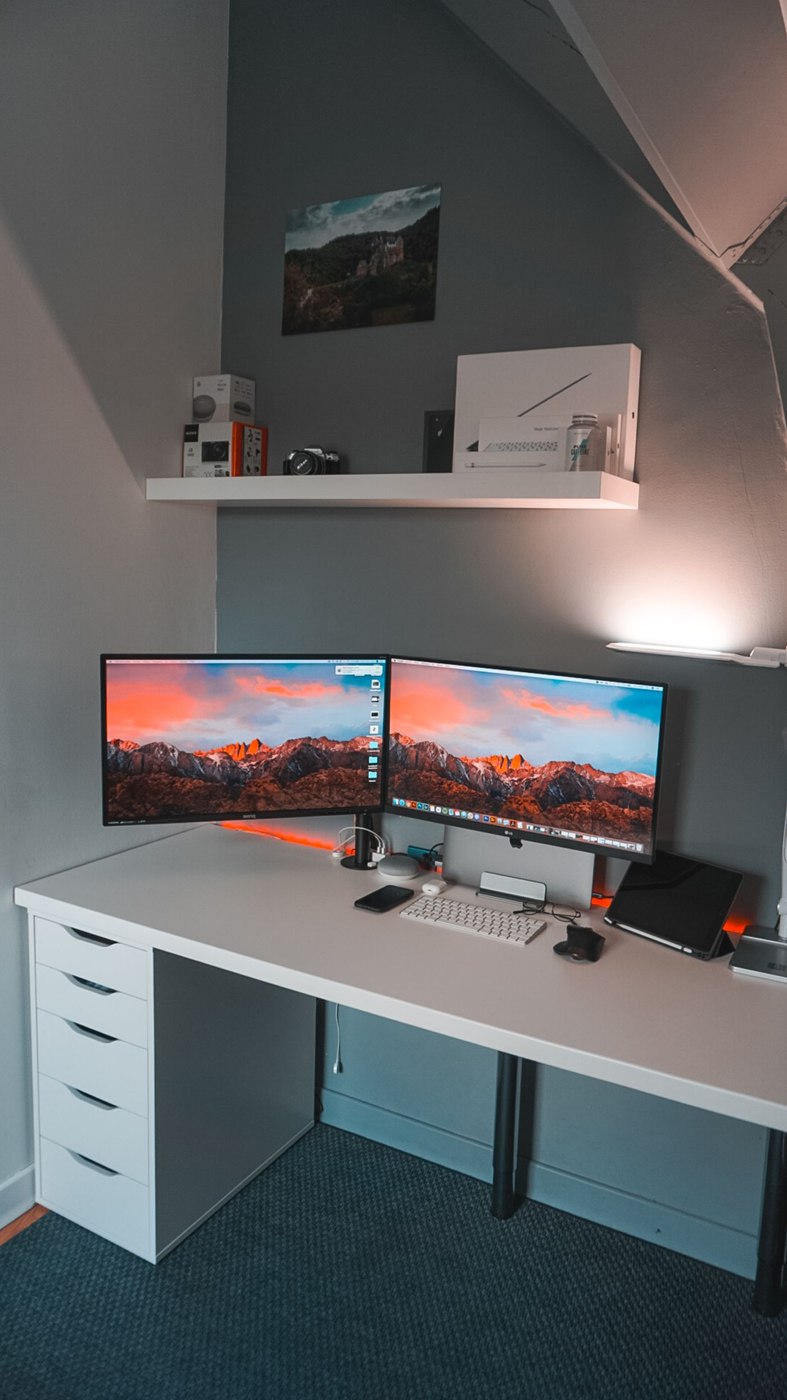
Open the existing camera preview and sit in your normal working position. Check what appears in the background and how much desk or room is included. A new camera should address a particular problem, such as unsuitable framing or placement. More resolution alone does not change the room arrangement.
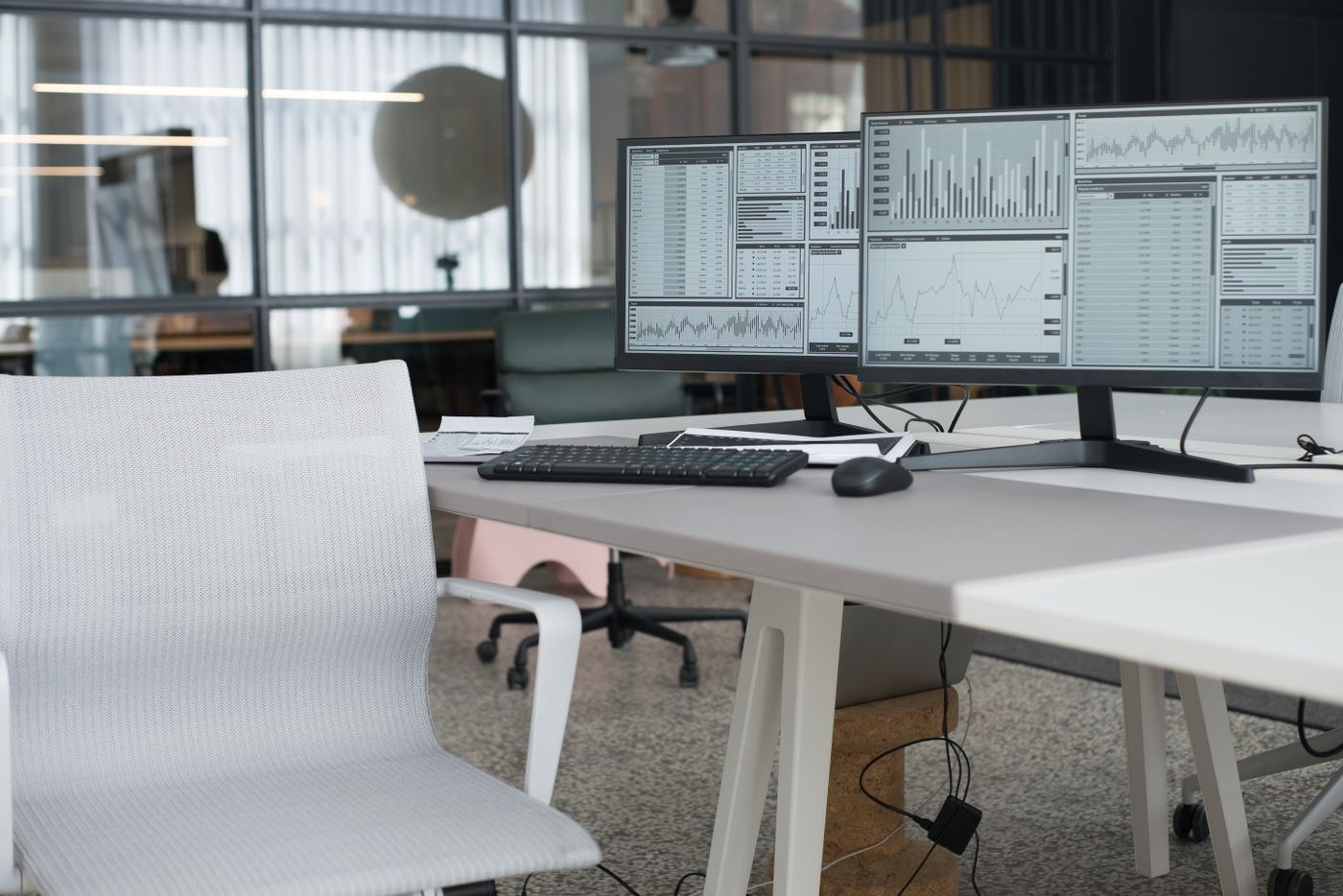
Decide whether the picture should contain one person or occasionally several people around the desk. A very wide view may help a small group while showing unnecessary surroundings at an individual workstation. Check whether the exact model offers the intended adjustment and whether it requires extra software.
Inspect the attachment position
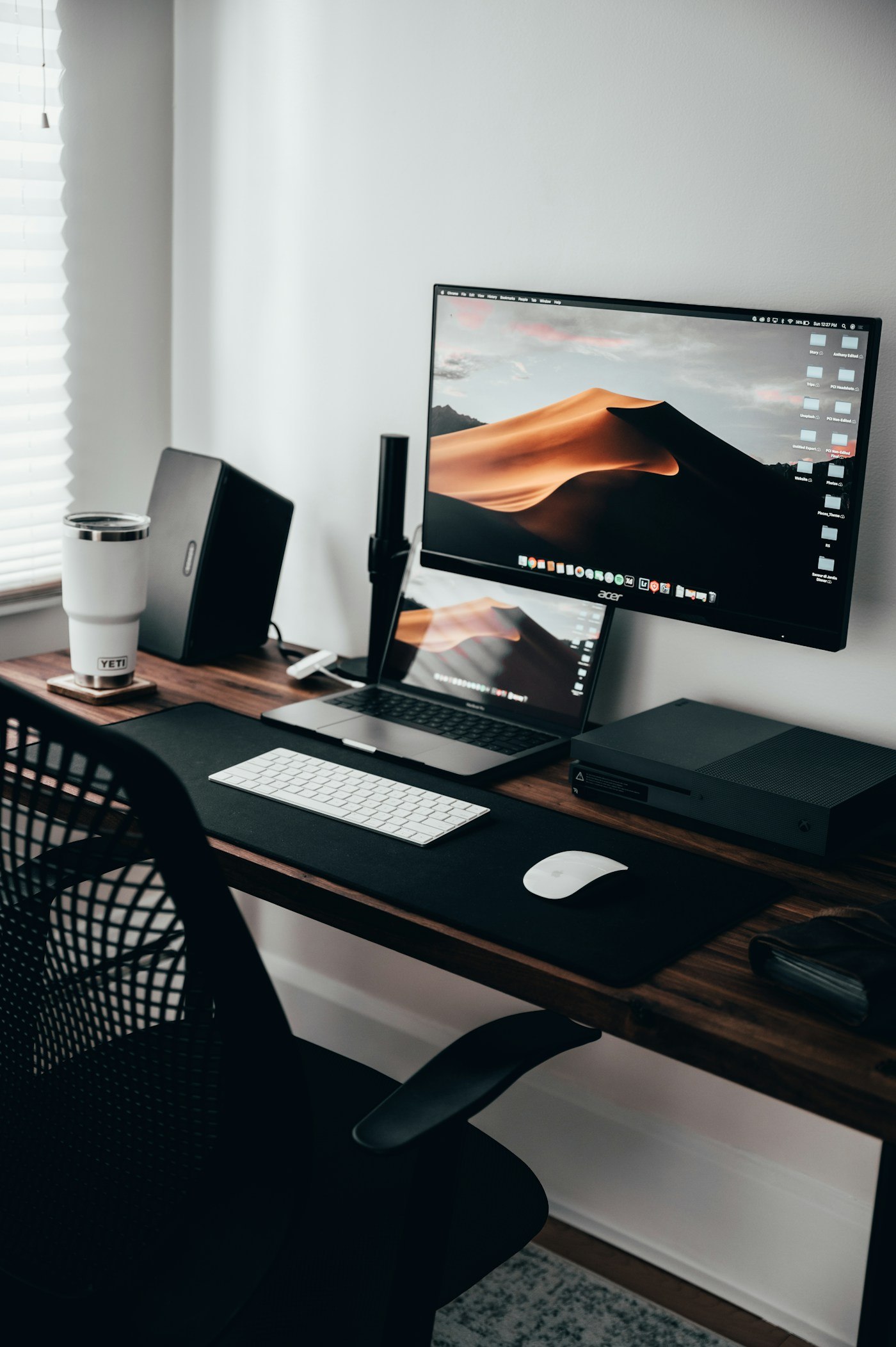
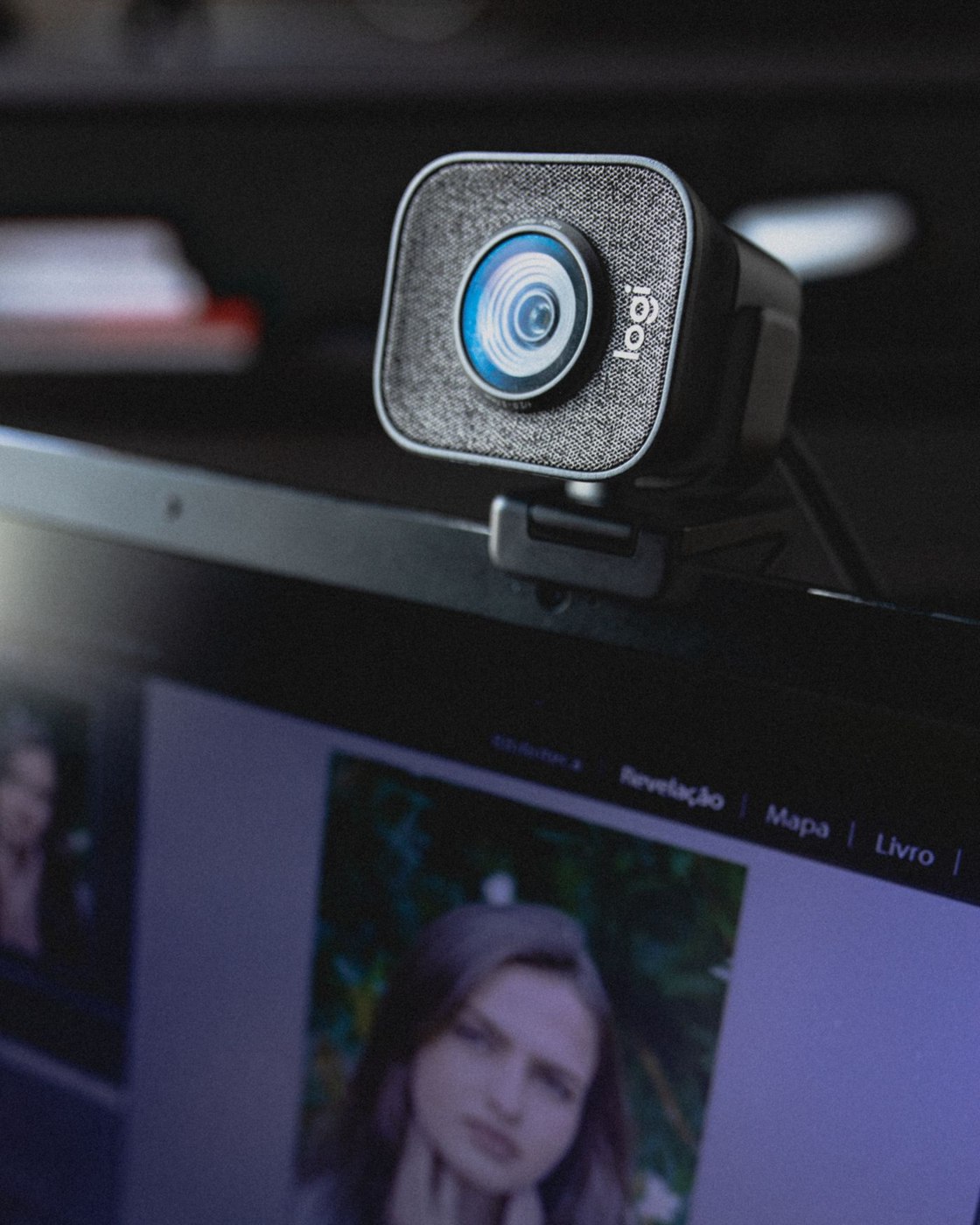
Compare the mount with the existing monitor's edge. It should sit securely without obscuring important image areas or controls. A thin bezel, curved rear surface or movable monitor arm can affect placement. Try the camera position alongside actual screen work rather than only for a straight-on test shot.
Plan the cable route to the intended port. It must not become taut when the display moves. A monitor's extra USB port is a solution only if its connection to the computer is established and the combination is supported. Check device documentation instead of choosing a socket simply because its position is convenient.
Test lighting and connection separately
Compare the image under the conditions of your usual meetings. A bright window behind you may behave differently from more even light from the front. Change the existing arrangement before treating one weak test image as proof that the camera is unsuitable. Check whether a cover or switch blocks the lens as well.
Microsoft's camera troubleshooting includes connections, camera switches and application permissions among its checks. Try the camera in a local preview first and then in the actual meeting application. This helps distinguish a device problem from an application issue. On a managed computer, obtain required permissions through the responsible team. Retain a short record of the working connection and settings so later changes can be compared with a known setup.