Do not treat the computers as interchangeable
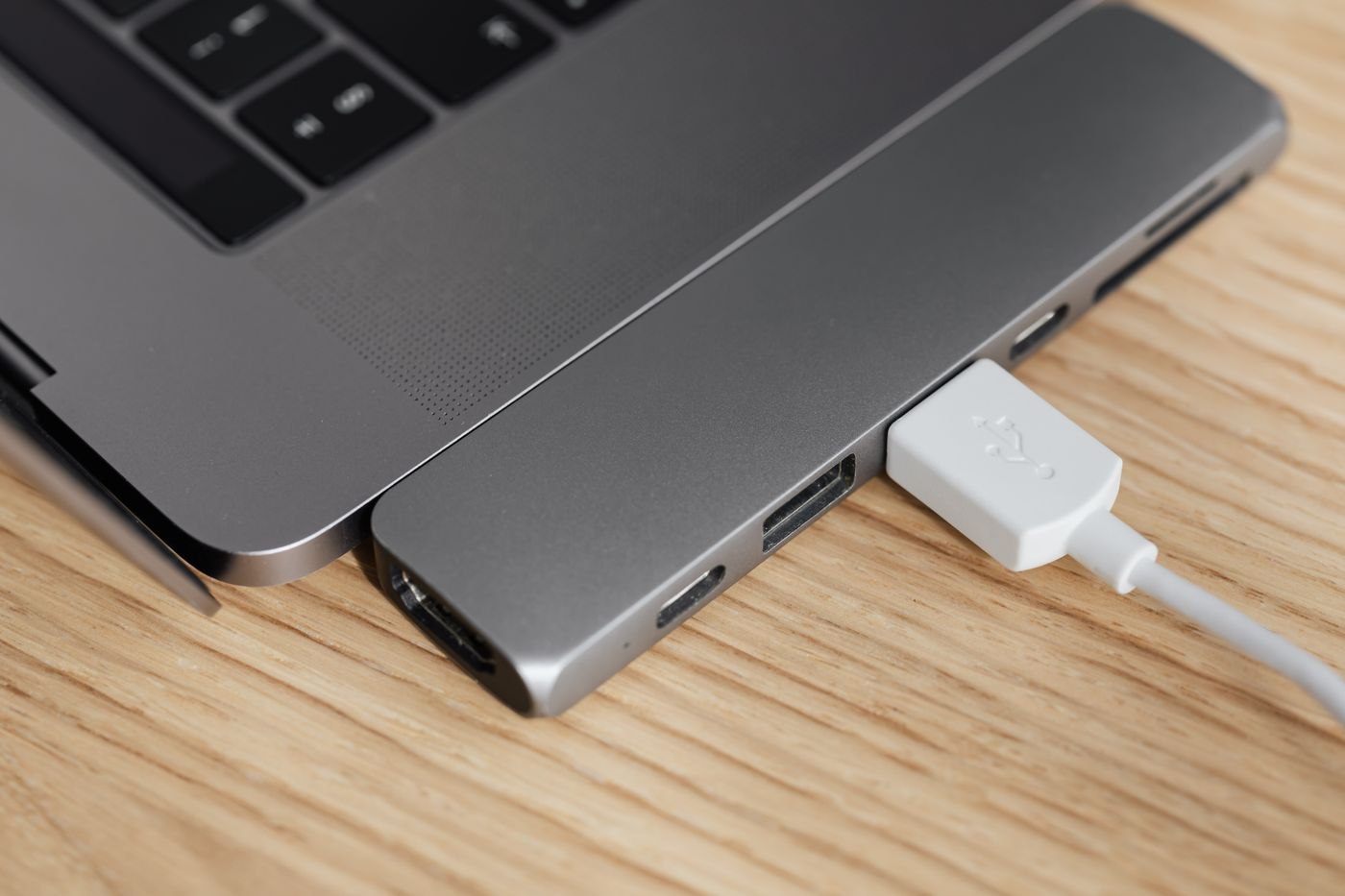
List the exact laptop models and operating systems that will use the desk. Compare their ports with the dock's information. Devices sharing a connector shape may support different functions. Check the intended displays, peripherals and charging separately for every laptop.
Record which cable connects each computer. If one model needs a different route, it should be unmistakable during a changeover. Avoid a pile of similar unlabelled leads. A simple identification beside the dock is more useful than expecting every user to know the technical differences.
Define the common working setup
Agree which functions must be available to everyone. If two displays are essential daily equipment, a solution supporting only one for a particular computer is not fully equivalent. It may still be accepted deliberately if the difference is understood. Record the limitation and any separate connection still needed.
Test the shared keyboard, mouse and camera with both computers too. Personal wireless pairings may behave differently from devices connected directly to the dock. Decide which components remain shared and which travel with each user. Changing over should not require access to the previous person's session.
Limit the shared equipment attached to the dock
Leave only items connected that are explicitly intended for shared use. A personal external drive should not silently become part of the next laptop changeover. Agree who checks attached storage before disconnecting and removes it according to the relevant instructions. The next user should neither encounter somebody else’s files nor have to decide whether an unfamiliar connection may be interrupted.
Give visiting equipment and fixed accessories distinct locations. Label cable functions without exposing confidential account information or passwords. If a particular computer needs a separate charger, make that exception understandable at the desk. A short connection description for the actual devices is easier to follow than an extensive collection of hypothetical combinations.
Test with ordinary work before handing over the setup
Use the same small sequence for every laptop: work with both intended displays, type text, open a camera preview and select the required audio output. If charging through the dock is intended, check the computer’s charging indication during ordinary work as well. A charging symbol appearing once does not replace checking the approved power specifications.
Record differences so another user can act on them. For example, one computer may need a specifically identified port while another also uses its own charger. Separate an accepted limitation from an unresolved fault. Describe the desk as fully prepared only after the agreed tasks have been checked with every intended computer.
Test a complete handover
Connect the first laptop, use the intended devices and disconnect it according to the relevant instructions. Then attach the second and repeat the same tasks. Repeat the change after the devices have taken a break or entered their intended sleep state. One successful picture at the first connection does not describe daily operation.
On managed work computers, IT may control drivers, firmware and settings. Coordinate necessary changes with the responsible team. Record the working combination of dock, cable and devices. If something later fails, the changed component can be investigated rather than rebuilding the whole workstation each time. Keep this record accessible to the people who use the desk without including passwords or confidential account details.