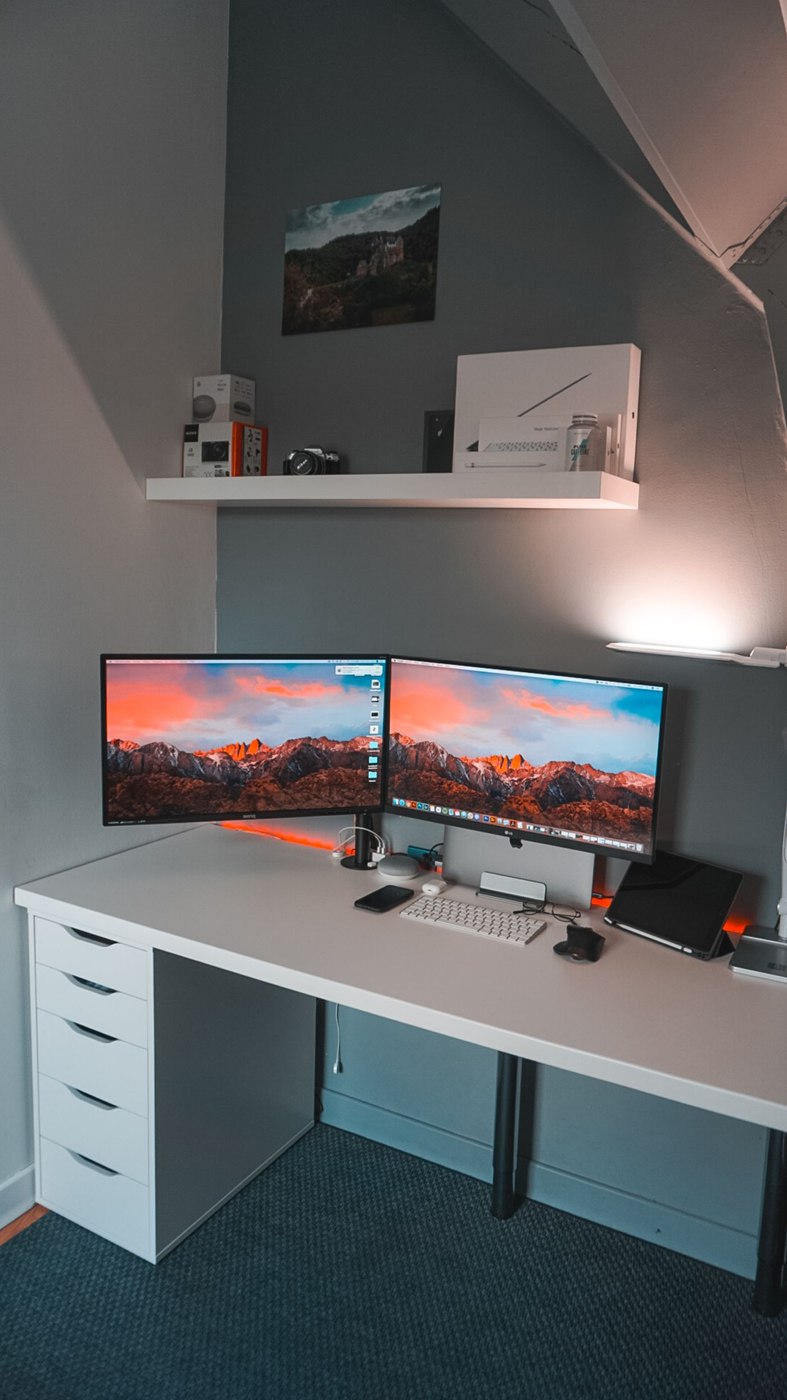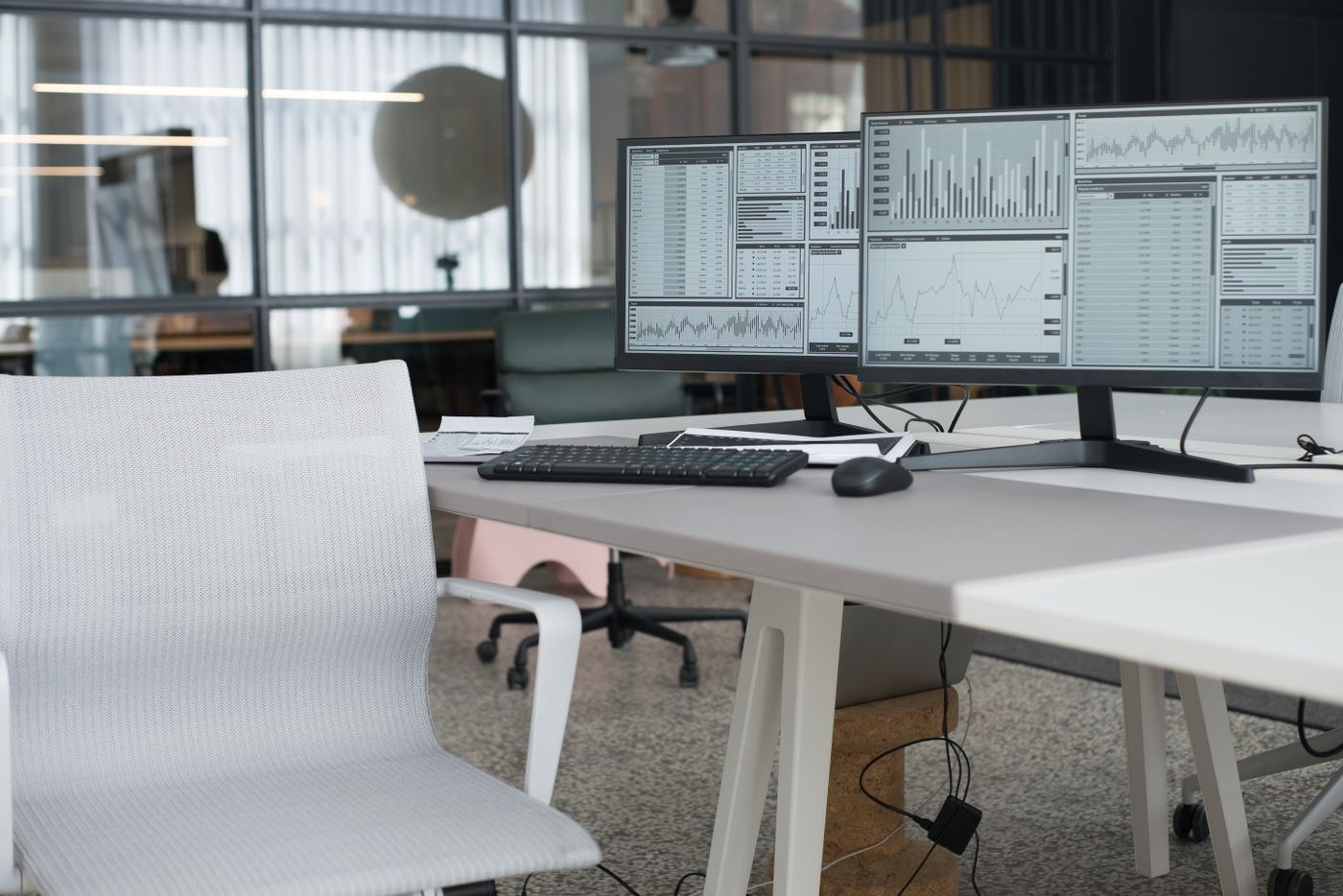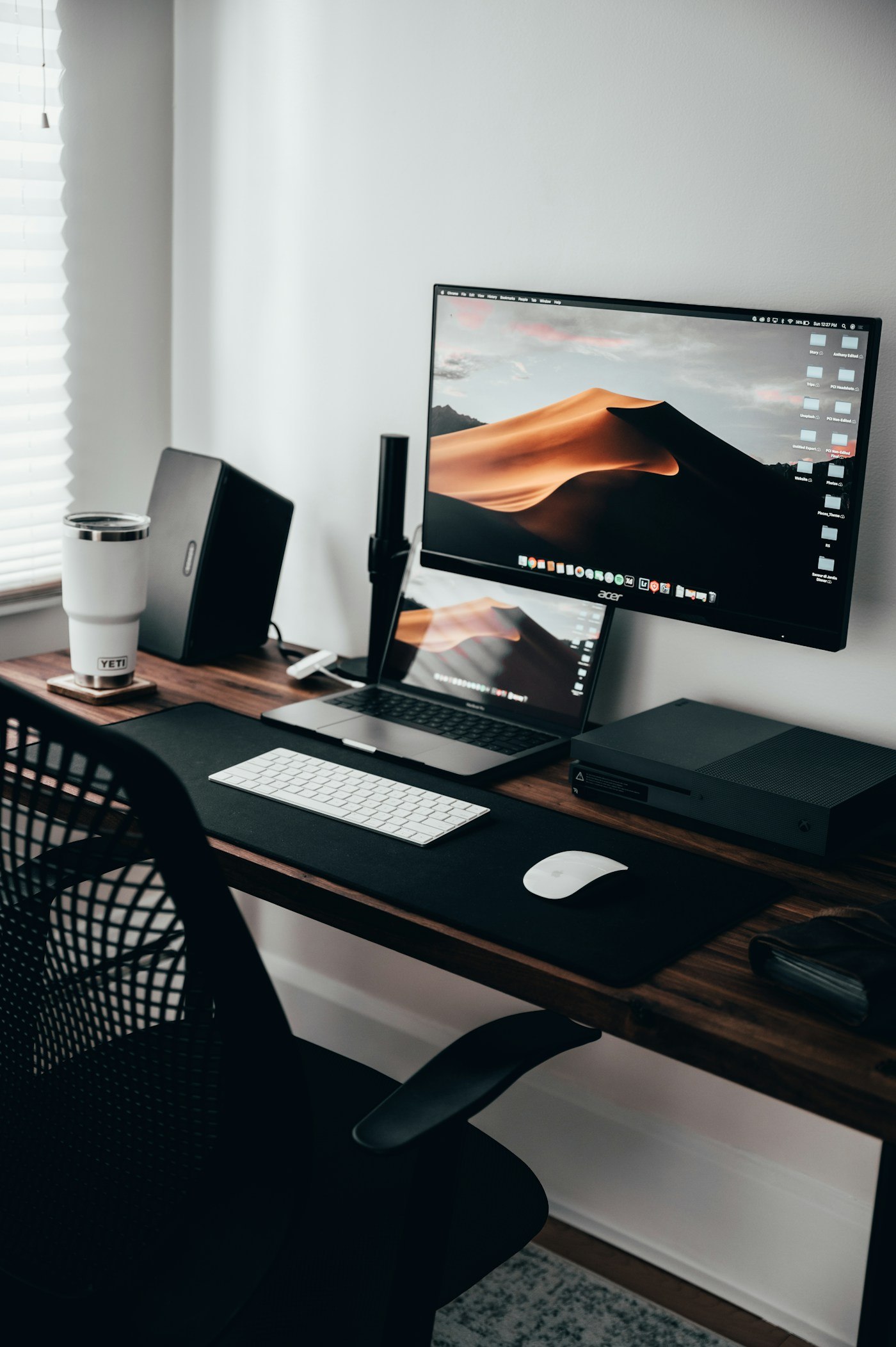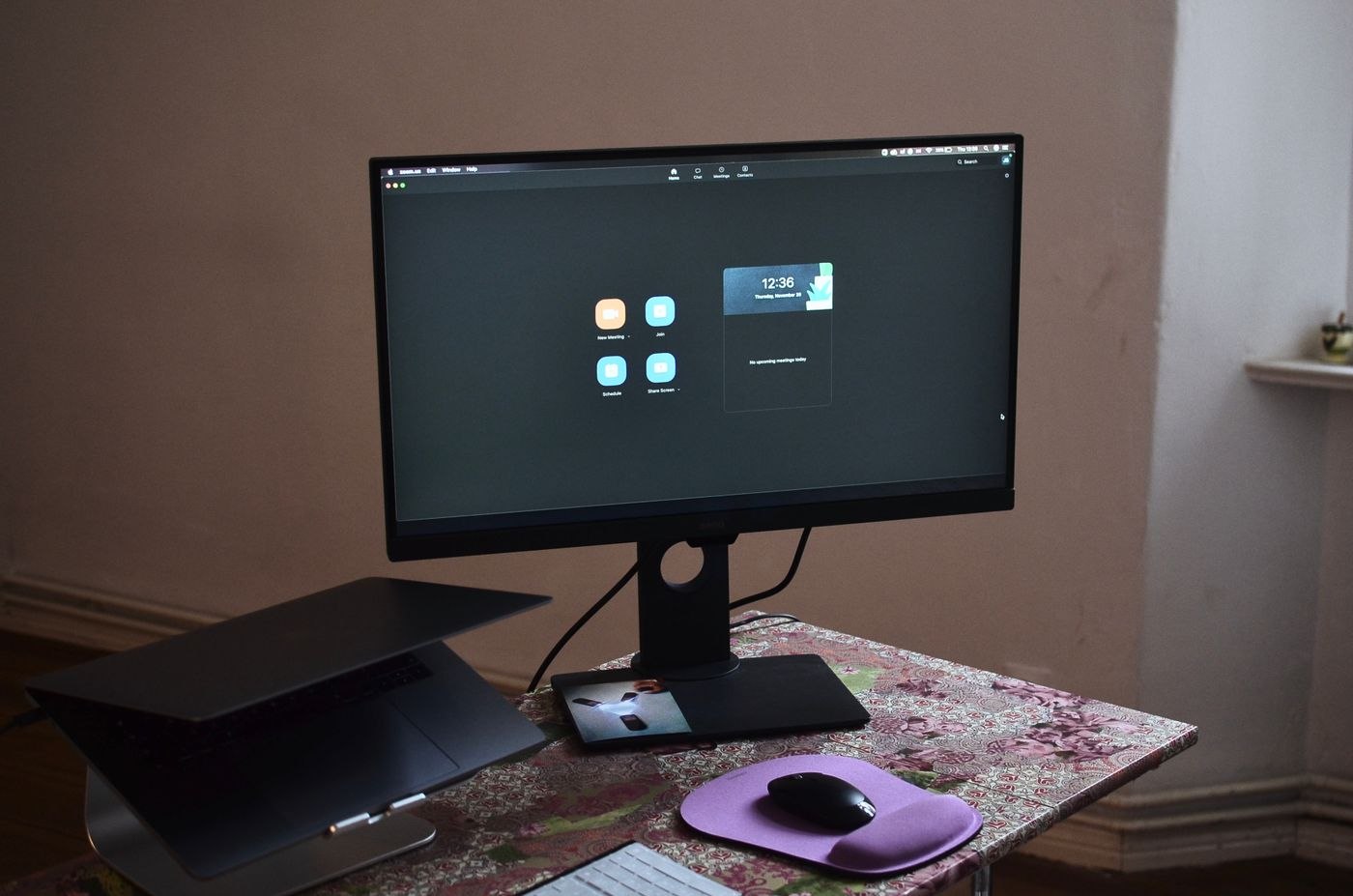
Assign a role to each display
Before the call, decide where the participants and working material belong. One arrangement might place the meeting on the main display and notes on the second. A presentation may need a different division. The important point is to avoid searching for a missing window during the conversation.
Open the intended files and close unnecessary views. If the monitors differ in size, check that windows remain fully usable after moving them. A dialog may appear on the other screen and be overlooked. Inspect both surfaces before starting the share.
Choose the sharing area deliberately
Decide whether to share one window or a whole display. A window limits the selected area to that application but may require a new sharing step when you move to another programme. Sharing a display includes other content appearing on it. Choose according to the planned sequence and the actual meeting application's capabilities.
Before an important appointment, test with a second device or a willing colleague. Check readability and the transition between slides, documents and demonstrations. Your own preview may differ from what participants see. Use non-sensitive material for the test and explicitly stop sharing afterwards.
Rehearse the presentation and questions together
Do more than test the opening slide. Switch to a table, open an intended reference and return to the presentation. On the participant side, verify that the intended material remains visible. Assign presenter views and notes deliberately in advance. Your private view containing a preview of the next slide is not automatically the view you want to transmit.
Plan where questions appear and how you will notice them. A chat window hidden behind the shared document can leave messages unread throughout a demonstration. For a substantial meeting, another person can collect questions. Without that support, agree deliberate pauses to inspect the participant view rather than trying to watch every screen area simultaneously.
Recheck after changing the display arrangement
If you disconnect a monitor before the meeting or move to another workspace, treat the previous layout as untested. Open the sharing selector again and identify the intended area by its contents. A memorised screen number is less useful than inspecting the actual preview. Close private views before beginning the new test.
Keep a simple recovery route: stop sharing, arrange the windows and select the correct area again. If something goes wrong, briefly explain that you are correcting the display rather than hurriedly opening other documents while transmission continues. That short interruption preserves the discussion better than several unexplained changes between screens.
Include camera position and viewing direction
If the camera sits above the left screen while you continually read from the right, your viewing direction changes during the call. Place the most frequently needed view appropriately near the camera where possible. This does not require putting every note beside the lens. Use a brief preview to see how ordinary desk work appears.
Give meeting controls a clear location. Muting and stopping the share should be easy to reach. After the conversation, confirm that sharing has ended before opening other papers or files. Keep a simple window arrangement for recurring meetings, but verify the actual selection each time. A remembered layout is a convenience, not a substitute for checking what the current call transmits.