Choose a bounded task
Start with one specific use, such as reading papers, adding handwritten comments or displaying a reference beside the computer. Identify what is currently awkward about that activity. If the same file is then edited independently on two devices, extra equipment can create version problems too. Give the tablet a defined role.
Test a complete typical document. One short page behaves differently from an extensive pack containing tables and attachments. Check that the required functions actually exist in the intended application. An interface resembling the computer version does not automatically provide the same capabilities.
Define the file route
Decide where the authoritative working version lives and how the tablet opens it. Use only approved accounts and storage for work material. Establish whether edits synchronise automatically or need deliberate export. An additional device folder without a clear return route can make the work harder to track.
Try the return journey: edit a non-sensitive test file on the tablet and open the result on the computer. Check comments, page sequence and any embedded content. If other people will continue the work, use an agreed format. Successful viewing on your own tablet alone is insufficient evidence for that handover.
Complete one workflow across both devices
For example, take a document created on the computer, annotate it on the tablet and then revise it on the computer. Complete this whole sequence with a test file. Check that changes remain identifiable and that you have not accidentally created a second independent copy. Establish the authoritative storage location before applying the process to active work.
Interrupt the trial as everyday work might be interrupted: close the application and reopen the file later. Can you find the correct version without searching several download folders? If the return route works only because you remember a manual intermediate step, record it briefly or simplify the process. Convenient reading should not be cancelled out by extra filing work afterwards.
Display a reference alongside the main task
A reference-only task may not require an editable tablet copy. Check whether a fixed view is sufficient while the actual work remains on the computer. Keep the reference version visible, especially when it is later replaced. An old reference left conveniently open can otherwise remain in use longer than intended.
Position it so numbers and short passages can be read reliably. If you repeatedly need to zoom or pick the device up, the side position may not suit the task. Compare the sequence with an ordinary second window on the computer before buying additional accessories for the extra display.
Give it a deliberate desk position
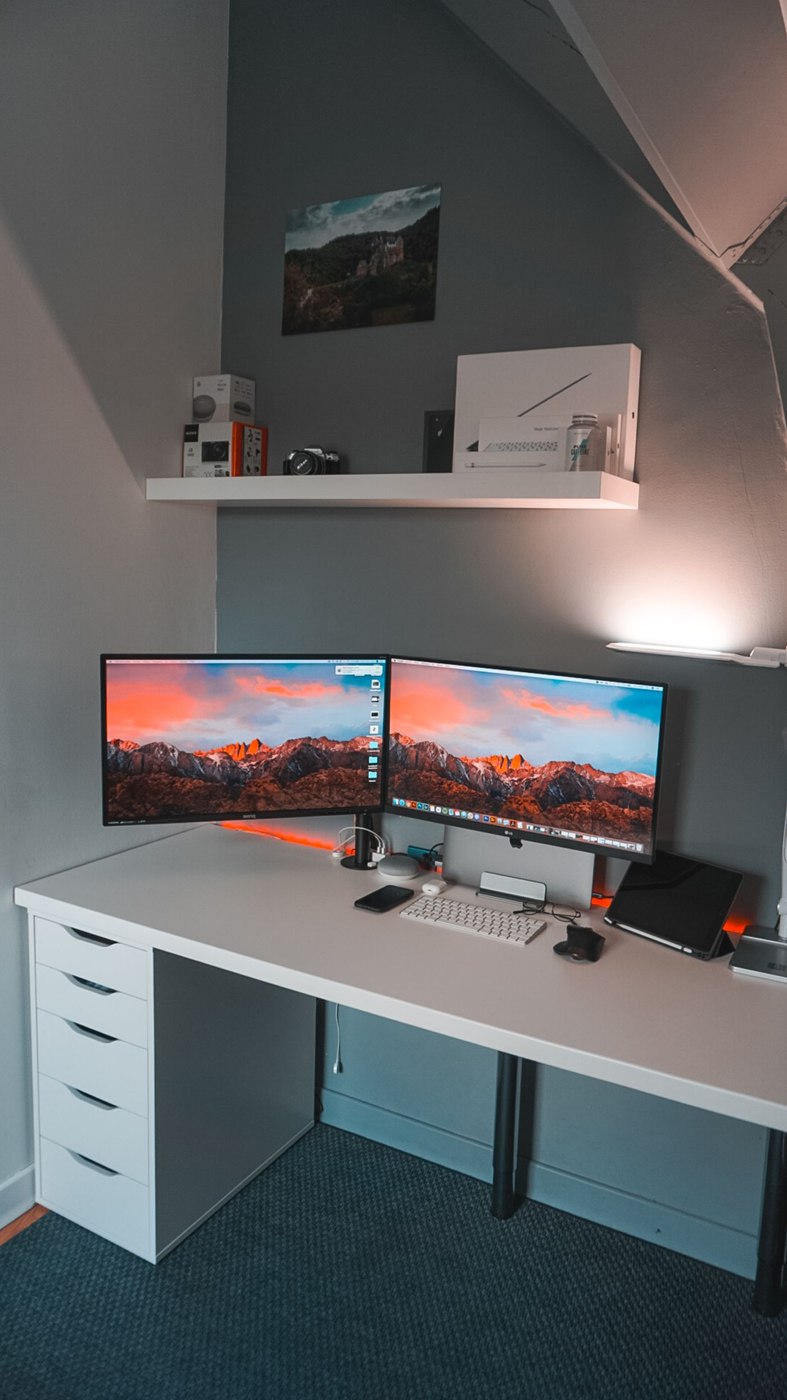
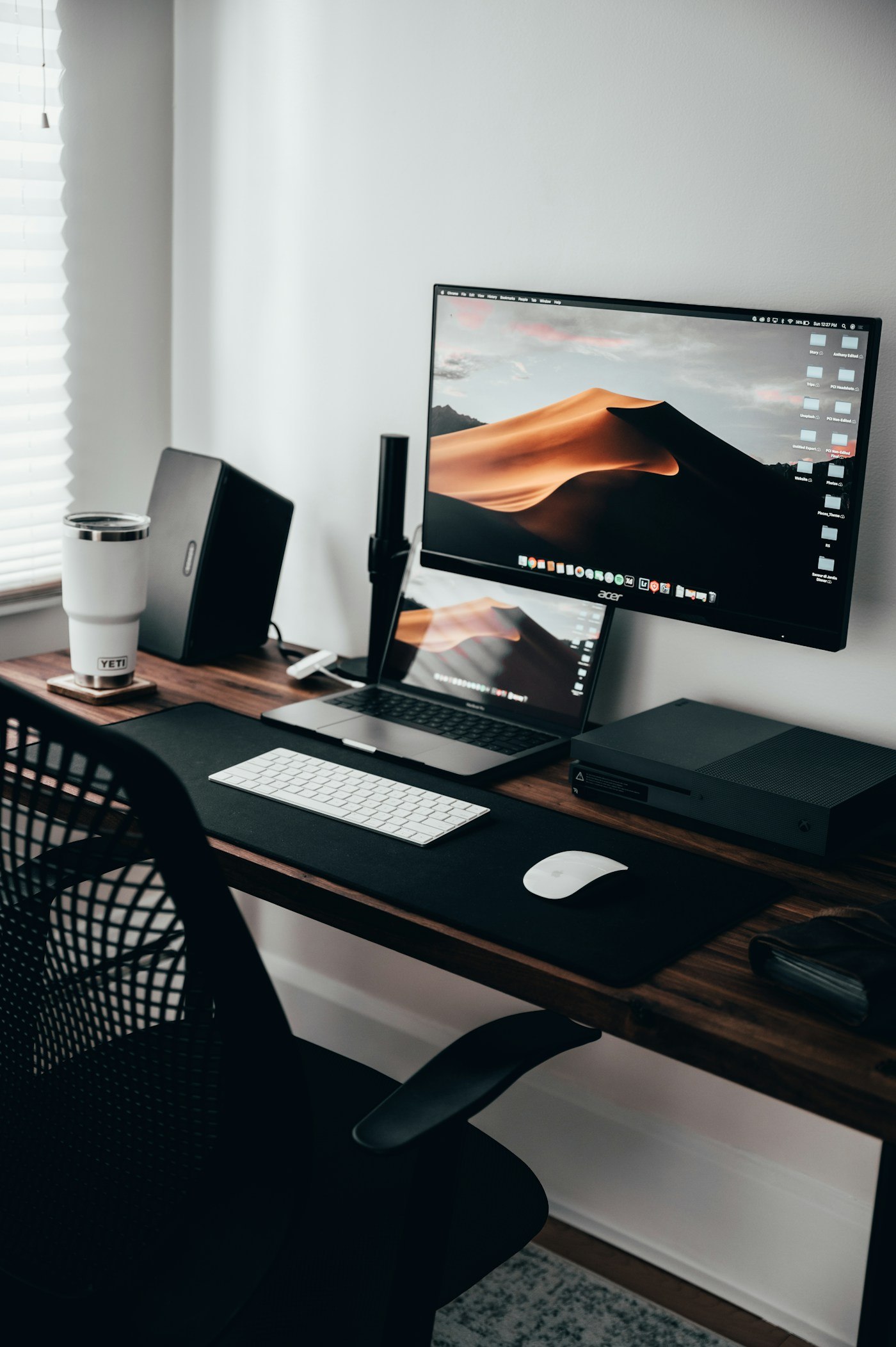
Place the tablet where it performs its role without displacing keyboard and mouse. A side holder may suit occasional reference, while stylus input needs another position. Check stability, charging lead and the transition between tapping and writing. A holder should suit both the device and intended operation.
After several working days, decide whether the tablet provides a regular benefit. Record specific steps saved, such as reading a reference without switching windows. If it mainly adds notifications, revise its role or keep it outside the workstation. Another display helps only when it takes on a real task. Include charging and storage in that assessment so the device remains available when the chosen task occurs.