Define the handover state
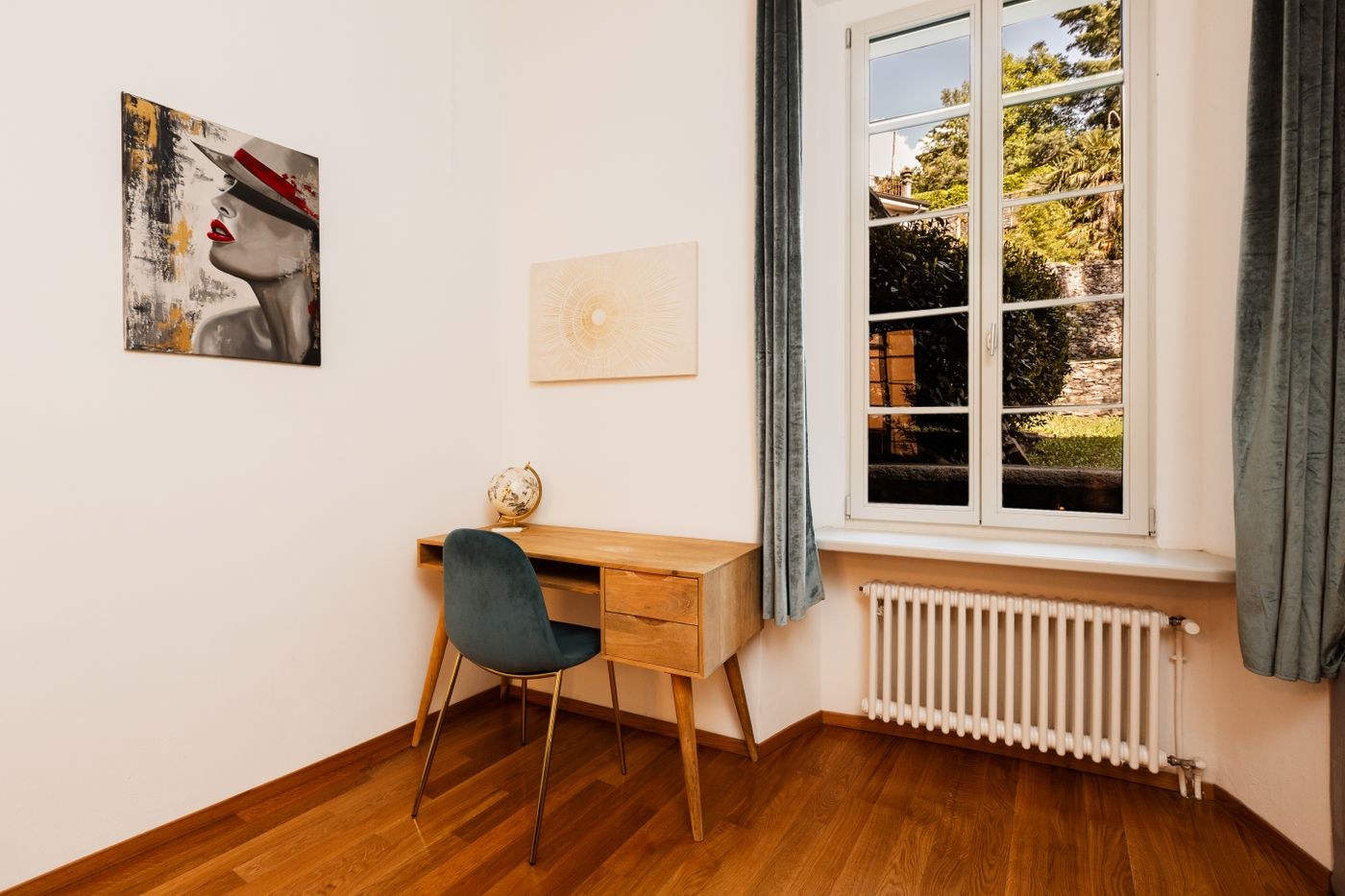
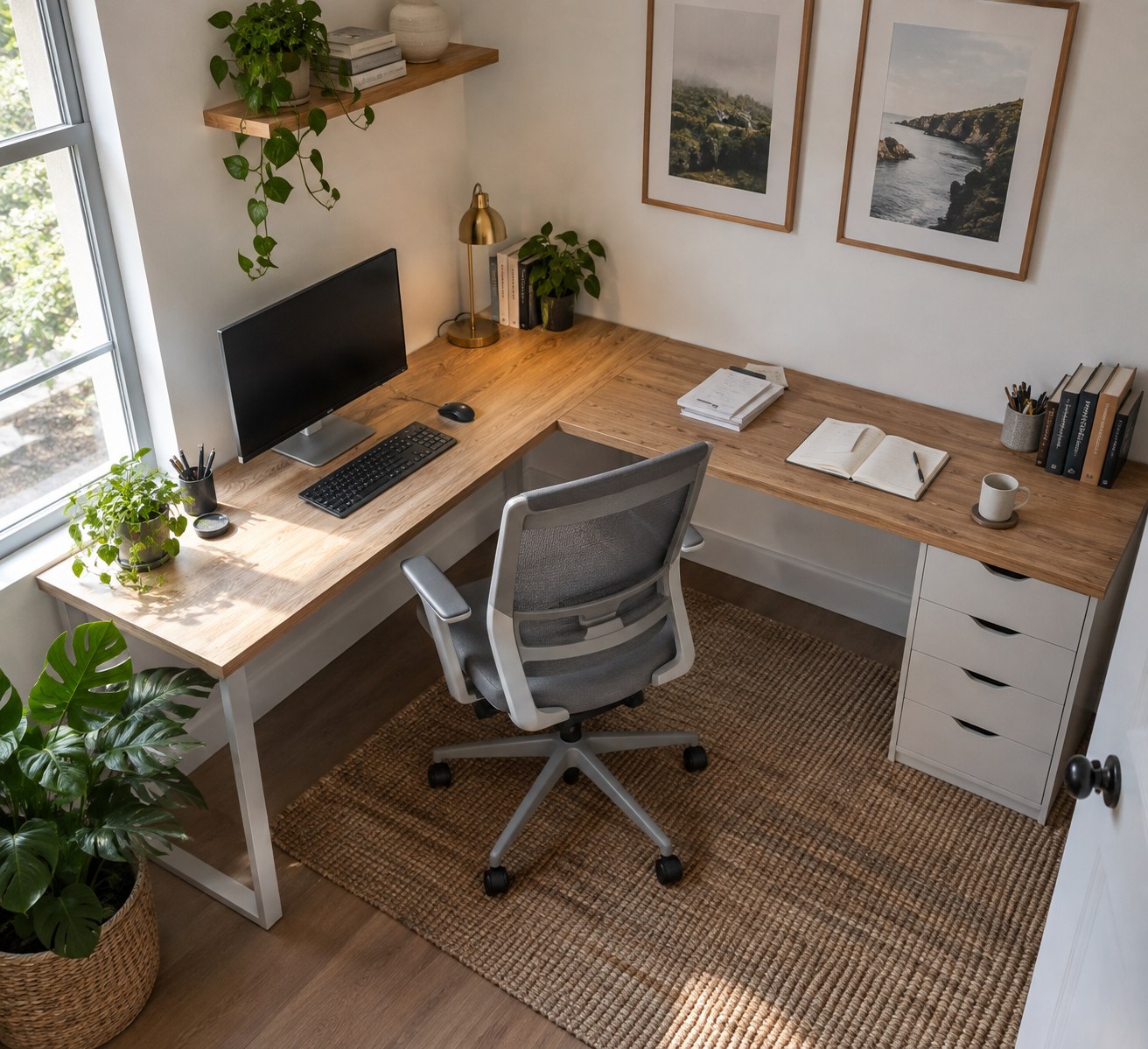
A shared desk works more easily when both users agree on its ready-to-use condition. Decide which equipment stays permanently and which things each person removes after work. A shared keyboard can remain on the surface, while personal papers belong in a separate folder or drawer. Describe that handover state specifically instead of simply asking for a tidy desk.
Rehearse a changeover in the middle of the day. The first user finishes a task, stores open paperwork and disconnects their computer. The next person sets up for work. Notice which steps involve searching or moving other people's belongings. If someone must sort another user's papers before starting, the missing ingredient is a clear storage arrangement rather than necessarily a larger desk.
Make settings easy to recover
Chair, display and possibly desk height may need different settings for each person. Keep existing scale readings or saved positions in a short personal note. Avoid permanent marks on delicate finishes without checking whether they are suitable. A small card stored with personal equipment is often enough to recover a starting position.
Leave space to move the screen if necessary. A cable fixed to fit one person's arrangement exactly may prevent the other adjustment. A holder permanently fitted to one side may also interfere when users operate equipment with different hands. Test both complete arrangements before bundling cables permanently.
Separate shared and personal materials
Give communal supplies a fixed location. Personal items should pack away as a coherent set, perhaps in two labelled boxes. Size them around the documents actually used. Two tiny trays do not solve the problem if large project folders routinely need somewhere to go.
Keep accounts and files separate when using work and personal computers. Do not assume that the next person will know which papers are confidential. Lock or end the session according to your organisation's requirements and remove sensitive documents from the shared surface. The next user needs a working desk rather than access to the previous person's work in progress.
Define complete personal kits
Write down what each person takes away during a changeover. This may include laptop, headset, notebook and a particular adapter. Check the list during a short interruption as well as at the end of the day. A personal kit should be removable as one set without accidentally taking shared equipment with it.
Different work may justify unequal storage allocations. Someone regularly using paper folders may need more space than someone working almost entirely digitally. Identical box sizes are therefore not automatically fair or useful. Agree locations around actual need and review them after several weeks if one area stays overfilled while another remains empty. The shared surface can still be handed over in one clearly defined ready-to-use state.
Make scheduling conflicts visible
If both users need the same desk for video calls, include that use in a simple shared schedule. A short overlap is easier to resolve when everyone knows which task needs the fixed display or a quiet setting. Agree on a second temporary place for brief activities. Frequent simultaneous full-time work, however, suggests that a single workstation does not meet the actual need. Review the arrangement after a normal working week, including the days with the most meetings.