Rehearse a normal meeting
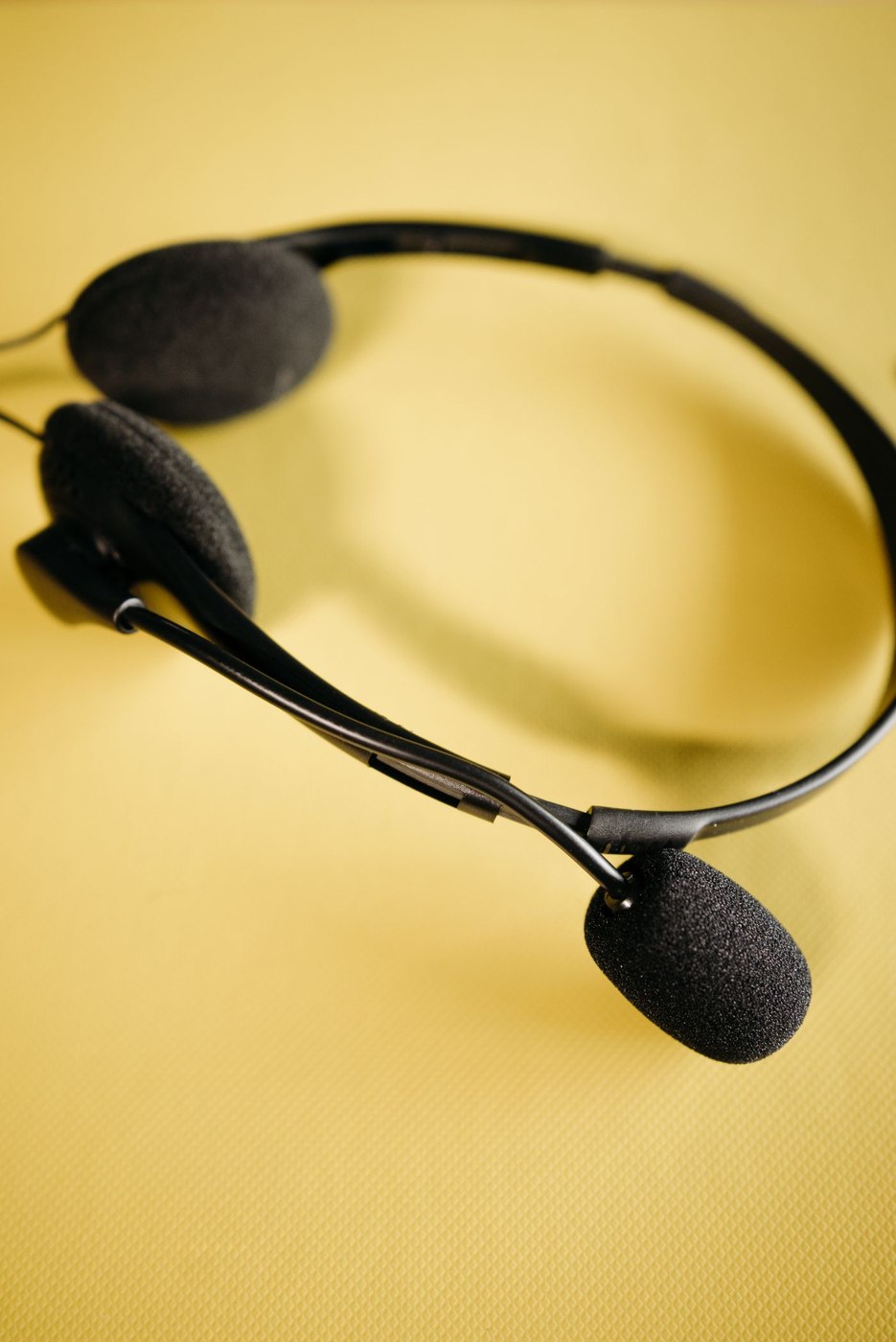
Wear the headset during a typical task rather than for a few seconds. Include your usual glasses if relevant and check whether the fit changes when turning towards a second screen. Note pressure points or repeated adjustments. A general comfort claim does not describe how the particular shape works at your desk.
Decide whether you need to hear activity in the room or would prefer to hear less of it. Check the actual model's features. Enclosed earcups, active noise reduction and microphone signal processing are different properties. Do not infer what other participants hear solely from how quiet the headset sounds to you.
Assess the microphone through a recording
Record a short test message or use an available test function. Speak at your usual volume and move your head as you would during a conversation. Listen afterwards for intelligibility, volume changes and distracting background sound. Check the manufacturer's intended microphone position before changing settings.
Test muting as well. Is its state clear, and can you reach the control without looking? A headset button and the meeting application's mute control may behave differently. Verify what happens in the actual combination you use. Do not rely on a feature demonstrated only in another application.
Compare two models under the same conditions
Use the same meeting application, conversation partner and a similar task for a comparison. Do not let a quiet room favour the first model while a running printer disadvantages the second. Ask the other person specifically whether words disappear when you turn your head or typing becomes distracting. Keep their observations separate from your own listening impressions.
Include brief interruptions. Can you put the headset down, answer a question in the room and rejoin without resetting microphone position and volume? Check whether the mute state is recognisable after putting it back on. For frequently changing users, adjustments need an understandable reset. A model that works only after several individual corrections may suit a personal workspace but be awkward as shared equipment.
Include connection and breaks
A wired model needs enough freedom of movement without its lead crossing the working area. For wireless equipment, include charging, connection and use with multiple devices in the trial. Check whether a call arriving on another device affects the current task. Record the intended pairing if several similar headsets share the room.
Give the device a fixed resting and charging location. It should not disappear among papers or hang by its cable. Consider replaceable wear parts and care instructions when it will be used frequently. A choice is defensible when the headset works through a complete meeting and remains ready between conversations without unnecessary effort. Evaluate that whole routine rather than choosing from one short audio sample.