Match the pen to the exact device
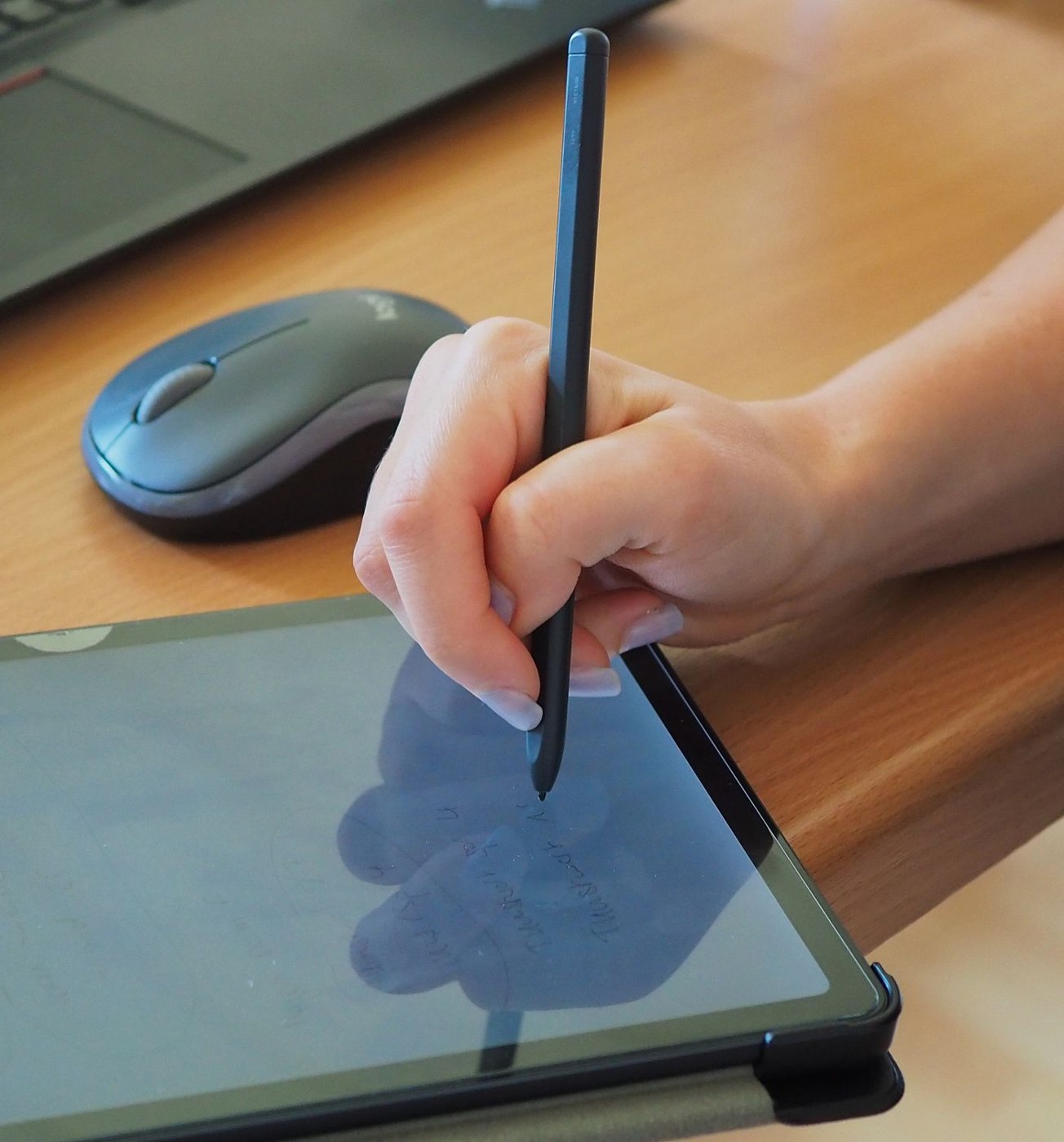
Check compatibility for the precise tablet or laptop model. A similar pen shape is insufficient, and a stylus does not necessarily offer the same functions on every device. Read the connection, charging and control information. Establish whether required features depend on a particular application.
Write a typical note containing a heading, short sentences and a small sketch. Check how the hand rests during writing and whether unwanted input occurs. Test correction as well as writing. A good first line says little about editing a longer working note.
Assign the note immediately
Give the page an identifiable title and date. File it with the relevant project or activity before the next meeting starts. A collection of unnamed pages becomes confusing even when stored digitally. Use a simple arrangement that you can maintain without lengthy decisions during daily work.
If the application searches or converts handwriting, test it with your real writing and language. Do not rely on recognition of important names and numbers without checking. A short typed title can improve retrieval while leaving the main note handwritten. Mark tasks clearly and transfer them to the working task list where necessary.
Distinguish decisions from unfinished ideas
Use a few clear marks for actions, decisions and open questions in meeting notes. A sketch can capture an idea without showing whether it was agreed. For an action, add the responsible person and agreed date. Confirm these details at the end of the discussion while misunderstandings can still be resolved directly.
If the note will be shared, add context that an outsider would otherwise lack. An arrow between two boxes may be obvious to you but not to somebody who was absent. A brief typed explanation can be enough. Do not transcribe every handwritten page when only a few concrete outcomes are needed. Keep the original note through the designated process and identify a summary as a summary.
Test export and continuation
Export a non-sensitive trial note in the format you intend to share and open it on another intended device. Check margins, readability and the sequence of several pages. An editable note and a flattened view are different handovers; agree the required form with the recipient.
For work notes, use approved accounts, storage locations and backup procedures. Establish what remains available without a connection and how changes are transferred later. Finally, give the pen a fixed home. A digital note system offers little help in a meeting if its input device is uncharged or left at another desk. Include finding an older note in your trial, since retrieval is as important as producing a new page.