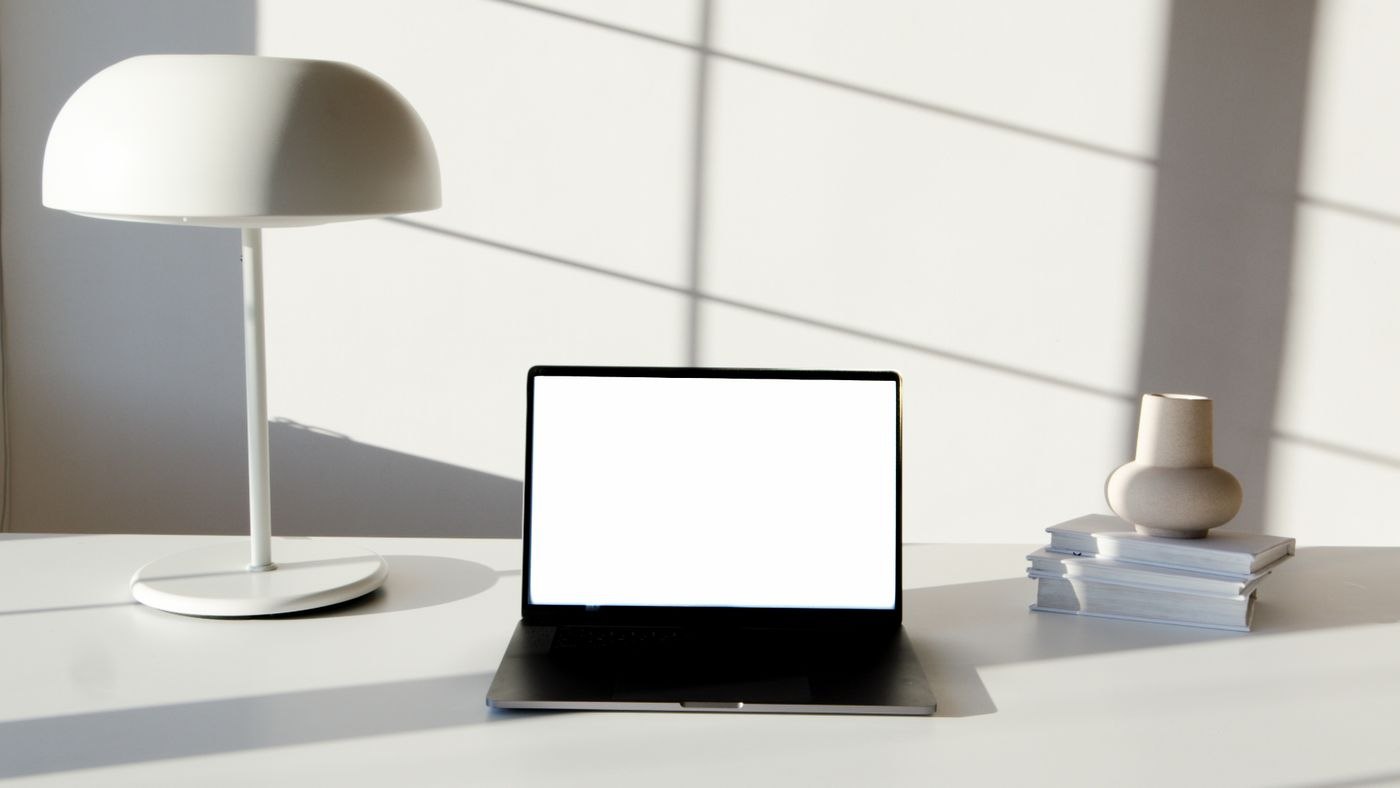
Look at the room during normal working hours
Check the position in the morning and late afternoon, rather than only at the brightest point of the day. Open existing curtains where appropriate and see whether furniture blocks useful incoming light. A tall shelf immediately beside a small window may have a different effect from a low cupboard. Try moving movable objects before buying more fittings.
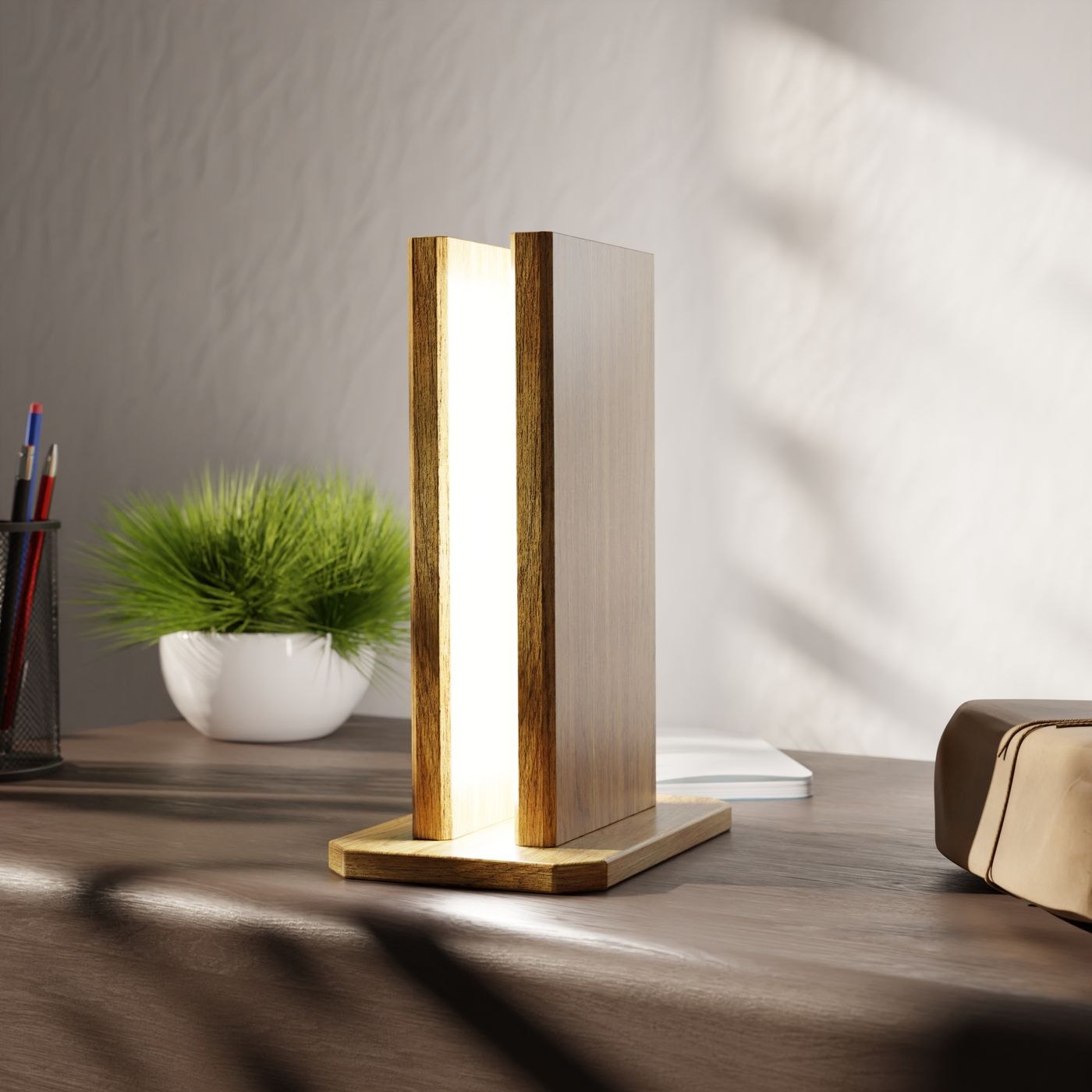
Include routes to the door, printer and storage. If only the desktop is lit, the rest of the working area may remain difficult to use. Switch room and task lights on separately and observe which area each actually reaches. This helps identify a specific gap instead of simply installing a stronger light in the same place as the existing one.
Check paper, screen and camera separately
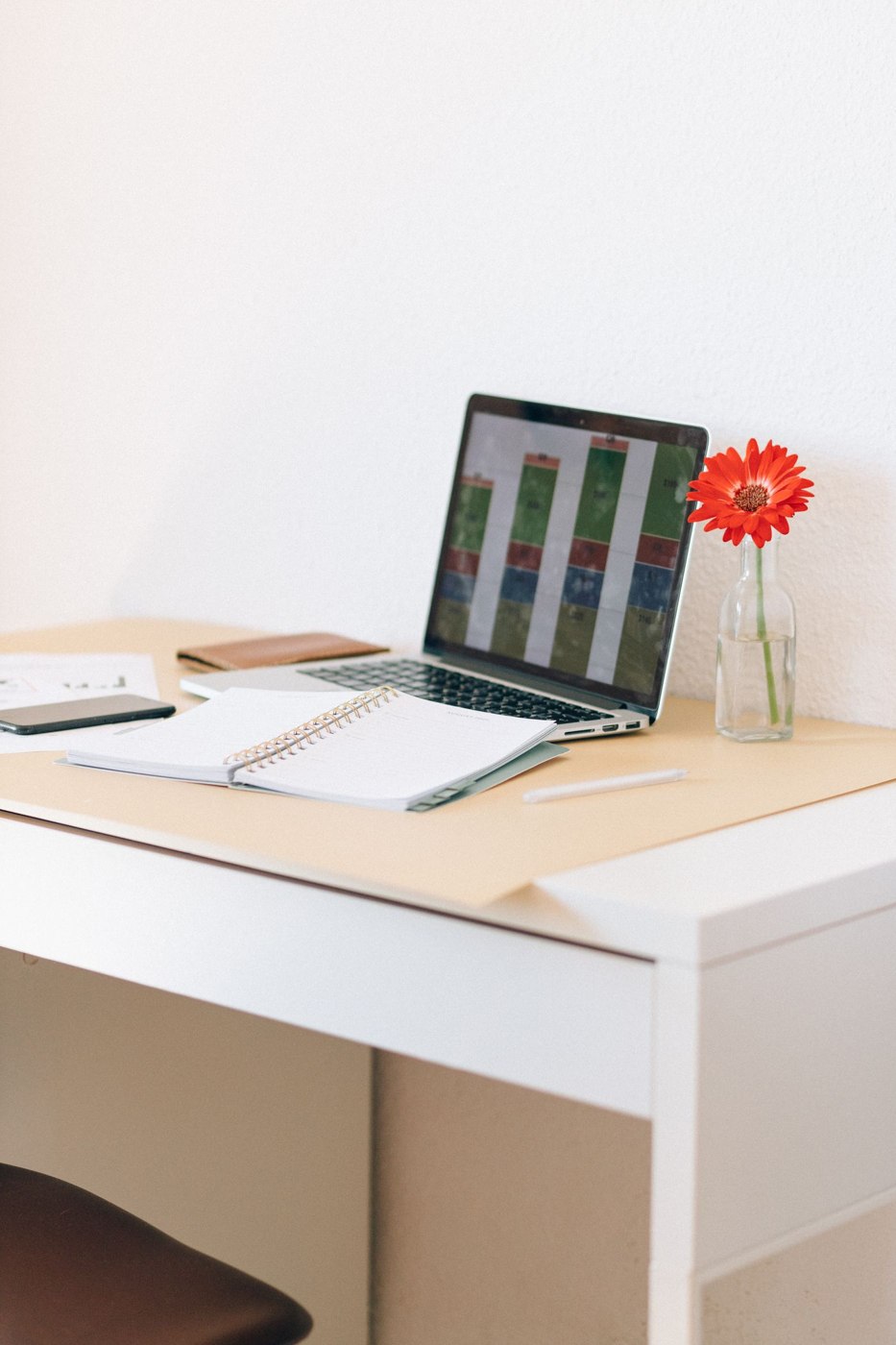
Place a normal document on the desk and read its smaller details. Then look at the display for reflections and its apparent brightness. Position lights to serve their purpose without shining directly into your gaze. A bright wall can change the appearance of the room but does not replace useful illumination on documents that need to be read.
If you make video calls, open the camera preview. An arrangement suitable for paperwork may look uneven on camera or reflect in glasses. Try a different direction or a separate light intended for the purpose if necessary. Avoid balancing lamps temporarily on book piles. The arrangement needs to remain stable during a conversation and its controls must be reachable in ordinary use.
Create an arrangement you can repeat after dark
Record which combination works once daylight has gone. Keep switches and dimmers accessible so that every adjustment does not involve crawling beneath the desk. At a shared workstation, someone else should be able to identify which light serves which area. Label unclear controls plainly if that helps users restore the arrangement.
A room with few windows may also suggest a different daily routine. Some meetings or reading breaks might take place in another available area. That is a question of matching tasks to space, not a promise of a health effect. The essential point is that the workstation itself is equipped for its actual work, rather than merely looking convincing in a brightly exposed photograph.