Test the actual presentation route
Open the final file on the device to be used and connect through the intended display connection or meeting application. Check which screen the audience receives and where your notes appear. Choosing the wrong sharing view can reveal the script instead of the slides. Test a sequence of slides rather than stopping after the title appears successfully.
If video, audio or linked material is included, play it in the actual setup. Local playback does not prove that sound reaches an online audience. Check the current settings of the chosen tool and have another person assess the result. Prepare an appropriate alternative where a piece of embedded media is essential to the main point.
Check readability from the less favourable position
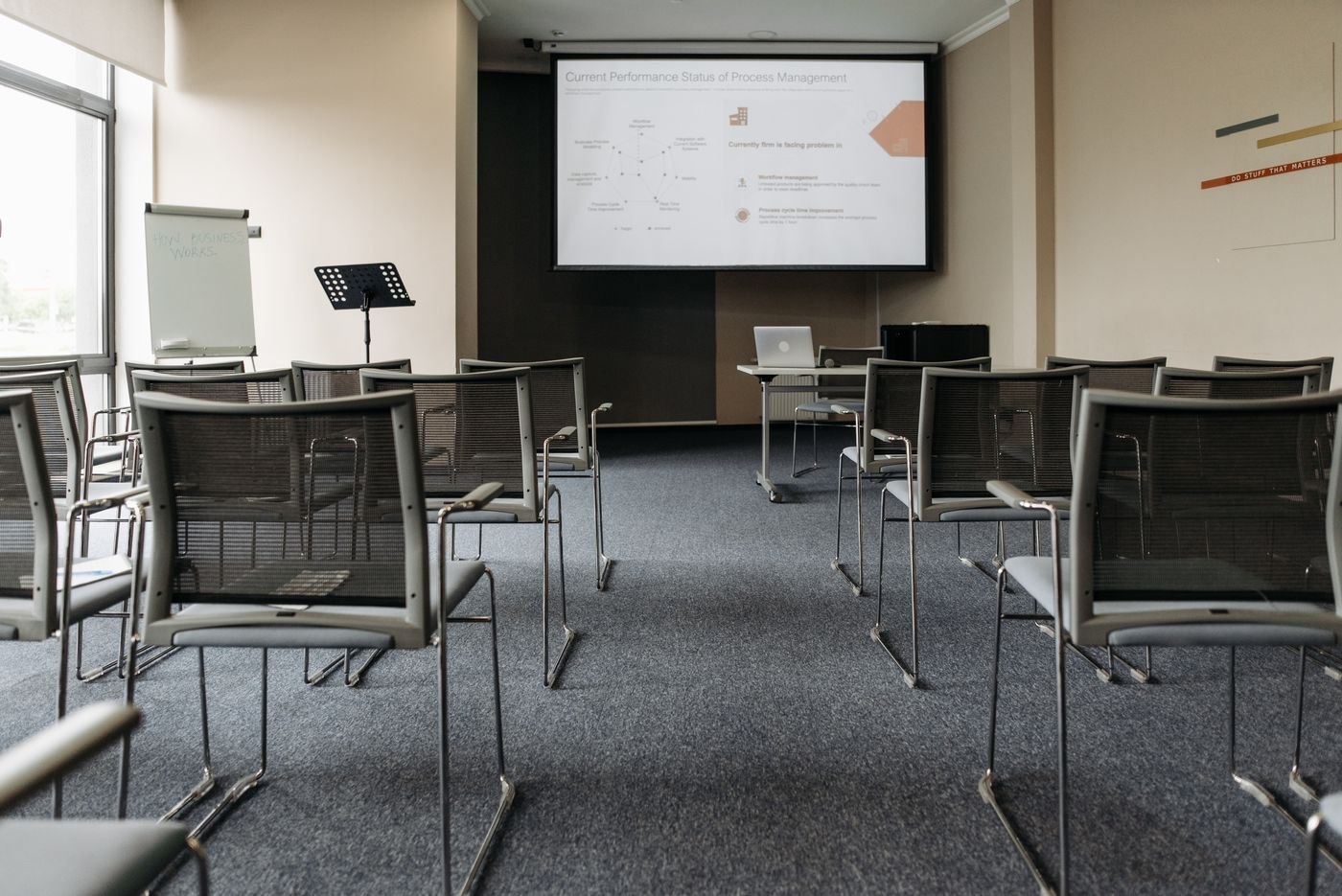
View the slides from the back of the room or on a smaller display. Pay attention to tables, chart labels and weak contrast. A slide readable on your large monitor may appear as a dense pattern to someone else. Show less material at once where needed and identify the particular area supporting the point you are making.
Also check that categories do not depend entirely on colour or visual similarity. Text or another understandable cue should identify their meaning. Review names, figures and dates in context rather than relying only on spelling checks. A correctly spelled name may still refer to the wrong person, and a valid-looking date may belong to an older project state.
Rehearse interruption as well as delivery
Speak the important transitions aloud and assess whether the planned content fits the available time. Allow room for questions where they are part of the meeting. Practise returning to the right point after an interruption too. This is closer to an actual conversation than a flawless uninterrupted run in which nobody asks for clarification.
Save the approved version clearly and remove obsolete presentation copies from the immediate selection. A labelled PDF can provide a static reserve if it contains the necessary information, but it does not automatically replace animation or media. Shortly before the appointment, check the file, connection and shared view again. That brief verification leaves attention available for the message rather than for testing technical assumptions during the opening.