Prepare the surface before taking the picture
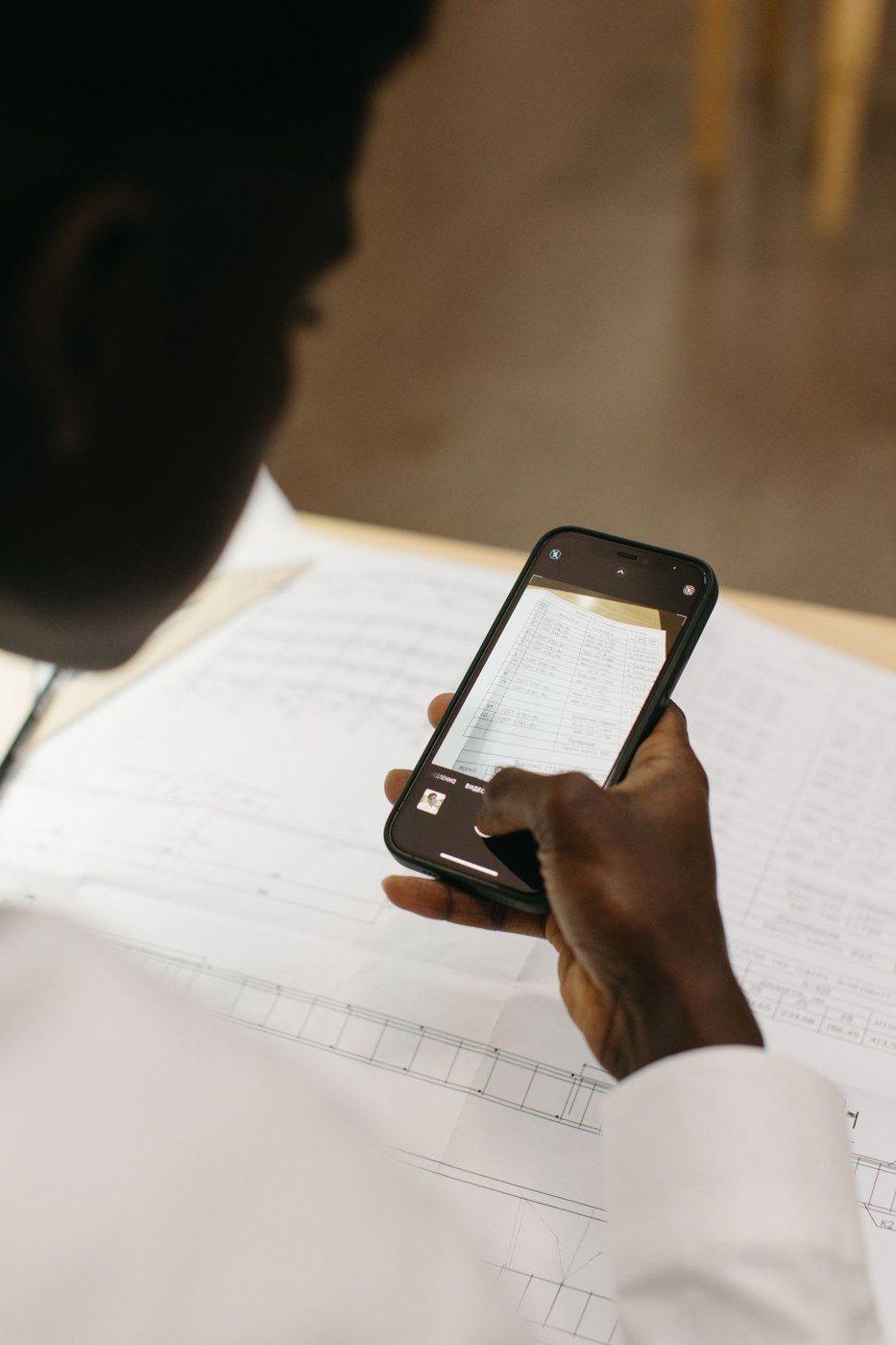
Place the receipt on a plain, contrasting surface and gently flatten it without covering important details. Light should reach the whole sheet. A strong shadow from the phone or a bright reflection can hide precisely the amount you later need. Move the phone or light source before trying to rescue a poor photograph with image filters.
Hold the device as parallel to the paper as possible. Check all four edges on the screen, particularly with long, narrow receipts. If an application detects the crop automatically, inspect that crop yourself. A missing retailer name or bottom line may not be obvious in a small preview.
Make a complete, identifiable record
Open the saved image and enlarge the date, amount and small print. For several pages, inspect their order. Some receipts carry information on the back or belong with another document. Capture those parts in a way that preserves their relationship during a later search. They need not always be one file, but their connection should be unmistakable.
A name such as “2026-10-16_Office-supplies_Receipt-07” can combine the date, purpose and a short identifier. Choose words you would actually search for later. Keeping only the camera's automatically generated name makes a carefully captured document difficult to find as the image collection grows. Consistency matters more than a complicated naming code.
Establish where the file goes
Check where the application saves files and whether a cloud service is involved. Seeing a document inside an app does not establish that it is in your intended project folder. After a first attempt, open that destination on your computer as well. This checks the complete route from paper to later access rather than just confirming that the camera worked.
For sensitive documents, the selected service should match your requirements. Review its settings and terms before transmitting confidential material. A regular routine can use an incoming folder from which checked files are moved to their final locations. Avoid allowing that folder to become another permanent, unsorted archive alongside the first one.
Do not discard an original merely because a photograph exists. Whether original paperwork is required depends on its purpose and any applicable retention obligations. Treat the scan initially as an additional working copy. Deciding whether it can replace the paper is a separate question, not a capability supplied by the camera application.