Describe the problem before choosing a solution
Record what fails at the desk: disconnections, slow file transfers or interrupted calls. Include the time, device and affected application. A general impression of slow internet is difficult to test. A specific operation that repeatedly fails can be reproduced under changed conditions.
Check whether other devices or people are affected simultaneously. Difficulty in only one application does not automatically identify the router connection as the cause. Several devices failing together makes the shared connection worth examining. Avoid changing router, adapter and settings at once, which removes the comparison with the starting condition.
Make a controlled comparison
If a suitable wired connection is available, test the same computer at the same desk with it. Verify which connection is actually being used. Repeat the troublesome task and record the result. Microsoft includes comparing Ethernet and Wi-Fi in its connection troubleshooting guidance. The result provides evidence, but it is not a complete diagnosis of every possible cause.
Keep conditions as similar as possible. A brief early-morning test is difficult to compare with a busy afternoon meeting period. Include other transfers and users in your observations. If failure is occasional, gather several examples rather than declaring a permanent solution after one successful attempt.
Plan a realistic cable route
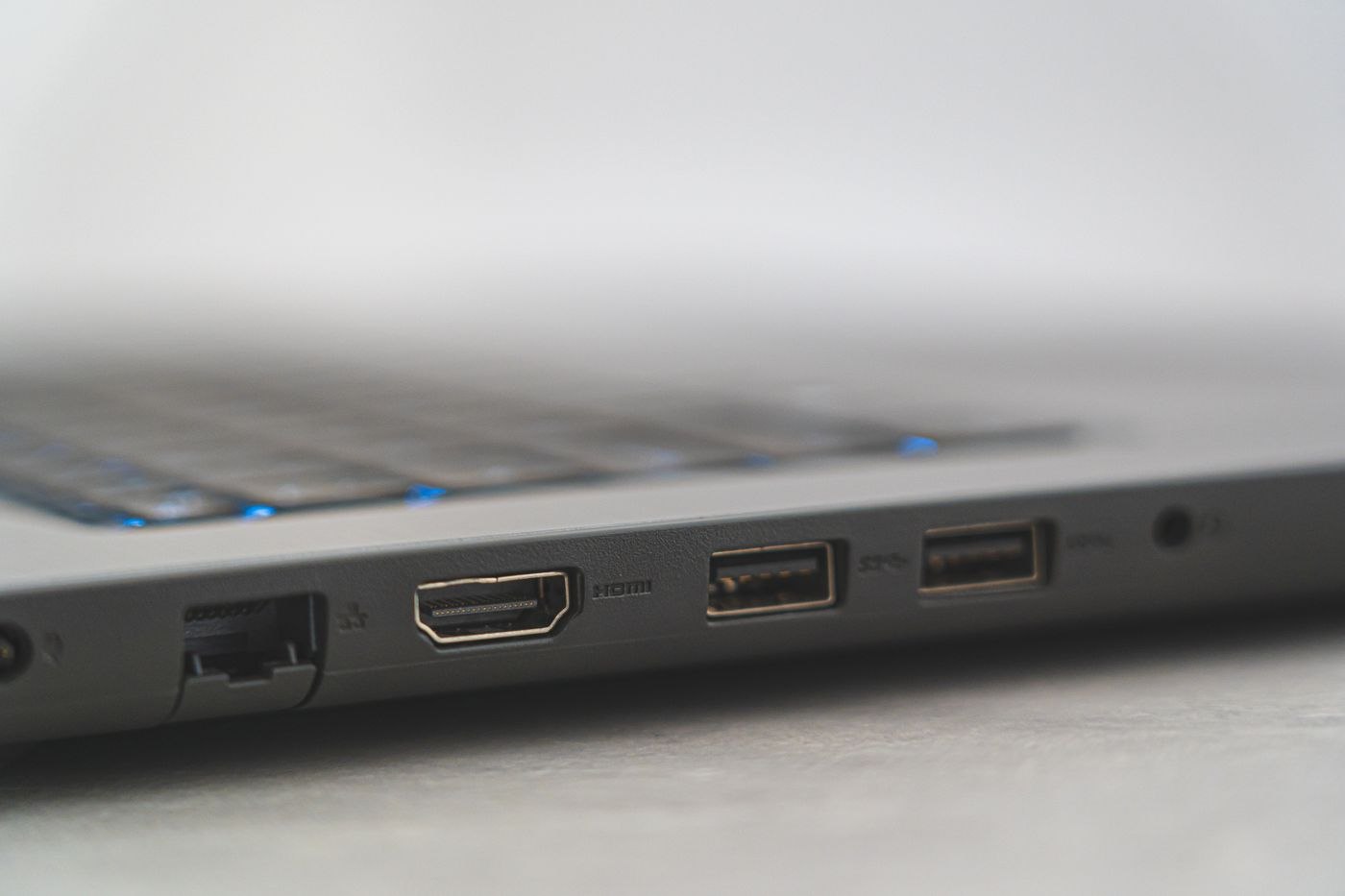
A fixed desk may have a convenient existing network outlet. Establish where it leads and whether it is configured for the intended use. A visible wall socket is not automatically active. For a laptop without the appropriate port, include a suitable adapter or dock in the check.
Draw the route from outlet to device. A cable across a doorway is not a permanent workstation solution. Avoid strain on connectors and narrow points where furniture movement can pinch the lead. Include the complete used travel of an adjustable desk. Arrange appropriate professional installation work if required.
Assess Wi-Fi at the actual location
For wireless use, test where the computer normally sits. A trial immediately beside the router says little about the opposite side of the office. Record whether the problem began after moving furniture or equipment. Compare a small position change without simultaneously altering the entire network configuration.
Use official router and device guidance for changes. In a managed network, involve the responsible team. Do not simply disable protective functions to make a short trial succeed. The aim is a traceably working connection within the intended environment, rather than a temporary bypass of its rules.
Check the decision during ordinary use
Consider daily use alongside the test result. Someone frequently taking the computer away needs a clear connection and disconnection routine. A permanent desk user can more easily use a fixed cable route. Check whether the selected accessory continues to behave as expected after a break or restart.
Record the working arrangement, including port, adapter and any approved settings. If a problem remains, provide those details and observed times to the responsible support team. A concise account of tested comparisons is more helpful than assuming Wi-Fi is inherently unsuitable or a cable resolves every connection fault.
Evaluate a change with a short record
For a recurring fault, keep a small table with time, connection, task and result. Add only changes actually made. A Monday call may stutter on Wi-Fi while a Tuesday call works over Ethernet, for example; without notes about simultaneous transfers and call duration, the comparison remains limited. Describe those limits instead of treating a cause as proven.
If others share the connection, agree a time for changes. Restarting a router or altering configuration can interrupt ongoing work. Use the appropriate procedures and inform affected people within your responsibility. Troubleshooting your own desk should not silently disrupt other workstations.
After a successful change, retain a short record of the starting condition and result. If the fault returns, compare whether the same conditions apply. This is especially useful across workplaces where computer and accessories stay the same but the network changes. It creates a traceable basis for comparison rather than a collection of randomly altered settings. Include any temporary workaround so that someone assisting later can distinguish it from the intended permanent arrangement.