Describe the sound causing difficulty
Ask other users what they actually notice: individual hard impacts, a rattling component, the space bar or vibration through the desktop. This distinction helps focus the comparison. A keyboard advertised as quiet may sound different from what you expect, and another surface can change the impression.
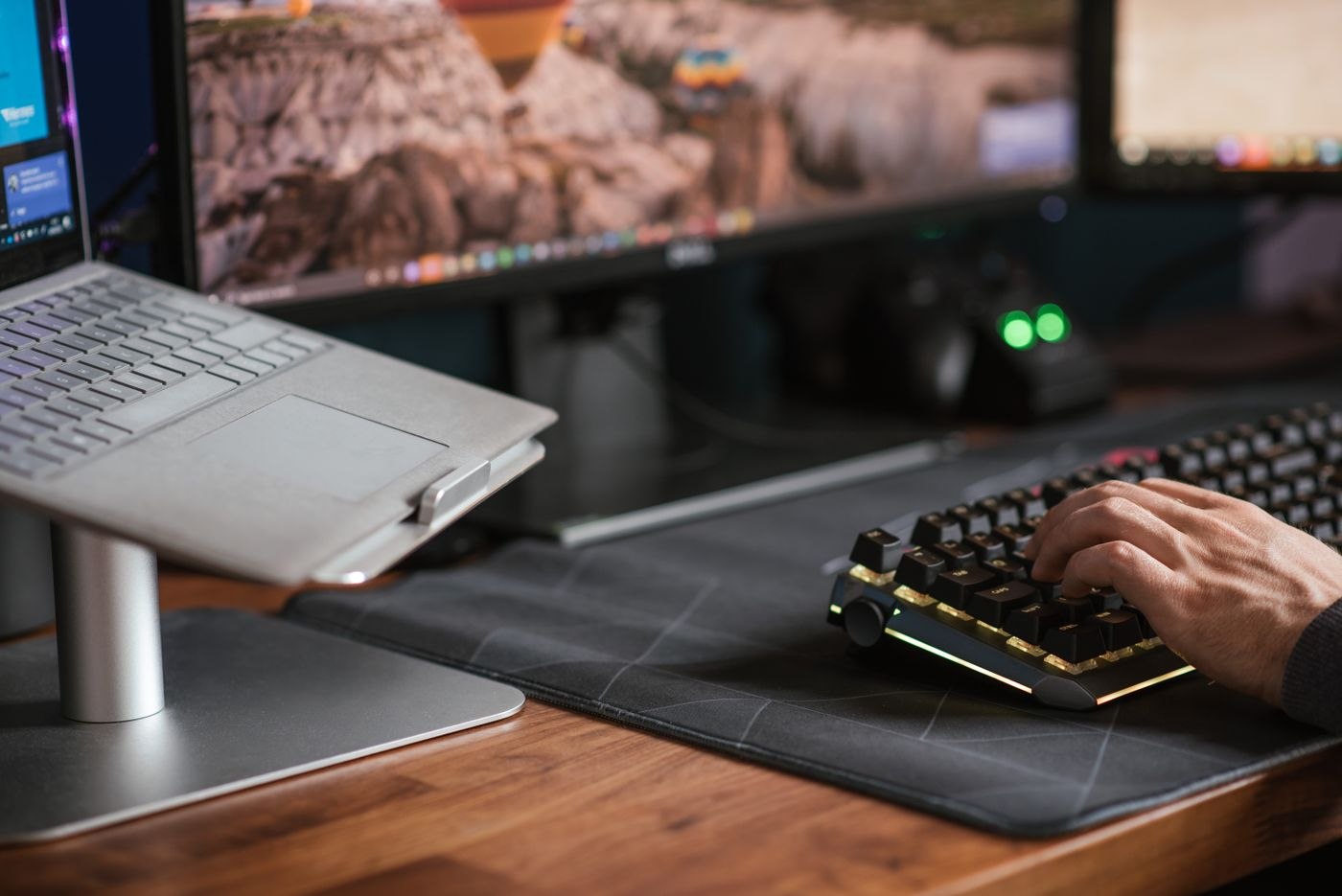
Where possible, listen to the actual model during ordinary typing. A short promotional video may use a different microphone position and recording level. It is not a direct volume comparison with your workspace. Try several sentences and frequently used special keys rather than gently pressing one key.
Preserve usable typing
Check spacing, layout and key operation during your own tasks. A quieter keyboard helps little if it causes frequent character errors or searches for important keys. Compare the same short task on possible models. Notice whether the desired sound depends on typing with unusual caution.
Include connection requirements and workplace device rules. A wireless model needs a suitable connection and power arrangement. Additional configuration software may be restricted on a managed computer. A decision about noise should not obscure whether the keyboard can actually be used with the intended machine.
Test room sound and transmitted sound
Put the keyboard on the real working surface and ask another person to listen from their normal location. Then check a test call or local recording. Microphone position and meeting settings can affect how typing is heard. Assess the sound in the room separately from the sound transmitted to others.
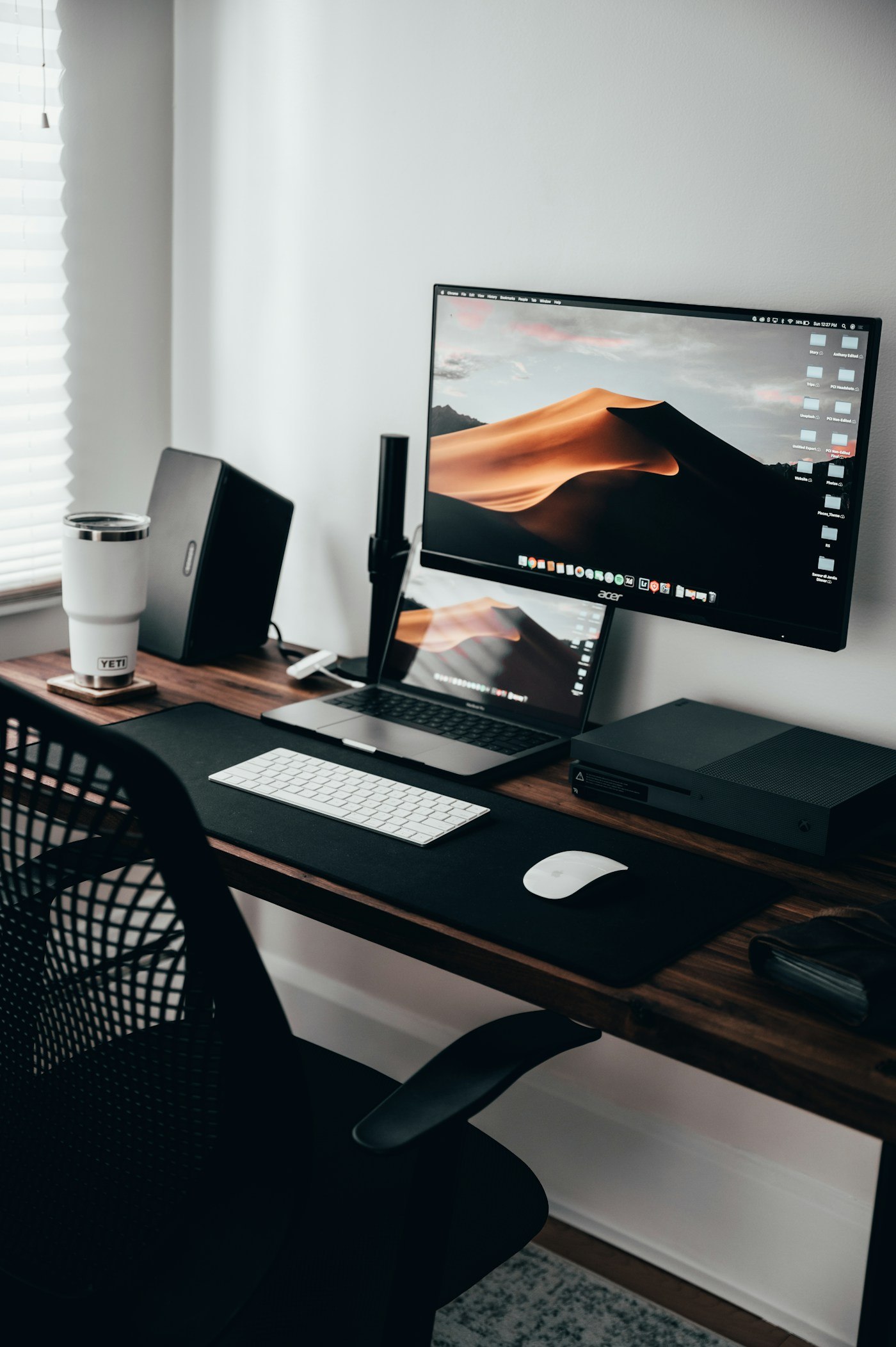
If the keyboard itself is acceptable but the surface noticeably vibrates, inspect the placement first. A suitable mat may help in some arrangements, but it needs to lie securely and suit the desktop finish. Agree on longer typing sessions and calls with shared-room users as well. Changing equipment can alter part of the disturbance, but it does not replace organising a room where people speak and type simultaneously.
Use the same short text and seating position for the comparison. The other person should listen from their normal workplace where possible, rather than standing directly beside the keyboard. Record a specific observation, such as a conspicuous space-bar sound during longer passages. This keeps the decision understandable even when several people find different sounds distracting.